
Drawboard Projects
Collaborative design reviews
Entwickelt für iPhone, iPad
Kostenlos
- Altersfreigabe4+
- KategorieProduktivität
- EntwicklerDrawboard Pty Ltd
- SprachenEnglisch
- Größe58,4 MB
Verlinkt auf die offizielle App Store-Seite
Download.org hostet keine Datei von Drawboard Projects. Die Schaltfläche öffnet die App-Seite bei App Store, wo Drawboard Pty Ltd die App veröffentlicht. Eintrag zuletzt geprüft am 16.11.2026.
Screenshots



Info
Der Entwickler hat diesen Text nicht in Ihrer Sprache bereitgestellt.
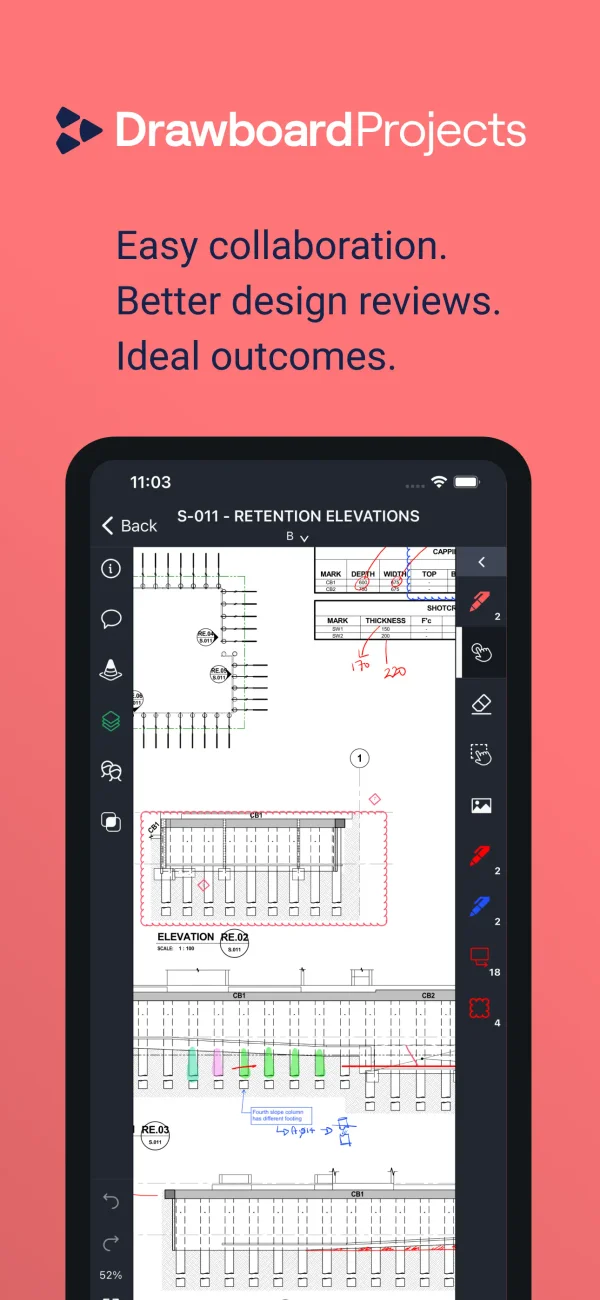
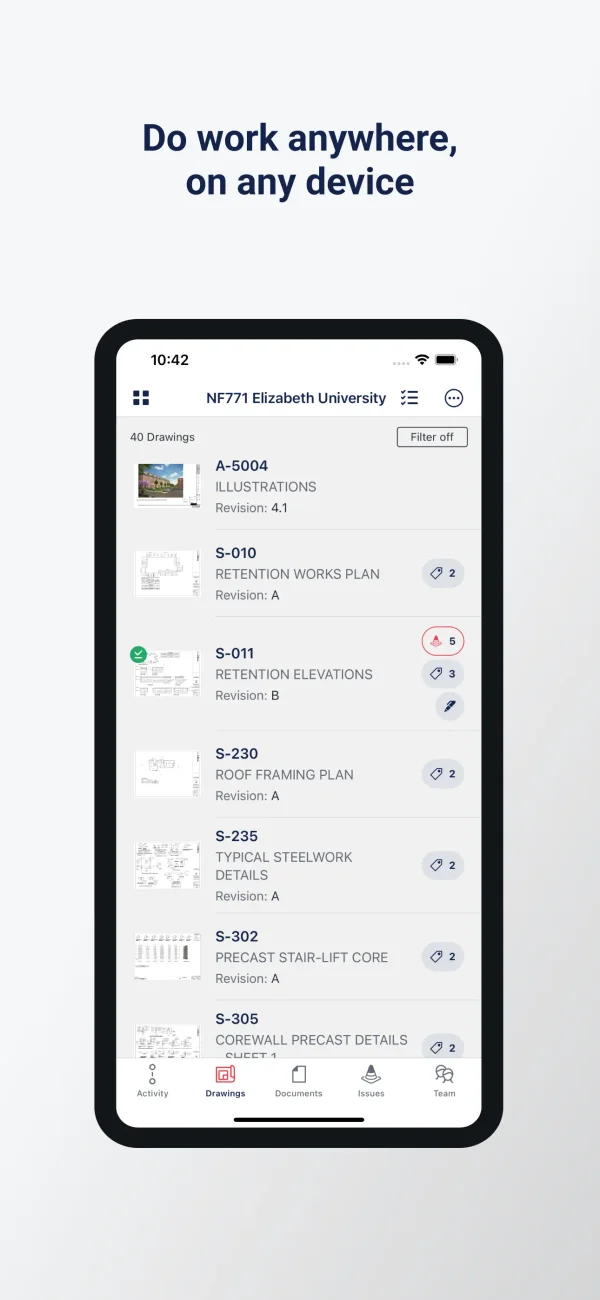
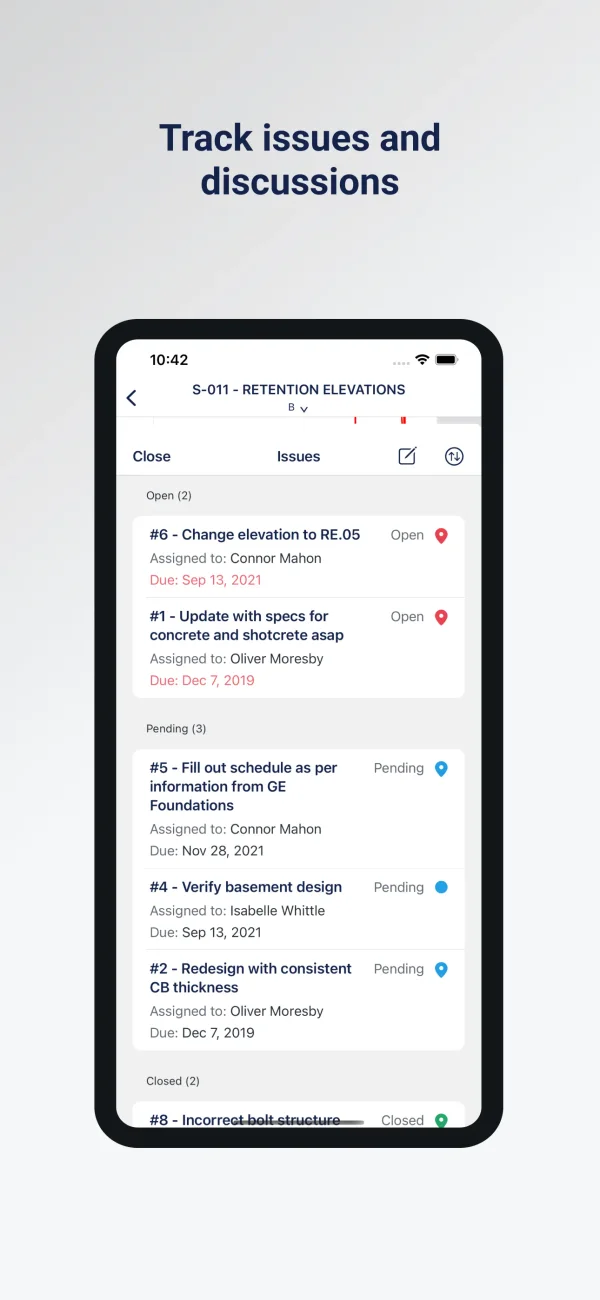
Your collaborative and real-time workspace for design review. Drawboard Projects helps architecture, engineering and construction teams globally save valuable project time by streamlining workflows in the design review lifecycle.
- Mark up on the move: Forget pen and paper with fast and accurate markups
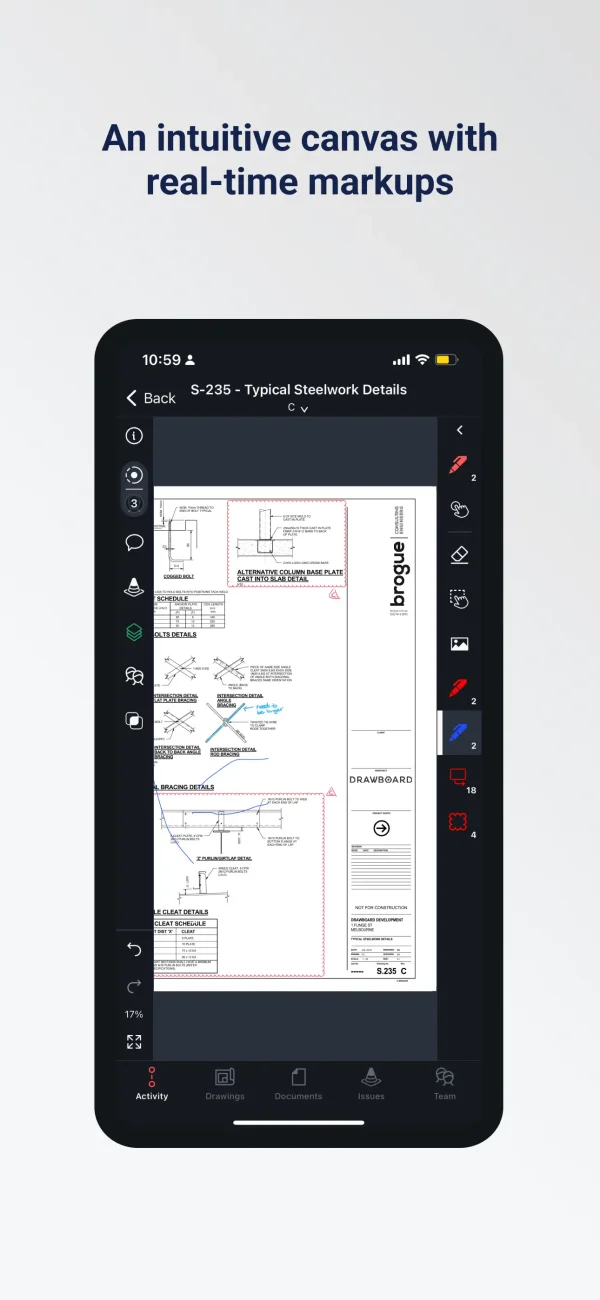
- Cloud collaboration: Collaborate with your team in one location and from any location, with markups synced within seconds.
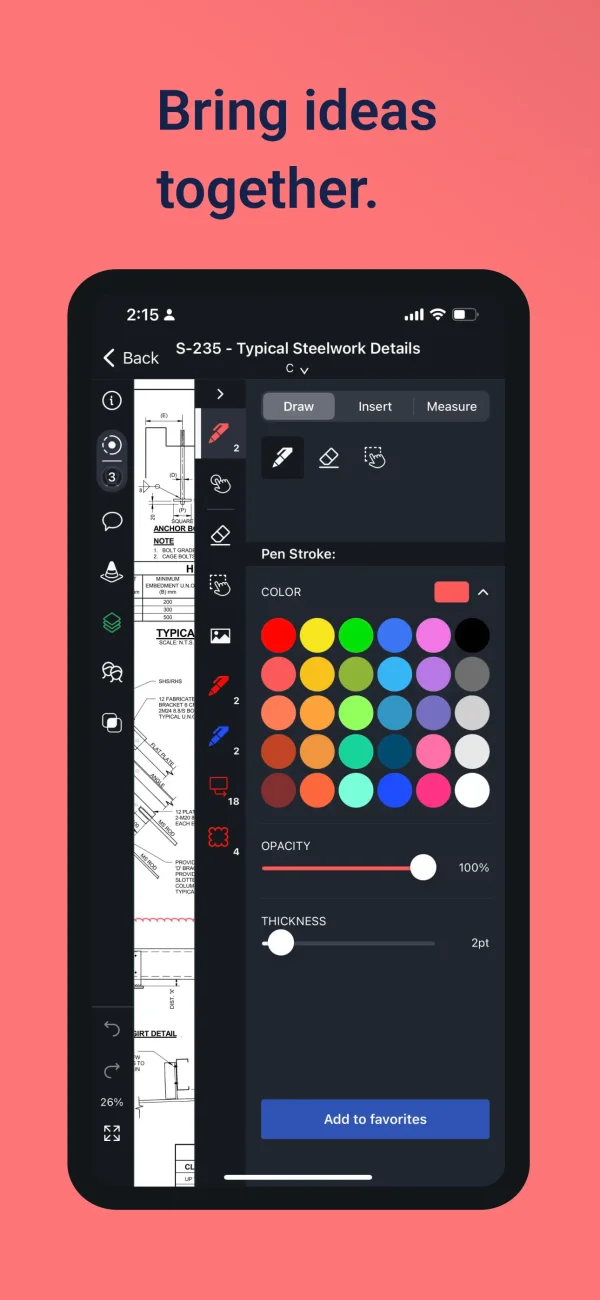
- Best-in-class ink: With Apple Pencil compatibility, write your notes and feel the tactility of a pen pressed to paper with pressure-sensitive ink
- Instant co-ordination: Manage and mitigate issues with real-time drawing coordination
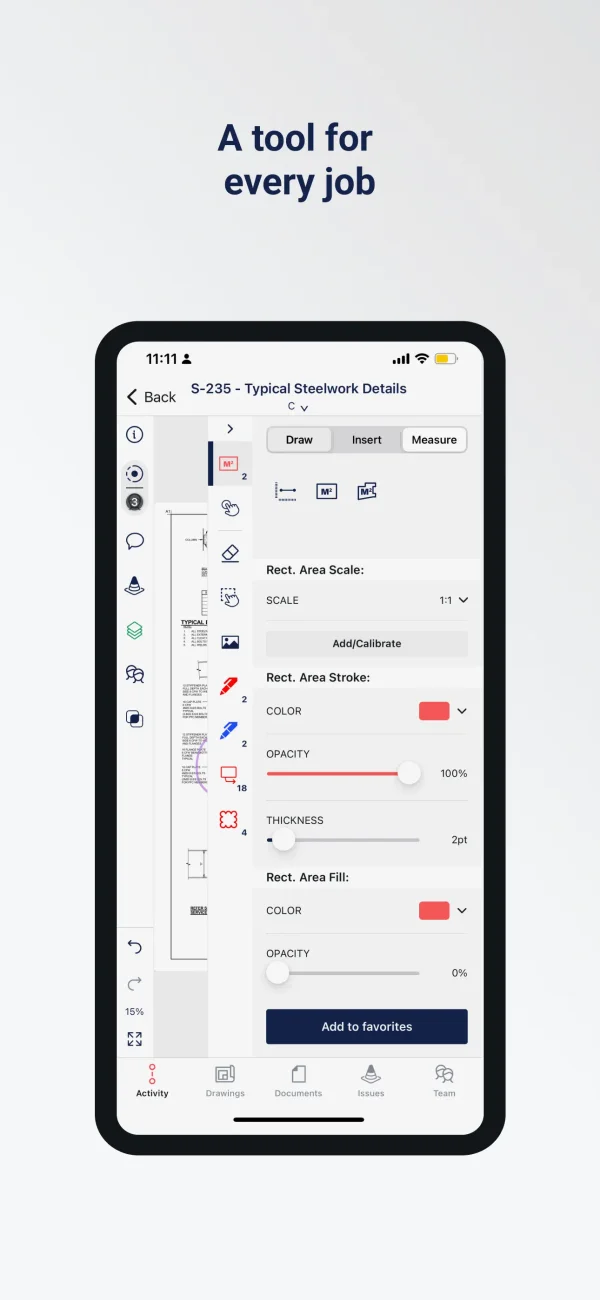
- Fits your flow: App integrations to connect and improve your existing design workflow.
- Discuss changes: Keep all discussions right on the drawing so that everyone can see the context behind the decisions that were made.
A Projects account is required to use this application.
Neue Funktionen
Version 11.8.0 · 28.10.2026
- New Features
• Keyboard shortcuts such as ⌘Z, Delete and the arrow keys now work on the canvas with a hardware keyboard.
• Hold Shift while drawing or editing a markup to keep its proportions and snap to 45°, or Option to draw and resize from the center.
• Selecting a rectangle or rectangle area now shows resize and rotate handles.
• Snapshots placed in Drawboard Projects for Windows now show on iPad.
- Bug Fixes
• Tapping a drawing in a project's activity feed opens it again.
• Tapping inside an unfilled shape selects it again, and lines can be dragged by the line itself.
• Calibrating a scale no longer moves the selected markup.
• Markups made on a weak connection now sync as soon as the connection recovers.
• Performance improvements.
• Other bug fixes.
App-Datenschutz
Was Drawboard Pty Ltd im App Store zum Umgang dieser App mit Daten angibt.
-
Mit Ihnen verknüpfte Daten
Können erfasst und mit Ihrer Identität verknüpft werden.
- Kennungen
-
Nicht mit Ihnen verknüpfte Daten
Können erfasst werden, sind aber nicht mit Ihrer Identität verknüpft.
- Kennungen
- Nutzungsdaten
- Diagnose
Die Datenschutzpraktiken können variieren, zum Beispiel je nach den von Ihnen verwendeten Funktionen oder Ihrem Alter.
Informationen
- Anbieter
- Drawboard Pty Ltd
- Kategorie
- Produktivität
- Version
- 11.8.0
- Aktualisiert
- 28.10.2026
- Veröffentlicht
- 01.03.2017
- Größe
- 58,4 MB
- Erfordert
- iOS 18.0 oder neuer
- Altersfreigabe
- 4+
- Preis
- Kostenlos
- Sprachen
- Englisch
- Copyright
- © Drawboard Pty Ltd
Das könnte Ihnen auch gefallen
-
 PlanFormVerwalten Sie Baupläne
-
 Monograph: Time and ExpensesProduktivität
-
 Atrius FacilitiesProduktivität
-
 BIM 360 FieldProduktivität
-
 Site Diary - ConstructionProduktivität
-
 ScaleTap: PDF-Plan messenAufmaß & Massenermittlung
-
 DigiTrak LWDEchtzeit-Zugriff auf Bohrdaten
-
 PlanRadar - Die Baustellen AppBautagebuch & Baudokumentation
-
 Revizto5Produktivität
-
 iPoint Tech ProProduktivität