
Drawboard Projects
Collaborative design reviews
Conçue pour iPhone, iPad
Gratuit
- Classification d’âge4+
- CatégorieProductivité
- DéveloppeurDrawboard Pty Ltd
- LanguesAnglais
- Taille61,8 Mo
Renvoie vers la page App Store officielle
Download.org n’héberge aucun fichier de Drawboard Projects. Le bouton ouvre la page de l’application sur App Store, où Drawboard Pty Ltd la publie. Fiche vérifiée pour la dernière fois le 25/11/2026.
Captures d’écran

À propos
Le développeur n’a pas fourni ce texte dans votre langue.
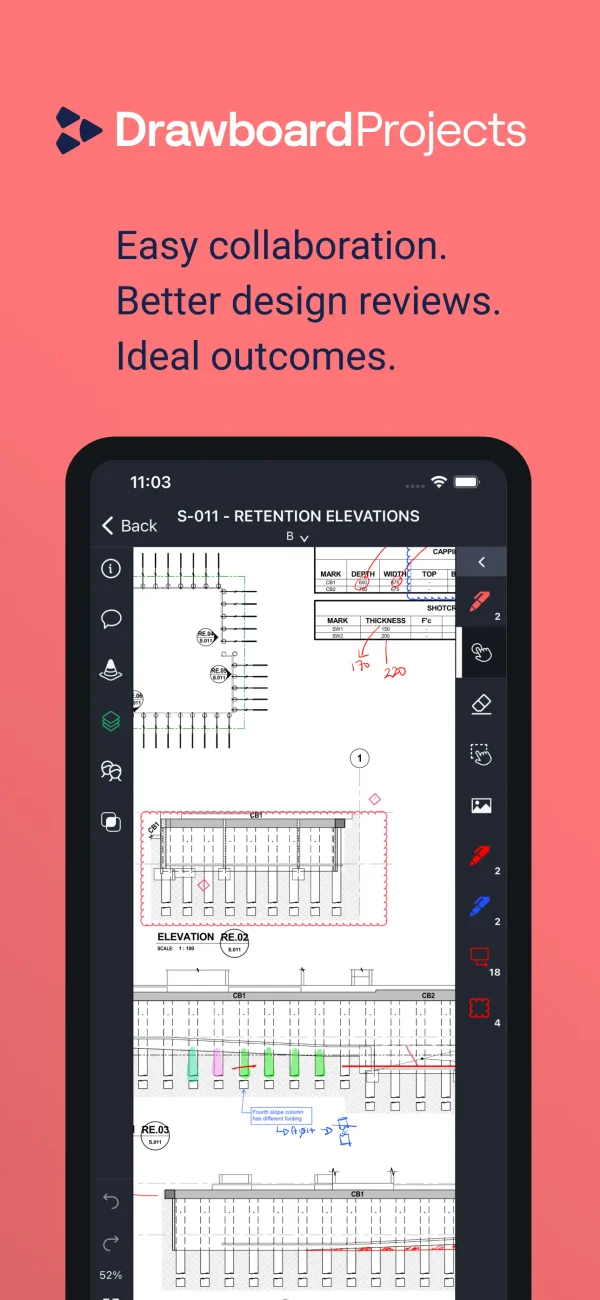
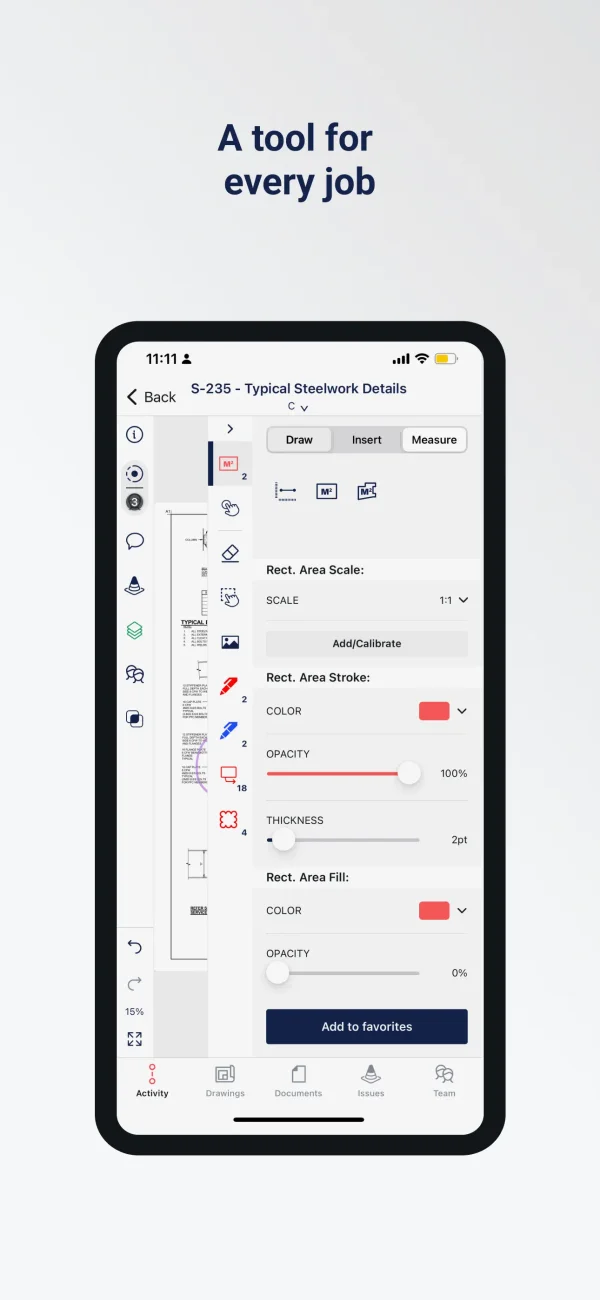
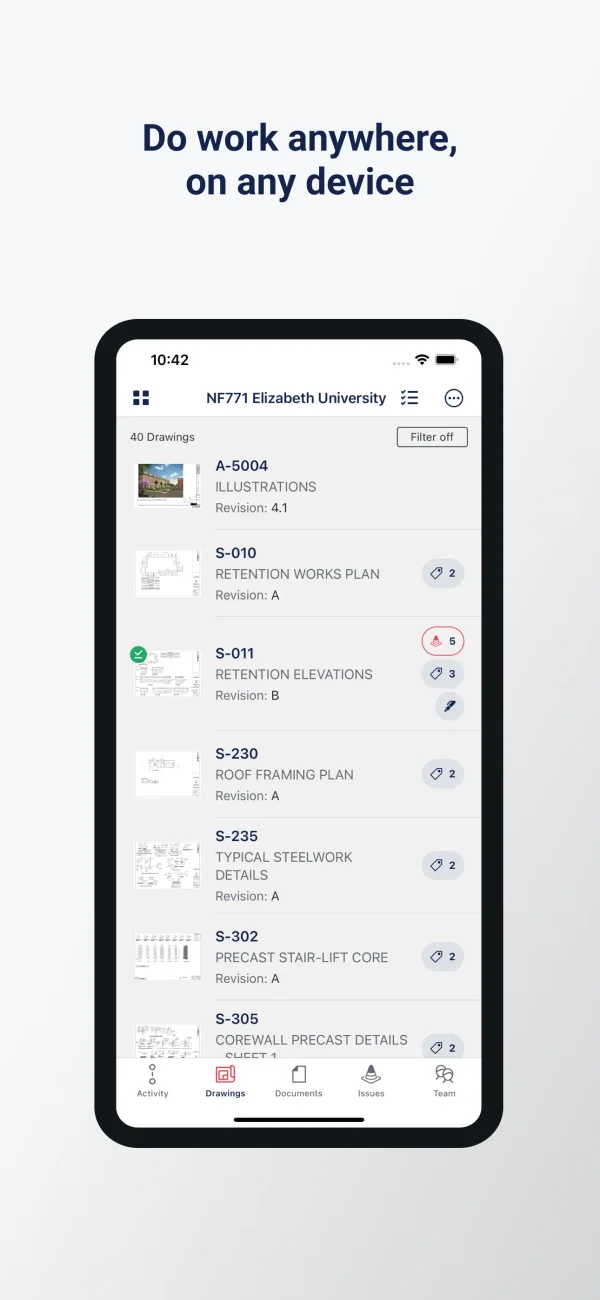
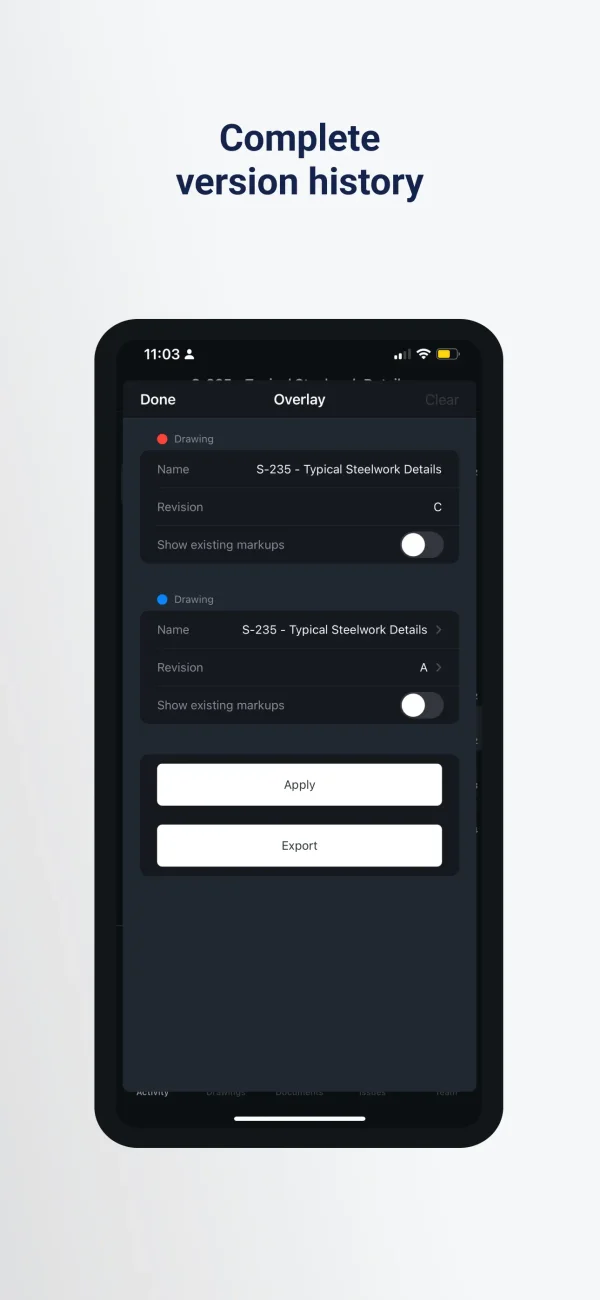
Your collaborative and real-time workspace for design review. Drawboard Projects helps architecture, engineering and construction teams globally save valuable project time by streamlining workflows in the design review lifecycle.
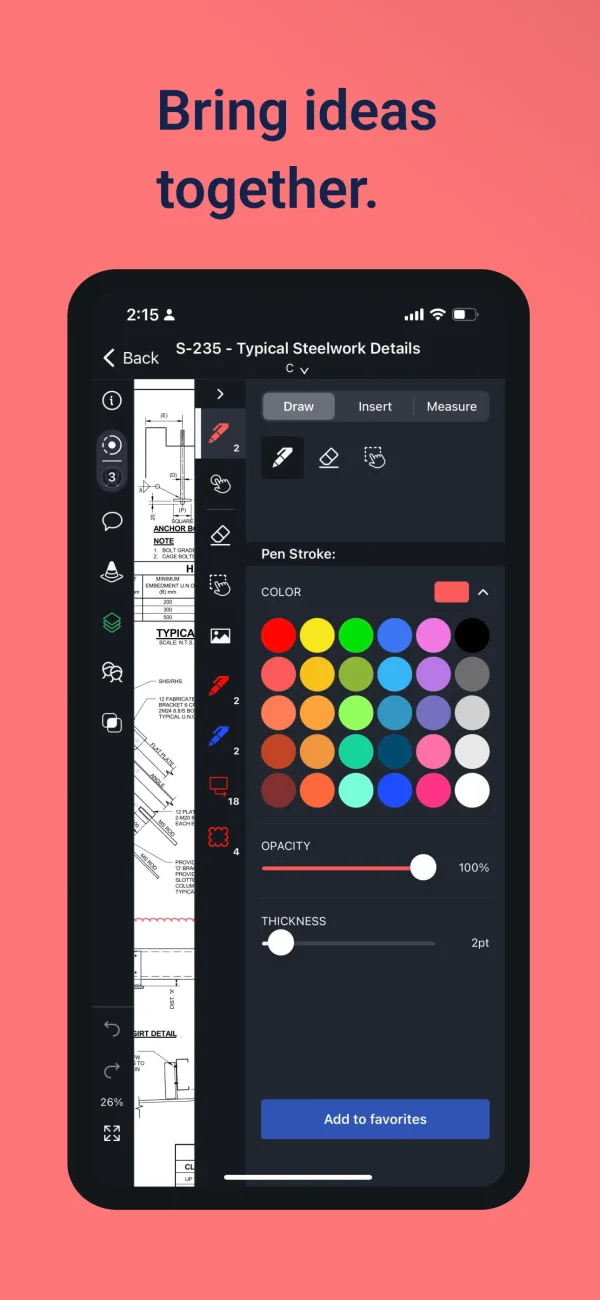
- Mark up on the move: Forget pen and paper with fast and accurate markups
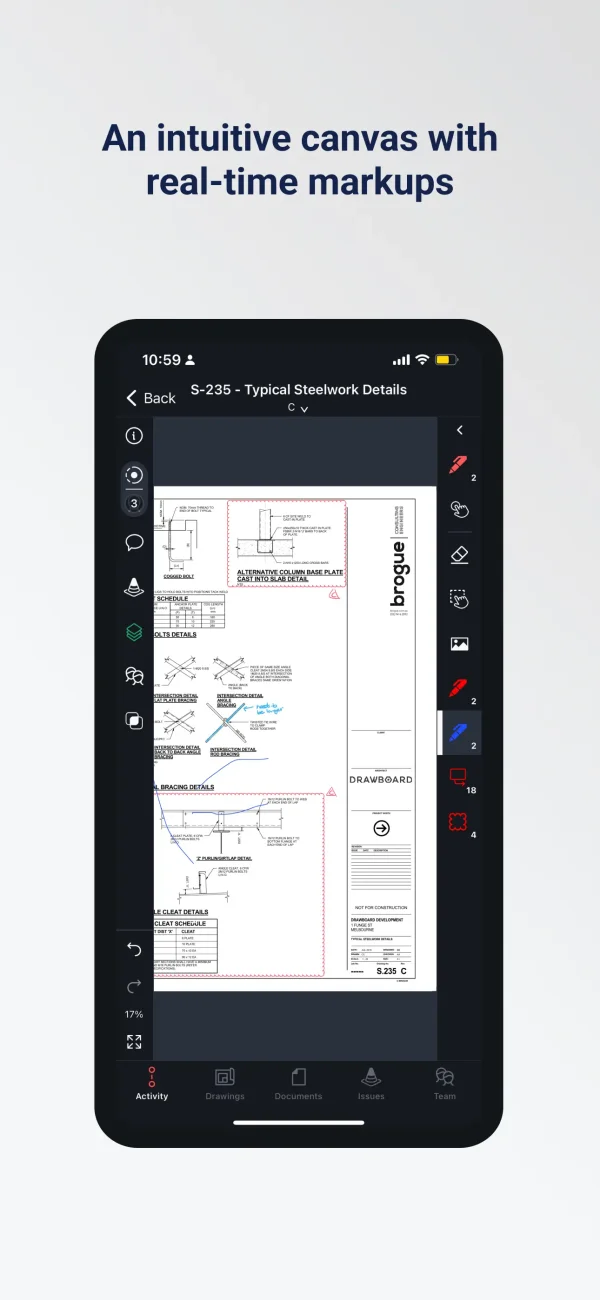
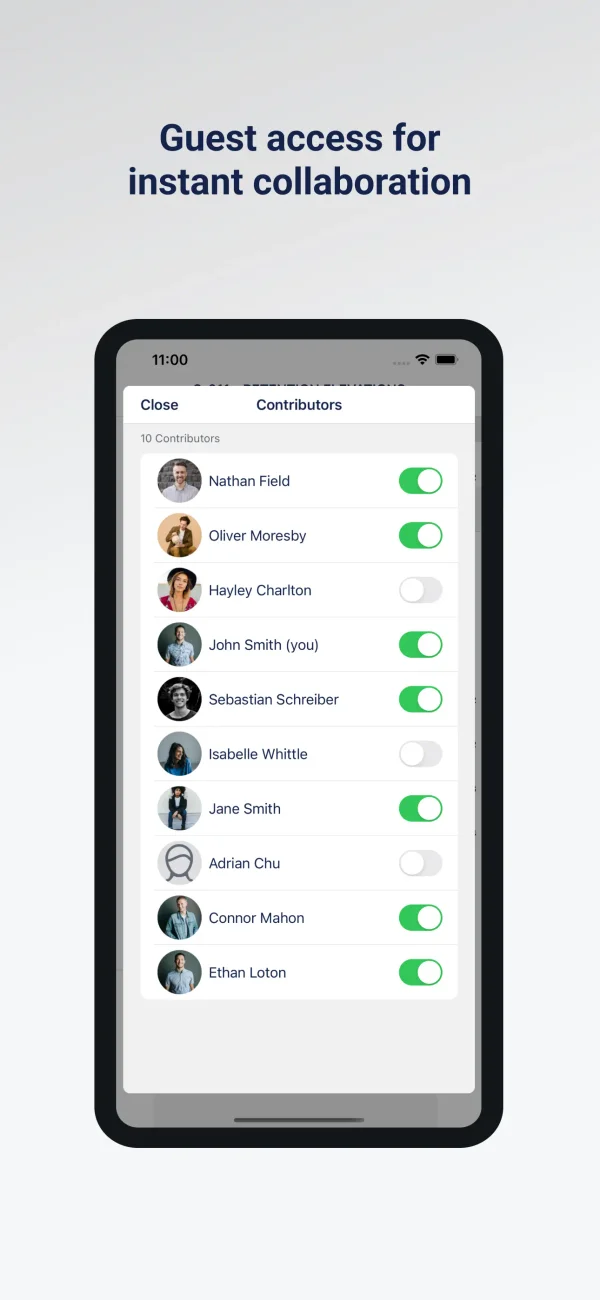
- Cloud collaboration: Collaborate with your team in one location and from any location, with markups synced within seconds.
- Best-in-class ink: With Apple Pencil compatibility, write your notes and feel the tactility of a pen pressed to paper with pressure-sensitive ink
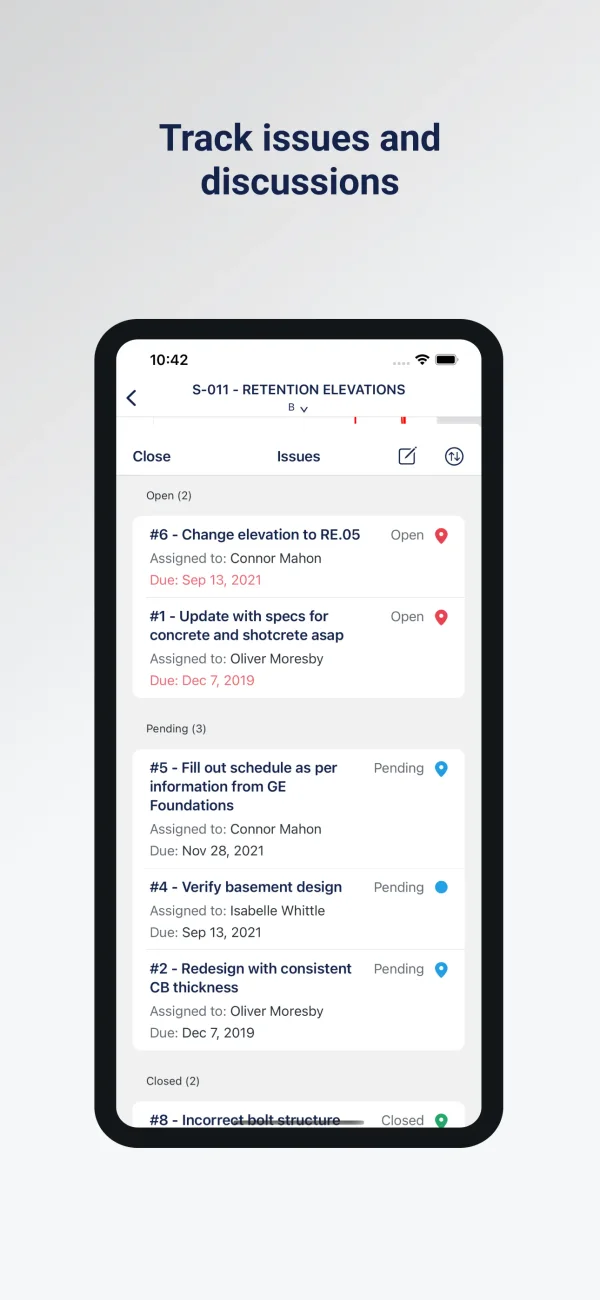
- Instant co-ordination: Manage and mitigate issues with real-time drawing coordination
- Fits your flow: App integrations to connect and improve your existing design workflow.
- Discuss changes: Keep all discussions right on the drawing so that everyone can see the context behind the decisions that were made.
A Projects account is required to use this application.
Nouveautés
Version 12.0.0 · 24/11/2026
- New Features
• Count & Sequence: count items or number them in sequence on your drawings, with symbols, labels and captions.
• Count templates: save count settings for your project or organization, tag them, and browse them in a sheet.
• Use Markup Library items as custom count symbols.
• Counts appear in the markup list as one row that expands to show its marks.
• Search a drawing's text from the new Search tab, or with ⌘F.
• Tool keyboard shortcuts, matching Drawboard on the web and Windows.
• Comments are written, replied to and edited in a sheet.
- Bug Fixes
• Fixed "Your account is no longer active" staying for days after a renewal.
• Fixed multi-page documents opening with the first page under the navigation bar.
• Fixed page scales with a fractional-inch paper size failing to sync.
• Fixed Apple Pencil sometimes stopping drawing until the document was reopened.
• Fixed the side panel's search fields losing focus while typing.
• Performance improvements.
• Other bug fixes.
Confidentialité de l’application
Ce que Drawboard Pty Ltd déclare sur l’App Store au sujet du traitement des données par cette application.
-
Données établissant un lien avec vous
Peuvent être collectées et liées à votre identité.
- Identifiants
-
Données n’établissant aucun lien avec vous
Peuvent être collectées, mais ne sont pas liées à votre identité.
- Identifiants
- Données d’utilisation
- Diagnostic
Les pratiques en matière de confidentialité peuvent varier, notamment en fonction des fonctionnalités que vous utilisez ou de votre âge.
Informations
- Vendeur
- Drawboard Pty Ltd
- Catégorie
- Productivité
- Version
- 12.0.0
- Mis à jour
- 24/11/2026
- Publié
- 01/03/2017
- Taille
- 61,8 Mo
- Nécessite
- iOS 18.0 ou version ultérieure
- Classification d’âge
- 4+
- Prix
- Gratuit
- Langues
- Anglais
- Copyright
- © Drawboard Pty Ltd
Vous aimerez peut-être aussi
-
 PlanFormProductivité
-
 Monograph: Time and ExpensesProductivité
-
 Atrius FacilitiesProductivité
-
 BIM 360 FieldProductivité
-
 Site Diary - ConstructionJournal de Chantier
-
 ScaleTap : mesure plan PDFMétré de chantier rapide
-
 DigiTrak LWDAccès en temps réel
-
 PlanRadarAppli de gestion de chantier
-
 Revizto5Productivité
-
 iPoint Tech ProProductivité