- Altersfreigabe4+
- KategorieNavigation
- EntwicklerDamien Glancy
- SprachenEnglisch+ 3 weitere
- Größe2,5 MB
Verlinkt auf die offizielle App Store-Seite
Download.org hostet keine Datei von Driveline. Die Schaltfläche öffnet die App-Seite bei App Store, wo Damien Glancy die App veröffentlicht. Eintrag zuletzt geprüft am 13.11.2026.
Screenshots


Info
Der Entwickler hat diesen Text nicht in Ihrer Sprache bereitgestellt.
Driveline records your drives automatically and turns them into exportable route maps and GPX files — with no buttons to press.
Connect to your car's Bluetooth or CarPlay and your drive starts recording in the background. Disconnect and it stops. Driveline handles everything quietly while you focus on the road.
AUTOMATIC RECORDING
Set up two Shortcuts automations once and never think about it again. Driveline starts when your car connects and stops when it disconnects — via Bluetooth, CarPlay, or both. It even detects when you've been stopped too long and finishes the route automatically.
YOUR DRIVES, BEAUTIFULLY ORGANISED
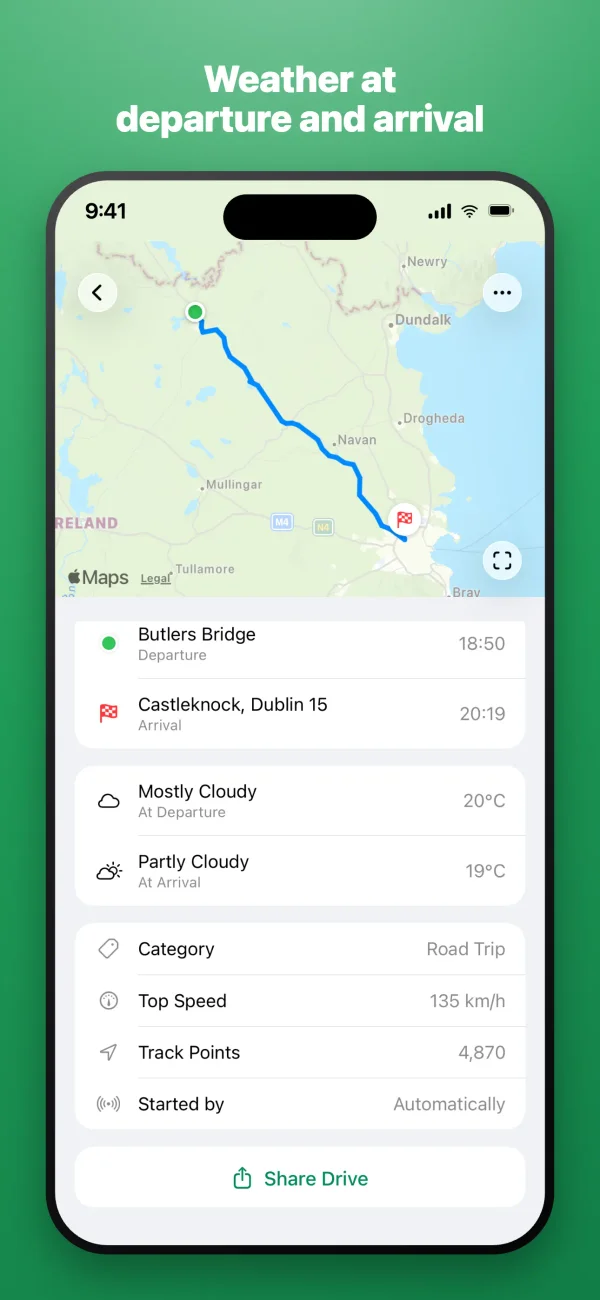
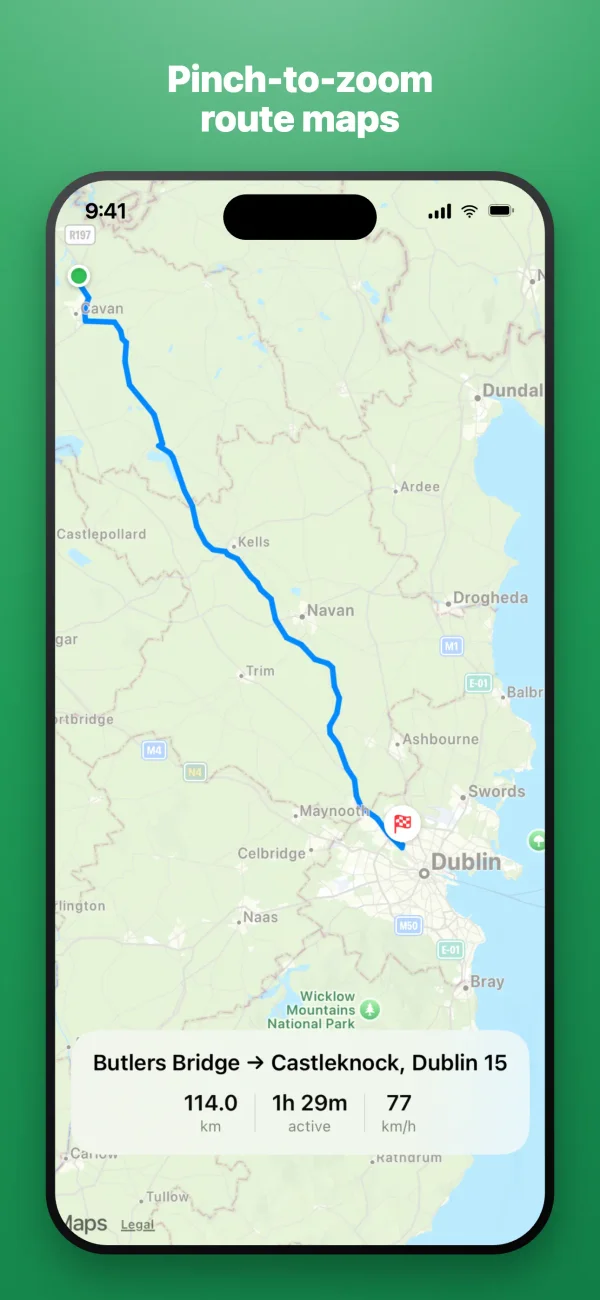
Every finished drive appears in a clean list grouped by date, showing the start and end place names, distance, and duration at a glance. Tap any drive to see the full route plotted on a map, along with detailed stats: average speed, maximum speed, distance, and duration.
WEATHER AT EVERY STOP
Driveline fetches the weather conditions at your departure and arrival — temperature, condition, and a weather symbol shown right on the drive detail screen.
EXPORT IN STANDARD FORMATS
Share your route as a GPX file compatible with Strava, Komoot, QGIS, or any mapping tool that understands GPS data. Or export a clean PNG map image, ready to drop into a blog post or share with friends.
LIVE ACTIVITY ON YOUR LOCK SCREEN
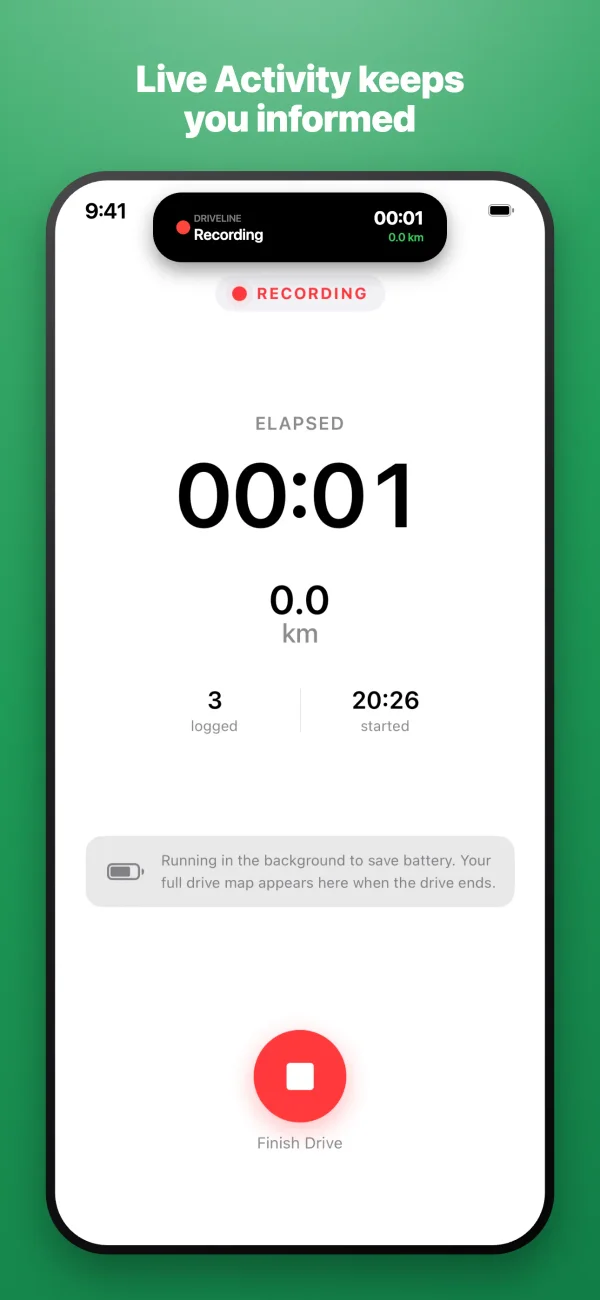
A Live Activity on your Lock Screen and Dynamic Island shows elapsed recording time while a drive is in progress — so you always know it's running without opening the app.
FIND ANY DRIVE WITH SPOTLIGHT
Every finished drive is indexed in Spotlight. Search by name, start location, or end location from the iOS home screen and jump straight to that drive's detail.
MERGE ROUTES
Forgot to start recording? Merge two drives end-to-end into a single continuous route.
ON-DEVICE DRIVE CLASSIFICATION
A built-in machine learning model automatically assigns each drive a category — Errand, Urban, Road Trip, Scenic, or Mixed — entirely on your device.
ICLOUD SYNC
Your drives sync across all your devices via iCloud automatically.
App-Datenschutz
Was Damien Glancy im App Store zum Umgang dieser App mit Daten angibt.
-
Keine Daten erfasst
Der Entwickler erfasst keine Daten von dieser App.
Die Datenschutzpraktiken können variieren, zum Beispiel je nach den von Ihnen verwendeten Funktionen oder Ihrem Alter.
Informationen
- Anbieter
- Damien Glancy
- Kategorie
- Navigation
- Version
- 1.0
- Aktualisiert
- 28.06.2026
- Veröffentlicht
- 28.06.2026
- Größe
- 2,5 MB
- Erfordert
- iOS 26.0 oder neuer
- Altersfreigabe
- 4+
- Preis
- Kostenlos
- Sprachen
- Englisch, Niederländisch, Französisch, Deutsch
- Copyright
- © 2026 Damien Glancy.
Das könnte Ihnen auch gefallen
-
 Road Trip ReplayNavigation
-
 DriveDNA: FahrtenbuchAuto-Logbuch & Kilometer
-
 Reise-TrackerReisen akkuschonend tracken
-
 Driveline DriverReisen
-
 LOQI MapsReisen
-
 GPS Tourenrecorder - GPS.RECTacho, Höhenmesser & Kompass
-
 GPX FollowNavigation
-
 AR-RideReisen
-
 MyAuto: Autokosten & TankbuchWartung, Verbrauch & Fahrten
-
 Convigo - Convoi ExceptionnelGPS Convois Exceptionnels