- Classification d’âge4+
- CatégorieNavigation
- DéveloppeurDamien Glancy
- LanguesAnglais+ 3 de plus
- Taille2,5 Mo
Renvoie vers la page App Store officielle
Download.org n’héberge aucun fichier de Driveline. Le bouton ouvre la page de l’application sur App Store, où Damien Glancy la publie. Fiche vérifiée pour la dernière fois le 13/11/2026.
Captures d’écran


À propos
Le développeur n’a pas fourni ce texte dans votre langue.
Driveline records your drives automatically and turns them into exportable route maps and GPX files — with no buttons to press.
Connect to your car's Bluetooth or CarPlay and your drive starts recording in the background. Disconnect and it stops. Driveline handles everything quietly while you focus on the road.
AUTOMATIC RECORDING
Set up two Shortcuts automations once and never think about it again. Driveline starts when your car connects and stops when it disconnects — via Bluetooth, CarPlay, or both. It even detects when you've been stopped too long and finishes the route automatically.
YOUR DRIVES, BEAUTIFULLY ORGANISED
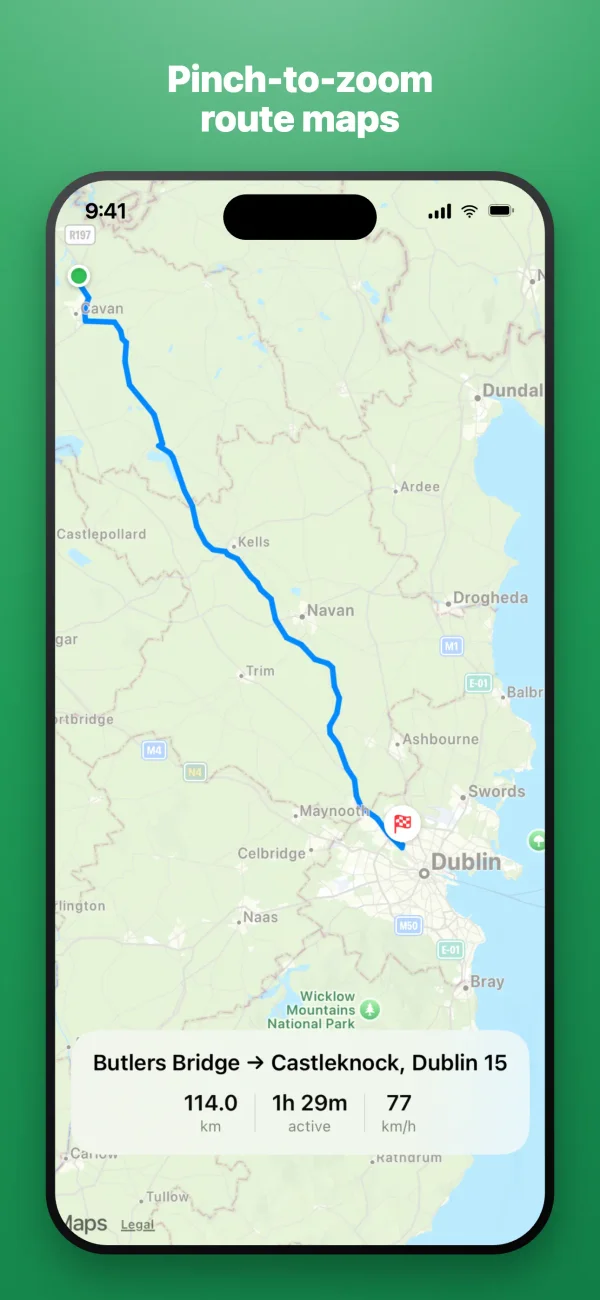
Every finished drive appears in a clean list grouped by date, showing the start and end place names, distance, and duration at a glance. Tap any drive to see the full route plotted on a map, along with detailed stats: average speed, maximum speed, distance, and duration.
WEATHER AT EVERY STOP
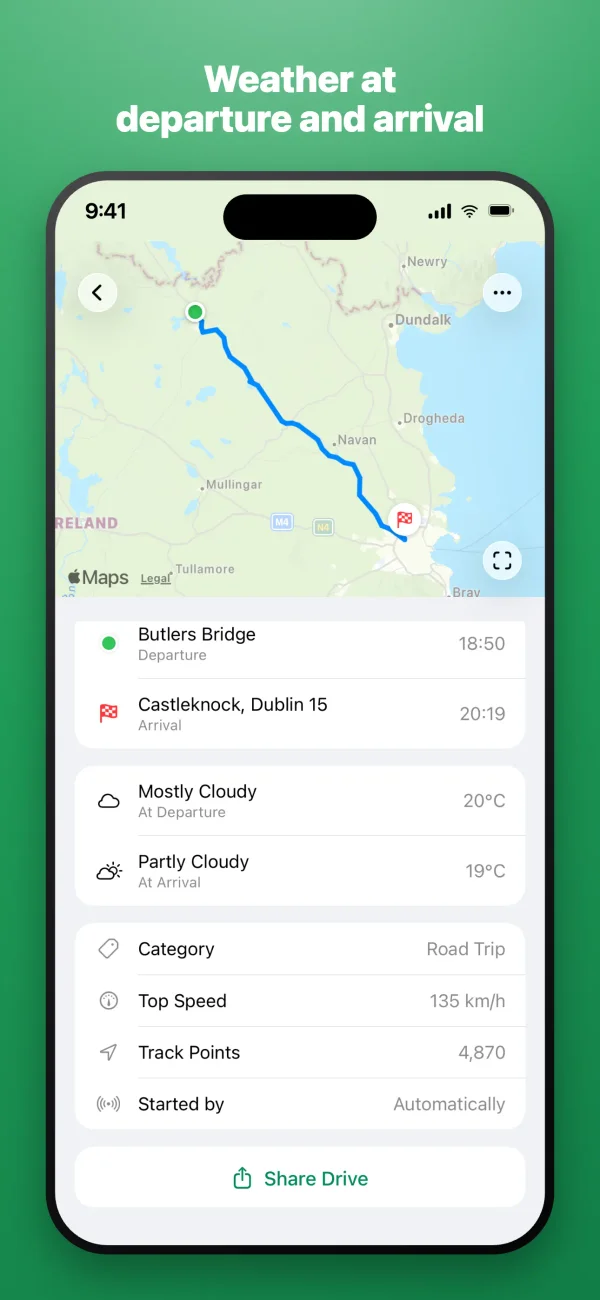
Driveline fetches the weather conditions at your departure and arrival — temperature, condition, and a weather symbol shown right on the drive detail screen.
EXPORT IN STANDARD FORMATS
Share your route as a GPX file compatible with Strava, Komoot, QGIS, or any mapping tool that understands GPS data. Or export a clean PNG map image, ready to drop into a blog post or share with friends.
LIVE ACTIVITY ON YOUR LOCK SCREEN
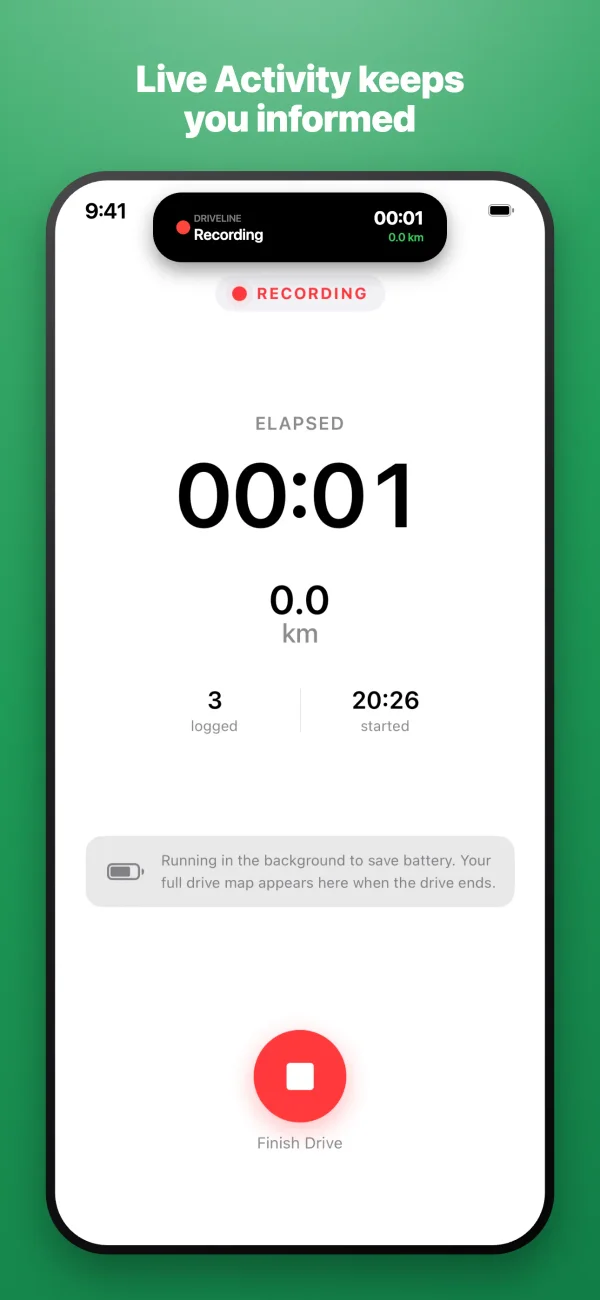
A Live Activity on your Lock Screen and Dynamic Island shows elapsed recording time while a drive is in progress — so you always know it's running without opening the app.
FIND ANY DRIVE WITH SPOTLIGHT
Every finished drive is indexed in Spotlight. Search by name, start location, or end location from the iOS home screen and jump straight to that drive's detail.
MERGE ROUTES
Forgot to start recording? Merge two drives end-to-end into a single continuous route.
ON-DEVICE DRIVE CLASSIFICATION
A built-in machine learning model automatically assigns each drive a category — Errand, Urban, Road Trip, Scenic, or Mixed — entirely on your device.
ICLOUD SYNC
Your drives sync across all your devices via iCloud automatically.
Confidentialité de l’application
Ce que Damien Glancy déclare sur l’App Store au sujet du traitement des données par cette application.
-
Données non collectées
Le développeur ne collecte aucune donnée à partir de cette application.
Les pratiques en matière de confidentialité peuvent varier, notamment en fonction des fonctionnalités que vous utilisez ou de votre âge.
Informations
- Vendeur
- Damien Glancy
- Catégorie
- Navigation
- Version
- 1.0
- Mis à jour
- 28/06/2026
- Publié
- 28/06/2026
- Taille
- 2,5 Mo
- Nécessite
- iOS 26.0 ou version ultérieure
- Classification d’âge
- 4+
- Prix
- Gratuit
- Langues
- Anglais, Néerlandais, Français, Allemand
- Copyright
- © 2026 Damien Glancy.
Vous aimerez peut-être aussi
-
 Road Trip ReplayNavigation
-
 DriveDNA: Trip TrackerVoyages
-
 Travel-TrackerVoyages
-
 Driveline DriverVoyages
-
 LOQI MapsVoyages
-
 Enregistreur GPS - GPS.RECCompteur de vitesse, altimètre
-
 GPX FollowNavigation
-
 AR-RideVoyages
-
 MyAuto : entretien voitureDépenses, carburant et trajets
-
 Convigo - Convoi ExceptionnelGPS Convois Exceptionnels