- Batasan usia4+
- KategoriNavigasi
- PengembangDamien Glancy
- BahasaInggris+ 3 lainnya
- Ukuran2,5 MB
Tertaut ke halaman resmi App Store
Download.org tidak menyimpan file Driveline apa pun. Tombol ini membuka halaman aplikasi di App Store, tempat Damien Glancy menerbitkannya. Halaman terakhir diperiksa pada 13/11/2026.
Tangkapan layar


Tentang
Pengembang belum menyediakan teks ini dalam bahasa Anda.
Driveline records your drives automatically and turns them into exportable route maps and GPX files — with no buttons to press.
Connect to your car's Bluetooth or CarPlay and your drive starts recording in the background. Disconnect and it stops. Driveline handles everything quietly while you focus on the road.
AUTOMATIC RECORDING
Set up two Shortcuts automations once and never think about it again. Driveline starts when your car connects and stops when it disconnects — via Bluetooth, CarPlay, or both. It even detects when you've been stopped too long and finishes the route automatically.
YOUR DRIVES, BEAUTIFULLY ORGANISED
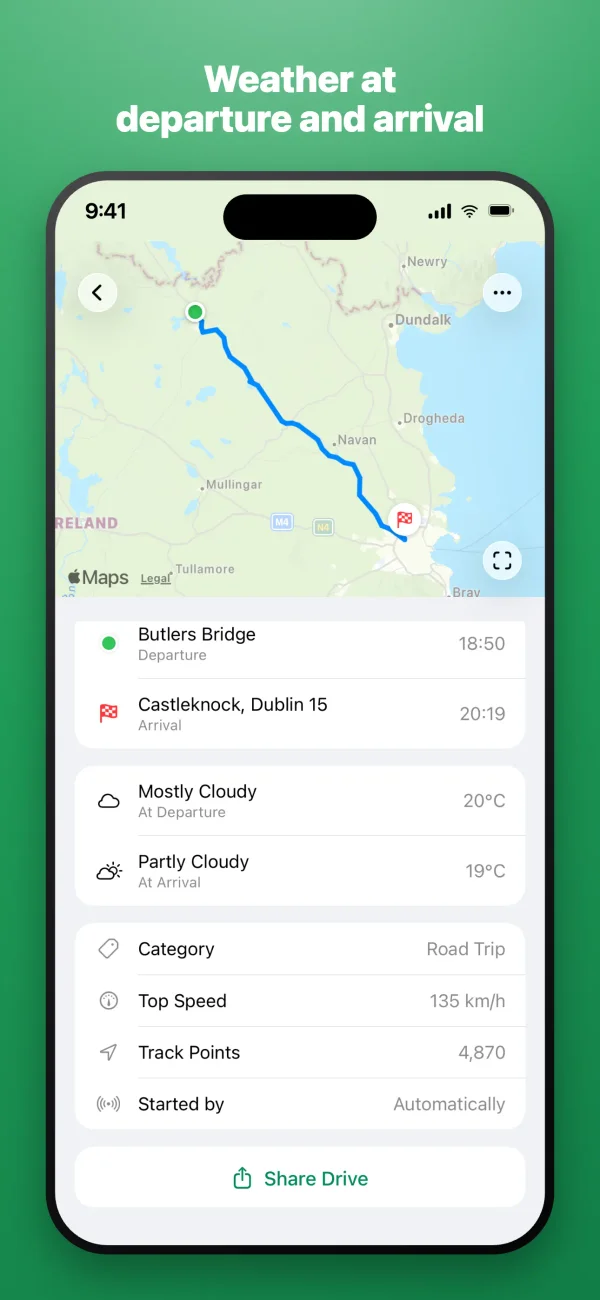
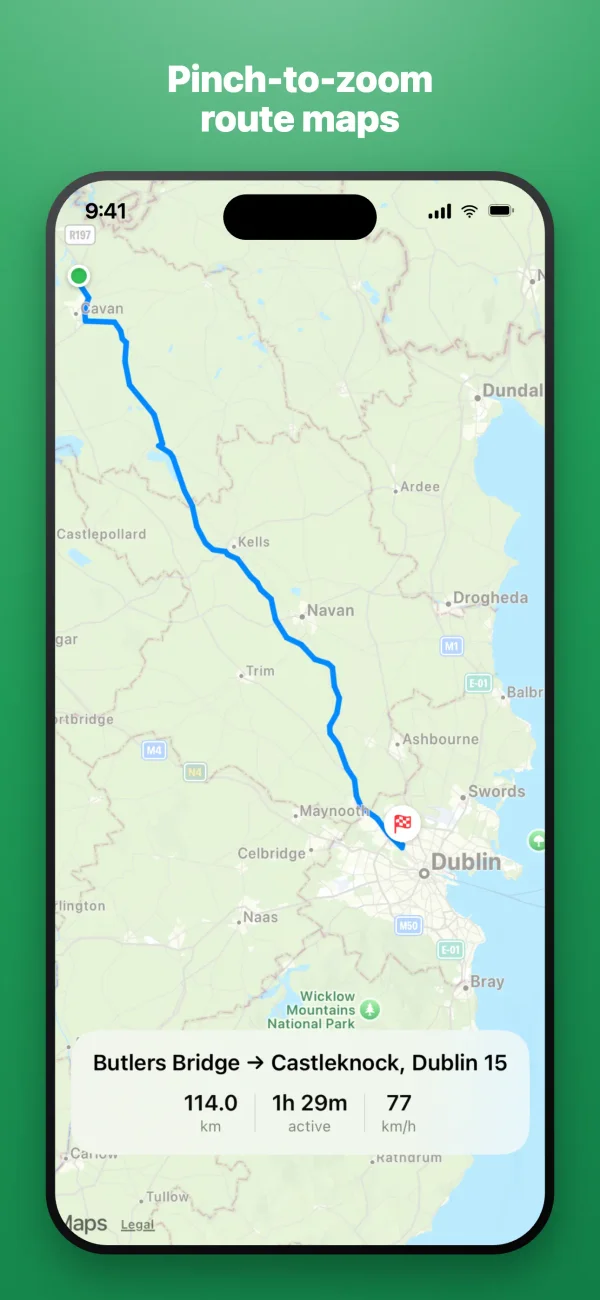
Every finished drive appears in a clean list grouped by date, showing the start and end place names, distance, and duration at a glance. Tap any drive to see the full route plotted on a map, along with detailed stats: average speed, maximum speed, distance, and duration.
WEATHER AT EVERY STOP
Driveline fetches the weather conditions at your departure and arrival — temperature, condition, and a weather symbol shown right on the drive detail screen.
EXPORT IN STANDARD FORMATS
Share your route as a GPX file compatible with Strava, Komoot, QGIS, or any mapping tool that understands GPS data. Or export a clean PNG map image, ready to drop into a blog post or share with friends.
LIVE ACTIVITY ON YOUR LOCK SCREEN
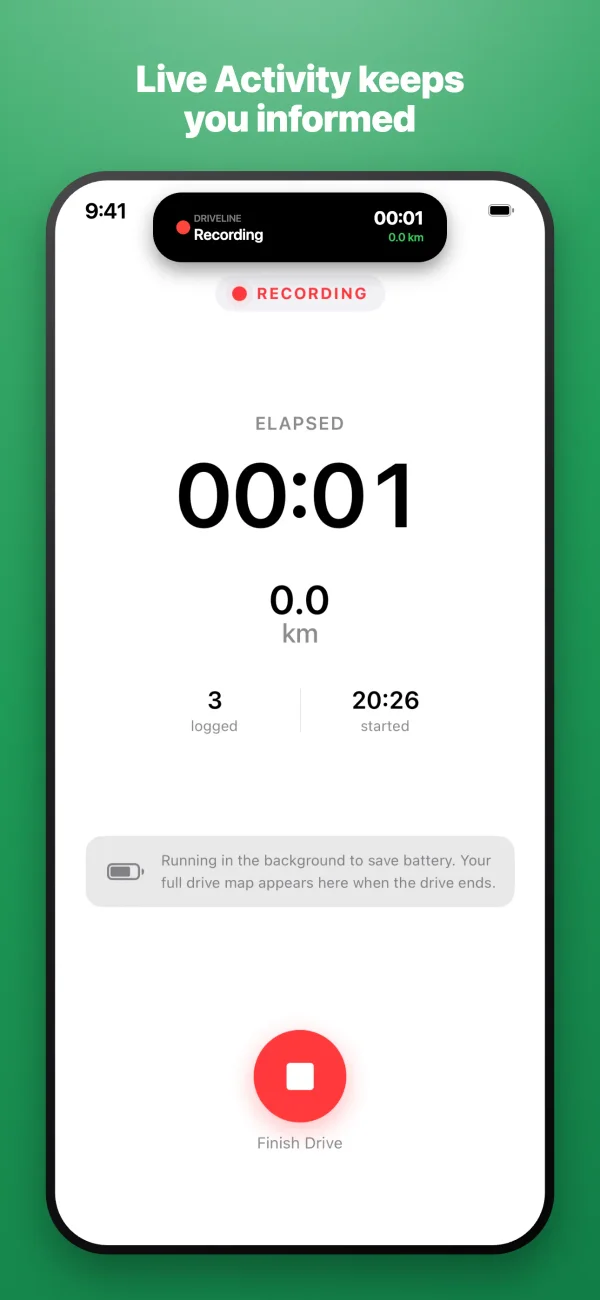
A Live Activity on your Lock Screen and Dynamic Island shows elapsed recording time while a drive is in progress — so you always know it's running without opening the app.
FIND ANY DRIVE WITH SPOTLIGHT
Every finished drive is indexed in Spotlight. Search by name, start location, or end location from the iOS home screen and jump straight to that drive's detail.
MERGE ROUTES
Forgot to start recording? Merge two drives end-to-end into a single continuous route.
ON-DEVICE DRIVE CLASSIFICATION
A built-in machine learning model automatically assigns each drive a category — Errand, Urban, Road Trip, Scenic, or Mixed — entirely on your device.
ICLOUD SYNC
Your drives sync across all your devices via iCloud automatically.
Privasi aplikasi
Yang dinyatakan Damien Glancy di App Store tentang cara aplikasi ini menangani data.
-
Data tidak dikumpulkan
Pengembang tidak mengumpulkan data apa pun dari aplikasi ini.
Praktik privasi dapat bervariasi, misalnya berdasarkan fitur yang Anda gunakan atau usia Anda.
Informasi
- Penjual
- Damien Glancy
- Kategori
- Navigasi
- Versi
- 1.0
- Diperbarui
- 28/6/2026
- Dirilis
- 28/6/2026
- Ukuran
- 2,5 MB
- Memerlukan
- iOS 26.0 atau yang lebih baru
- Batasan usia
- 4+
- Harga
- Gratis
- Bahasa
- Inggris, Belanda, Prancis, Jerman
- Hak cipta
- © 2026 Damien Glancy.