
- Altersfreigabe4+
- KategorieProduktivität
- EntwicklerAlgirdas Gridziuska
- SprachenEnglisch
- Größe7,6 MB
Verlinkt auf die offizielle App Store-Seite
Download.org hostet keine Datei von Emphasized. Die Schaltfläche öffnet die App-Seite bei App Store, wo Algirdas Gridziuska die App veröffentlicht. Eintrag zuletzt geprüft am 18.11.2026.
Screenshots

Info
Der Entwickler hat diesen Text nicht in Ihrer Sprache bereitgestellt.
Whether you're cramming for a test, diving deep into research, or just collecting great quotes, this highlighter's got your back.
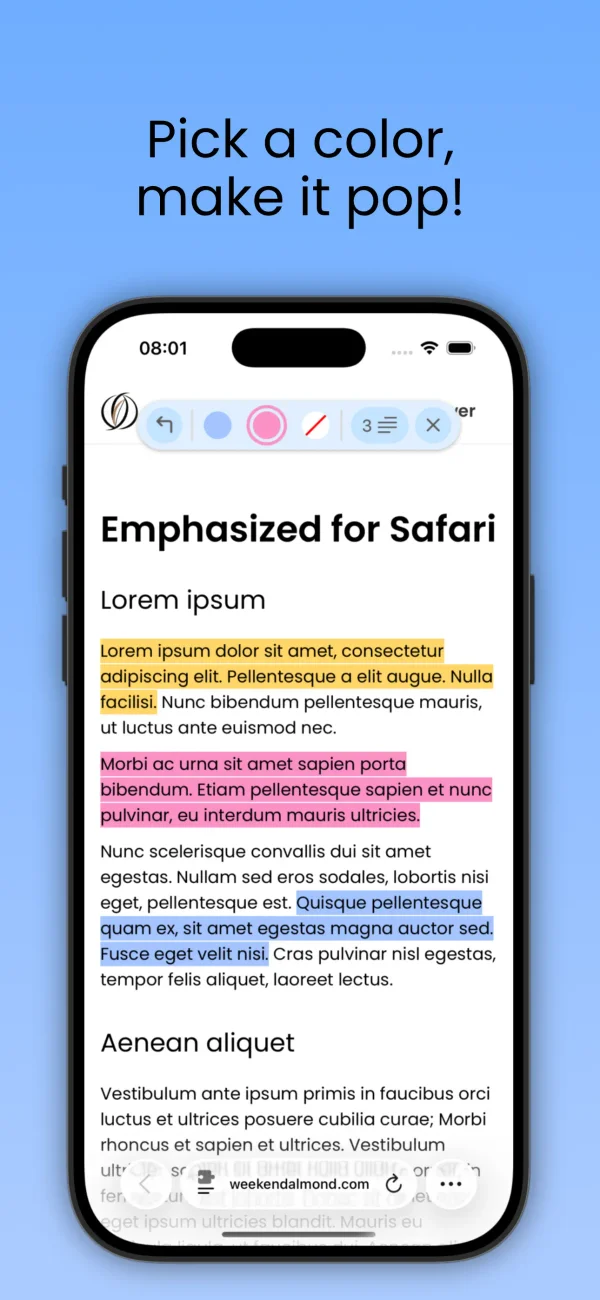
Highlight text on any webpage—no sign-in, no fuss. Everything's saved automatically on your device and neatly grouped by page or tag, so you can always pick up where you left off. Change colors, tweak and tag highlights, and export them all when you're ready to share or review.
Highlighting
• Highlight text on webpages
• Use multiple colors
• Change the color of existing highlights
• Delete highlights you no longer need
• Split or merge existing highlights
• Easily undo highlighted text with a single tap
Tags
• Create tags with custom colors to categorize your highlights
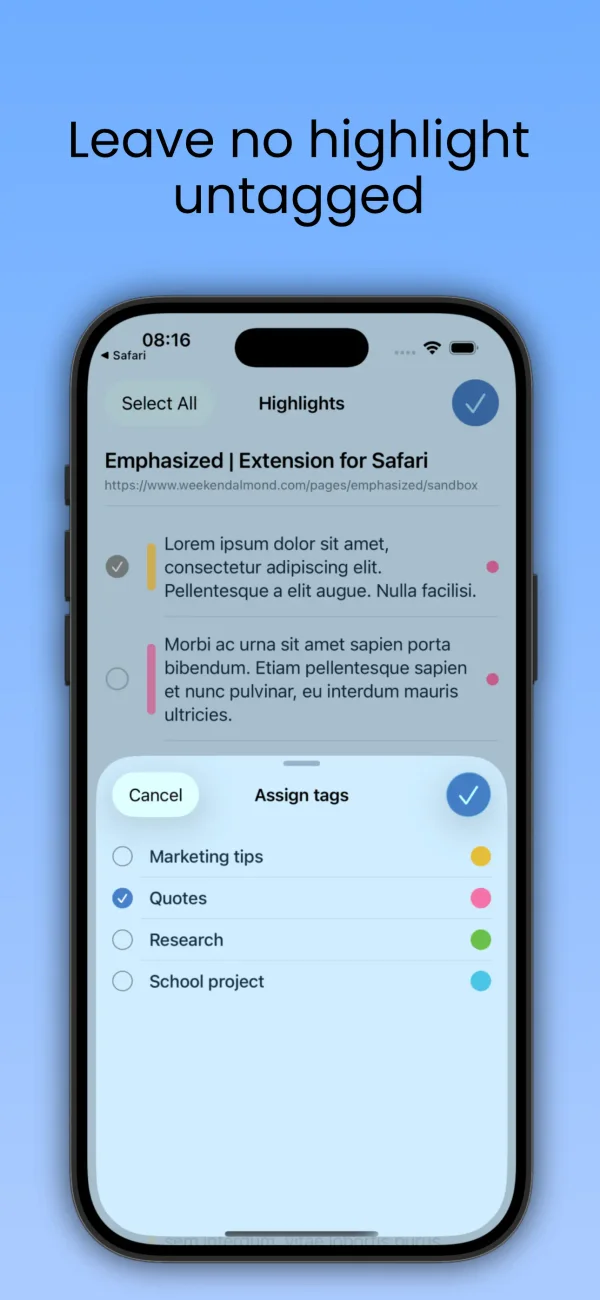
• Assign or change tags on any existing highlights
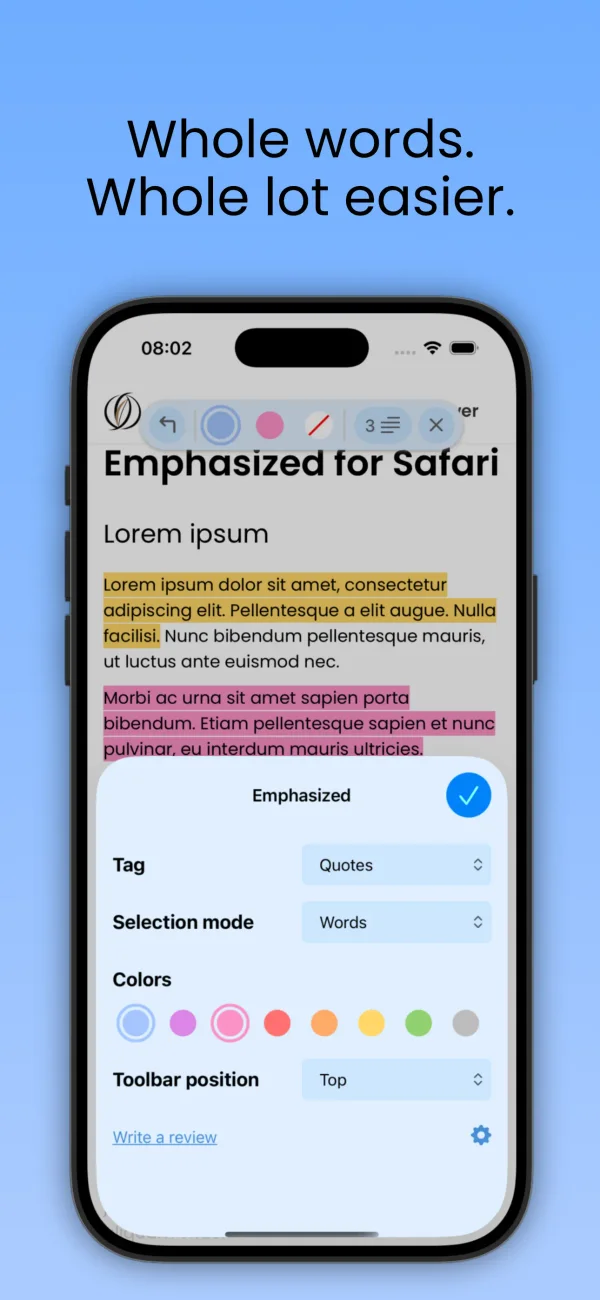
• Select an active tag to automatically apply it while highlighting
Selection Modes
• Characters: grab just the letters you want
• Words: select full words even if selecting mid-word
• None: disable highlighting while keeping existing highlights visible
Auto-Save
• Highlights are saved locally on your device
• Automatically restored when you revisit the same webpage
• No account or sign-in required
Organized View
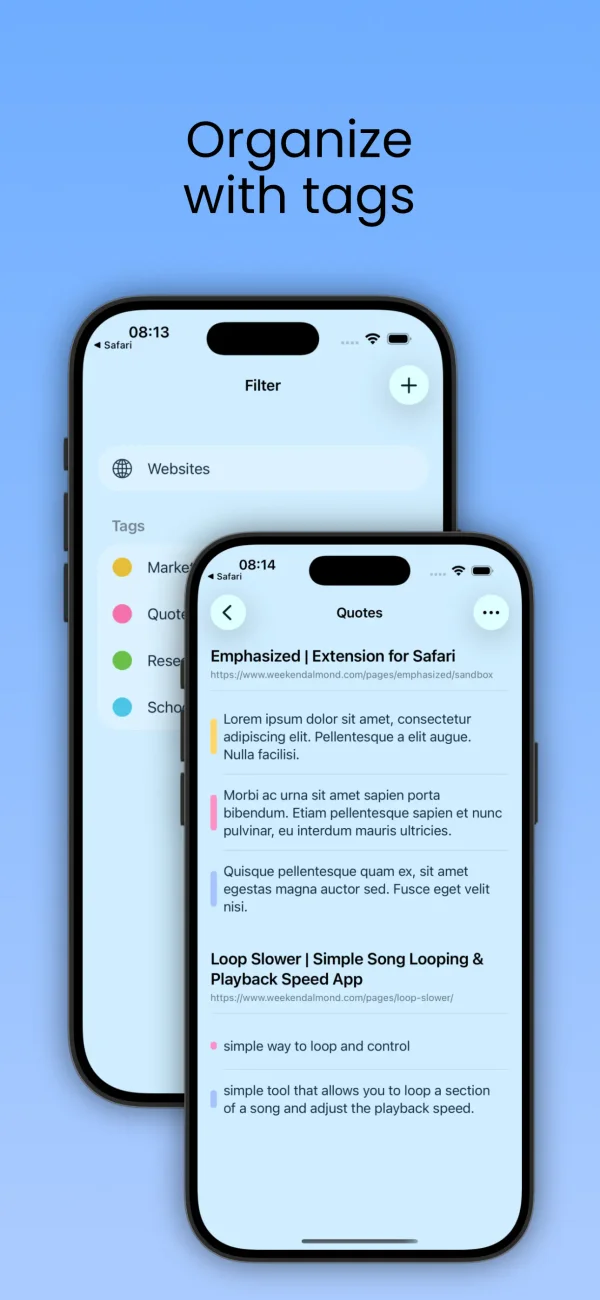
• Browse highlights by webpage
• Browse all highlights by tag across every website
• Quickly find and review your saved content
Exporting
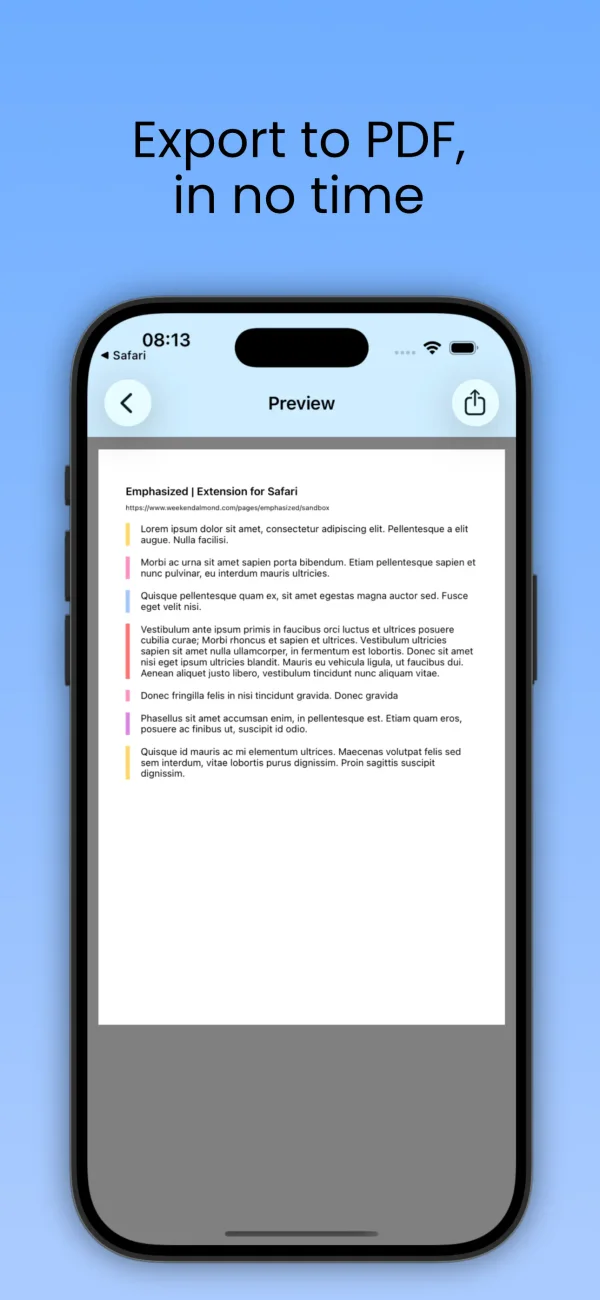
• Export highlights as a clean, shareable PDF
• Export as plain text or JSON
• Share directly via the system share sheet
Other Features
• Reposition the toolbar if it gets in the way
• Boost productivity with keyboard shortcuts for highlighting and switching tags (requires physical keyboard)
• See your active highlight settings, all keyboard shortcuts, and support links in the Settings page
Works on iPhone, iPad, and Mac.
Neue Funktionen
Version 2.0 · 21.05.2026
• Tags — Create tags with custom colors, assign or change them on any highlight, and select an active tag to automatically apply it while highlighting.
• Browse by tag — View all your highlights organized by tag across every website.
• More export options — Export highlights as plain text or JSON, or share directly via the system share sheet.
• New keyboard shortcuts — Quickly switch between tags and preview the active tag (requires a physical keyboard).
• New interface — A clean design tailored to each platform.
• Bug fixes and stability improvements.
App-Datenschutz
Was Algirdas Gridziuska im App Store zum Umgang dieser App mit Daten angibt.
-
Keine Daten erfasst
Der Entwickler erfasst keine Daten von dieser App.
Die Datenschutzpraktiken können variieren, zum Beispiel je nach den von Ihnen verwendeten Funktionen oder Ihrem Alter.
Informationen
- Anbieter
- Algirdas Gridziuska
- Kategorie
- Produktivität
- Version
- 2.0
- Aktualisiert
- 21.05.2026
- Veröffentlicht
- 07.07.2025
- Größe
- 7,6 MB
- Erfordert
- iOS 17.6 oder neuer
- Altersfreigabe
- 4+
- Preis
- 2,99 €
- Sprachen
- Englisch
- Copyright
- © 2025 Weekend Almond
Das könnte Ihnen auch gefallen
-
 neverlabs AI WriterProduktivität
-
 ShotLoomLange Screenshots & Fototools
-
 Narrativ TimelineProduktivität
-
 AhtiProduktivität
-
 IWL: Smarter WritingProduktivität
-
 Raven - Markdown-NotizenEditor für lokale Textdateien
-
 Script: Screenplay WriterProduktivität
-
 Tymelune: Countdowns & WidgetsProduktivität
-
 Pomodoro Focus Timer: Twen5Konzentration: Arbeit & Lernen
-
 Cloud Snippets - MobileProduktivität