Encrypted Messaging - Kibo
Secure any chat by encryption
Entwickelt für iPhone
Kostenlos · In-App-Käufe
- Altersfreigabe4+
- KategorieDienstprogramme
- EntwicklerAshray Santoki
- SprachenEnglisch
- Größe4,5 MB
Verlinkt auf die offizielle App Store-Seite
Download.org hostet keine Datei von Encrypted Messaging - Kibo. Die Schaltfläche öffnet die App-Seite bei App Store, wo Ashray Santoki die App veröffentlicht. Eintrag zuletzt geprüft am 18.11.2026.
Screenshots
Info
Der Entwickler hat diesen Text nicht in Ihrer Sprache bereitgestellt.
Encrypted Keyboard – Private Chat & Secure Messaging
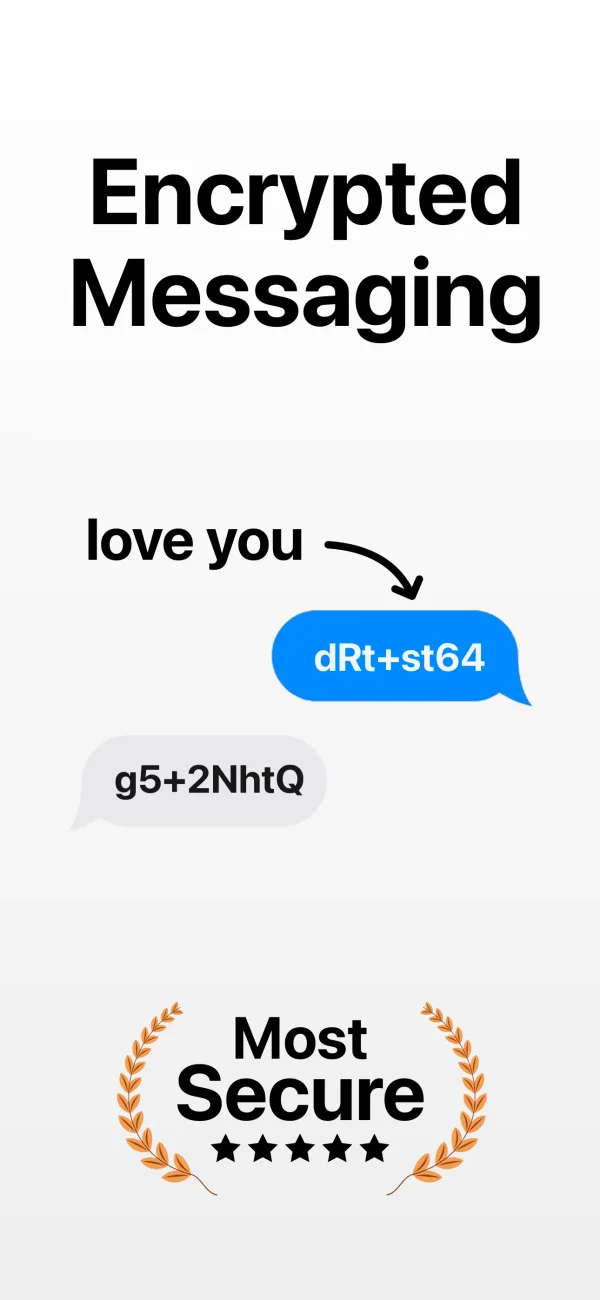
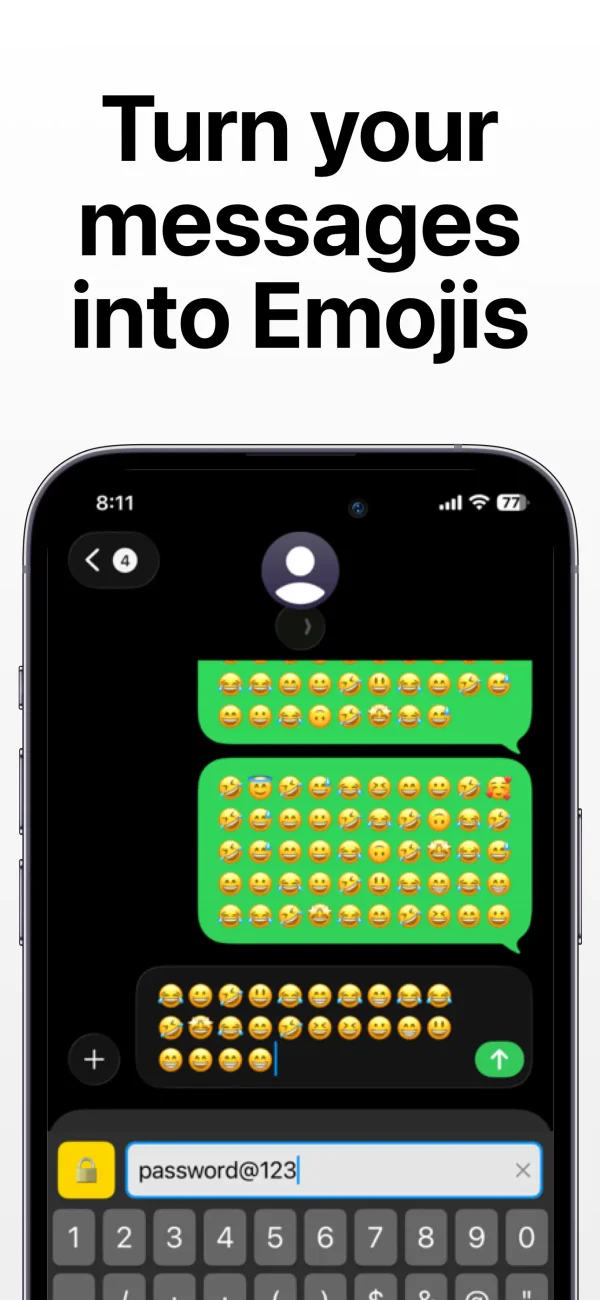
Protect your conversations like never before with Encrypted Keyboard, a smart and secure keyboard that encrypts your messages in real time before sending and decrypts them instantly on receipt. Designed for privacy-focused users, this app ensures your personal chats stay truly private.
Whether you’re chatting passwords, sensitive information, or private thoughts, Encrypted Keyboard adds a powerful security layer directly to your keyboard.
Key Features
1. Real-Time Encryption & Decryption
2. Messages are encrypted as you type and decrypted seamlessly for the recipient — no extra steps, no complexity.
3. Secure Custom Keyboard
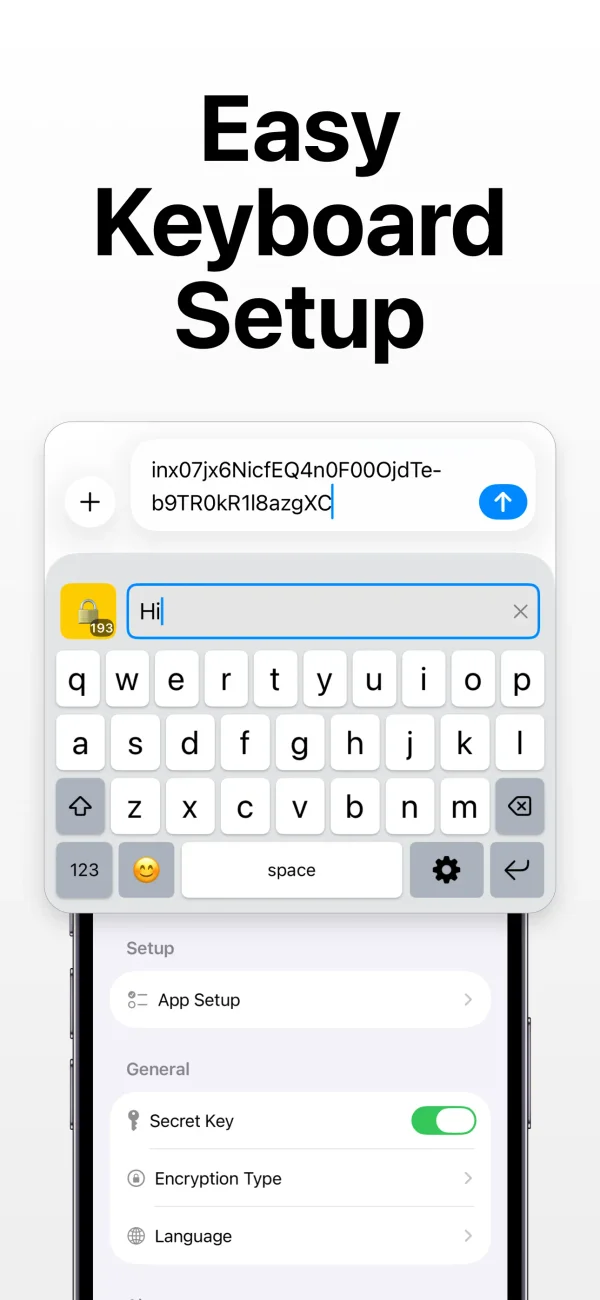
4. A fully functional iOS keyboard with built-in encryption, allowing you to type securely in messaging apps.
Secret Key Protection
Use a secret key to lock and unlock conversations, ensuring only intended users can read the message.
Custom Themes & Fonts
Personalize your keyboard with modern dark themes, font styles, and a clean premium UI.
Multiple Encryption Types
Choose from different encryption methods based on your security needs.
Multi-Language Support
Type securely in multiple languages without compromising privacy.
Fast & Lightweight
Optimized for performance with instant encryption and minimal battery usage.
Privacy First. Always.
- No message storage
- No data tracking
- No cloud uploads
- No third-party access
- All encryption happens locally on your device. Your data stays yours.
How to Enable the Keyboard
Go to Settings > General > Keyboard > Keyboards
Tap Add New Keyboard
Select Encrypted Keyboard
Enable Allow Full Access to activate encryption features
Who Is This App For?
Privacy-conscious users
Secure messaging enthusiasts
Professionals sharing sensitive data
Anyone who values confidential communication
Why Choose Encrypted Keyboard?
Unlike regular keyboards, Encrypted Keyboard transforms your everyday typing into a secure communication channel — without changing how you chat.
Simple. Secure. Powerful.
Policy and Terms / EULA: https://sites.google.com/view/mienc
App-Datenschutz
Was Ashray Santoki im App Store zum Umgang dieser App mit Daten angibt.
-
Keine Daten erfasst
Der Entwickler erfasst keine Daten von dieser App.
Die Datenschutzpraktiken können variieren, zum Beispiel je nach den von Ihnen verwendeten Funktionen oder Ihrem Alter.
Informationen
- Anbieter
- Ashray Santoki
- Kategorie
- Dienstprogramme
- Version
- 1.1
- Aktualisiert
- 22.01.2026
- Veröffentlicht
- 22.01.2026
- Größe
- 4,5 MB
- Erfordert
- iOS 17.6 oder neuer
- Altersfreigabe
- 4+
- Preis
- Kostenlos
- In-App-Käufe
- Ja
- Sprachen
- Englisch
- Copyright
- © 2026 Santoki Ashray. All rights reserved.
Das könnte Ihnen auch gefallen
-
 Murmur Input: VerschlüsselnTastatur: privat verschlüsseln
-
 Encryption: Secure TextDienstprogramme
-
 ScromblerDienstprogramme
-
 Everything KeyboardDienstprogramme
-
 Private Note EncryptedVerschlüsselte Geheimnisse
-
 Encode KeyboardText, Emoji und Codes
-
 Device Risk AnalyticsDienstprogramme
-
 TinyClip - Clipboard AnywhereDienstprogramme
-
 RouteBoss: Network ControlDienstprogramme
-
 Secret Text: Encrypt MessageDienstprogramme