Encrypted Messaging - Kibo
Secure any chat by encryption
Diseñada para iPhone
Gratis · Compras en la aplicación
- Clasificación por edad4+
- CategoríaUtilidades
- DesarrolladorAshray Santoki
- IdiomasInglés
- Tamaño4,5 MB
Enlaza a la página oficial de App Store
Download.org no aloja ningún archivo de Encrypted Messaging - Kibo. El botón abre la página de la aplicación en App Store, donde la publica Ashray Santoki. Ficha comprobada por última vez el 18/11/2026.
Capturas de pantalla
Acerca de
El desarrollador no ha proporcionado este texto en tu idioma.
Encrypted Keyboard – Private Chat & Secure Messaging
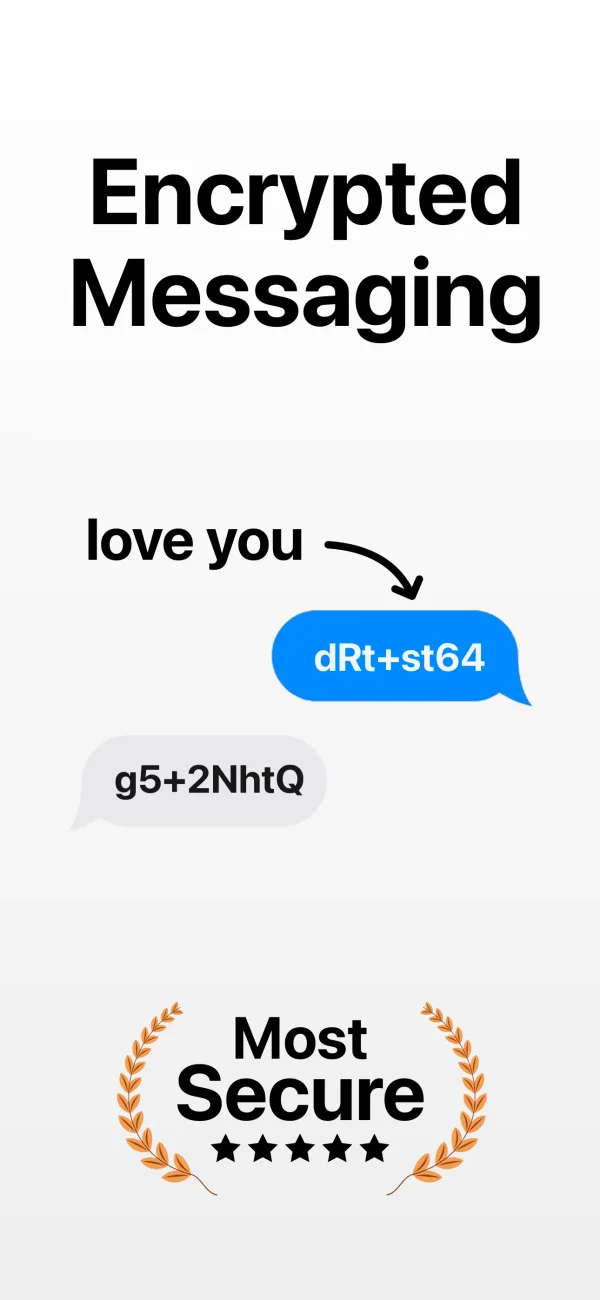
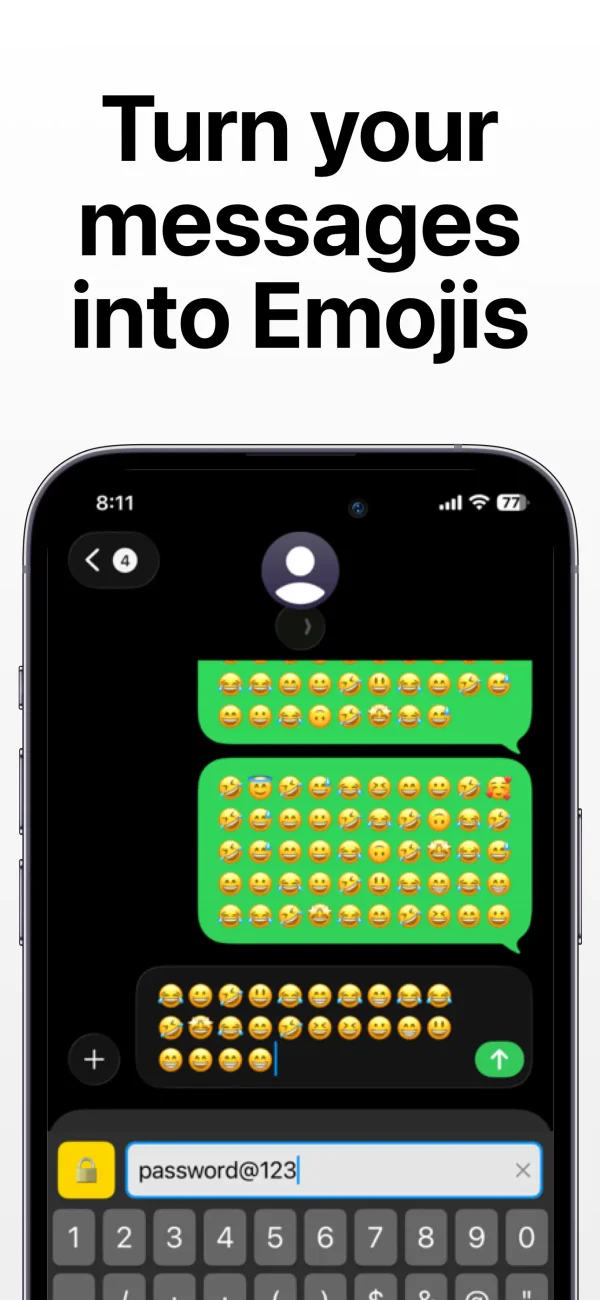
Protect your conversations like never before with Encrypted Keyboard, a smart and secure keyboard that encrypts your messages in real time before sending and decrypts them instantly on receipt. Designed for privacy-focused users, this app ensures your personal chats stay truly private.
Whether you’re chatting passwords, sensitive information, or private thoughts, Encrypted Keyboard adds a powerful security layer directly to your keyboard.
Key Features
1. Real-Time Encryption & Decryption
2. Messages are encrypted as you type and decrypted seamlessly for the recipient — no extra steps, no complexity.
3. Secure Custom Keyboard
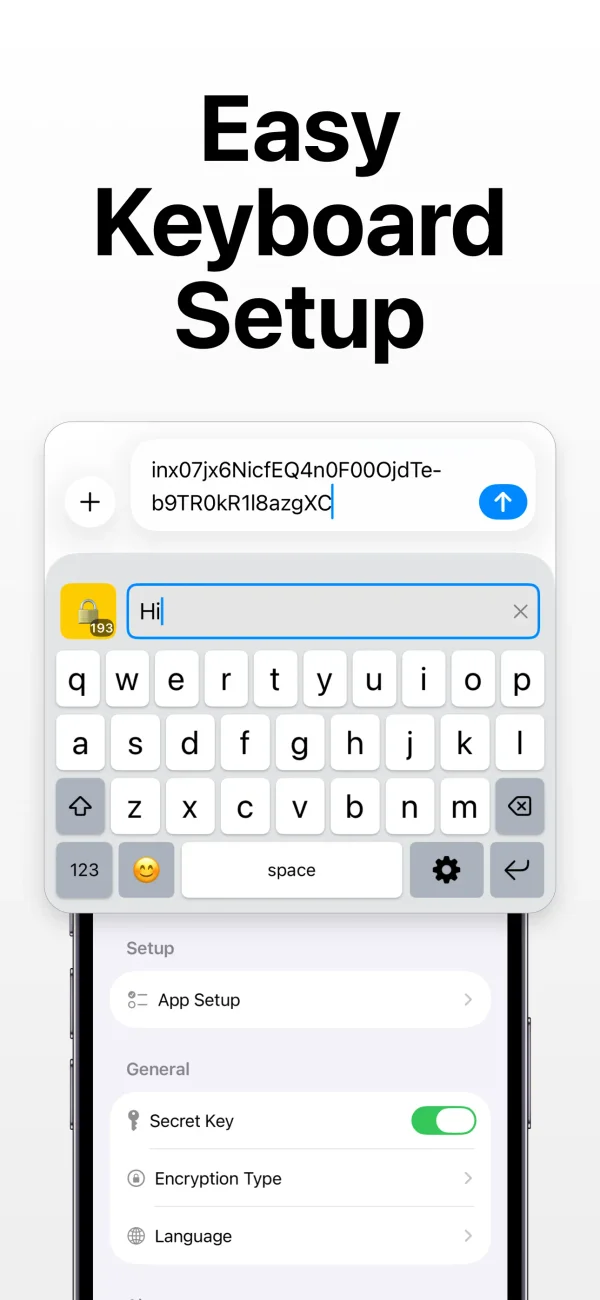
4. A fully functional iOS keyboard with built-in encryption, allowing you to type securely in messaging apps.
Secret Key Protection
Use a secret key to lock and unlock conversations, ensuring only intended users can read the message.
Custom Themes & Fonts
Personalize your keyboard with modern dark themes, font styles, and a clean premium UI.
Multiple Encryption Types
Choose from different encryption methods based on your security needs.
Multi-Language Support
Type securely in multiple languages without compromising privacy.
Fast & Lightweight
Optimized for performance with instant encryption and minimal battery usage.
Privacy First. Always.
- No message storage
- No data tracking
- No cloud uploads
- No third-party access
- All encryption happens locally on your device. Your data stays yours.
How to Enable the Keyboard
Go to Settings > General > Keyboard > Keyboards
Tap Add New Keyboard
Select Encrypted Keyboard
Enable Allow Full Access to activate encryption features
Who Is This App For?
Privacy-conscious users
Secure messaging enthusiasts
Professionals sharing sensitive data
Anyone who values confidential communication
Why Choose Encrypted Keyboard?
Unlike regular keyboards, Encrypted Keyboard transforms your everyday typing into a secure communication channel — without changing how you chat.
Simple. Secure. Powerful.
Policy and Terms / EULA: https://sites.google.com/view/mienc
Privacidad de la aplicación
Lo que Ashray Santoki declara en App Store sobre cómo esta aplicación gestiona los datos.
-
No se recopilan datos
El desarrollador no recopila ningún dato de esta aplicación.
Las prácticas de privacidad pueden variar, por ejemplo, según las funciones que uses o tu edad.
Información
- Vendedor
- Ashray Santoki
- Categoría
- Utilidades
- Versión
- 1.1
- Actualizado
- 22/1/2026
- Publicado
- 22/1/2026
- Tamaño
- 4,5 MB
- Requiere
- iOS 17.6 o posterior
- Clasificación por edad
- 4+
- Precio
- Gratis
- Compras en la aplicación
- Sí
- Idiomas
- Inglés
- Copyright
- © 2026 Santoki Ashray. All rights reserved.
Quizá también te guste
-
 Murmur Input: Cifrar mensajesTeclado: cifrado y privacidad
-
 Encryption: Secure TextUtilidades
-
 ScromblerUtilidades
-
 Everything KeyboardUtilidades
-
 Private Note EncryptedSecretos cifrados efímeros
-
 Encode KeyboardTexto, emoji y cifrados
-
 Device Risk AnalyticsUtilidades
-
 TinyClip - Clipboard AnywhereUtilidades
-
 RouteBoss: Network ControlUtilidades
-
 Secret Text: Encrypt MessageUtilidades