
Ente Auth - 2FA Authenticator
Secure sync across devices
Entwickelt für iPhone, iPad, iPod touch
Kostenlos
- Altersfreigabe17+
- KategorieDienstprogramme
- EntwicklerEnte Technologies, Inc.
- SprachenEnglisch
- Größe103,8 MB
Verlinkt auf die offizielle App Store-Seite
Download.org hostet keine Datei von Ente Auth - 2FA Authenticator. Die Schaltfläche öffnet die App-Seite bei App Store, wo Ente Technologies, Inc. die App veröffentlicht. Eintrag zuletzt geprüft am 23.11.2026.
Screenshots
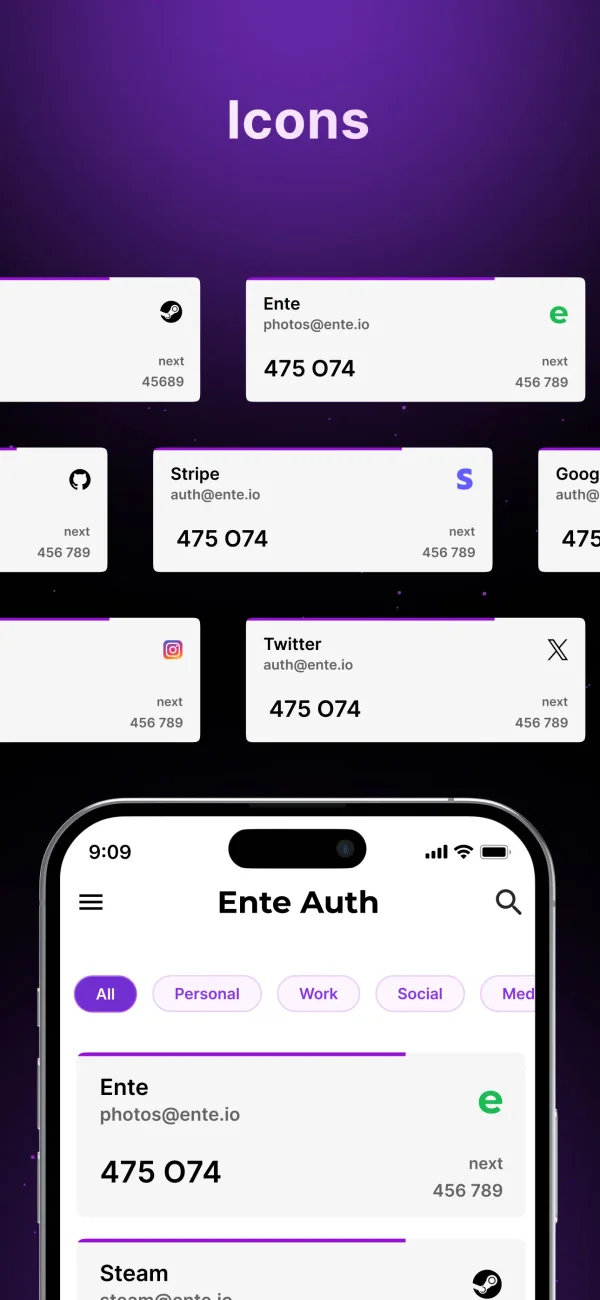
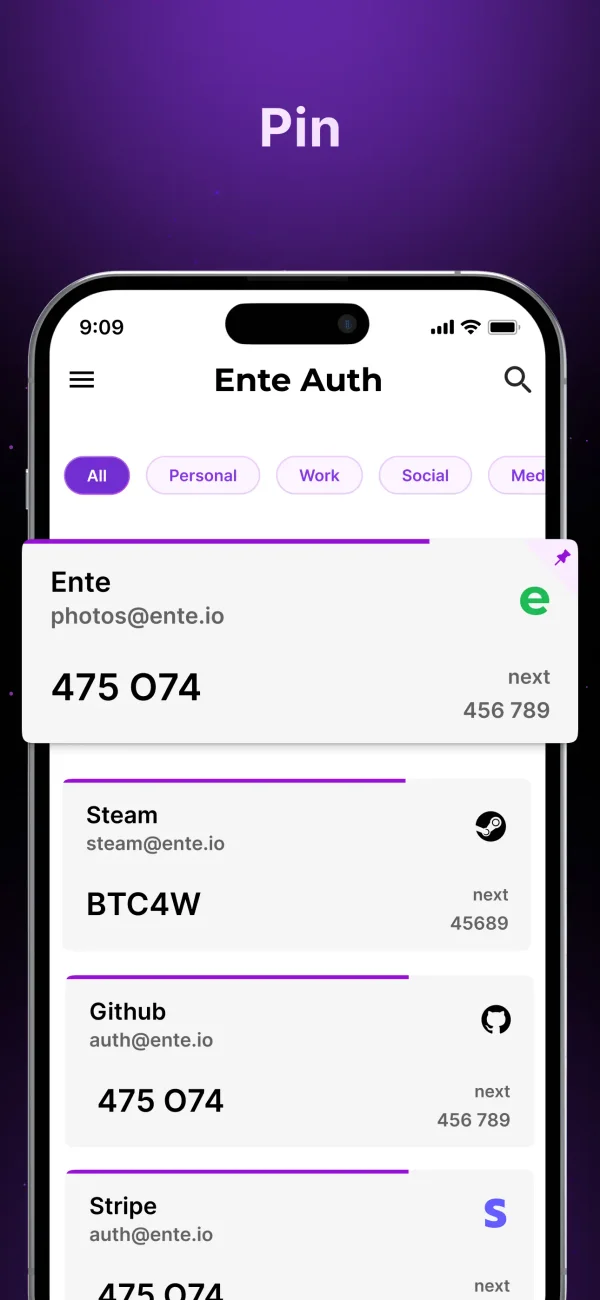
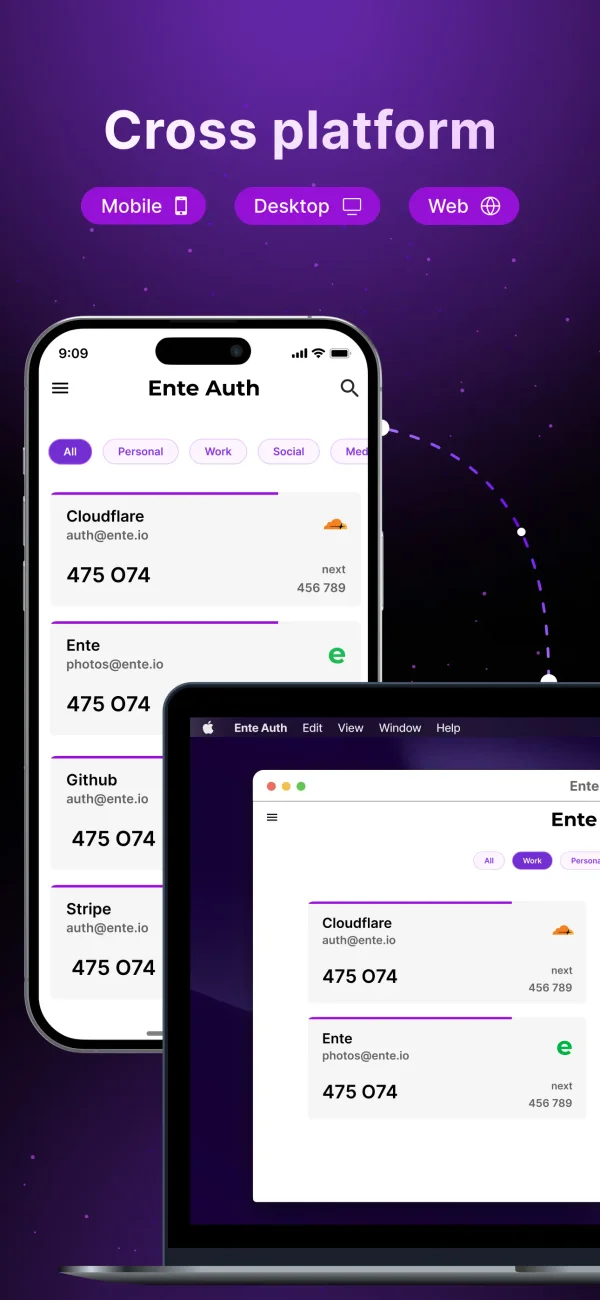
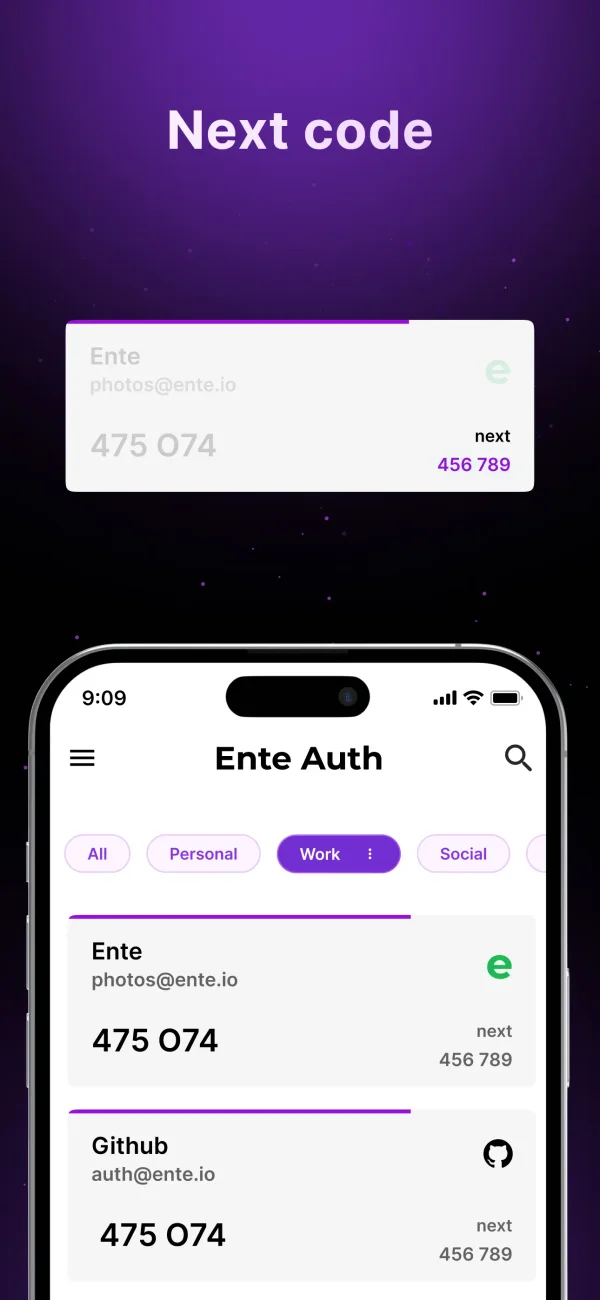
Info
Der Entwickler hat diesen Text nicht in Ihrer Sprache bereitgestellt.
Ente's Authenticator app helps you generate and store 2 step verification (2FA) tokens on your mobile devices.
FEATURES
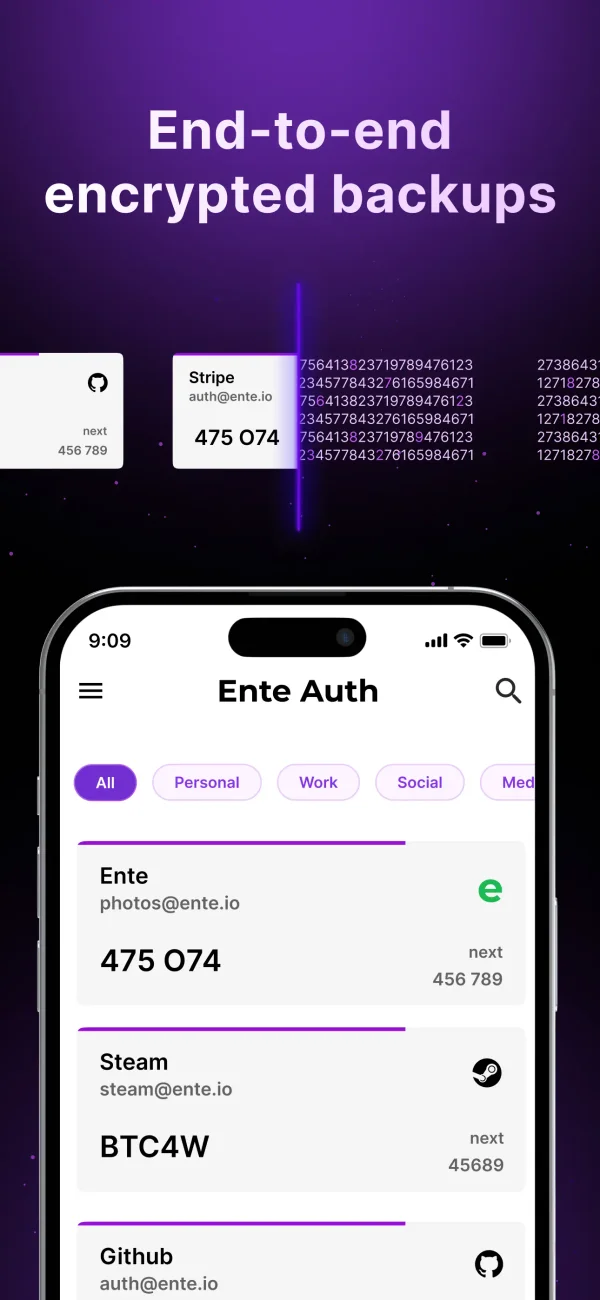
SECURE BACKUPS
Auth provides end-to-end encrypted cloud backups so that you don't have to worry about losing your tokens. We use the same protocols Ente Photos uses to encrypt and preserve your data.
MULTI DEVICE SYNC
Auth will automatically sync the 2FA tokens you add to your account, across all your devices on mobile & desktop. Every new device you sign into will have access to these tokens.
WEB ACCESS
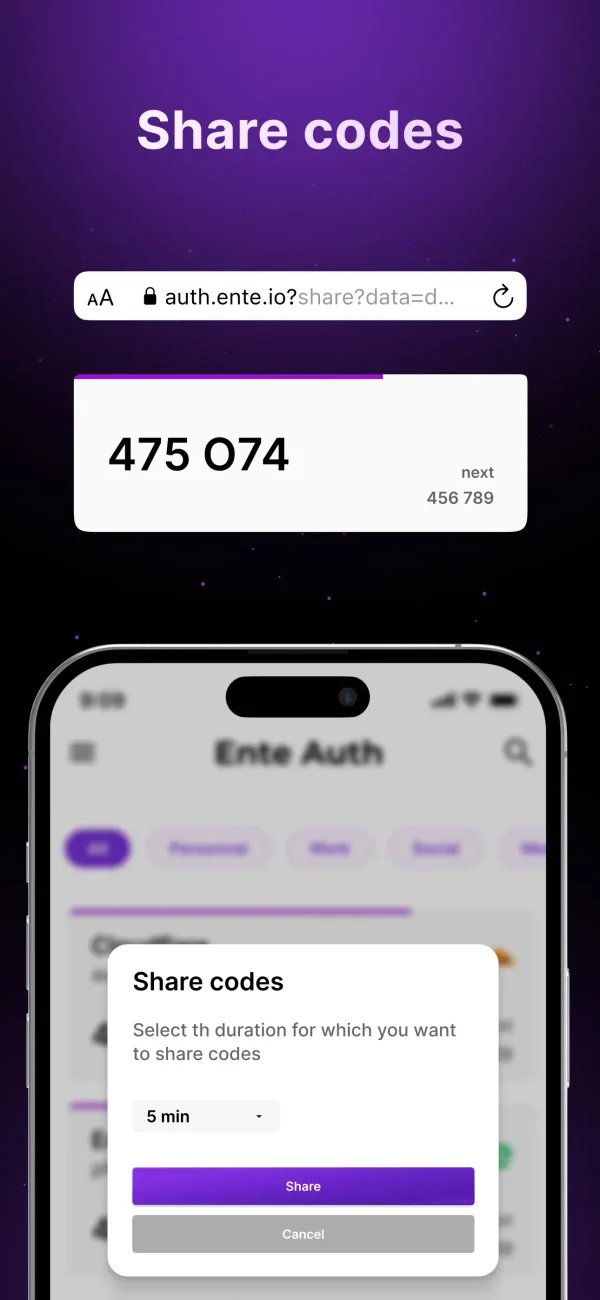
You can access your 2FA tokens on any device by using https://auth.ente.io.
OFFLINE MODE
Auth generates 2FA tokens offline, so your network connectivity will not get in the way of your workflow.
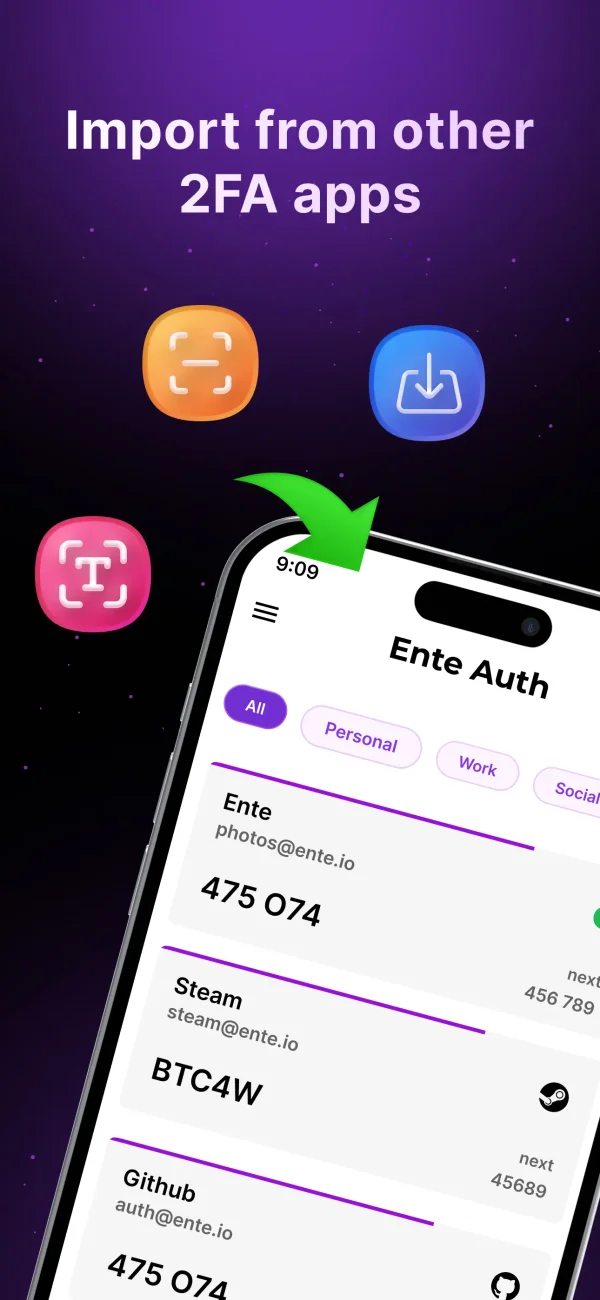
IMPORT AND EXPORT
You can add tokens to ente by one of the following methods:
- Scanning a QR code
- Manually entering (copy-pasting) a 2FA secret
- Bulk importing from a file that contains a list of codes in the following format:
otpauth://totp/provider.com:you@email.com?secret=YOUR_SECRET
The codes maybe separated by new lines or commas.
You can also export the codes you have added to ente, to an unencrypted text file, that adheres to the above format.
TERMS
https://ente.io/terms
Neue Funktionen
Version v4.4.27 · 19.11.2026
- Import backups from Open Authenticator.
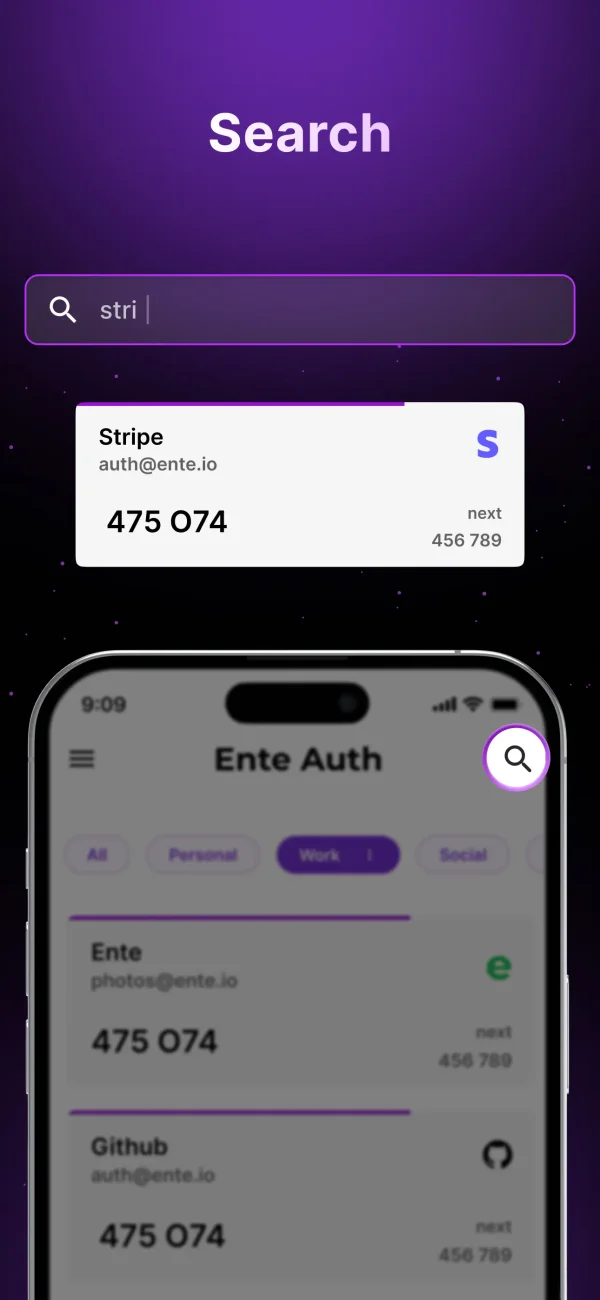
- Sort codes newest first and search settings.
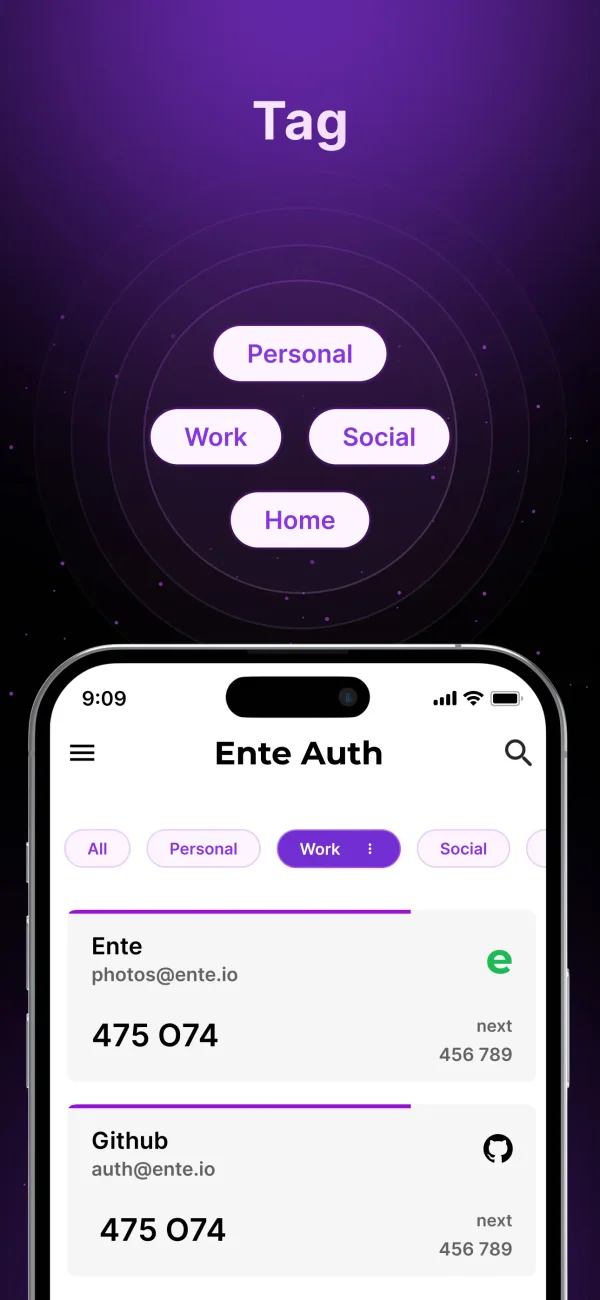
- Remember your selected tag when reopening the app.
- Fixed codes being cut off at large text sizes and app locks staying enabled after logout.
- Moved the session token to secure storage.
App-Datenschutz
Was Ente Technologies, Inc. im App Store zum Umgang dieser App mit Daten angibt.
-
Mit Ihnen verknüpfte Daten
Können erfasst und mit Ihrer Identität verknüpft werden.
- Kontaktinformationen
- Benutzerinhalte
- Kennungen
-
Nicht mit Ihnen verknüpfte Daten
Können erfasst werden, sind aber nicht mit Ihrer Identität verknüpft.
- Diagnose
Die Datenschutzpraktiken können variieren, zum Beispiel je nach den von Ihnen verwendeten Funktionen oder Ihrem Alter.
Informationen
- Anbieter
- Ente Technologies, Inc.
- Kategorie
- Dienstprogramme
- Version
- v4.4.27
- Aktualisiert
- 19.11.2026
- Veröffentlicht
- 27.11.2022
- Größe
- 103,8 MB
- Erfordert
- iOS 15.0 oder neuer
- Altersfreigabe
- 17+
- Preis
- Kostenlos
- Sprachen
- Englisch
- Copyright
- © Ente Technologies, Inc.
Das könnte Ihnen auch gefallen
-
 SimpleLogin - Email aliasDienstprogramme
-
 Raivo - Authentifizierungs app2FA,freeOTP,tOTP Authenticator
-
 Kagi for SafariDienstprogramme
-
 Sink It for RedditDienstprogramme
-
 Vivaldi, der starke WebbrowserWebbrowser, der sich anpasst
-
 Wipr 2Dienstprogramme
-
 ntfyDienstprogramme
-
 uBlock Origin LiteAn efficient content blocker
-
 HelmarrDienstprogramme
-
 NetBird P2P VPNDienstprogramme