
Ente Auth - 2FA Authenticator
Secure sync across devices
Diseñada para iPhone, iPad, iPod touch
Gratis
- Clasificación por edad17+
- CategoríaUtilidades
- DesarrolladorEnte Technologies, Inc.
- IdiomasInglés
- Tamaño103,8 MB
Enlaza a la página oficial de App Store
Download.org no aloja ningún archivo de Ente Auth - 2FA Authenticator. El botón abre la página de la aplicación en App Store, donde la publica Ente Technologies, Inc. Ficha comprobada por última vez el 23/11/2026.
Capturas de pantalla
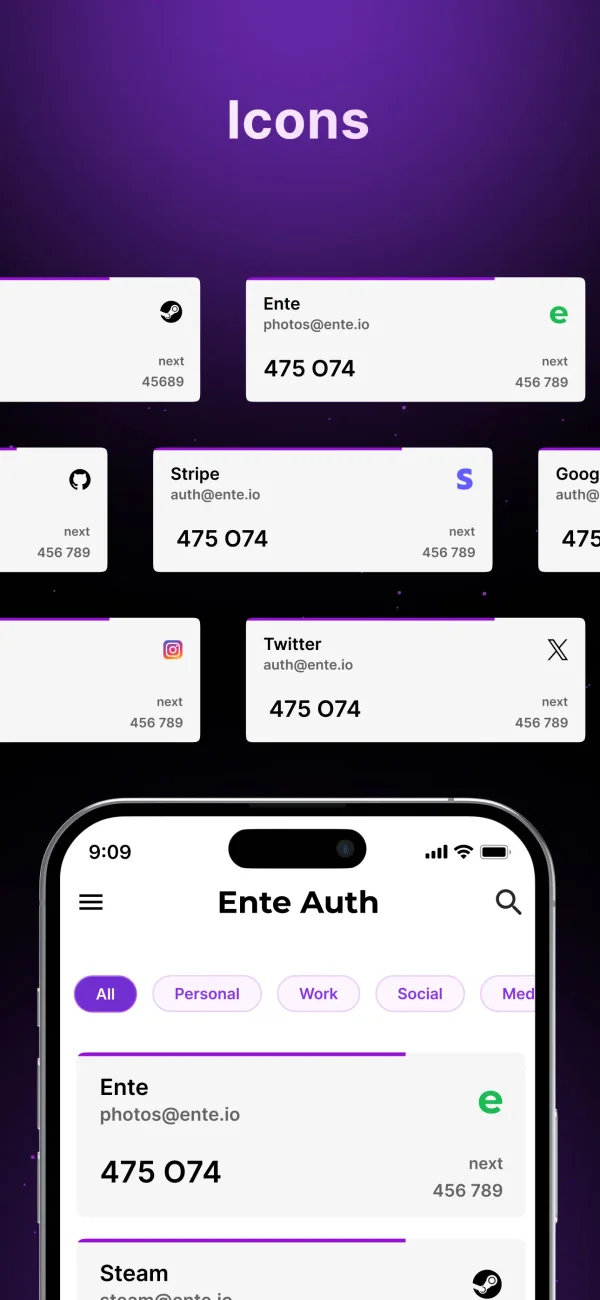
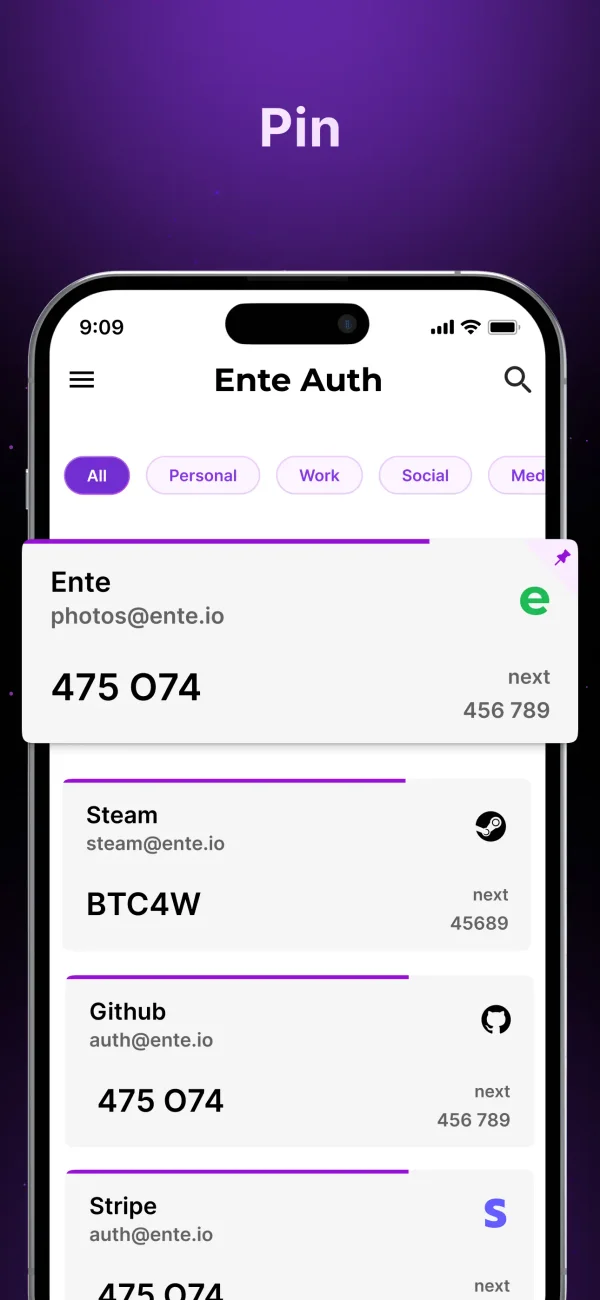
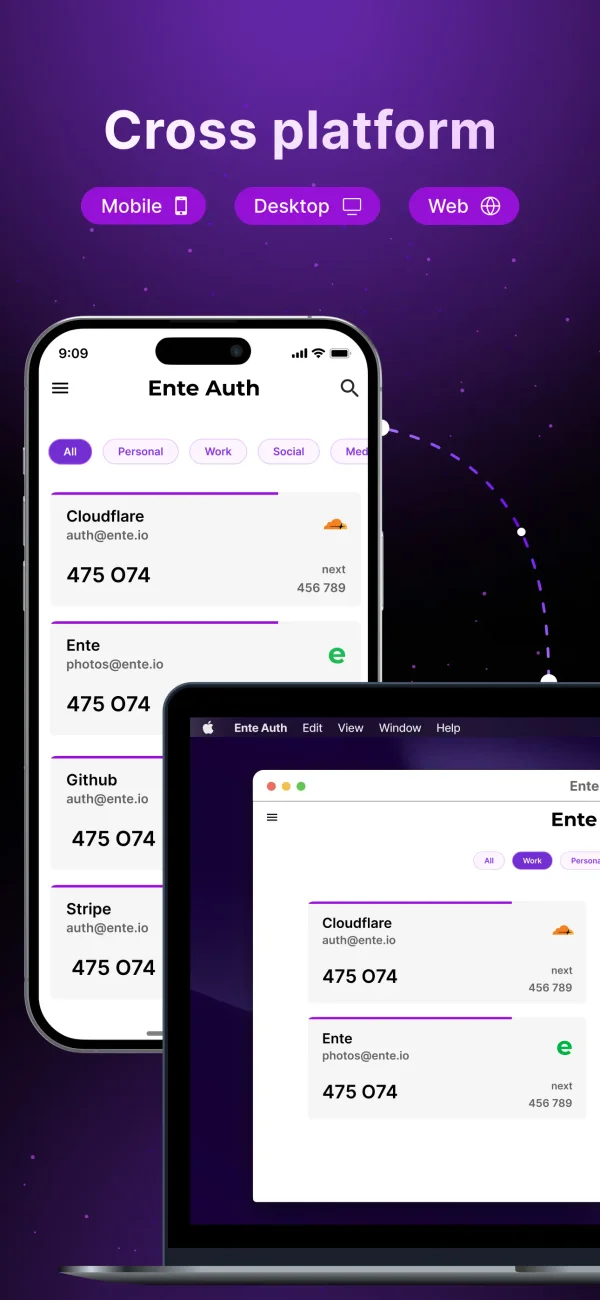
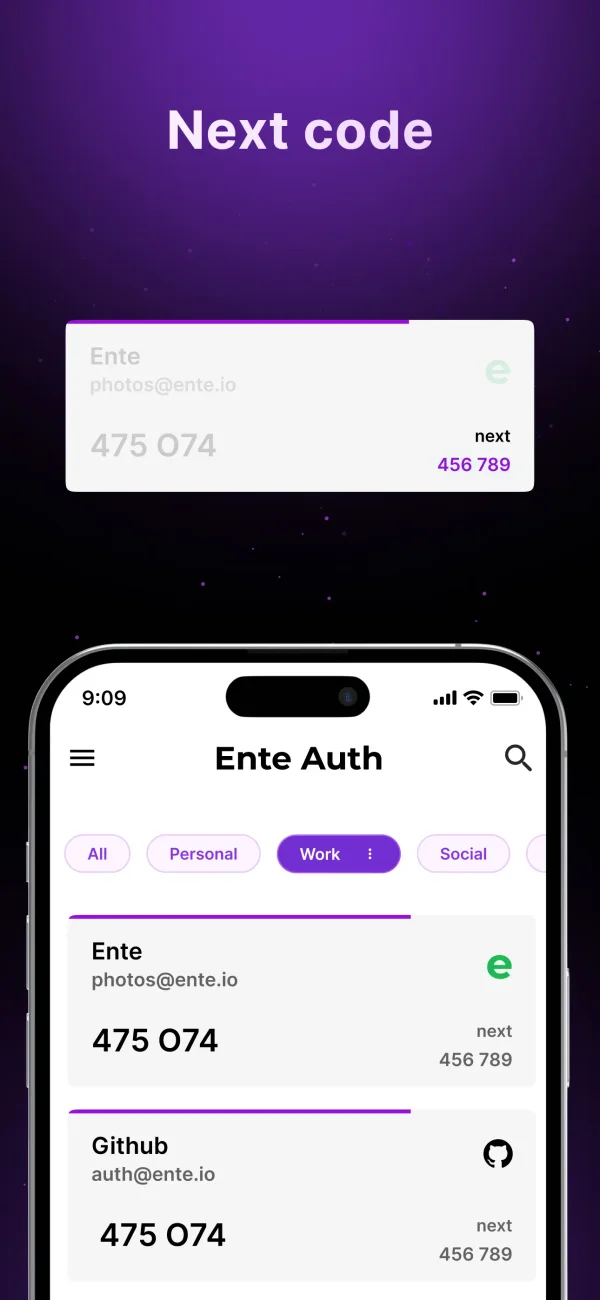
Acerca de
El desarrollador no ha proporcionado este texto en tu idioma.
Ente's Authenticator app helps you generate and store 2 step verification (2FA) tokens on your mobile devices.
FEATURES
SECURE BACKUPS
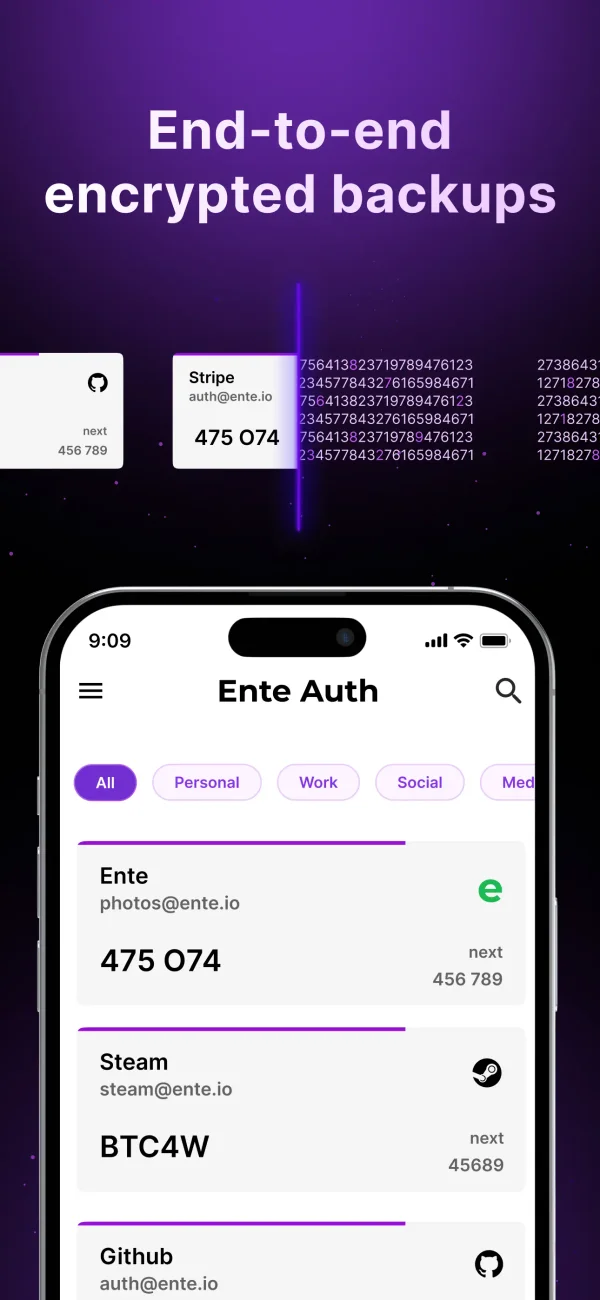
Auth provides end-to-end encrypted cloud backups so that you don't have to worry about losing your tokens. We use the same protocols Ente Photos uses to encrypt and preserve your data.
MULTI DEVICE SYNC
Auth will automatically sync the 2FA tokens you add to your account, across all your devices on mobile & desktop. Every new device you sign into will have access to these tokens.
WEB ACCESS
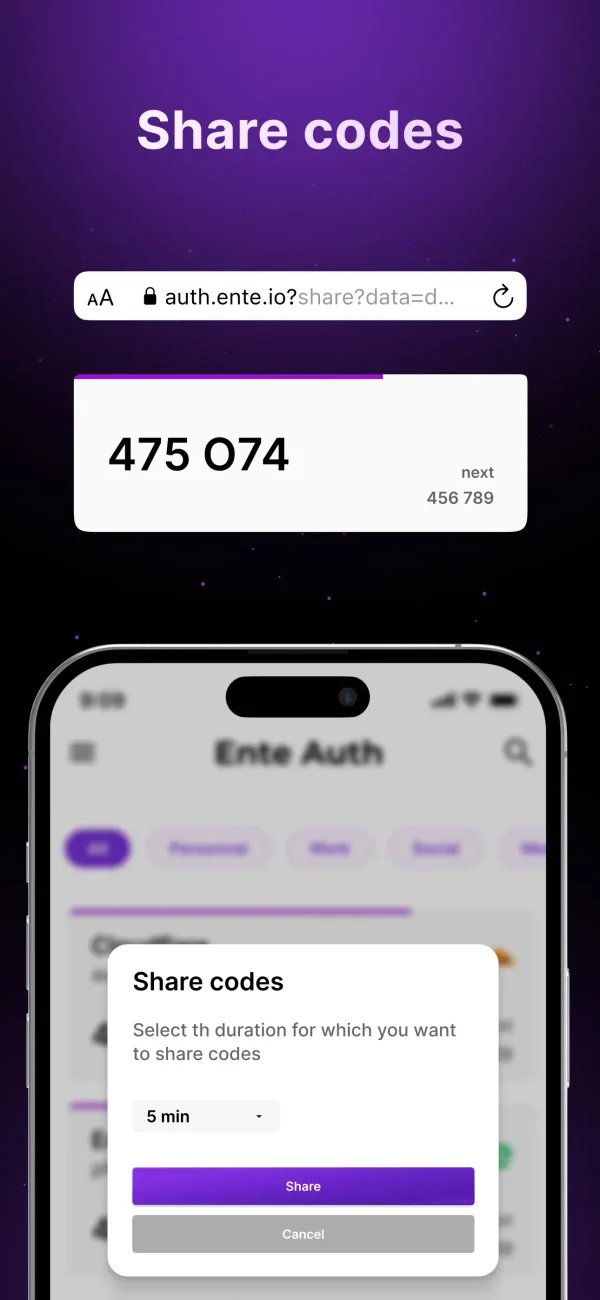
You can access your 2FA tokens on any device by using https://auth.ente.io.
OFFLINE MODE
Auth generates 2FA tokens offline, so your network connectivity will not get in the way of your workflow.
IMPORT AND EXPORT
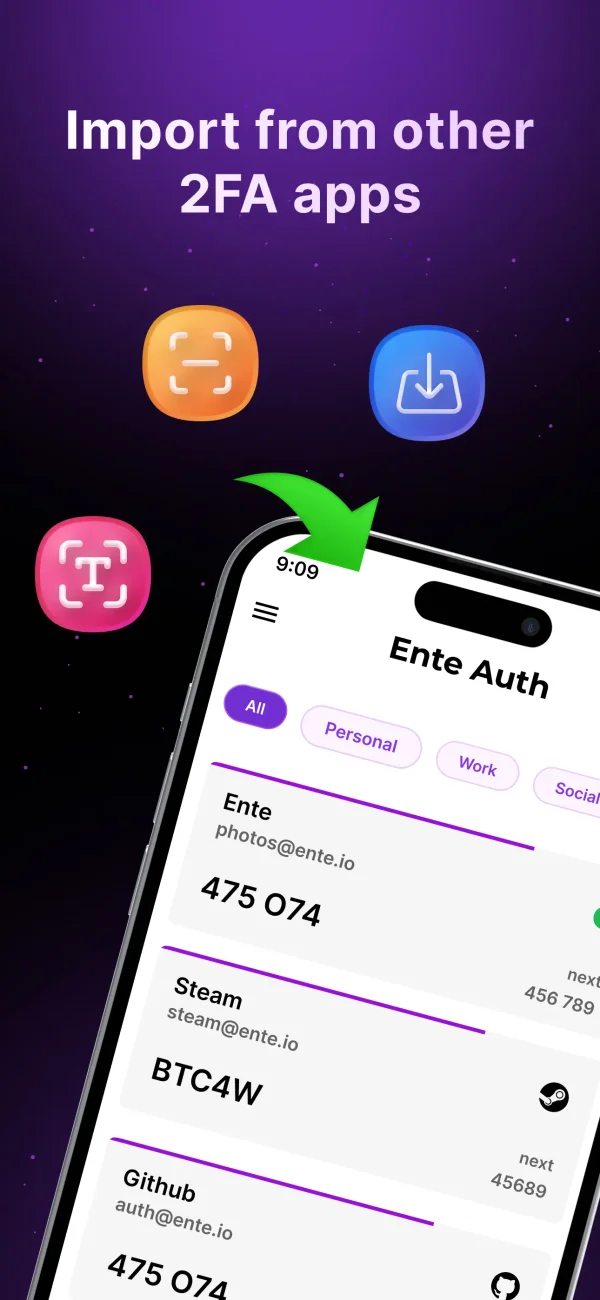
You can add tokens to ente by one of the following methods:
- Scanning a QR code
- Manually entering (copy-pasting) a 2FA secret
- Bulk importing from a file that contains a list of codes in the following format:
otpauth://totp/provider.com:you@email.com?secret=YOUR_SECRET
The codes maybe separated by new lines or commas.
You can also export the codes you have added to ente, to an unencrypted text file, that adheres to the above format.
TERMS
https://ente.io/terms
Novedades
Versión v4.4.27 · 19/11/2026
- Import backups from Open Authenticator.
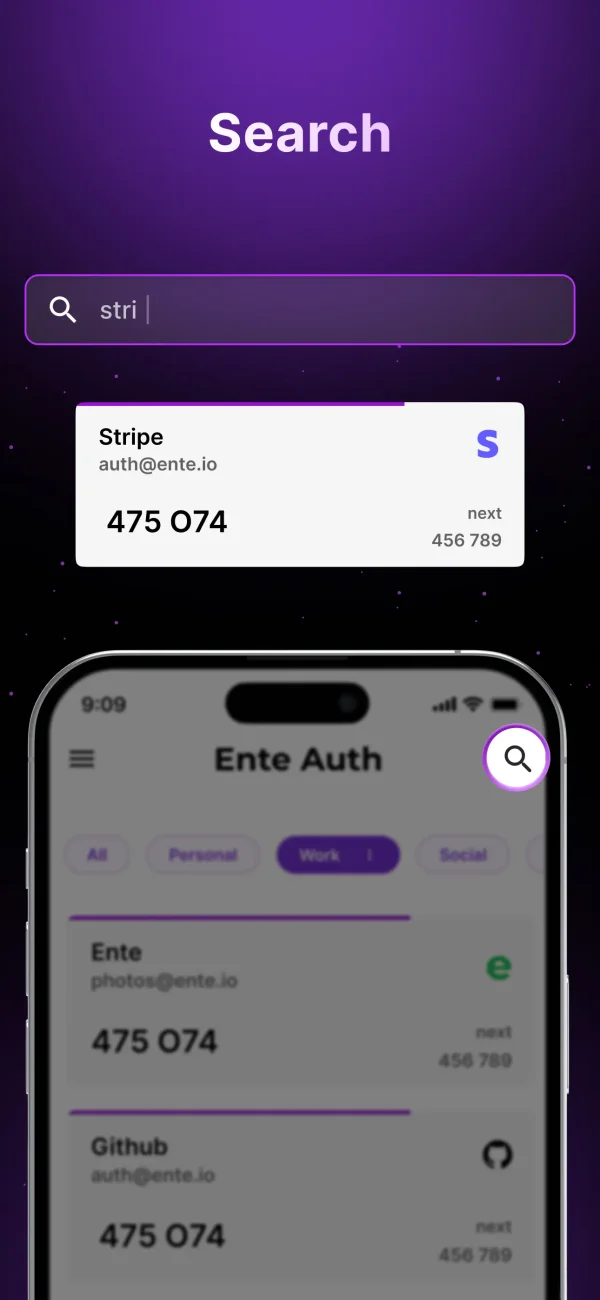
- Sort codes newest first and search settings.
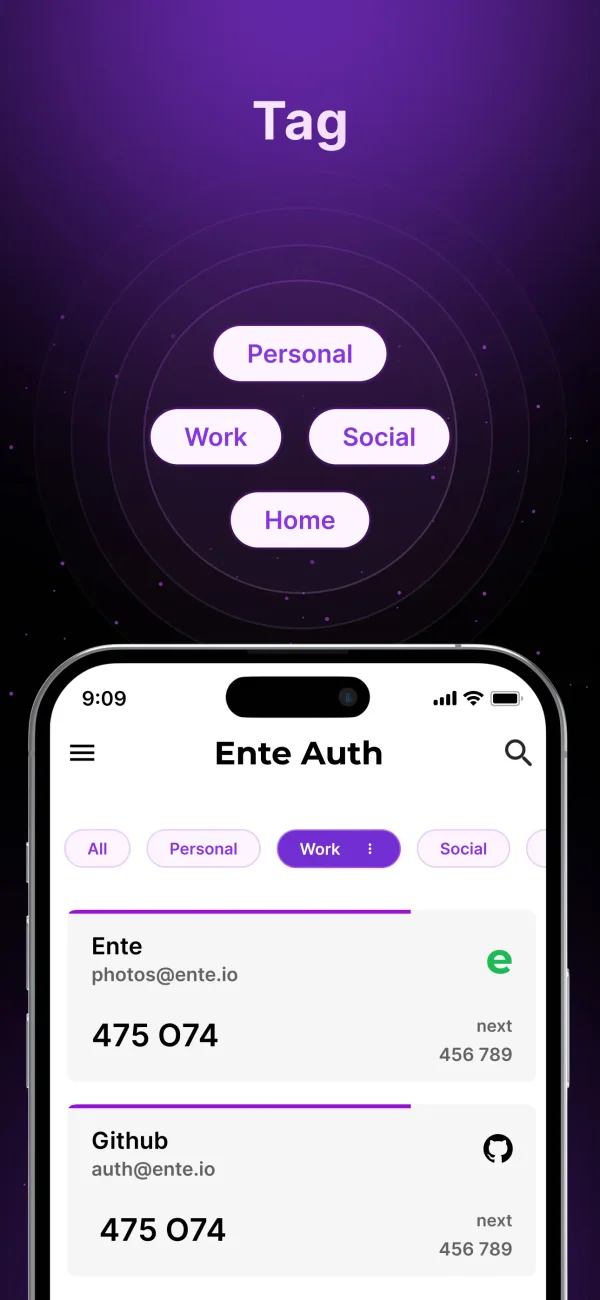
- Remember your selected tag when reopening the app.
- Fixed codes being cut off at large text sizes and app locks staying enabled after logout.
- Moved the session token to secure storage.
Privacidad de la aplicación
Lo que Ente Technologies, Inc. declara en App Store sobre cómo esta aplicación gestiona los datos.
-
Datos vinculados a ti
Pueden recopilarse y vincularse a tu identidad.
- Información de contacto
- Contenido del usuario
- Identificadores
-
Datos no vinculados a ti
Pueden recopilarse, pero no se vinculan a tu identidad.
- Diagnóstico
Las prácticas de privacidad pueden variar, por ejemplo, según las funciones que uses o tu edad.
Información
- Vendedor
- Ente Technologies, Inc.
- Categoría
- Utilidades
- Versión
- v4.4.27
- Actualizado
- 19/11/2026
- Publicado
- 27/11/2022
- Tamaño
- 103,8 MB
- Requiere
- iOS 15.0 o posterior
- Clasificación por edad
- 17+
- Precio
- Gratis
- Idiomas
- Inglés
- Copyright
- © Ente Technologies, Inc.
Quizá también te guste
-
 SimpleLogin - Email aliasUtilidades
-
 Raivo - 2FA Authenticator appFREEOTP, tOTP/OTP Autenticador
-
 Kagi for SafariUtilidades
-
 Sink It for RedditUtilidades
-
 Vivaldi Powerful Web BrowserUtilidades
-
 Wipr 2Utilidades
-
 ntfyUtilidades
-
 uBlock Origin LiteAn efficient content blocker
-
 HelmarrUtilidades
-
 NetBird P2P VPNUtilidades