
Ente Auth - 2FA Authenticator
Secure sync across devices
Conçue pour iPhone, iPad, iPod touch
Gratuit
- Classification d’âge17+
- CatégorieUtilitaires
- DéveloppeurEnte Technologies, Inc.
- LanguesAnglais
- Taille103,8 Mo
Renvoie vers la page App Store officielle
Download.org n’héberge aucun fichier de Ente Auth - 2FA Authenticator. Le bouton ouvre la page de l’application sur App Store, où Ente Technologies, Inc. la publie. Fiche vérifiée pour la dernière fois le 23/11/2026.
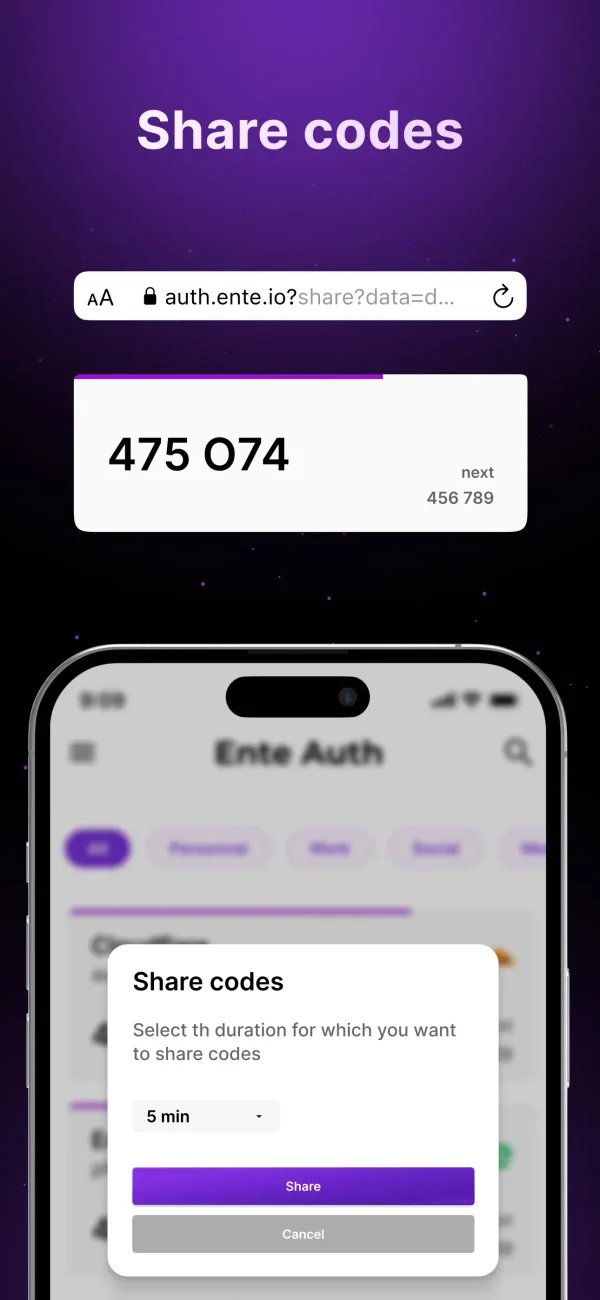
Captures d’écran
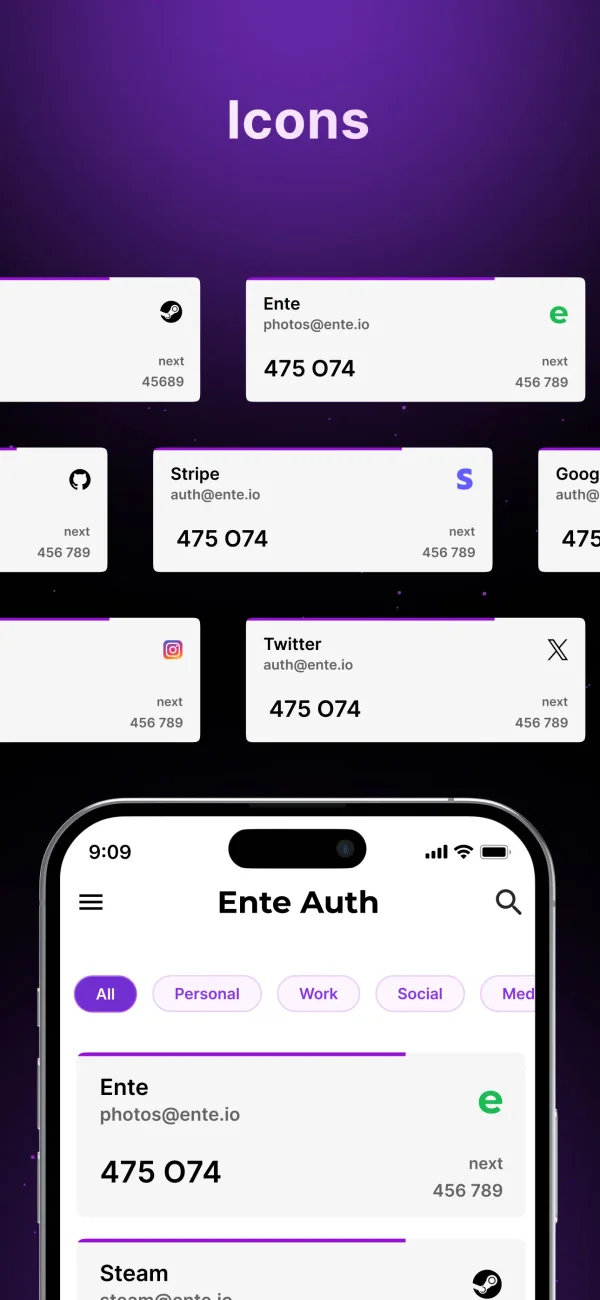
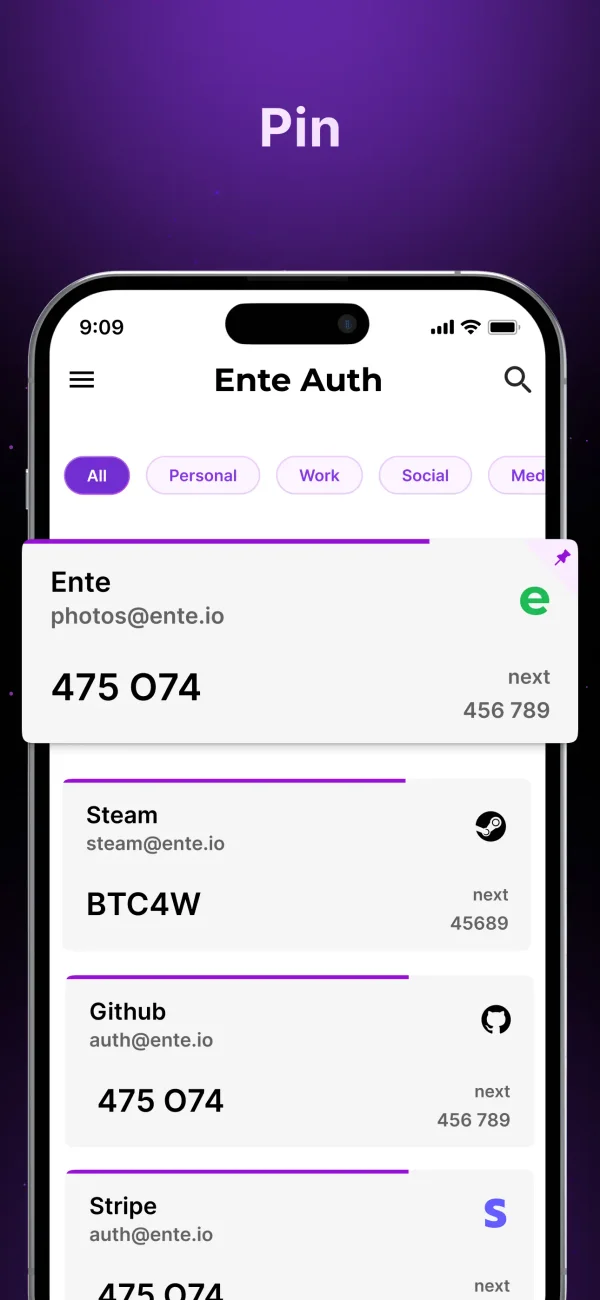
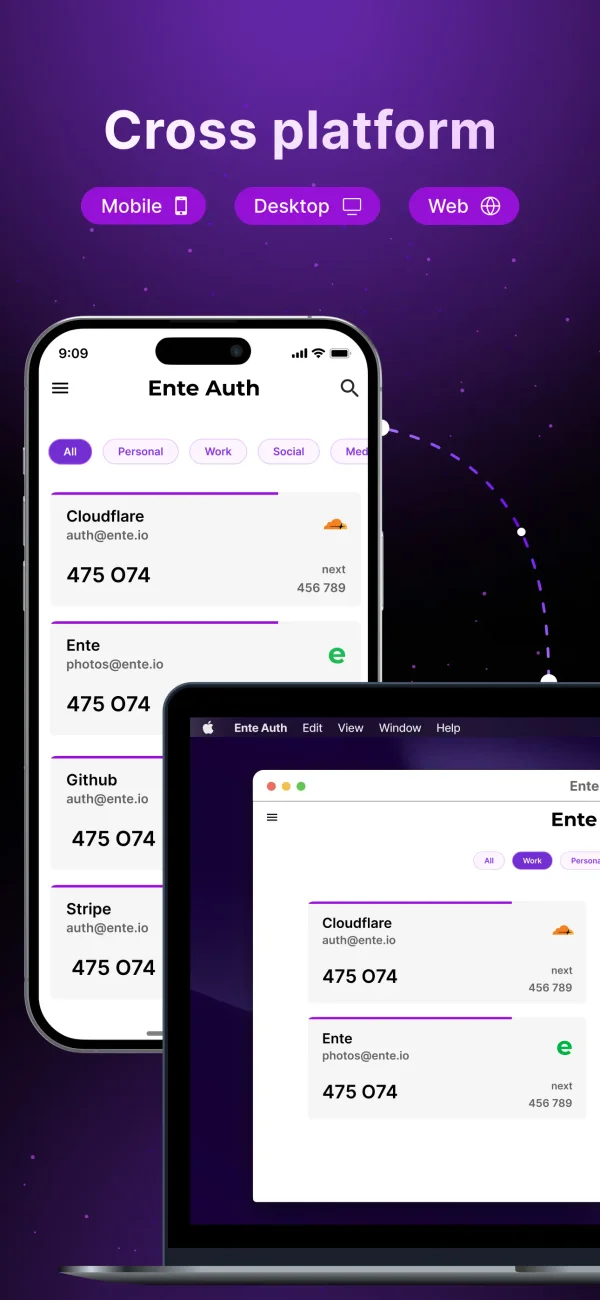
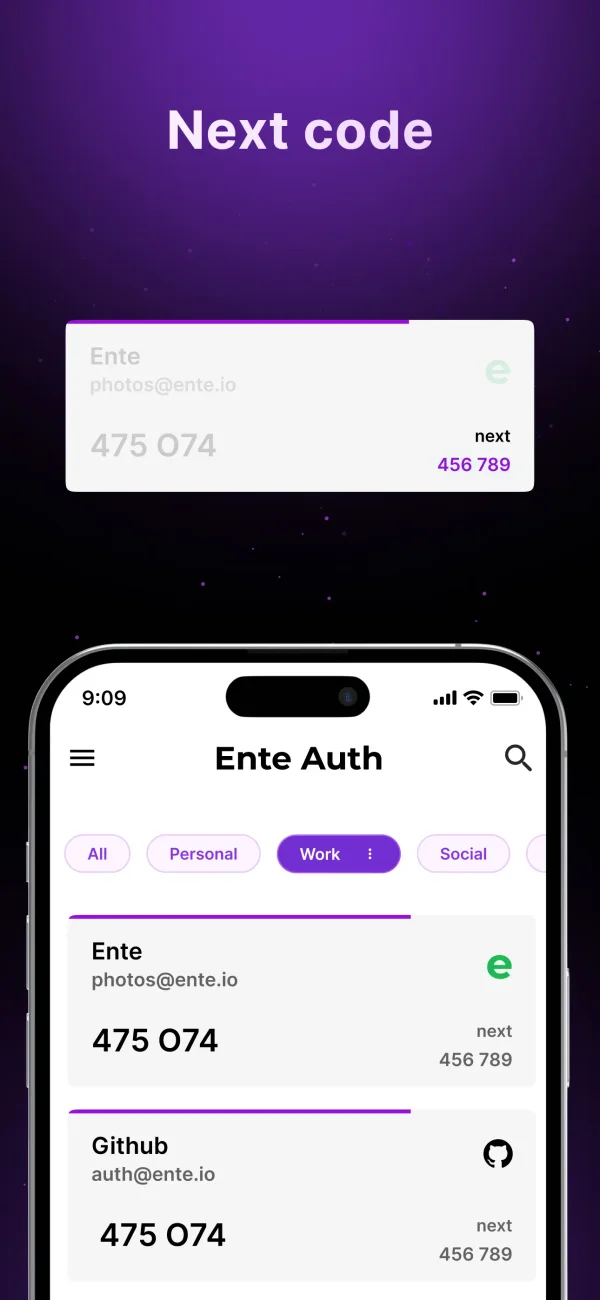
À propos
Le développeur n’a pas fourni ce texte dans votre langue.
Ente's Authenticator app helps you generate and store 2 step verification (2FA) tokens on your mobile devices.
FEATURES
SECURE BACKUPS
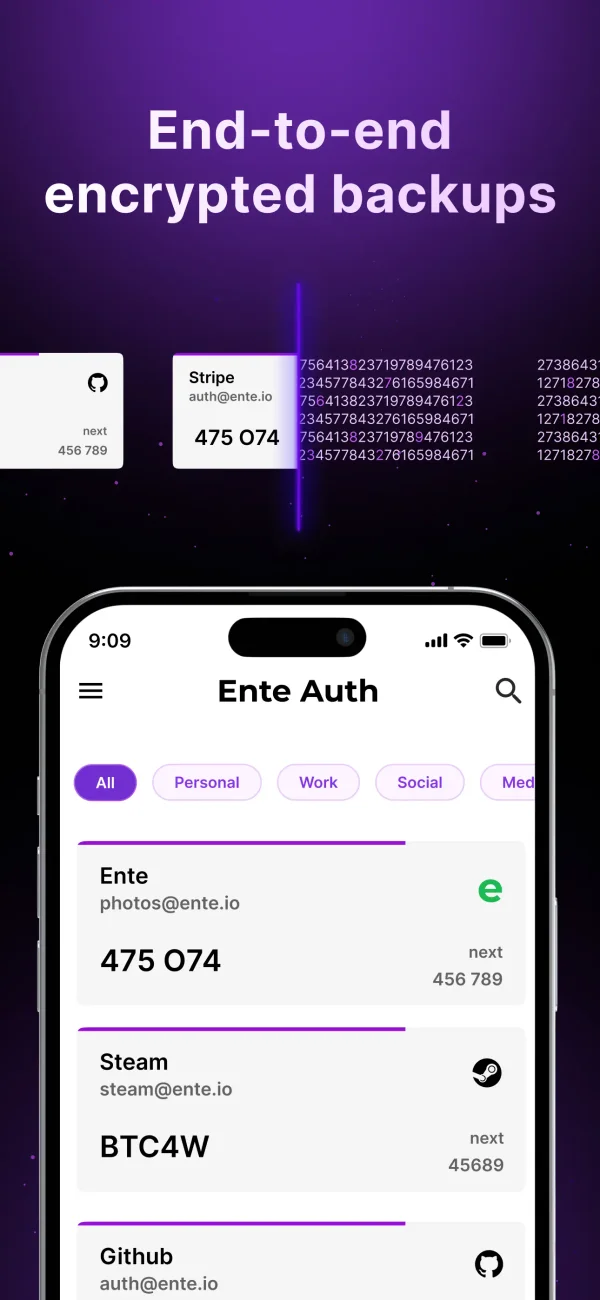
Auth provides end-to-end encrypted cloud backups so that you don't have to worry about losing your tokens. We use the same protocols Ente Photos uses to encrypt and preserve your data.
MULTI DEVICE SYNC
Auth will automatically sync the 2FA tokens you add to your account, across all your devices on mobile & desktop. Every new device you sign into will have access to these tokens.
WEB ACCESS
You can access your 2FA tokens on any device by using https://auth.ente.io.
OFFLINE MODE
Auth generates 2FA tokens offline, so your network connectivity will not get in the way of your workflow.
IMPORT AND EXPORT
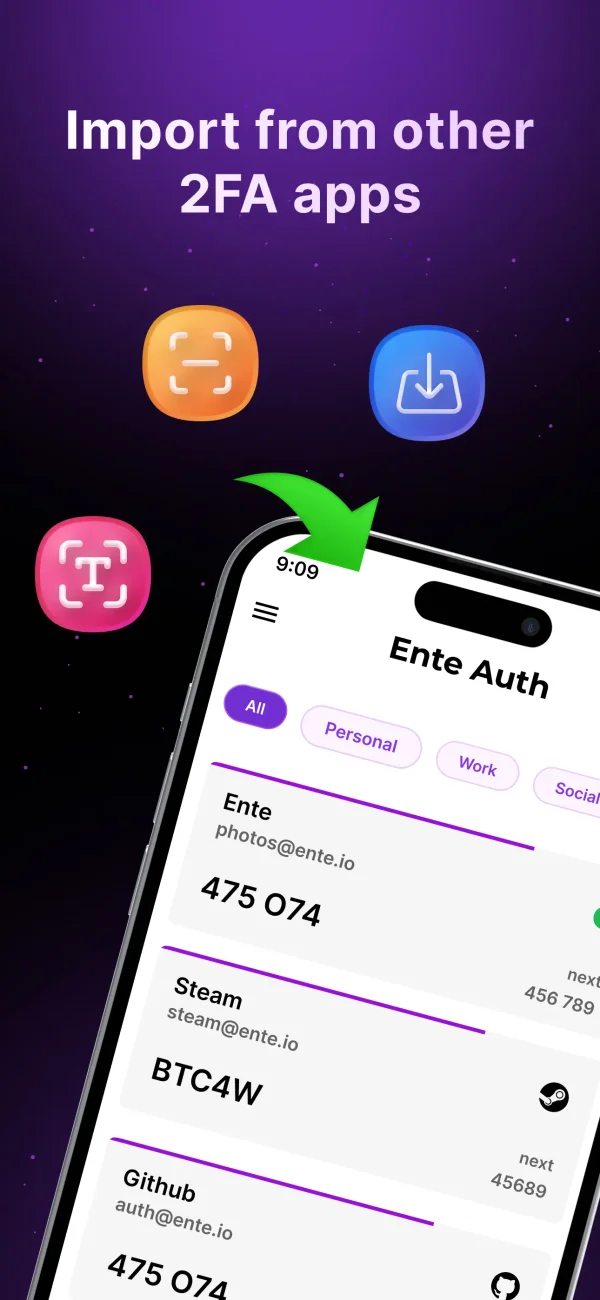
You can add tokens to ente by one of the following methods:
- Scanning a QR code
- Manually entering (copy-pasting) a 2FA secret
- Bulk importing from a file that contains a list of codes in the following format:
otpauth://totp/provider.com:you@email.com?secret=YOUR_SECRET
The codes maybe separated by new lines or commas.
You can also export the codes you have added to ente, to an unencrypted text file, that adheres to the above format.
TERMS
https://ente.io/terms
Nouveautés
Version v4.4.27 · 19/11/2026
- Import backups from Open Authenticator.
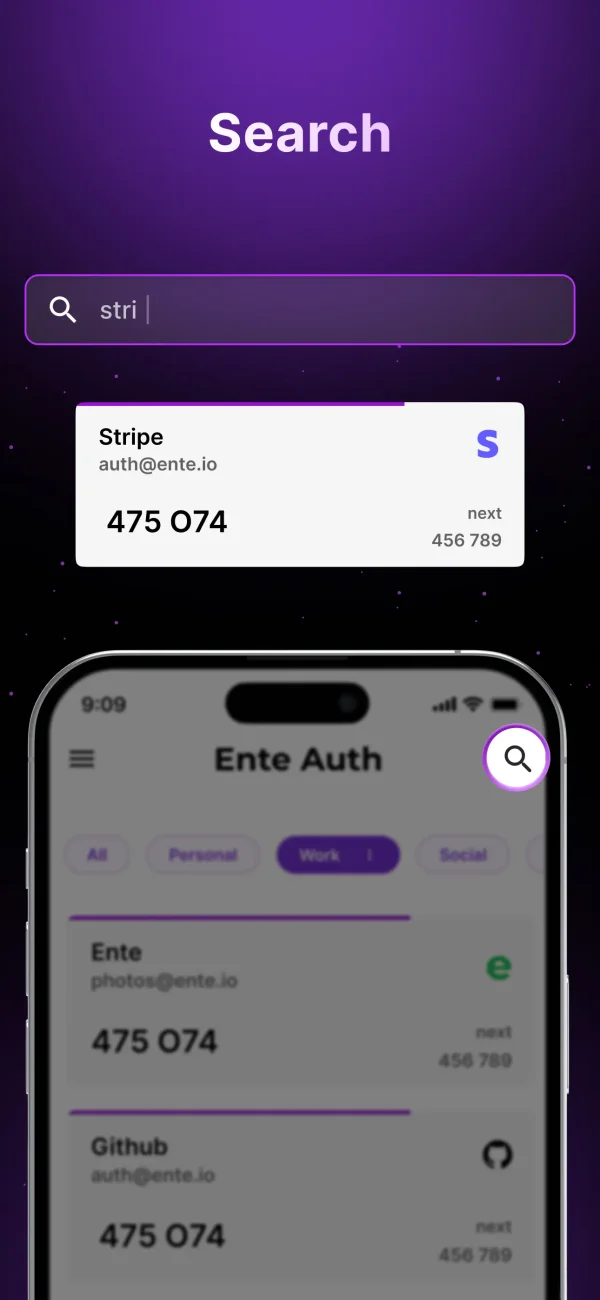
- Sort codes newest first and search settings.
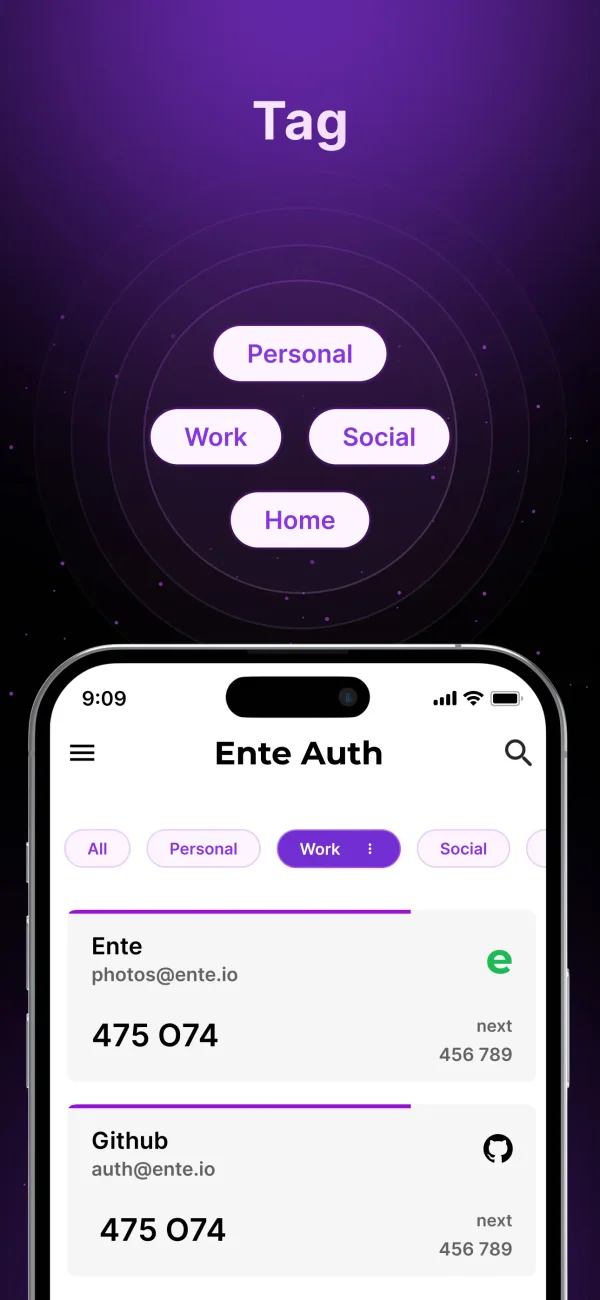
- Remember your selected tag when reopening the app.
- Fixed codes being cut off at large text sizes and app locks staying enabled after logout.
- Moved the session token to secure storage.
Confidentialité de l’application
Ce que Ente Technologies, Inc. déclare sur l’App Store au sujet du traitement des données par cette application.
-
Données établissant un lien avec vous
Peuvent être collectées et liées à votre identité.
- Coordonnées
- Contenu utilisateur
- Identifiants
-
Données n’établissant aucun lien avec vous
Peuvent être collectées, mais ne sont pas liées à votre identité.
- Diagnostic
Les pratiques en matière de confidentialité peuvent varier, notamment en fonction des fonctionnalités que vous utilisez ou de votre âge.
Informations
- Vendeur
- Ente Technologies, Inc.
- Catégorie
- Utilitaires
- Version
- v4.4.27
- Mis à jour
- 19/11/2026
- Publié
- 27/11/2022
- Taille
- 103,8 Mo
- Nécessite
- iOS 15.0 ou version ultérieure
- Classification d’âge
- 17+
- Prix
- Gratuit
- Langues
- Anglais
- Copyright
- © Ente Technologies, Inc.
Vous aimerez peut-être aussi
-
 SimpleLogin - Email aliasUtilitaires
-
 Raivo: 2FA, tOTP AuthenticatorFreeotp MFA - Authentificateur
-
 Kagi for SafariUtilitaires
-
 Sink It for RedditUtilitaires
-
 Vivaldi, navigateur performantUn navigateur très flexible
-
 Wipr 2Utilitaires
-
 ntfyUtilitaires
-
 uBlock Origin LiteAn efficient content blocker
-
 HelmarrUtilitaires
-
 NetBird P2P VPNUtilitaires