- Altersfreigabe4+
- KategorieProduktivität
- EntwicklerYUAN-CHENG FU
- SprachenEnglisch
- Größe31,7 MB
Verlinkt auf die offizielle App Store-Seite
Download.org hostet keine Datei von ExtendPad. Die Schaltfläche öffnet die App-Seite bei App Store, wo YUAN-CHENG FU die App veröffentlicht. Eintrag zuletzt geprüft am 18.11.2026.
Screenshots
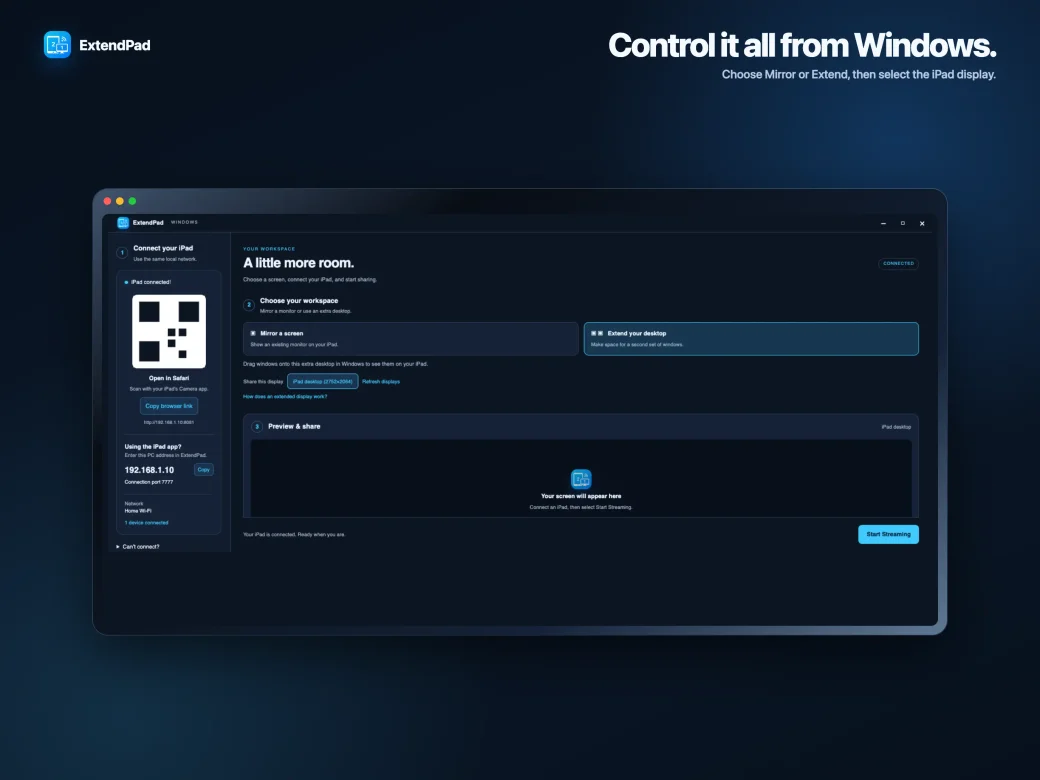


Info
Der Entwickler hat diesen Text nicht in Ihrer Sprache bereitgestellt.
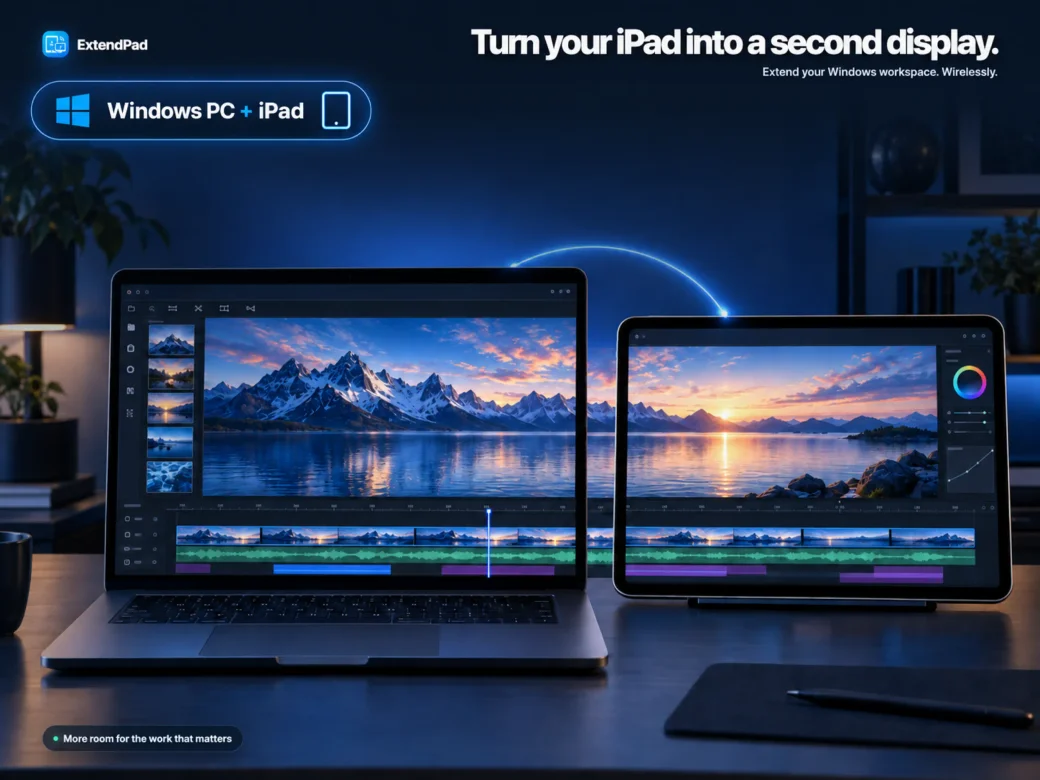
ExtendPad turns your iPad into a wireless second display for your Windows PC. Move a document, chat, dashboard, or reference window onto your iPad and keep your main monitor focused on the work that matters.
SET UP IN MINUTES
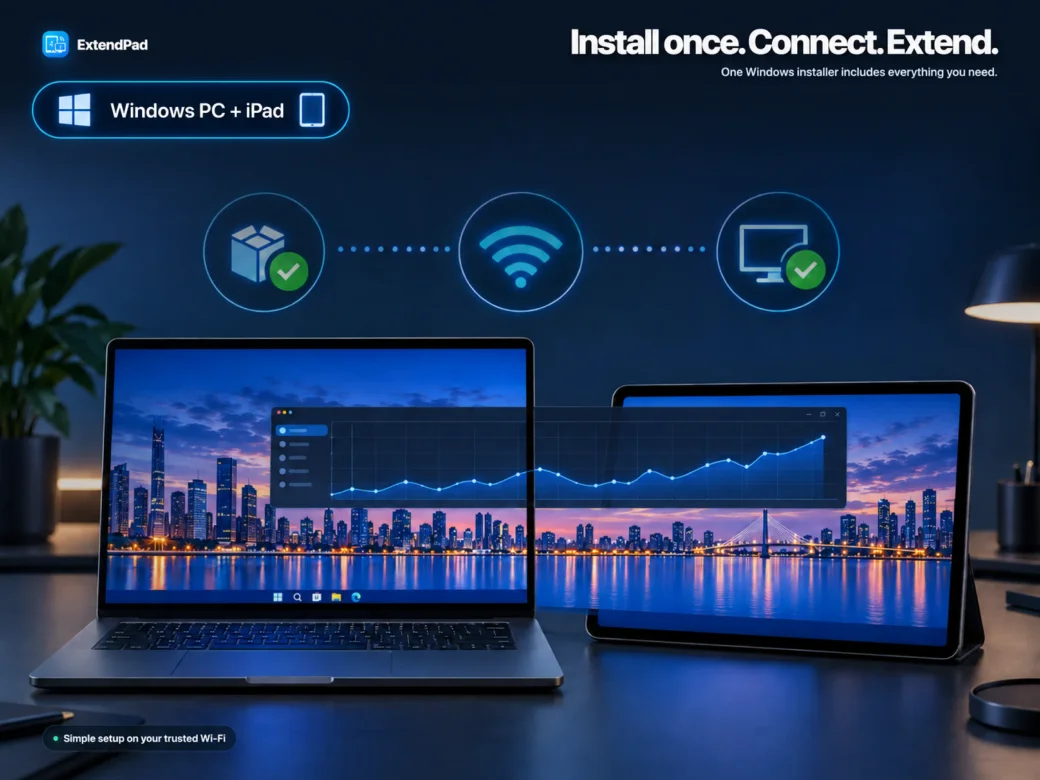
1. Install the ExtendPad companion app on Windows.
2. Connect the PC and iPad to the same trusted Wi-Fi network.
3. Open ExtendPad on both devices and connect using the address shown on your PC.
4. Choose Mirror or Extend, then start streaming.
The Windows installer includes the display component needed for Extend mode. There is no separate virtual-display app to find or configure.
FEATURES
• True extended Windows desktop or screen mirroring
• Responsive local streaming over Wi-Fi
• Touch, drag, click, and long-press input
• Automatic iPad resolution matching
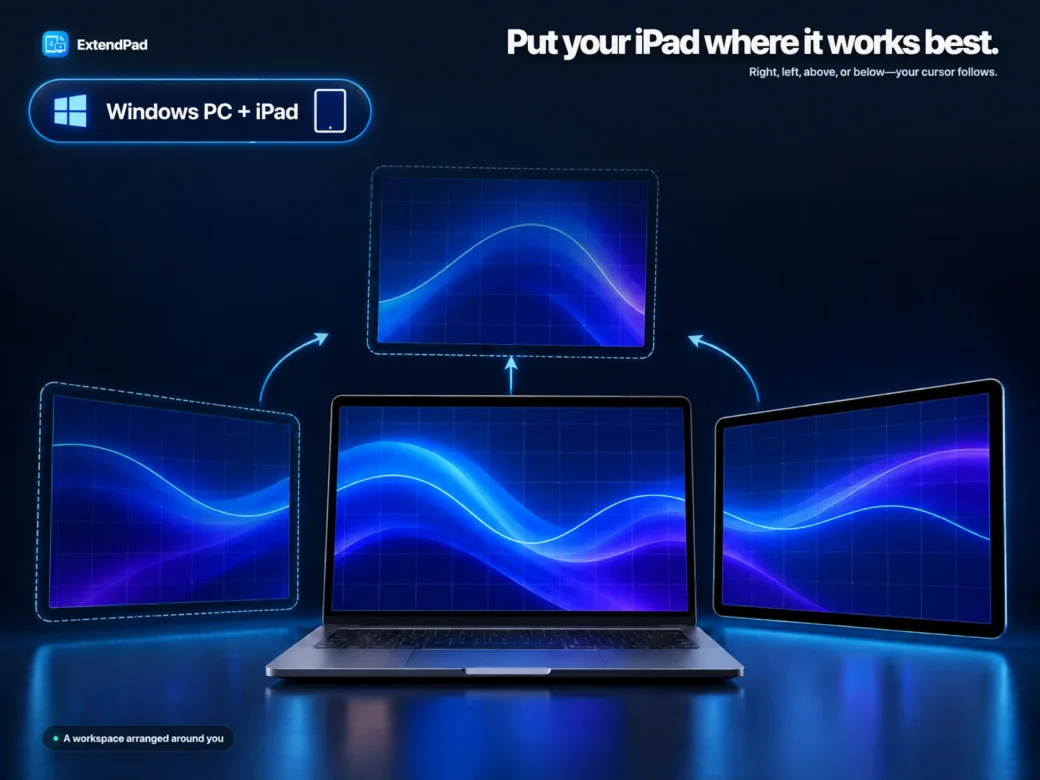
• Place the iPad to the left, right, above, or below your main monitor
• Automatic reconnect after temporary Wi-Fi interruptions
• Adjustable frame rate and image quality
• Browser connection option for quick access
REQUIREMENTS
• A 64-bit Windows 10 or Windows 11 PC
• An iPad and PC connected to the same local network
• Administrator approval during the first Extend-mode setup
ExtendPad streams directly across your local network. For best performance and privacy, use it only on a Wi-Fi network you trust.
Neue Funktionen
Version 1.2.2 · 29.09.2026
• Added smart App Store review prompts after successful sessions
• Added permanent Rate ExtendPad and Send Feedback actions
• Improved the Windows companion update experience
• Refined connection reliability and setup guidance
App-Datenschutz
Was YUAN-CHENG FU im App Store zum Umgang dieser App mit Daten angibt.
-
Keine Daten erfasst
Der Entwickler erfasst keine Daten von dieser App.
Die Datenschutzpraktiken können variieren, zum Beispiel je nach den von Ihnen verwendeten Funktionen oder Ihrem Alter.
Informationen
- Anbieter
- YUAN-CHENG FU
- Kategorie
- Produktivität
- Version
- 1.2.2
- Aktualisiert
- 29.09.2026
- Veröffentlicht
- 31.03.2026
- Größe
- 31,7 MB
- Erfordert
- iOS 15.1 oder neuer
- Altersfreigabe
- 4+
- Preis
- Kostenlos
- Sprachen
- Englisch
- Copyright
- © 2026 Yuan-Cheng Fu
Das könnte Ihnen auch gefallen
-
 Slate: Second MonitorProduktivität
-
 Flex Extend DisplayiPad als Mac-Monitor nutzen
-
 orgstar: org mode & agendaProduktivität
-
 AltRDP: Hochwertiger Remote-De60fps remote auch ohne Monitor
-
 BeMyDisplayProduktivität
-
 muxd AI AgentProduktivität
-
 Any Display: Zweiter MonitoriPad: Monitor, Stift & Webcam
-
 WebdashboardProduktivität
-
 VS&CoLabProduktivität
-
 PrompTessor - KI PromptKI-Prompts erstellen