- Age rating4+
- CategoryProductivity
- DeveloperYUAN-CHENG FU
- LanguagesEnglish
- Size31.7 MB
Links to the official App Store page
Download.org hosts no file of ExtendPad. The button opens its official App Store page, published by YUAN-CHENG FU. Listing last checked on Nov 18, 2026.
Screenshots
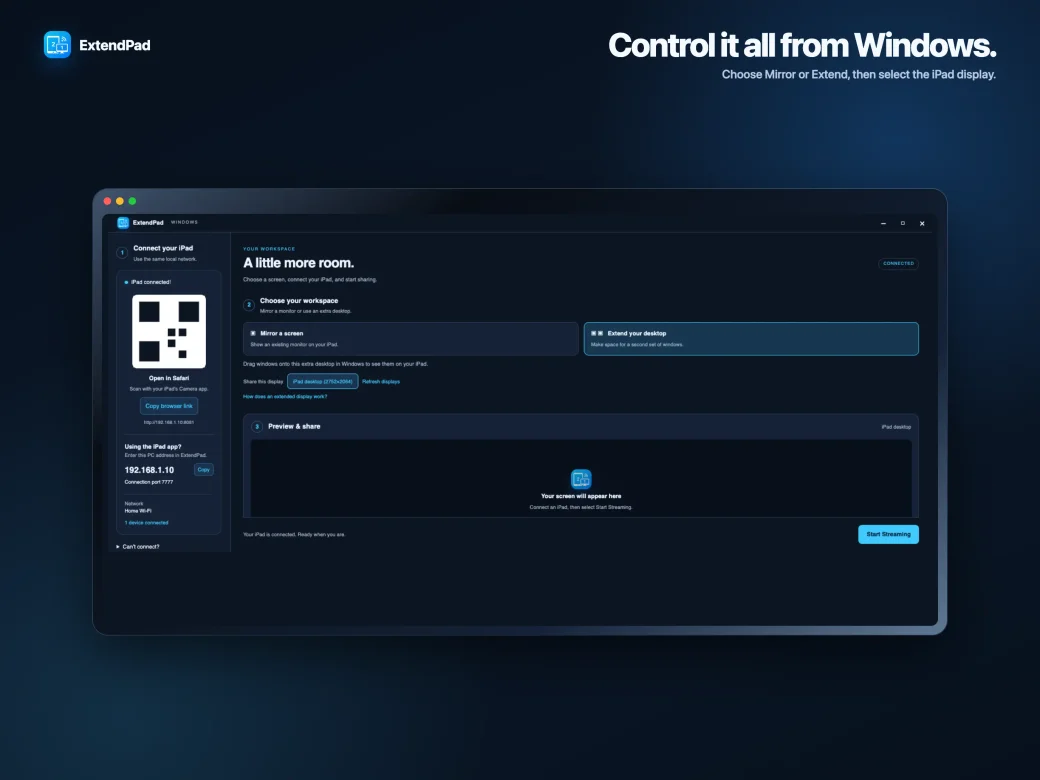


About
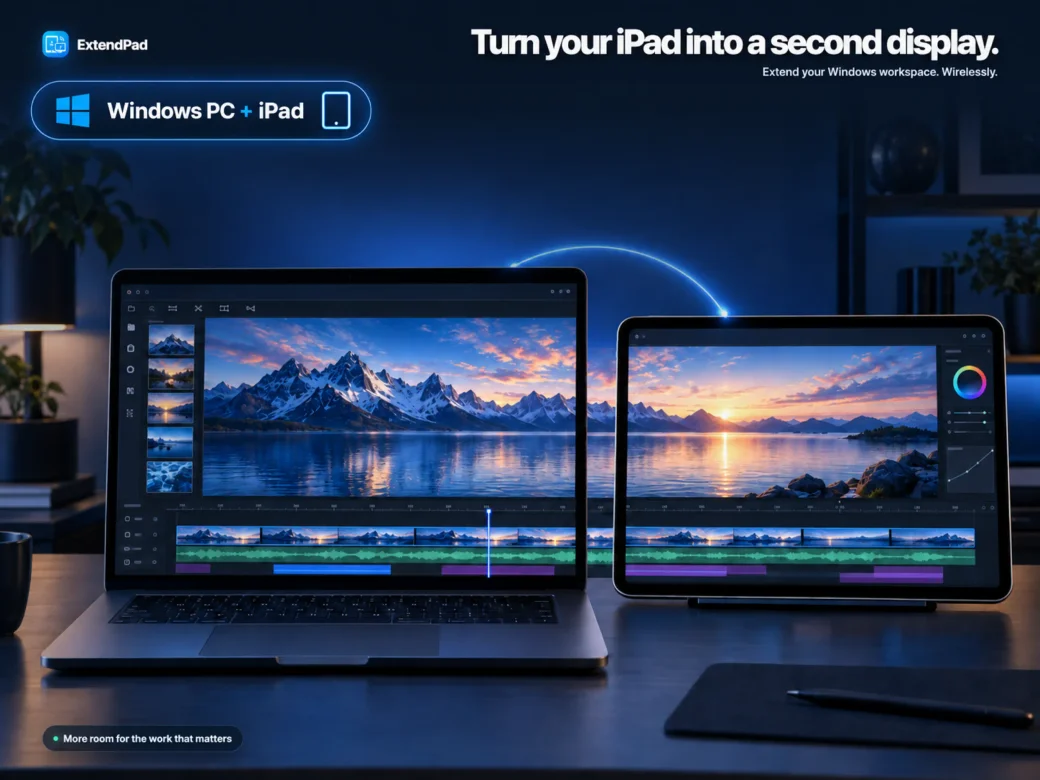
ExtendPad turns your iPad into a wireless second display for your Windows PC. Move a document, chat, dashboard, or reference window onto your iPad and keep your main monitor focused on the work that matters.
SET UP IN MINUTES
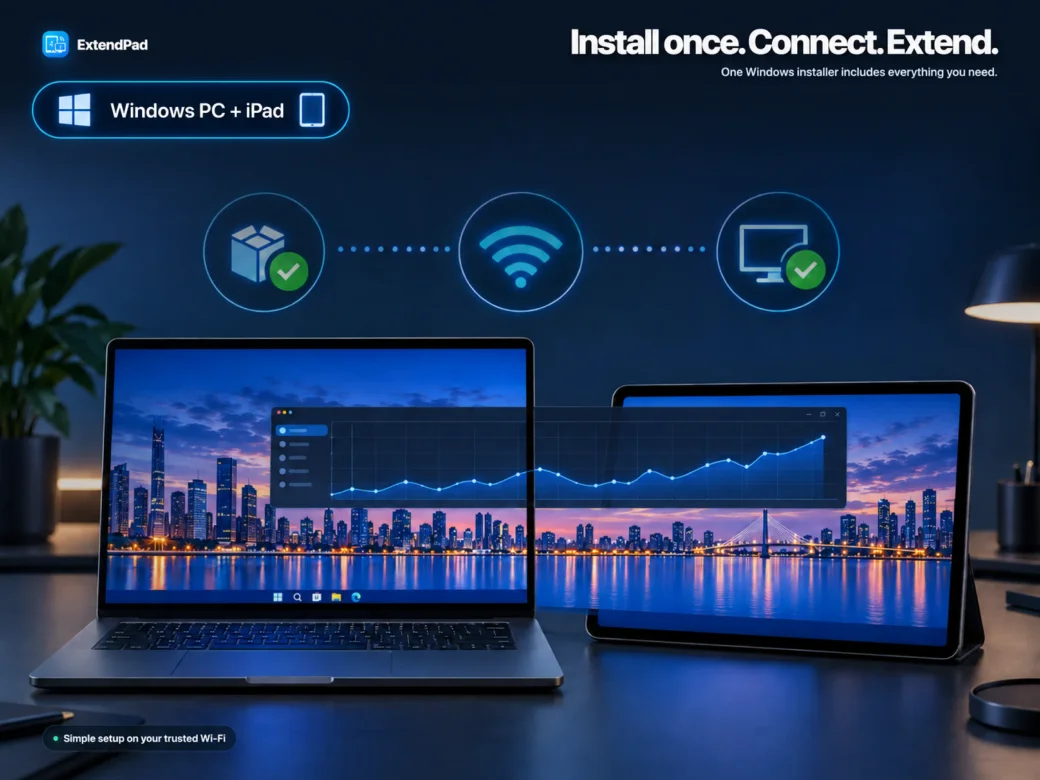
1. Install the ExtendPad companion app on Windows.
2. Connect the PC and iPad to the same trusted Wi-Fi network.
3. Open ExtendPad on both devices and connect using the address shown on your PC.
4. Choose Mirror or Extend, then start streaming.
The Windows installer includes the display component needed for Extend mode. There is no separate virtual-display app to find or configure.
FEATURES
• True extended Windows desktop or screen mirroring
• Responsive local streaming over Wi-Fi
• Touch, drag, click, and long-press input
• Automatic iPad resolution matching
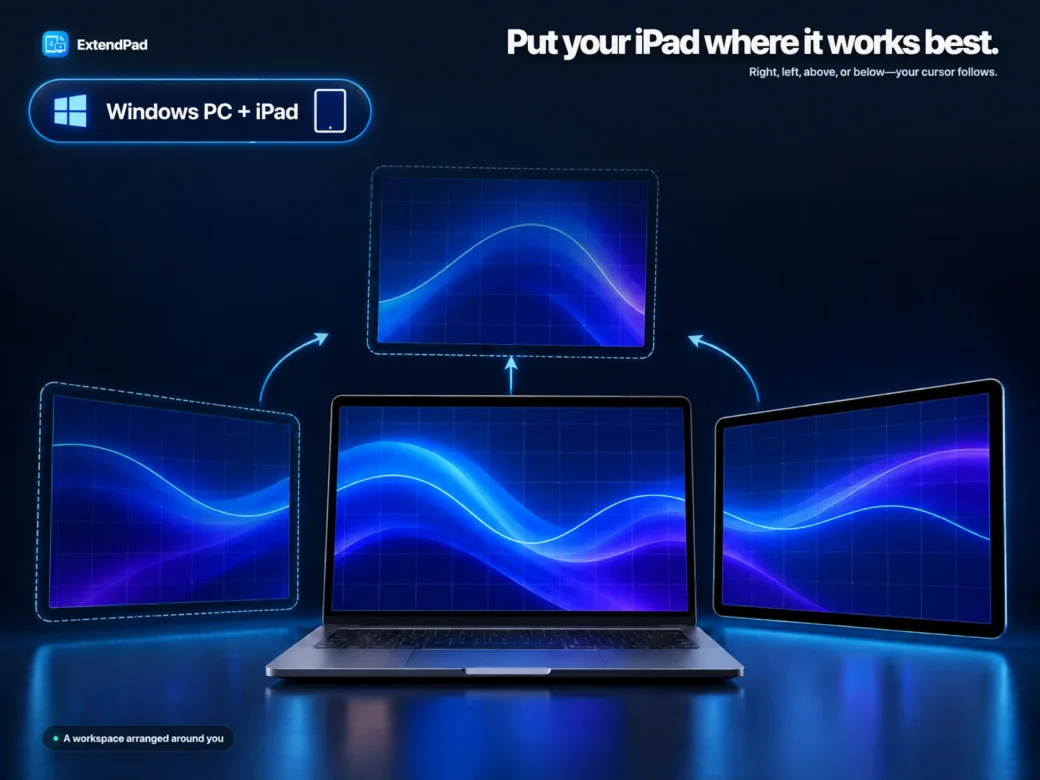
• Place the iPad to the left, right, above, or below your main monitor
• Automatic reconnect after temporary Wi-Fi interruptions
• Adjustable frame rate and image quality
• Browser connection option for quick access
REQUIREMENTS
• A 64-bit Windows 10 or Windows 11 PC
• An iPad and PC connected to the same local network
• Administrator approval during the first Extend-mode setup
ExtendPad streams directly across your local network. For best performance and privacy, use it only on a Wi-Fi network you trust.
What’s new
Version 1.2.2 · Sep 29, 2026
• Added smart App Store review prompts after successful sessions
• Added permanent Rate ExtendPad and Send Feedback actions
• Improved the Windows companion update experience
• Refined connection reliability and setup guidance
App privacy
What YUAN-CHENG FU declares on the App Store about how this app handles data.
-
Data not collected
The developer does not collect any data from this app.
Privacy practices may vary, for example with the features you use or your age.
Information
- Seller
- YUAN-CHENG FU
- Category
- Productivity
- Version
- 1.2.2
- Updated
- Sep 29, 2026
- Released
- Mar 31, 2026
- Size
- 31.7 MB
- Requires
- iOS 15.1 or later
- Age rating
- 4+
- Price
- Free
- Languages
- English
- Copyright
- © 2026 Yuan-Cheng Fu
You might also like
-
 Slate: Second MonitorDual Display for Windows PC
-
 Flex Extend DisplayUse iPad as a Mac Monitor
-
 orgstar: org mode & agendakeep it plain & get it done
-
 AltRDP: High-Quality Remote60fps remote even headless PC
-
 BeMyDisplaysecond display for Windows PC
-
 muxd AI AgentAI agent for all your machines
-
 Any Display: Second MonitoriPad as Screen, Pen & Webcam
-
 WebdashboardShare Power BI Reports
-
 VS&CoLabProductivity
-
 PrompTessor - AI PromptGenerate & Optimize AI Prompts