- Classification d’âge4+
- CatégorieProductivité
- DéveloppeurYUAN-CHENG FU
- LanguesAnglais
- Taille31,7 Mo
Renvoie vers la page App Store officielle
Download.org n’héberge aucun fichier de ExtendPad. Le bouton ouvre la page de l’application sur App Store, où YUAN-CHENG FU la publie. Fiche vérifiée pour la dernière fois le 18/11/2026.
Captures d’écran


À propos
Le développeur n’a pas fourni ce texte dans votre langue.
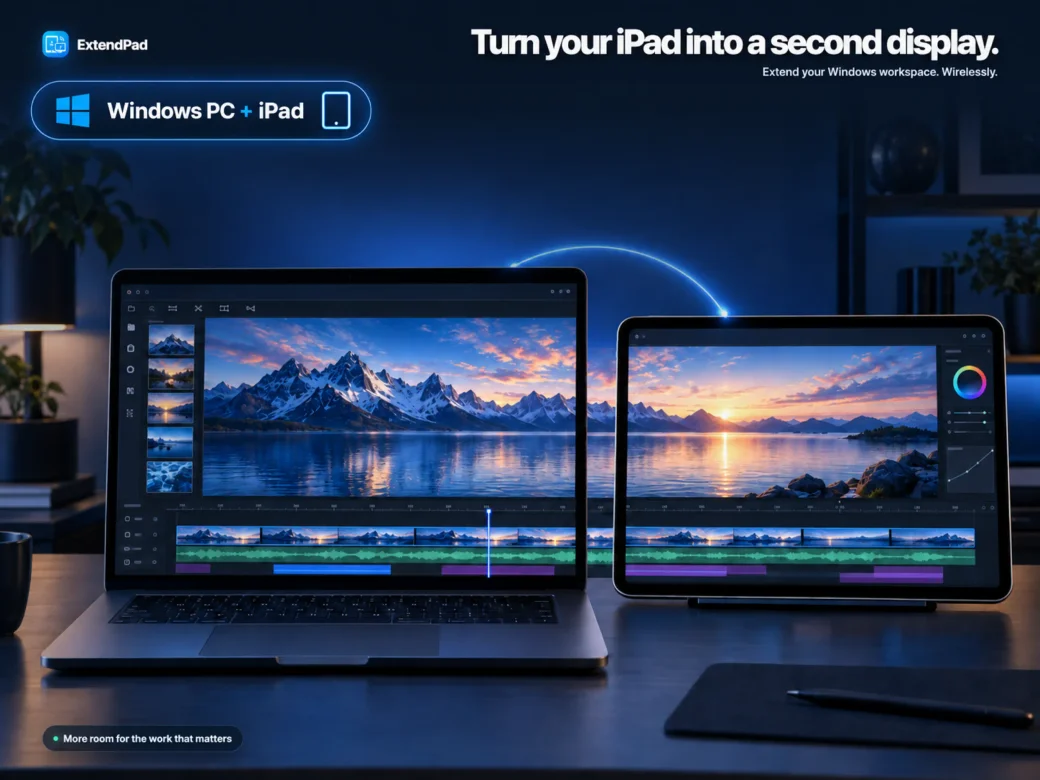
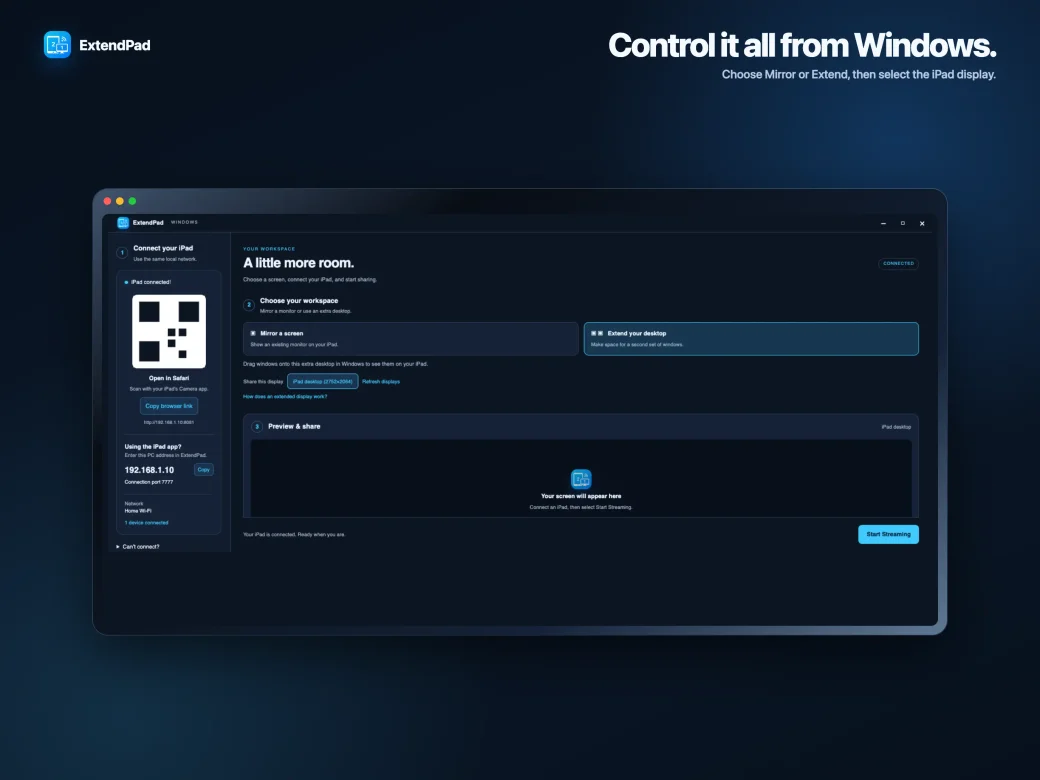
ExtendPad turns your iPad into a wireless second display for your Windows PC. Move a document, chat, dashboard, or reference window onto your iPad and keep your main monitor focused on the work that matters.
SET UP IN MINUTES
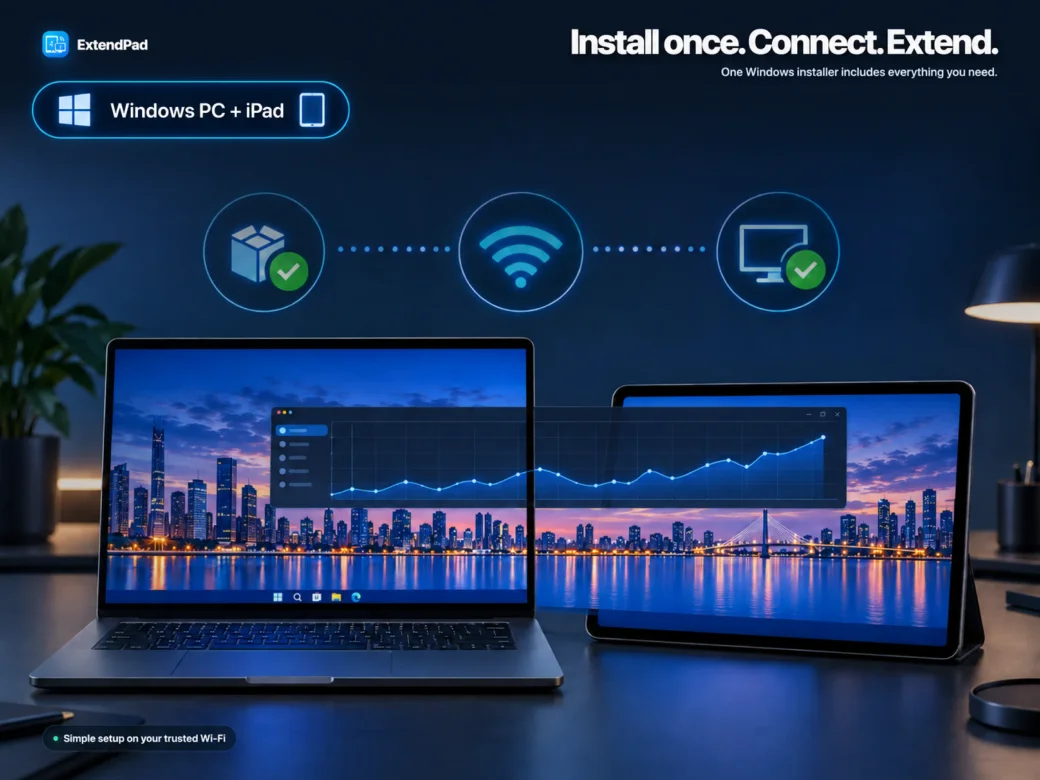
1. Install the ExtendPad companion app on Windows.
2. Connect the PC and iPad to the same trusted Wi-Fi network.
3. Open ExtendPad on both devices and connect using the address shown on your PC.
4. Choose Mirror or Extend, then start streaming.
The Windows installer includes the display component needed for Extend mode. There is no separate virtual-display app to find or configure.
FEATURES
• True extended Windows desktop or screen mirroring
• Responsive local streaming over Wi-Fi
• Touch, drag, click, and long-press input
• Automatic iPad resolution matching
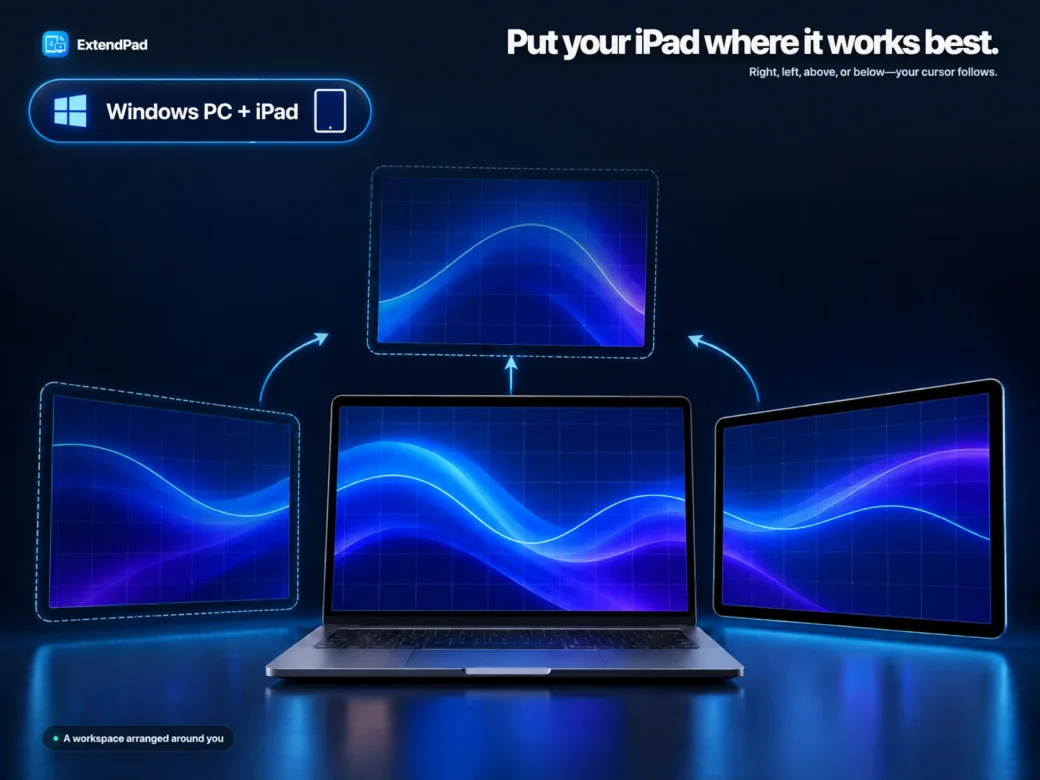
• Place the iPad to the left, right, above, or below your main monitor
• Automatic reconnect after temporary Wi-Fi interruptions
• Adjustable frame rate and image quality
• Browser connection option for quick access
REQUIREMENTS
• A 64-bit Windows 10 or Windows 11 PC
• An iPad and PC connected to the same local network
• Administrator approval during the first Extend-mode setup
ExtendPad streams directly across your local network. For best performance and privacy, use it only on a Wi-Fi network you trust.
Nouveautés
Version 1.2.2 · 29/09/2026
• Added smart App Store review prompts after successful sessions
• Added permanent Rate ExtendPad and Send Feedback actions
• Improved the Windows companion update experience
• Refined connection reliability and setup guidance
Confidentialité de l’application
Ce que YUAN-CHENG FU déclare sur l’App Store au sujet du traitement des données par cette application.
-
Données non collectées
Le développeur ne collecte aucune donnée à partir de cette application.
Les pratiques en matière de confidentialité peuvent varier, notamment en fonction des fonctionnalités que vous utilisez ou de votre âge.
Informations
- Vendeur
- YUAN-CHENG FU
- Catégorie
- Productivité
- Version
- 1.2.2
- Mis à jour
- 29/09/2026
- Publié
- 31/03/2026
- Taille
- 31,7 Mo
- Nécessite
- iOS 15.1 ou version ultérieure
- Classification d’âge
- 4+
- Prix
- Gratuit
- Langues
- Anglais
- Copyright
- © 2026 Yuan-Cheng Fu
Vous aimerez peut-être aussi
-
 Slate: Second MonitorProductivité
-
 Flex Extend DisplayiPad comme écran Mac
-
 orgstar: org mode & agendaProductivité
-
 AltRDP : Bureau à dist. hautePC sans écran, 60 ips à distan
-
 BeMyDisplayProductivité
-
 muxd AI AgentProductivité
-
 Any Display: Second écraniPad : écran, stylet et webcam
-
 WebdashboardProductivité
-
 VS&CoLabProductivité
-
 PrompTessor - Prompt IACréez et optimisez prompts IA