FileForge: PDF Toolkit
Toolkit for PDF & photos
Entwickelt für iPhone, iPad
Kostenlos · In-App-Käufe
- Altersfreigabe4+
- KategorieProduktivität
- EntwicklerDaniel Nemchynov
- SprachenEnglisch+ 7 weitere
- Größe3,0 MB
Verlinkt auf die offizielle App Store-Seite
Download.org hostet keine Datei von FileForge: PDF Toolkit. Die Schaltfläche öffnet die App-Seite bei App Store, wo Daniel Nemchynov die App veröffentlicht. Eintrag zuletzt geprüft am 22.11.2026.
Screenshots

Info
Der Entwickler hat diesen Text nicht in Ihrer Sprache bereitgestellt.
FileForge is a practical PDF toolkit built for everyday document tasks.
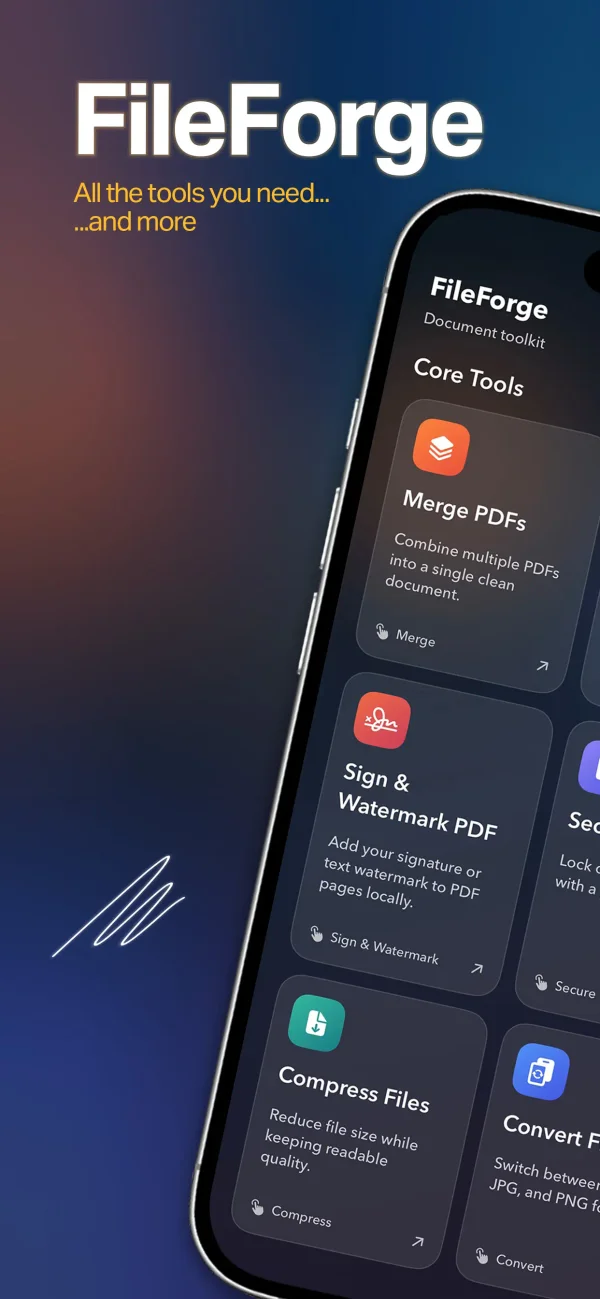
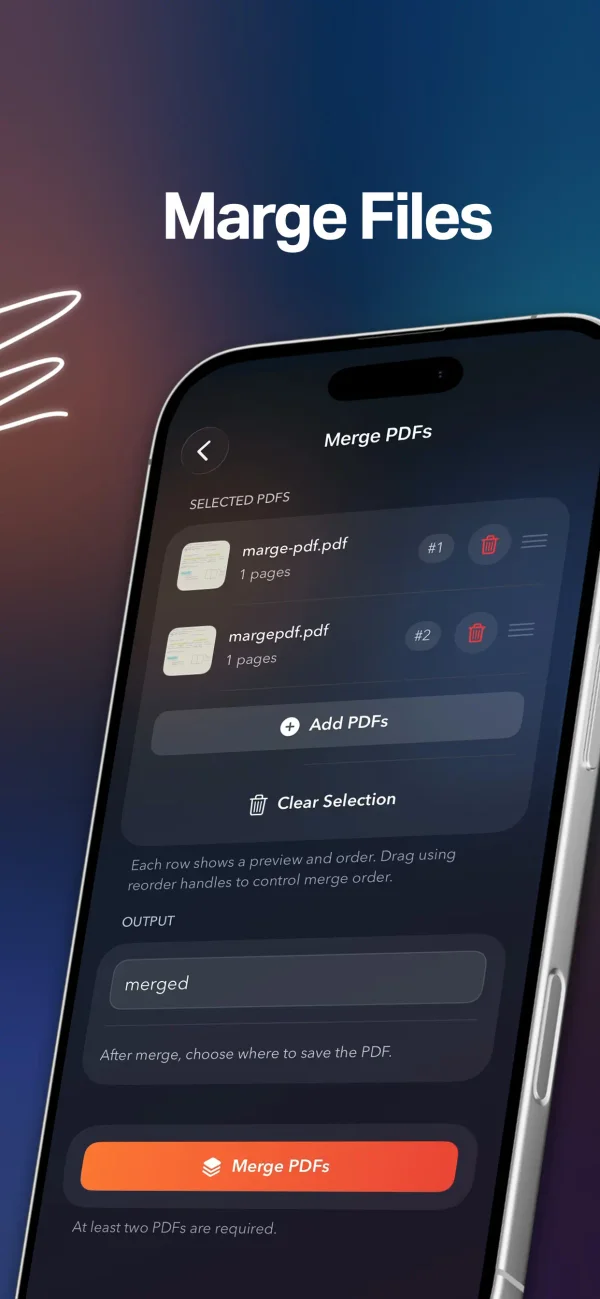
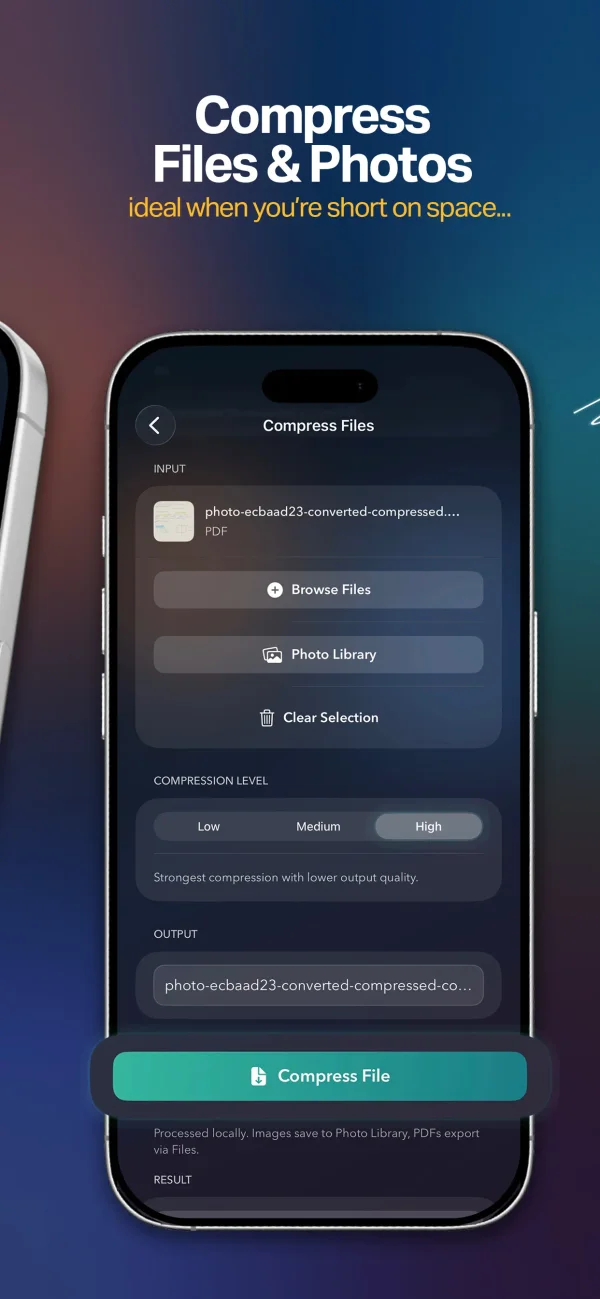
Merge PDFs, compress files, convert between PDFs and images, and edit PDF pages in one clean and simple app. Whether you need to reduce file size, reorganize pages, or turn photos into PDFs, FileForge gives you the essential tools in one place.
Key features
• Merge multiple PDFs into one file
• Compress PDFs to reduce file size
• Compress images quickly and easily
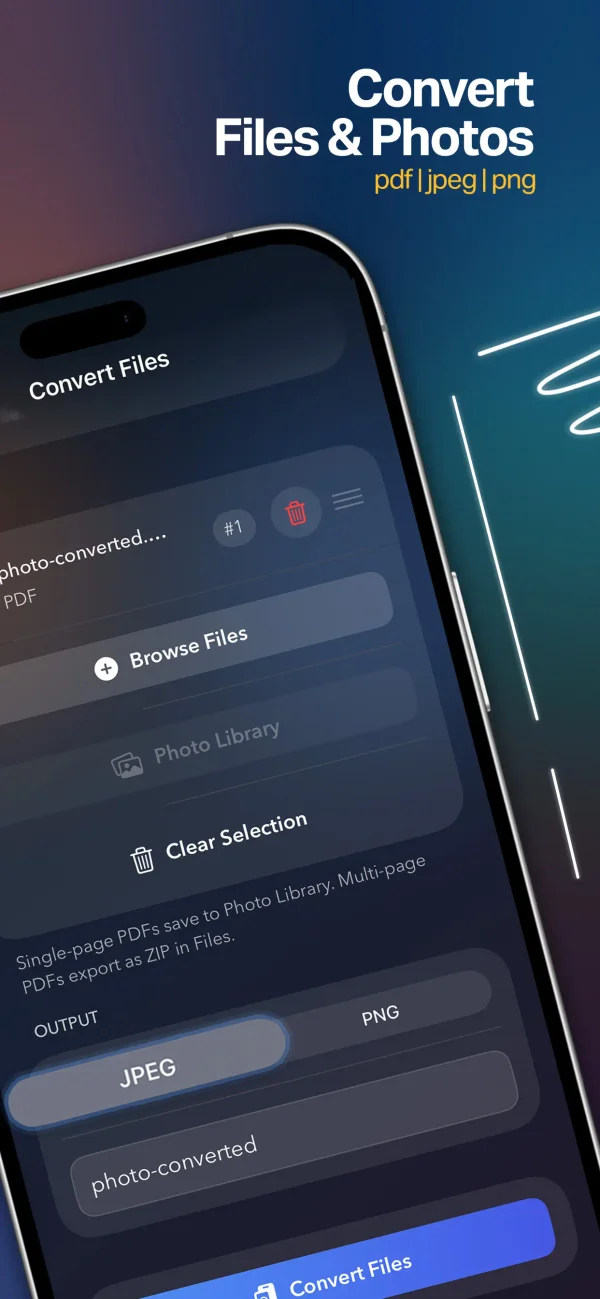
• Convert PDF pages to images
• Convert images to PDF
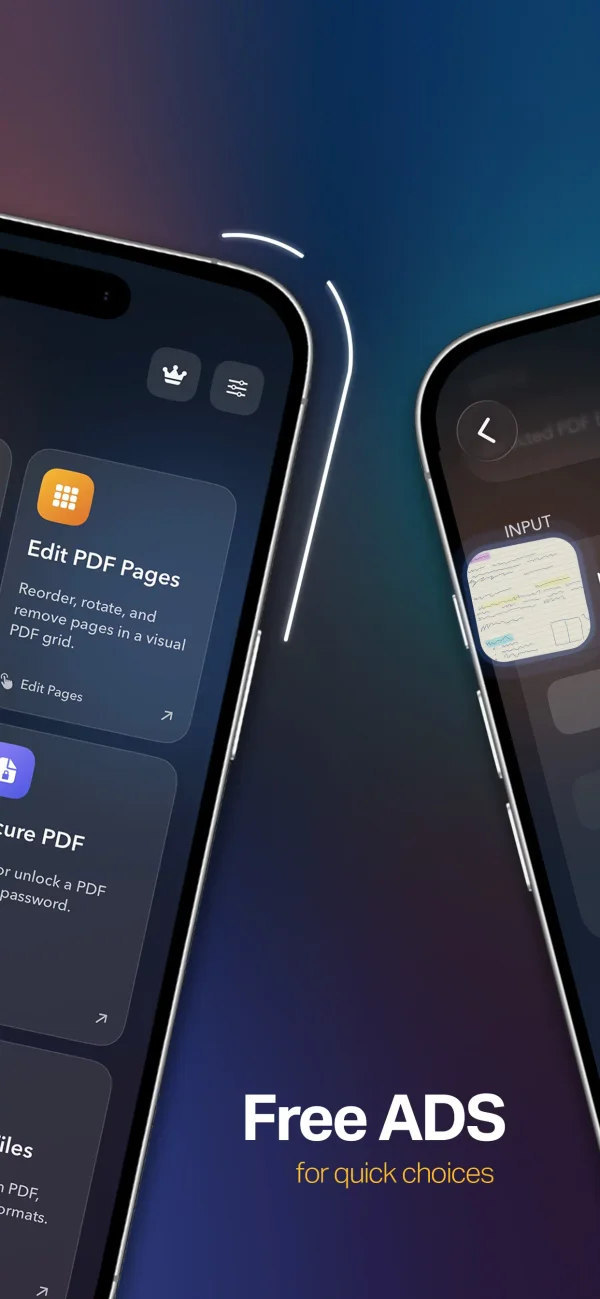
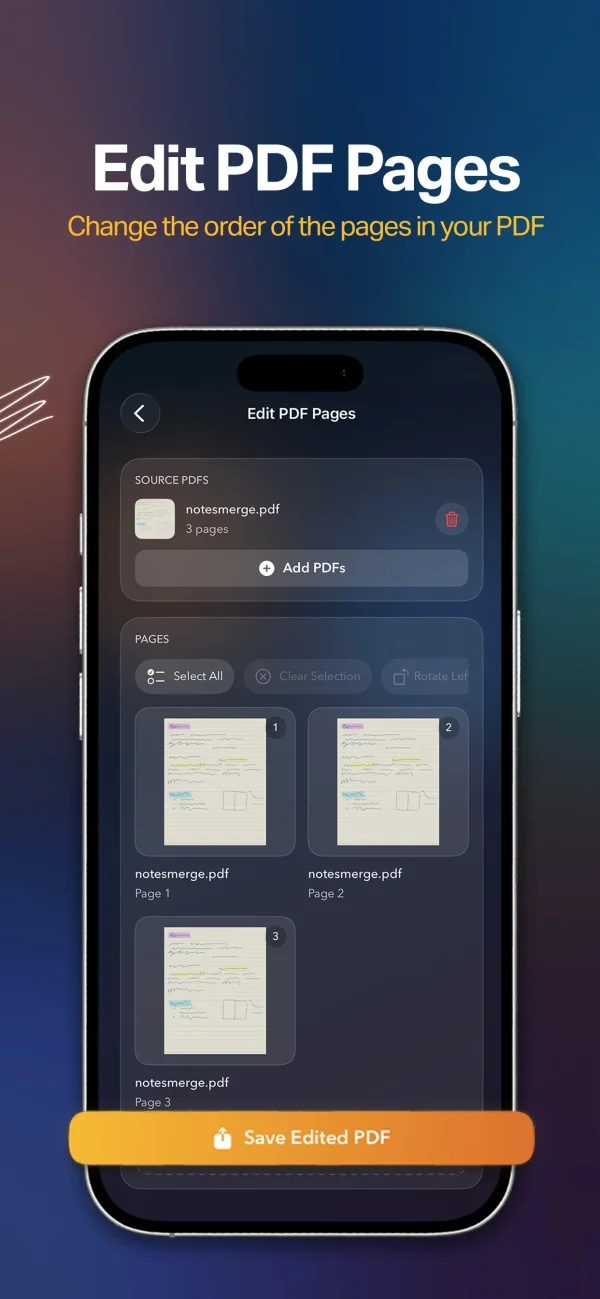
• Edit PDF pages
• Reorder pages
• Remove pages
• Export a new PDF in the exact order you choose
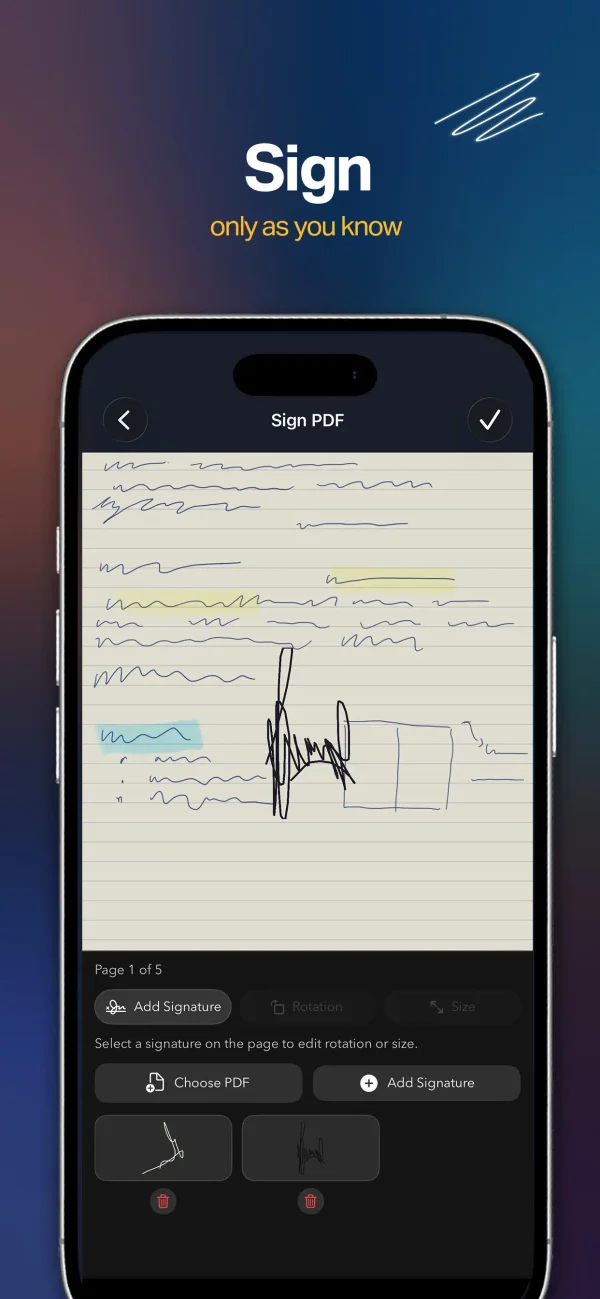
• Sign PDFs directly in the app
• Add custom signatures to documents
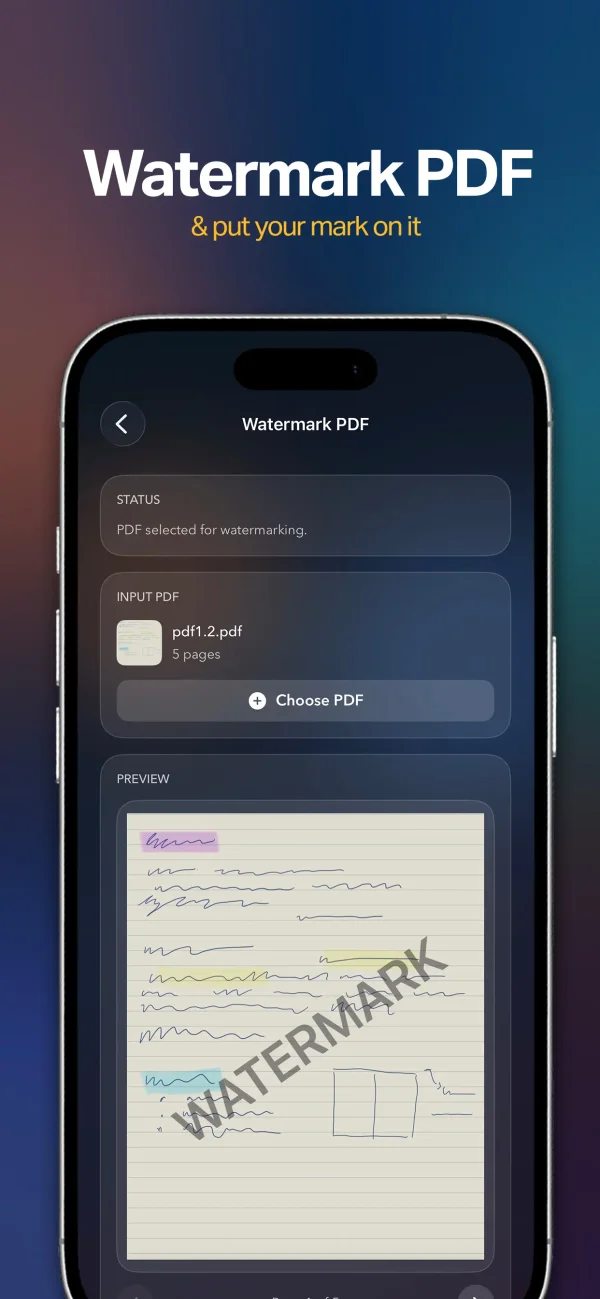
• Add a watermark to PDFs
• Protect PDFs with a password
• Unlock protected PDFs
• Preview pages before saving
• Save and export edited files
• Work with files quickly and easily
• Local processing on your device
• No ads
Why FileForge
• Fast and easy to use
• Clean interface focused on real tasks
• Helpful tools gathered in one app
• Great for work, study, and daily document management
Privacy-focused workflow
Your files stay under your control. FileForge is designed to process documents locally on your device whenever possible, making everyday PDF work faster and more convenient.
Privacy Policy: https://nemchynov.github.io/file-forge-support/privacy.html
Terms of Use (EULA): https://www.apple.com/legal/internet-services/itunes/dev/stdeula
Neue Funktionen
Version 1.1.0 · 18.07.2026
• Sign PDFs directly in the app
• Add custom signatures to documents
• Add a watermark to PDFs
• Protect PDFs with a password
• Unlock protected PDFs
App-Datenschutz
Was Daniel Nemchynov im App Store zum Umgang dieser App mit Daten angibt.
-
Keine Daten erfasst
Der Entwickler erfasst keine Daten von dieser App.
Die Datenschutzpraktiken können variieren, zum Beispiel je nach den von Ihnen verwendeten Funktionen oder Ihrem Alter.
Informationen
- Anbieter
- Daniel Nemchynov
- Kategorie
- Produktivität
- Version
- 1.1.0
- Aktualisiert
- 18.07.2026
- Veröffentlicht
- 18.03.2026
- Größe
- 3,0 MB
- Erfordert
- iOS 26.0 oder neuer
- Altersfreigabe
- 4+
- Preis
- Kostenlos
- In-App-Käufe
- Ja
- Sprachen
- Englisch, Französisch, Deutsch, Italienisch, Portugiesisch, Russisch, Vereinf. Chinesisch, Spanisch
- Copyright
- © 2026 Daniel Nemchynov
Das könnte Ihnen auch gefallen
-
 VARAK PDF Bearbeiten & ScannenText ändern & unterschreiben
-
 SignSeal - Sign & Fill PDFProduktivität
-
 PDF Scanner: eSign & mergeScanner App, Split & PDF Tools
-
 super simple to do listProduktivität
-
 MemoNoteProduktivität
-
 CardsMind: Mind Maps & NotizenPDF, Videos & Karteikarten
-
 MyTasks! - To Do ListProduktivität
-
 Fokus Zug: Pomodoro TimerStoppuhr, Prüfung & Aufgaben
-
 Falcon File ManagerVideos, Musik, Fotos & ZIP
-
 Titanova: Ziele & GewohnheitenAufgaben, Planer & Fokus-Timer