FileForge: PDF Toolkit
Toolkit for PDF & photos
Designed for iPhone, iPad
Free · In-app purchases
- Age rating4+
- CategoryProductivity
- DeveloperDaniel Nemchynov
- LanguagesEnglish+ 7 more
- Size3.0 MB
Links to the official App Store page
Download.org hosts no file of FileForge: PDF Toolkit. The button opens its official App Store page, published by Daniel Nemchynov. Listing last checked on Nov 22, 2026.
Screenshots

About
FileForge is a practical PDF toolkit built for everyday document tasks.
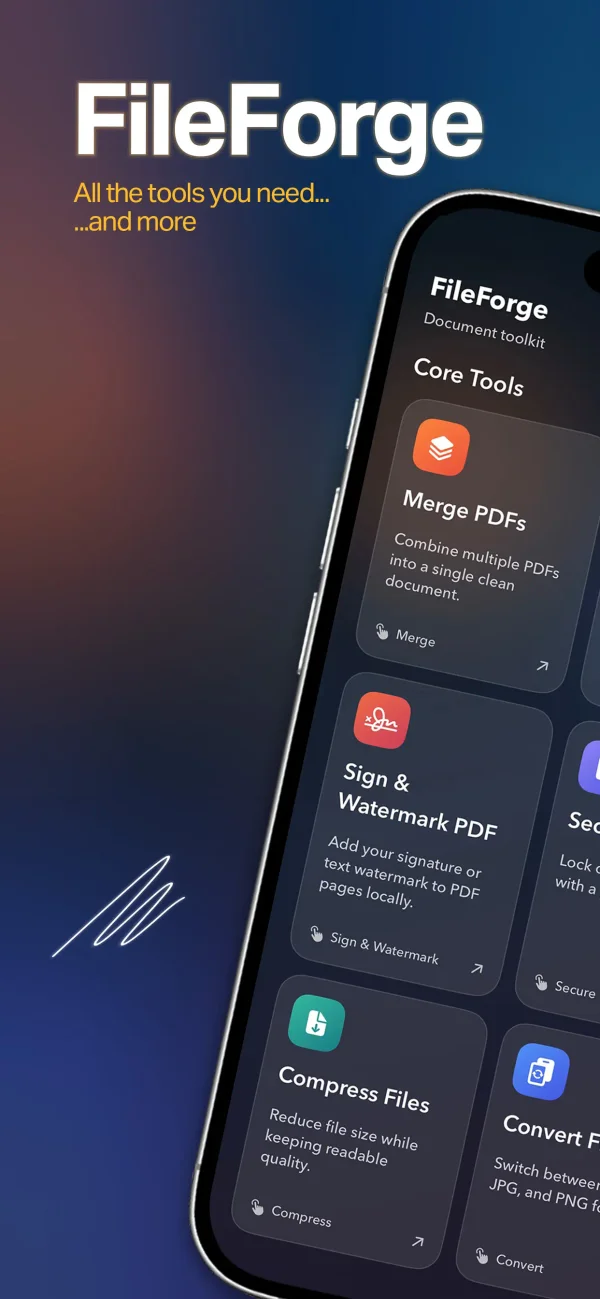
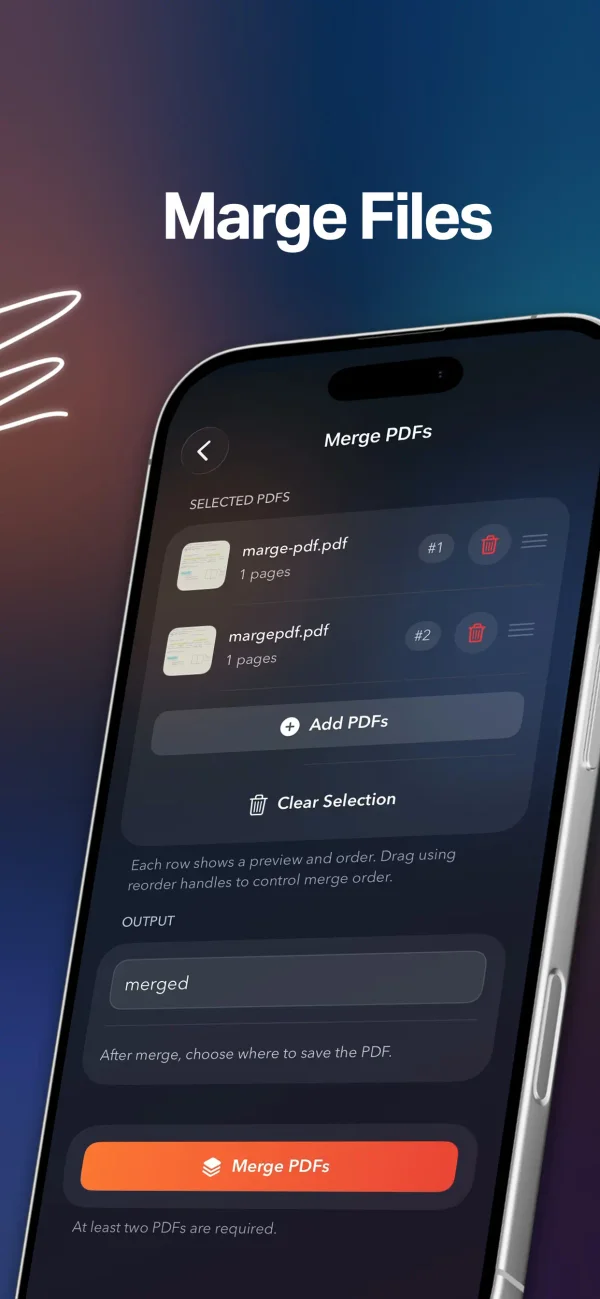
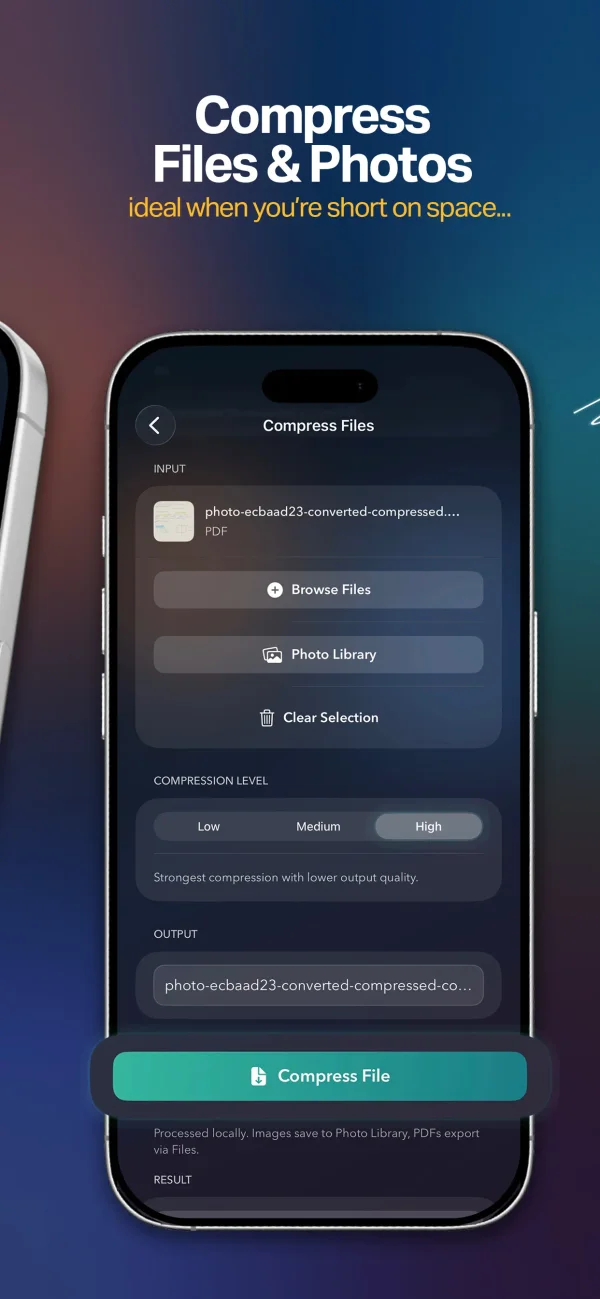
Merge PDFs, compress files, convert between PDFs and images, and edit PDF pages in one clean and simple app. Whether you need to reduce file size, reorganize pages, or turn photos into PDFs, FileForge gives you the essential tools in one place.
Key features
• Merge multiple PDFs into one file
• Compress PDFs to reduce file size
• Compress images quickly and easily
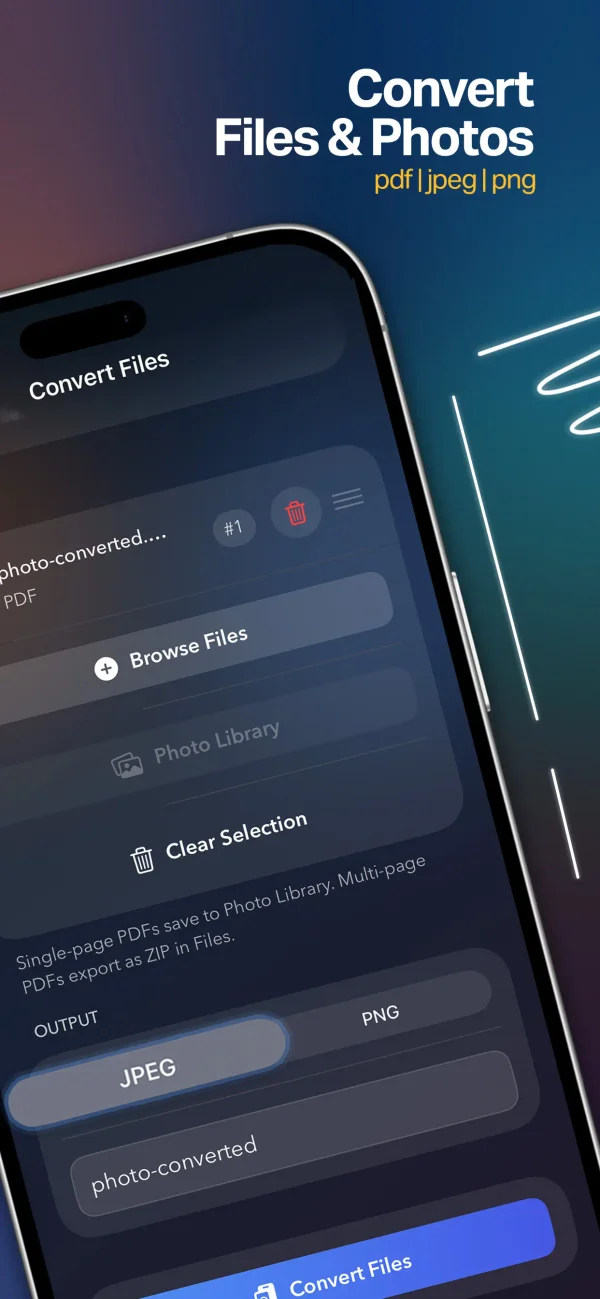
• Convert PDF pages to images
• Convert images to PDF
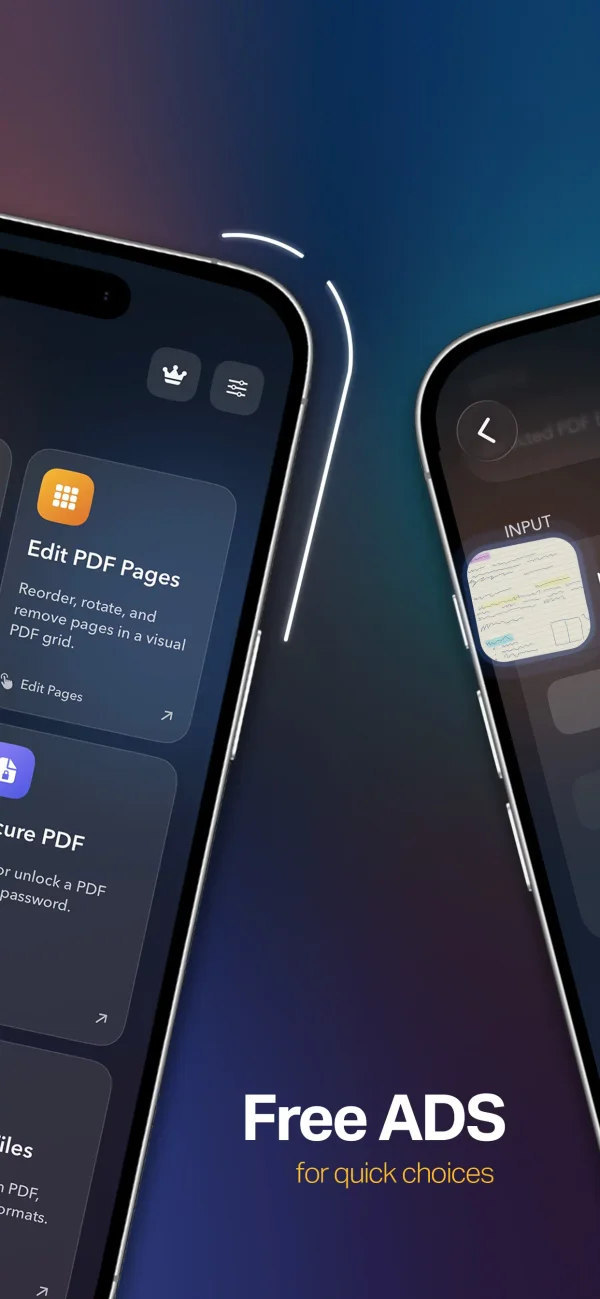
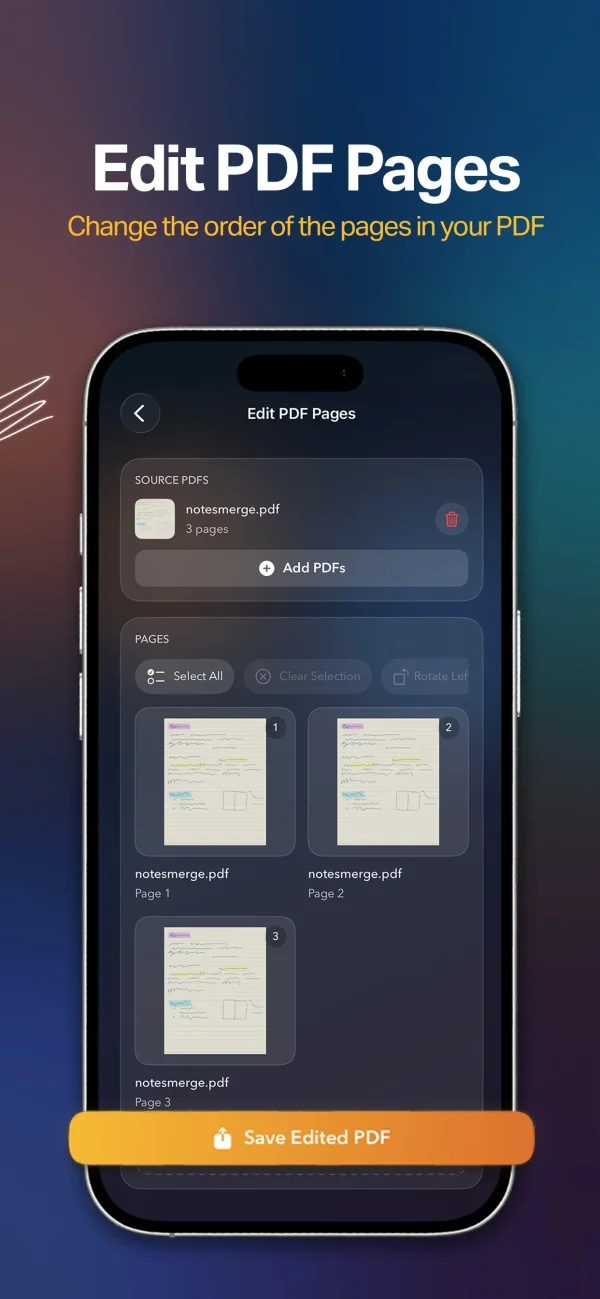
• Edit PDF pages
• Reorder pages
• Remove pages
• Export a new PDF in the exact order you choose
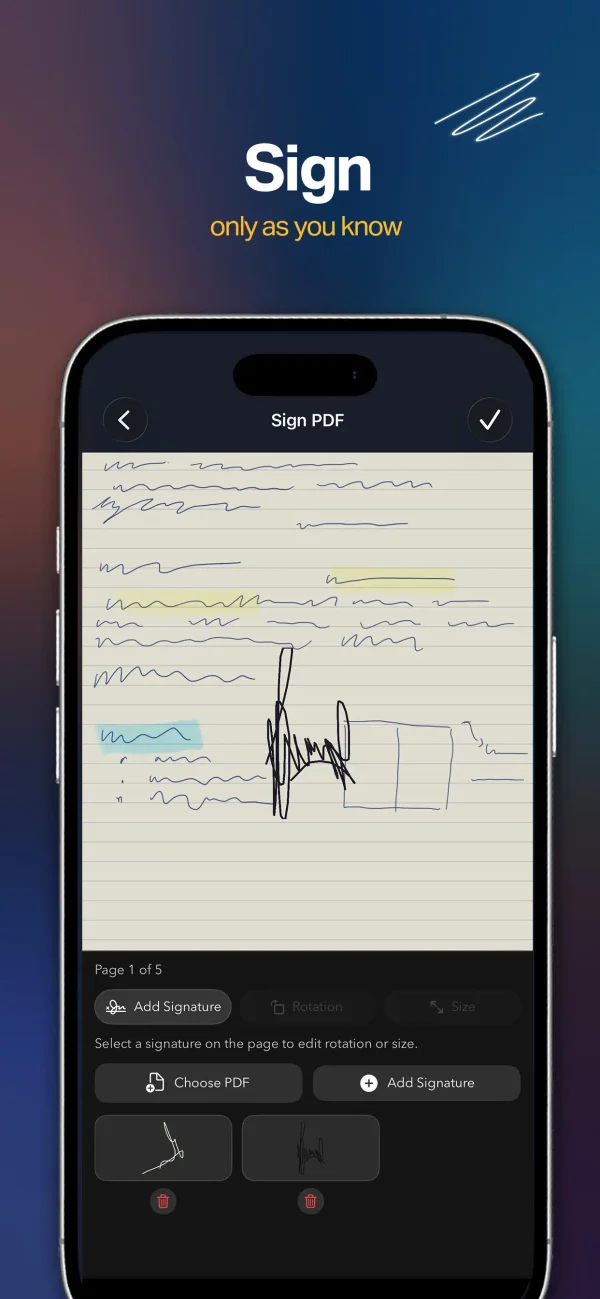
• Sign PDFs directly in the app
• Add custom signatures to documents
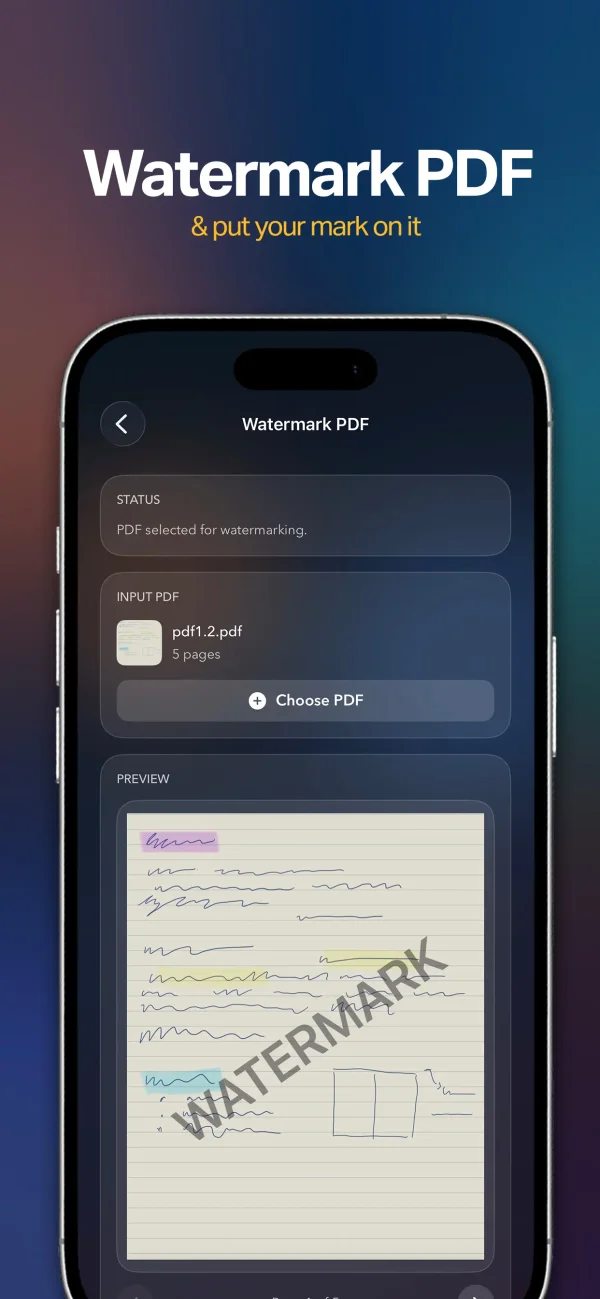
• Add a watermark to PDFs
• Protect PDFs with a password
• Unlock protected PDFs
• Preview pages before saving
• Save and export edited files
• Work with files quickly and easily
• Local processing on your device
• No ads
Why FileForge
• Fast and easy to use
• Clean interface focused on real tasks
• Helpful tools gathered in one app
• Great for work, study, and daily document management
Privacy-focused workflow
Your files stay under your control. FileForge is designed to process documents locally on your device whenever possible, making everyday PDF work faster and more convenient.
Privacy Policy: https://nemchynov.github.io/file-forge-support/privacy.html
Terms of Use (EULA): https://www.apple.com/legal/internet-services/itunes/dev/stdeula
What’s new
Version 1.1.0 · Jul 18, 2026
• Sign PDFs directly in the app
• Add custom signatures to documents
• Add a watermark to PDFs
• Protect PDFs with a password
• Unlock protected PDFs
App privacy
What Daniel Nemchynov declares on the App Store about how this app handles data.
-
Data not collected
The developer does not collect any data from this app.
Privacy practices may vary, for example with the features you use or your age.
Information
- Seller
- Daniel Nemchynov
- Category
- Productivity
- Version
- 1.1.0
- Updated
- Jul 18, 2026
- Released
- Mar 18, 2026
- Size
- 3.0 MB
- Requires
- iOS 26.0 or later
- Age rating
- 4+
- Price
- Free
- In-app purchases
- Yes
- Languages
- English, French, German, Italian, Portuguese, Russian, Simplified Chinese, Spanish
- Copyright
- © 2026 Daniel Nemchynov
You might also like
-
 VARAK PDF Editor & ScannerEdit Text, Sign & Fill Forms
-
 SignSeal - Sign & Fill PDFScan Docs, Signature Maker
-
 PDF Maker: Sign & Scan to PDFID Scanner, Merge & Split PDF
-
 super simple to do listtasks on your lock screen
-
 MemoNoteNotes, PDF markup, canvas
-
 CardsMind+: MindMap & NotesPDF, Video & Flashcards
-
 MyTasks! - To Do ListToDo list with clear deadlines
-
 Focus Train: Pomodoro TimerADHD Study Timer & App Blocker
-
 Falcon File ManagerVideos, music, photos & zip
-
 Titanova: Life PlannerGoals, Habits, Tasks & Focus