- 対象年齢4+
- カテゴリ仕事効率化
- 開発元Daniel Nemchynov
- 言語英語ほか7言語
- サイズ3.0 MB
App Storeの公式ページにリンクしています
Download.orgはFileForge: PDF Toolkitのファイルを一切ホストしていません。ボタンを押すと、Daniel Nemchynovが公開しているApp Storeのアプリページが開きます。ページの最終確認:2026/11/22。
スクリーンショット

概要
開発元はこのテキストをお使いの言語で提供していません。
FileForge is a practical PDF toolkit built for everyday document tasks.
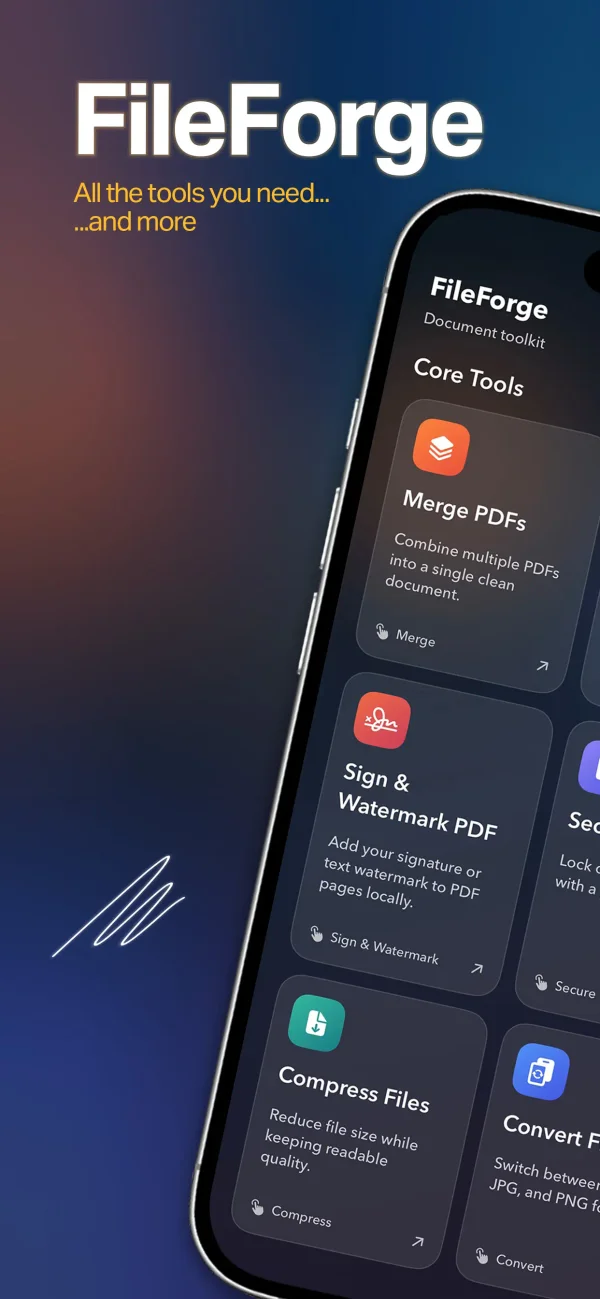
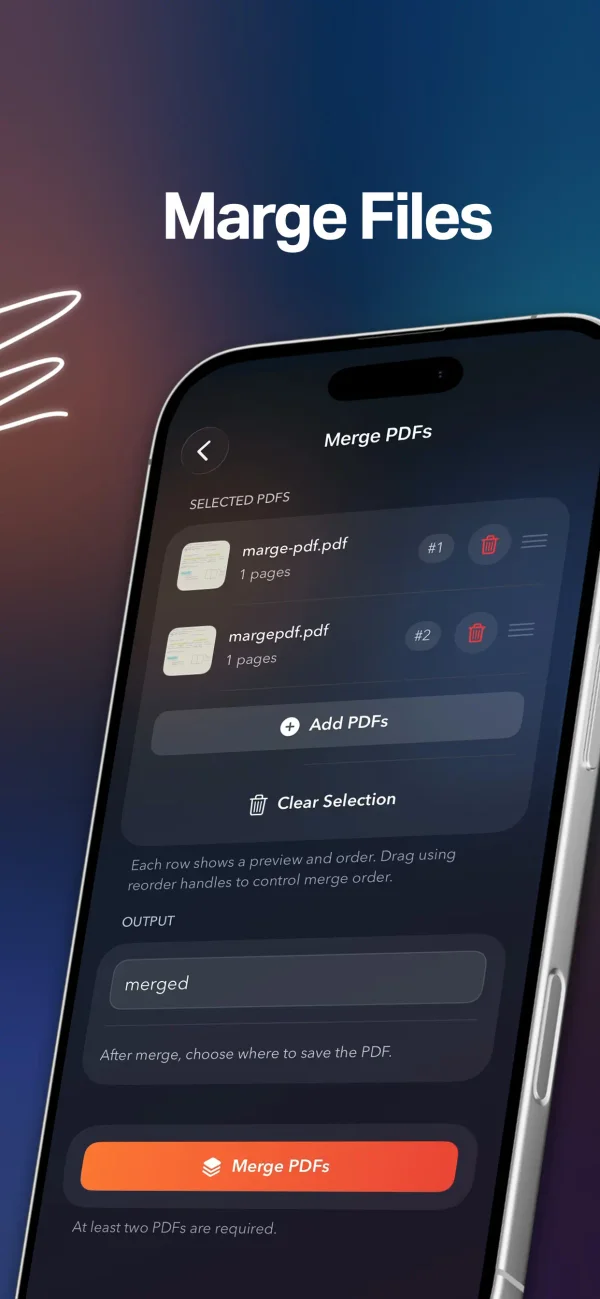
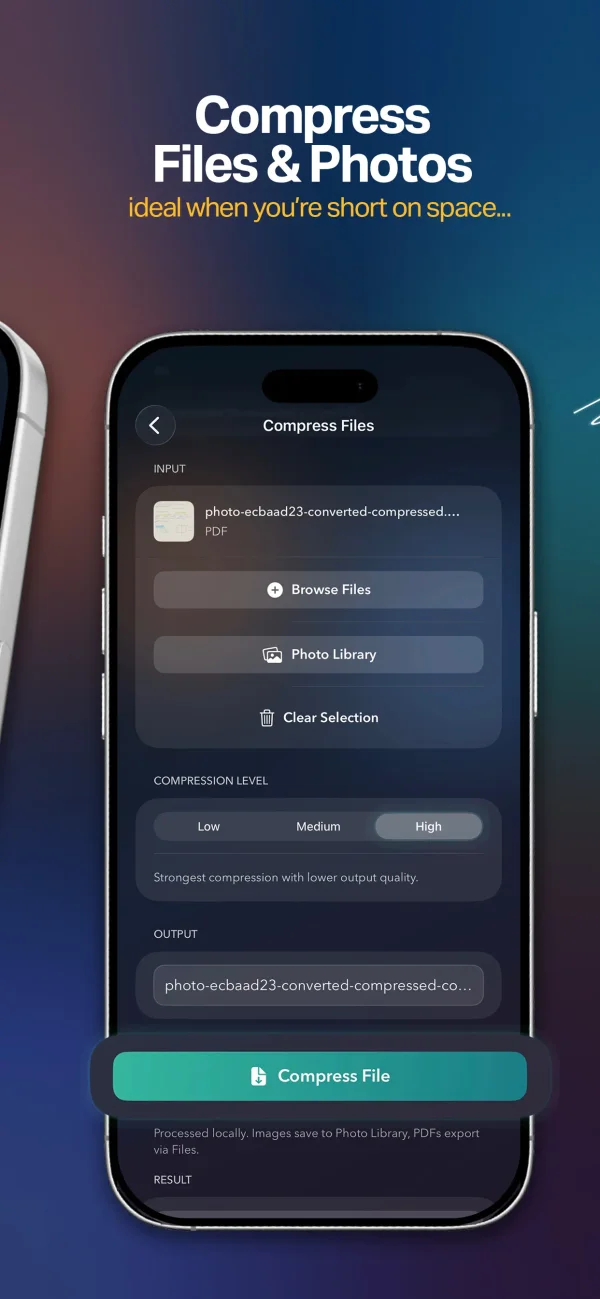
Merge PDFs, compress files, convert between PDFs and images, and edit PDF pages in one clean and simple app. Whether you need to reduce file size, reorganize pages, or turn photos into PDFs, FileForge gives you the essential tools in one place.
Key features
• Merge multiple PDFs into one file
• Compress PDFs to reduce file size
• Compress images quickly and easily
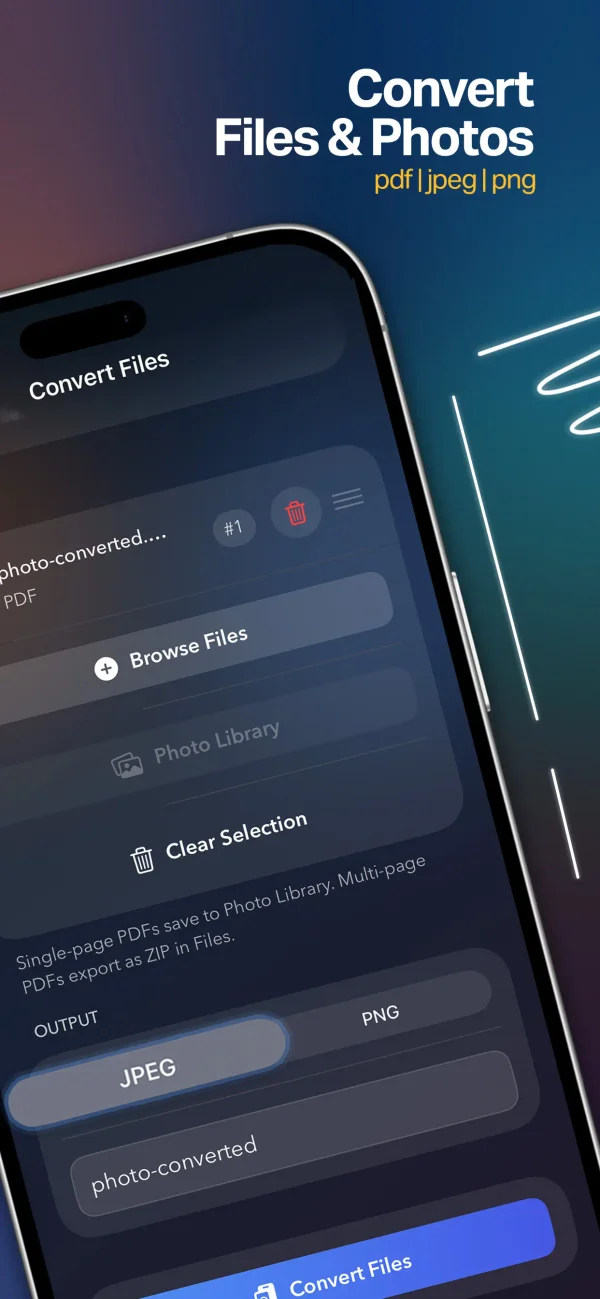
• Convert PDF pages to images
• Convert images to PDF
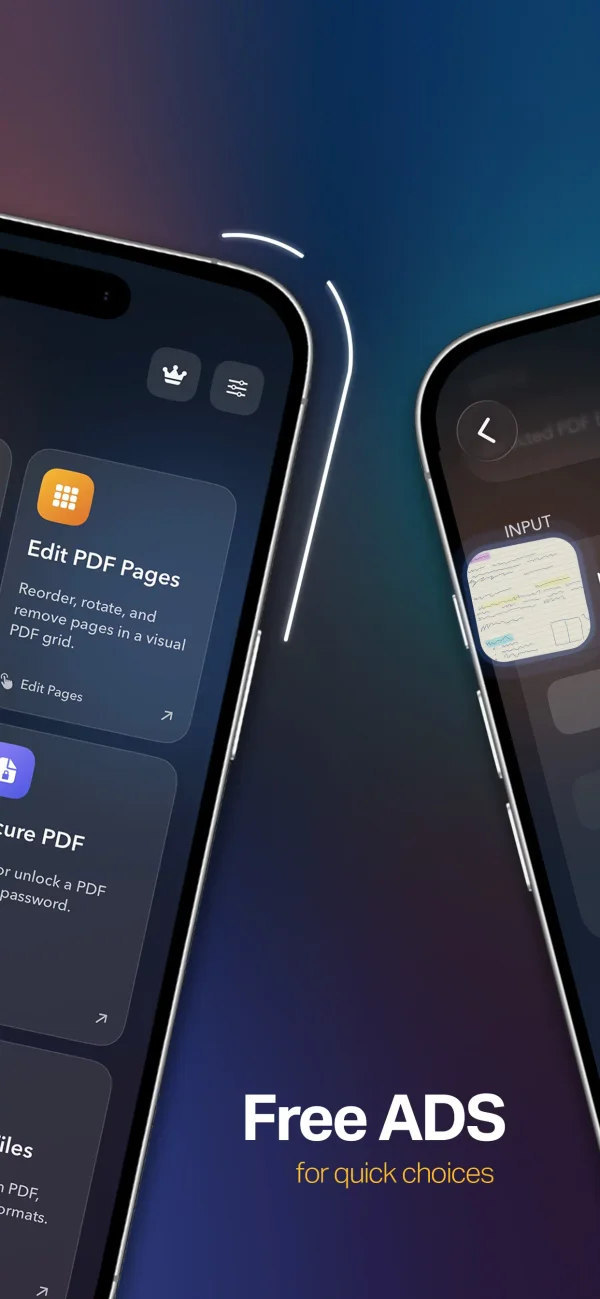
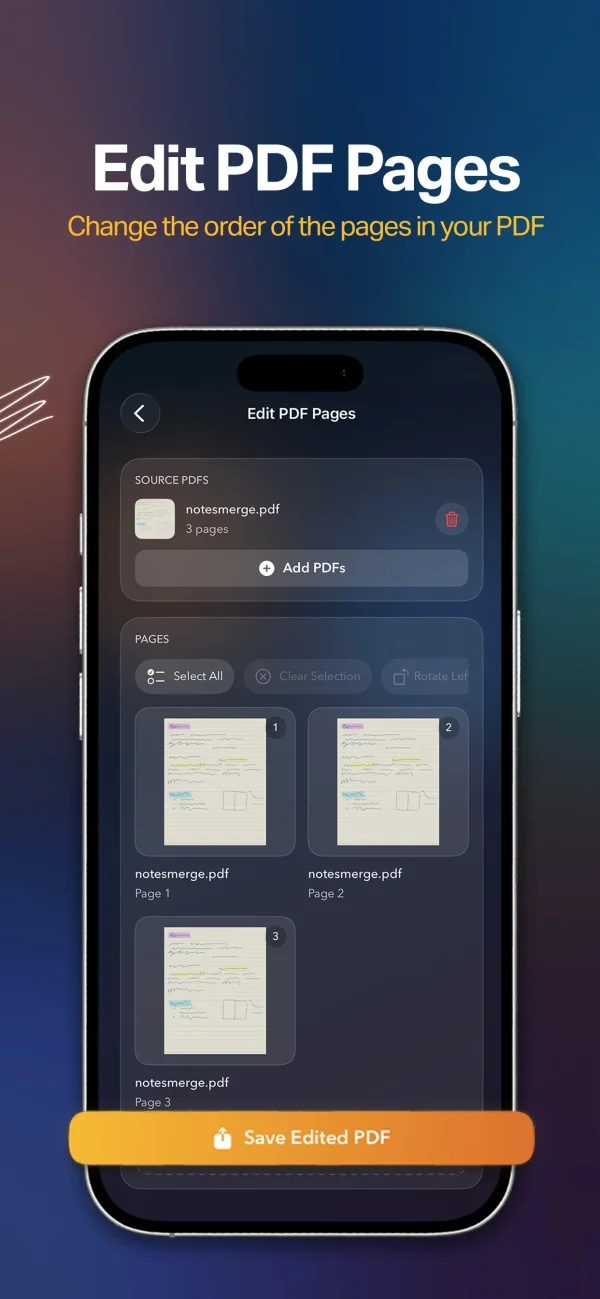
• Edit PDF pages
• Reorder pages
• Remove pages
• Export a new PDF in the exact order you choose
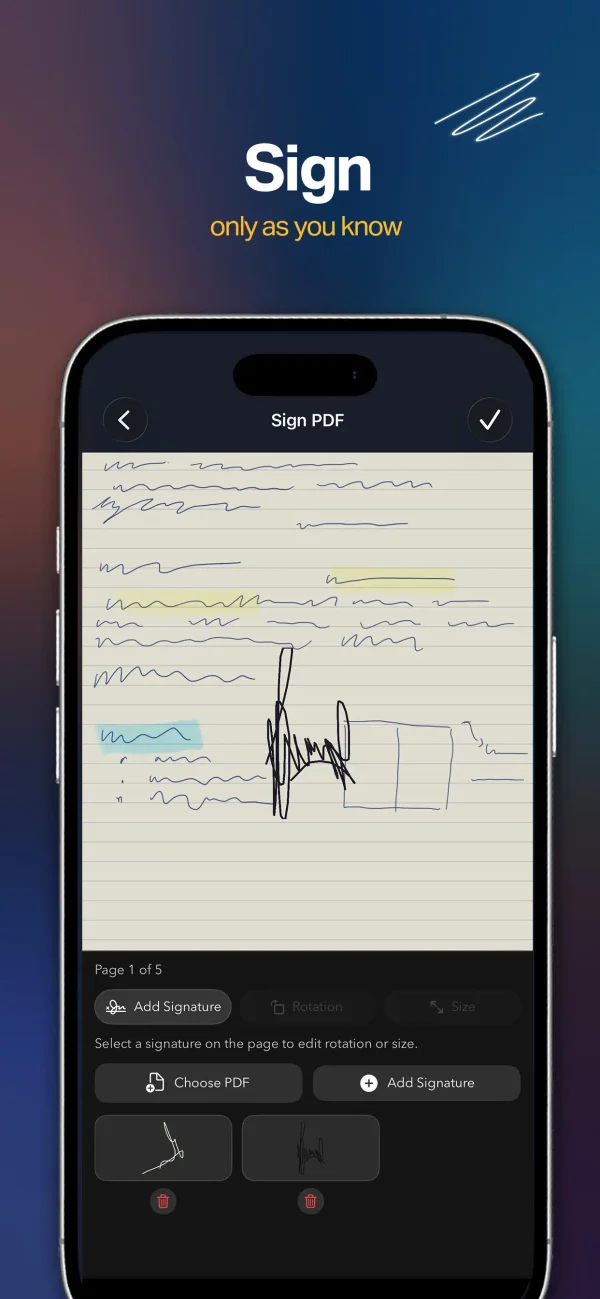
• Sign PDFs directly in the app
• Add custom signatures to documents
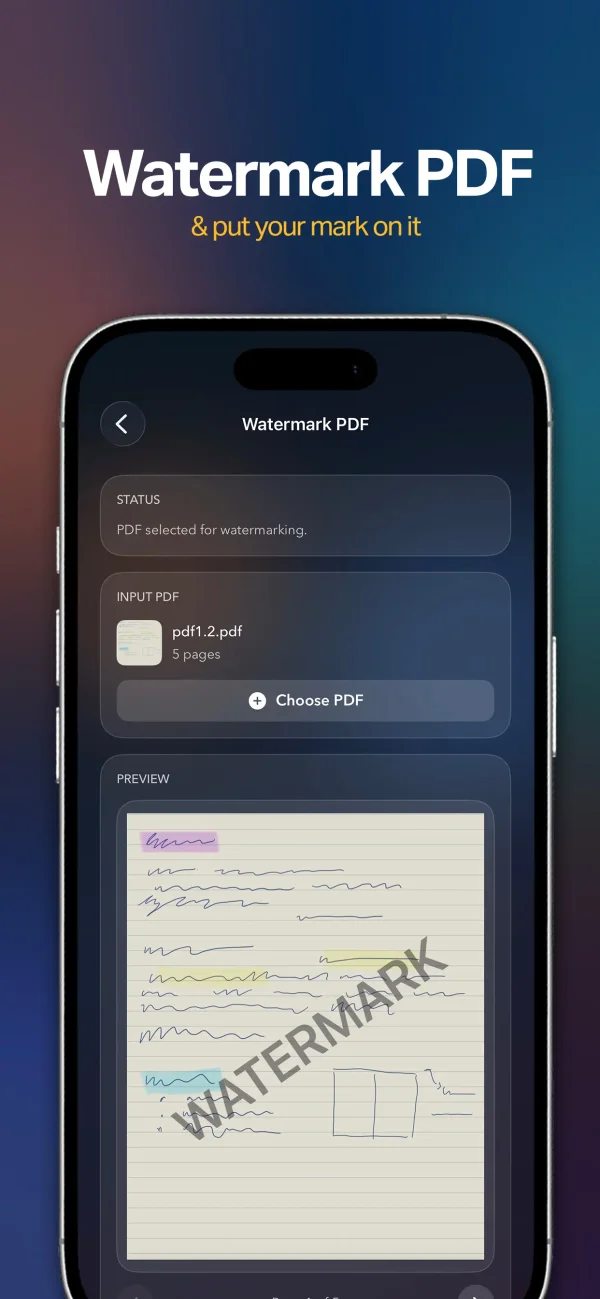
• Add a watermark to PDFs
• Protect PDFs with a password
• Unlock protected PDFs
• Preview pages before saving
• Save and export edited files
• Work with files quickly and easily
• Local processing on your device
• No ads
Why FileForge
• Fast and easy to use
• Clean interface focused on real tasks
• Helpful tools gathered in one app
• Great for work, study, and daily document management
Privacy-focused workflow
Your files stay under your control. FileForge is designed to process documents locally on your device whenever possible, making everyday PDF work faster and more convenient.
Privacy Policy: https://nemchynov.github.io/file-forge-support/privacy.html
Terms of Use (EULA): https://www.apple.com/legal/internet-services/itunes/dev/stdeula
新機能
バージョン 1.1.0 · 2026/7/18
• Sign PDFs directly in the app
• Add custom signatures to documents
• Add a watermark to PDFs
• Protect PDFs with a password
• Unlock protected PDFs
アプリのプライバシー
このアプリのデータの取り扱いについて、Daniel NemchynovがApp Storeで申告している内容です。
-
データの収集なし
開発元はこのアプリからデータを収集しません。
プライバシーの取り扱いは、ご利用の機能やお客様の年齢などに応じて異なる場合があります。
情報
- 販売元
- Daniel Nemchynov
- カテゴリ
- 仕事効率化
- バージョン
- 1.1.0
- 更新日
- 2026/7/18
- リリース
- 2026/3/18
- サイズ
- 3.0 MB
- 必要条件
- iOS 26.0以降
- 対象年齢
- 4+
- 価格
- 無料
- アプリ内課金
- あり
- 言語
- 英語, フランス語, ドイツ語, イタリア語, ポルトガル語, ロシア語, 簡体字中国語, スペイン語
- 著作権
- © 2026 Daniel Nemchynov
こちらもおすすめ
-
 VARAK PDF Editor & Scanner仕事効率化
-
 SignSeal - Sign & Fill PDF仕事効率化
-
 PDF Maker: Sign & Scan to PDF仕事効率化
-
 super simple to do list仕事効率化
-
 MemoNote仕事効率化
-
 CardsMind: マインドマップ&ノートPDF・動画・Webをカード化
-
 MyTasks! - To Doリスト期限を明確にするTo Doリスト
-
 集中トレイン:勉強・自習・ポモドーロ・ADHDタイマー集中アプリ|勉強時間の記録・スマホ制限・習慣化
-
 Falcon File Manager動画・音楽・写真・ZIPをまとめて管理
-
 Titanova: 目標達成と習慣化の手帳タスク管理・ToDoリスト・集中タイマー