
- Altersfreigabe12+
- KategorieFoto und Video
- EntwicklerJessica Tunnicliffe
- SprachenEnglisch
- Größe62,0 MB
Verlinkt auf die offizielle App Store-Seite
Download.org hostet keine Datei von Flickr-Pix. Die Schaltfläche öffnet die App-Seite bei App Store, wo Jessica Tunnicliffe die App veröffentlicht. Eintrag zuletzt geprüft am 18.11.2026.
Screenshots


Info
Der Entwickler hat diesen Text nicht in Ihrer Sprache bereitgestellt.
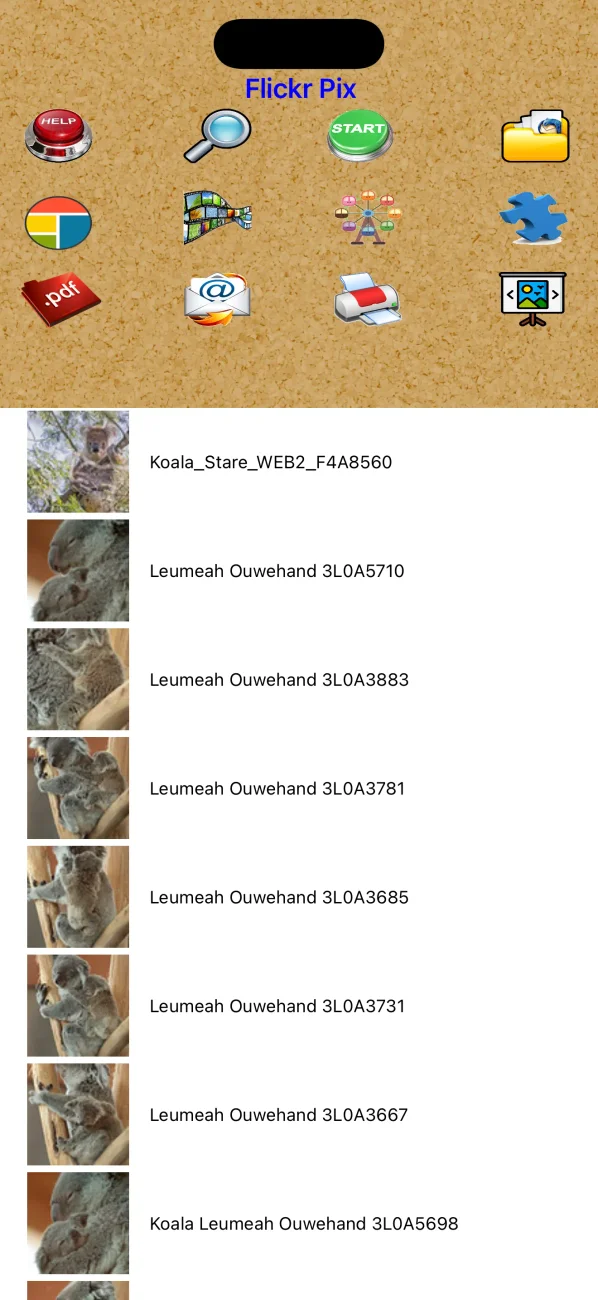
Flickr Pix allows you to search Flickr for photos. The photos retrieved can then be used in a collage display, slideshow, carousel, puzzle, an email, display as a pdf file, scroll photos, printed to an iphone supported printer or saved to your photo album.
There are 11 functions:
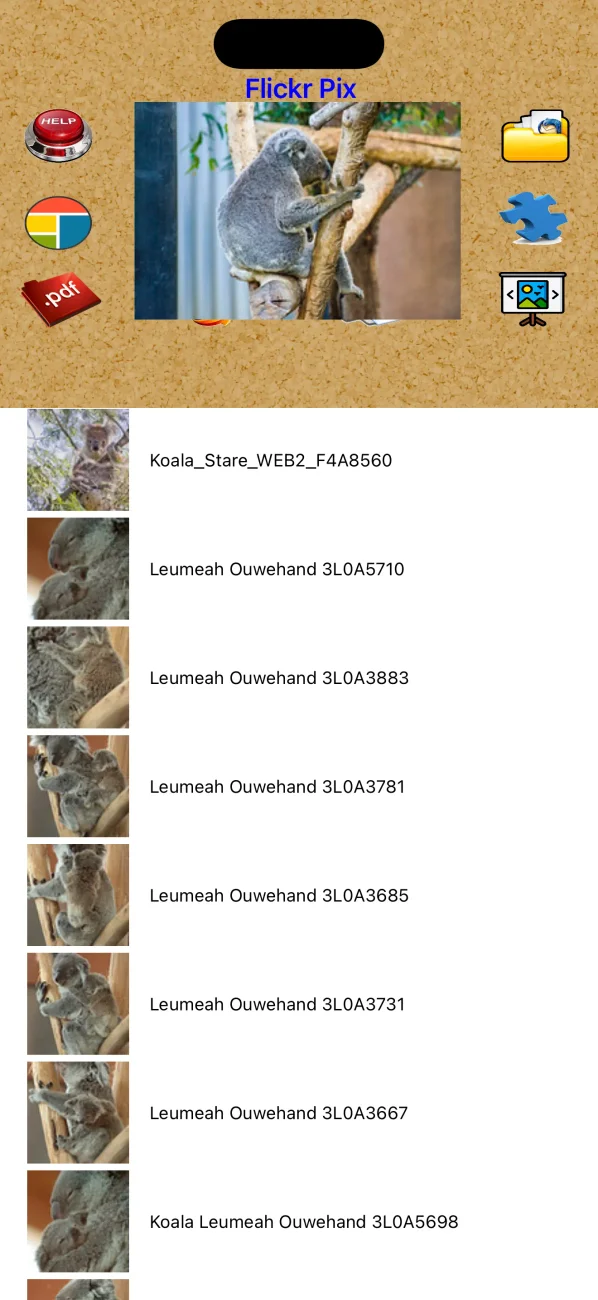
Search - Enter details of your search using keywords eg. Dogs, Cats, Koala, etc. A maximum of 50 photos retrieved from Flickr will be displayed in a table along with the title of the photo based on the search criteria. When you touch any photo in the table, a larger image will be displayed. Touch the larger image on the screen and the image will disappear.
Start/Stop - This option allows you to select multiple photos from the table. Press the 'Start' button to start selecting. Press the 'Stop' button when you have finished selecting the photos.
Collage - Display selected photos in a collage display format.
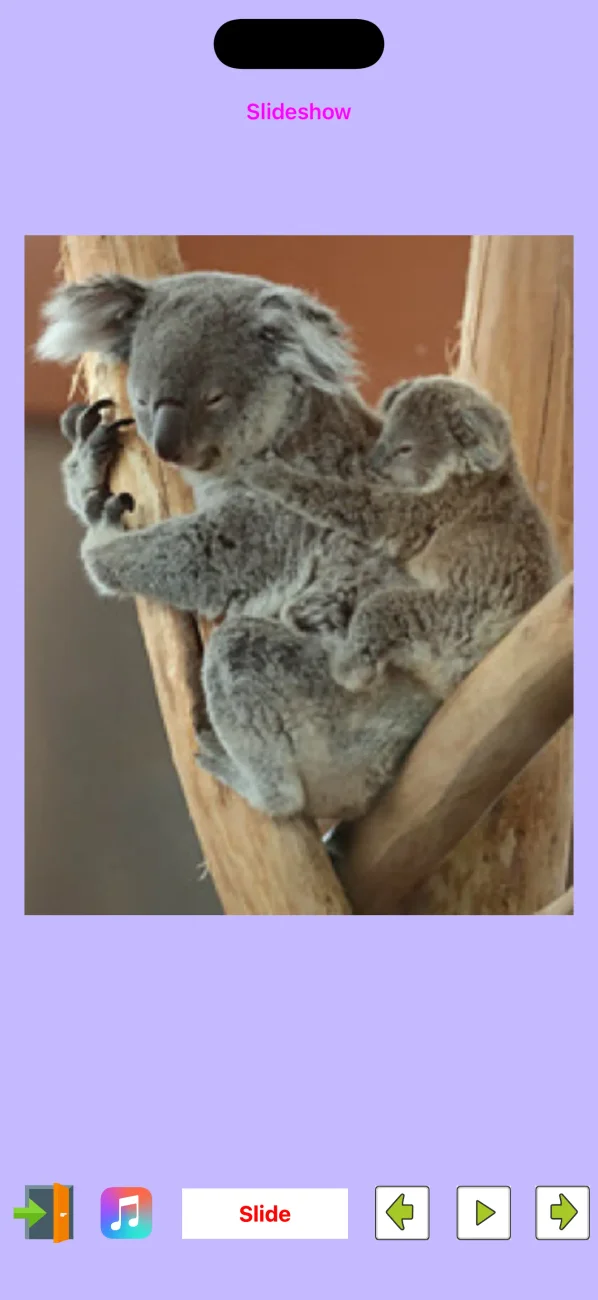
Slideshow - Display a slide show in automatic or manual mode with Fade or Slide effects. You have the option to add music to play during the slideshow.
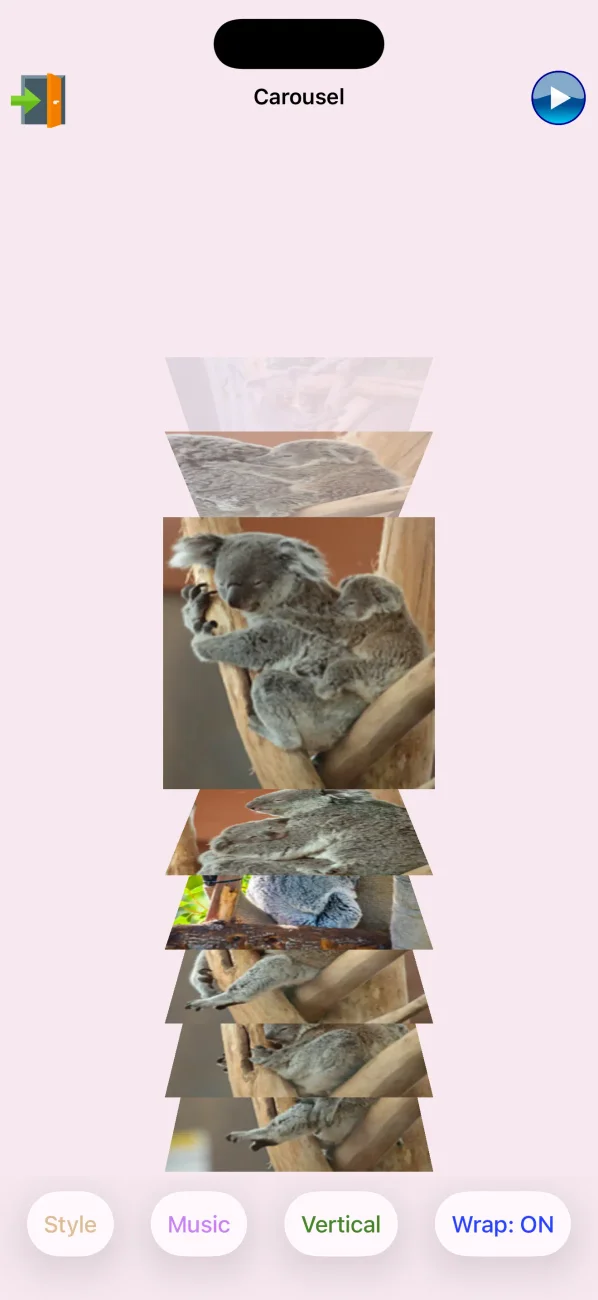
Carousel - Display photos in a carousel. Carousel styles include linear, rotary, inverted rotary, cylinder, inverted cylinder, wheel, inverted wheel, overflow, coverflow2, time machine, inverted time machine, or custom. Display mode can be vertical or horizontal. You have the option to add music to play.
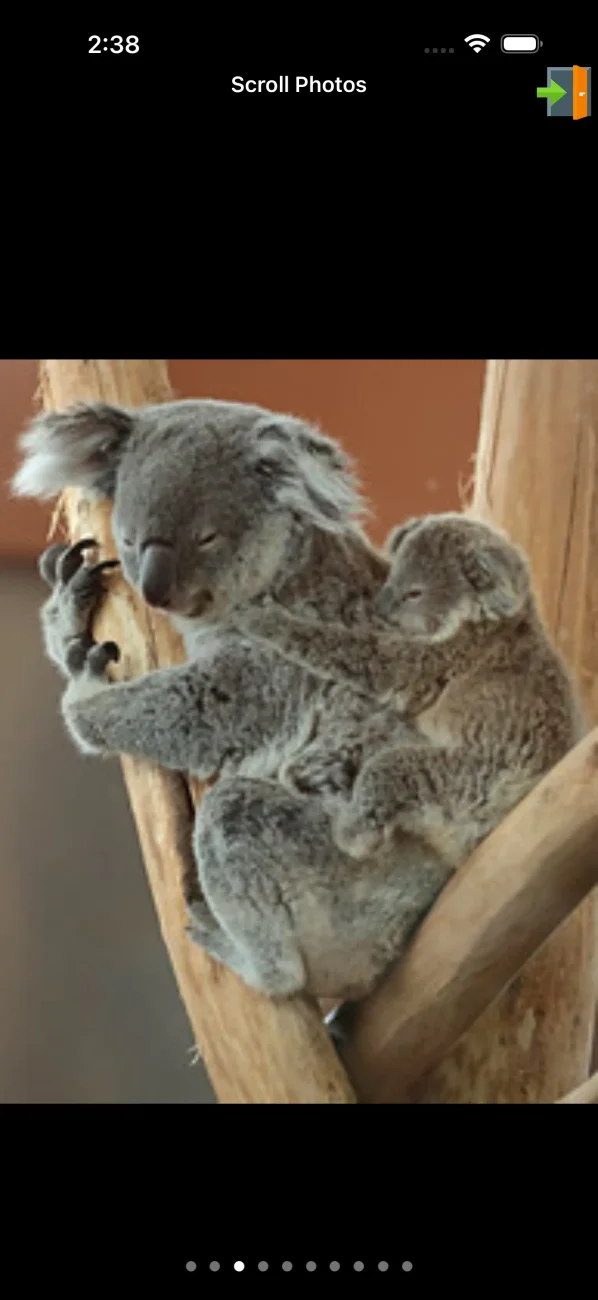
Scroll Photos - Scroll through selected photos.
Email - You can email the selected photos.
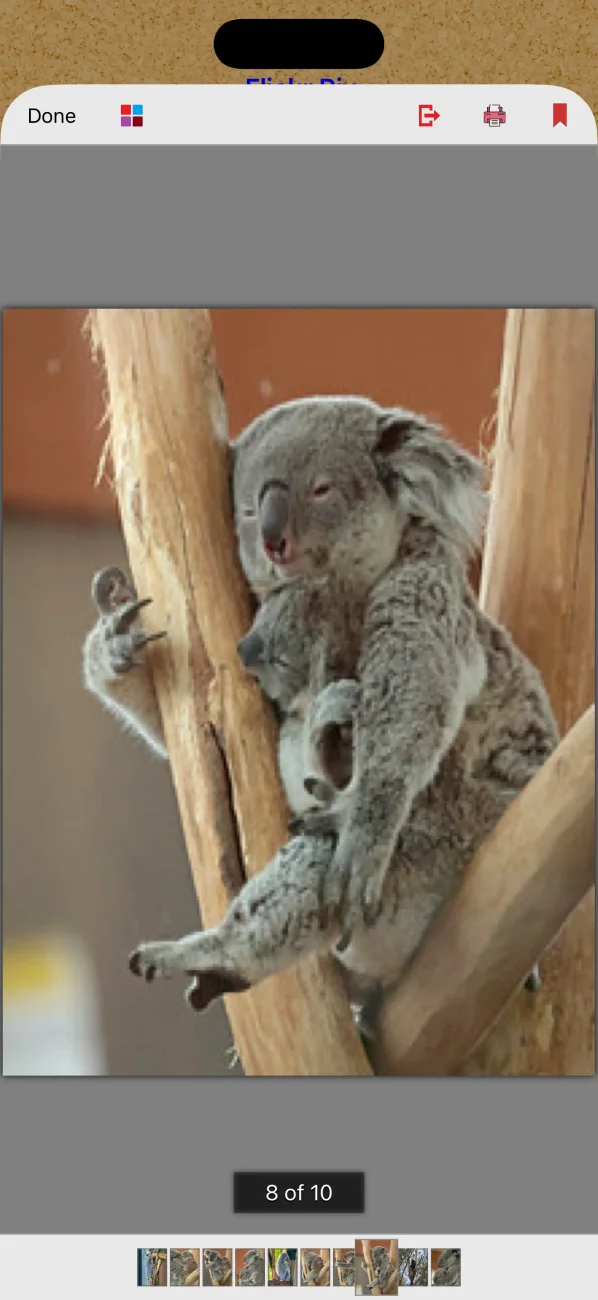
PDF File - Selected photos will be displayed as a pdf file.
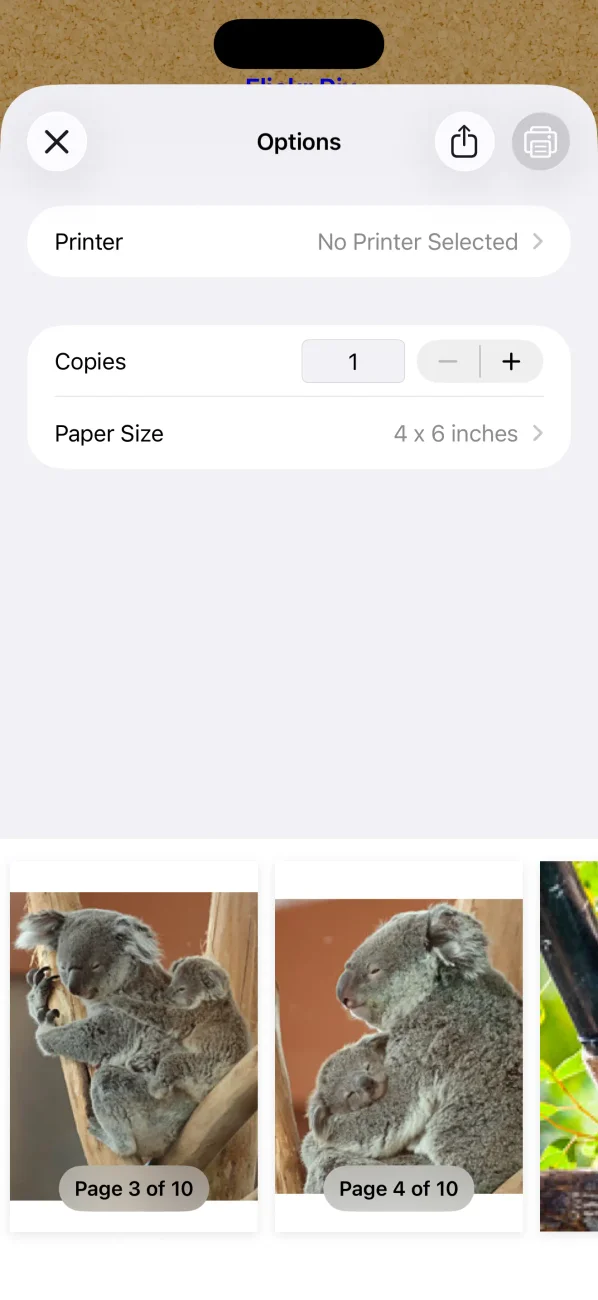
Printer - You can print the selected photos to an iphone supported printer. The print option will allow you to print a single copy or multiple copies.
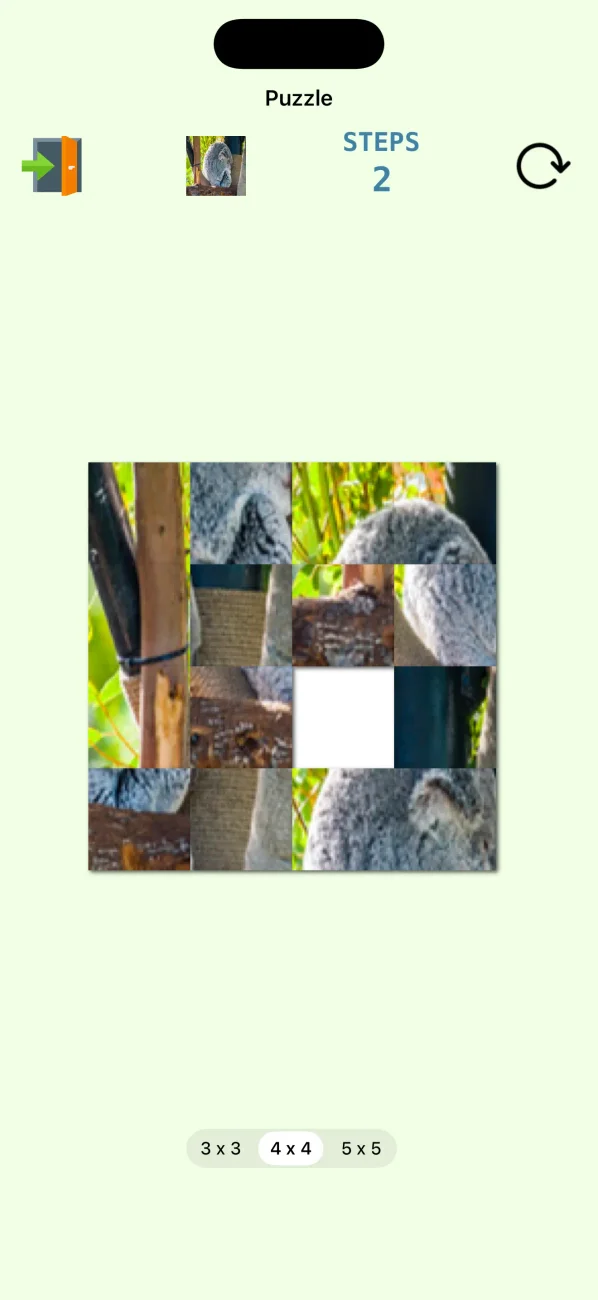
Puzzle - You can select a photo to use in the puzzle. Puzzle selection include 3x3, 4x4 or 5x5.
Save To Photo Album - Selected photos can be saved to the photo album.
There is also a 'Help' button to assist you in using this app.
Neue Funktionen
Version 1.0.25 · 02.11.2026
Bug fixes.
App-Datenschutz
Was Jessica Tunnicliffe im App Store zum Umgang dieser App mit Daten angibt.
-
Keine Daten erfasst
Der Entwickler erfasst keine Daten von dieser App.
Die Datenschutzpraktiken können variieren, zum Beispiel je nach den von Ihnen verwendeten Funktionen oder Ihrem Alter.
Informationen
- Anbieter
- Jessica Tunnicliffe
- Kategorie
- Foto und Video
- Version
- 1.0.25
- Aktualisiert
- 02.11.2026
- Veröffentlicht
- 08.11.2013
- Größe
- 62,0 MB
- Erfordert
- iOS 15.6 oder neuer
- Altersfreigabe
- 12+
- Preis
- 2,99 €
- Sprachen
- Englisch
- Copyright
- © Jessica Tunnicliffe
Das könnte Ihnen auch gefallen
-
 FindMySnap - BildsuchmaschineKI-Fotocollage & Reiniger
-
 Fotos Backup für NASUGREEN, ASUSTOR, WD, any NAS
-
 Camera Remote WatchFoto und Video
-
 Fotos Backup für QNAPHintergrund-Synchronisierung
-
 Foto Diashow - PixFolioDigitaler Bilderrahmen
-
 QuMagieFoto und Video
-
 Square Insta PicFoto und Video
-
 Lume - KI Bilder ErstellenAI Picture Generator & Filter
-
 AI Video Generator SerdaFoto und Video
-
 Auto Captions: Video SubtitlesFoto und Video