
- 対象年齢12+
- カテゴリ写真/ビデオ
- 開発元Jessica Tunnicliffe
- 言語英語
- サイズ62.0 MB
App Storeの公式ページにリンクしています
Download.orgはFlickr-Pixのファイルを一切ホストしていません。ボタンを押すと、Jessica Tunnicliffeが公開しているApp Storeのアプリページが開きます。ページの最終確認:2026/11/18。
スクリーンショット


概要
開発元はこのテキストをお使いの言語で提供していません。
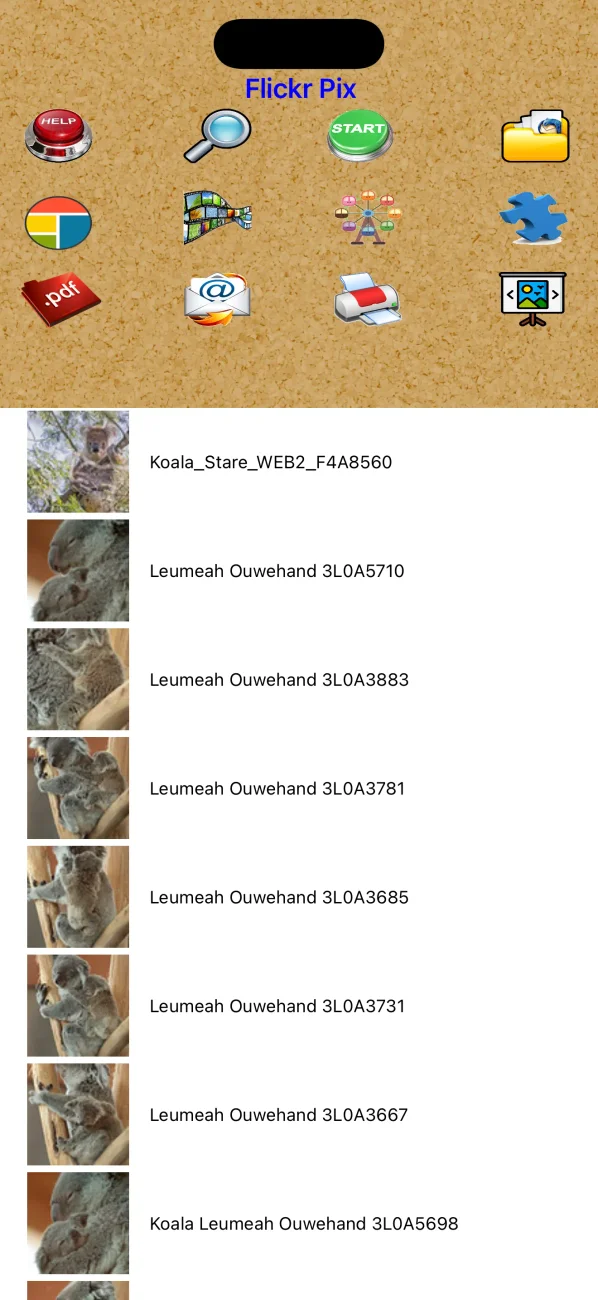
Flickr Pix allows you to search Flickr for photos. The photos retrieved can then be used in a collage display, slideshow, carousel, puzzle, an email, display as a pdf file, scroll photos, printed to an iphone supported printer or saved to your photo album.
There are 11 functions:
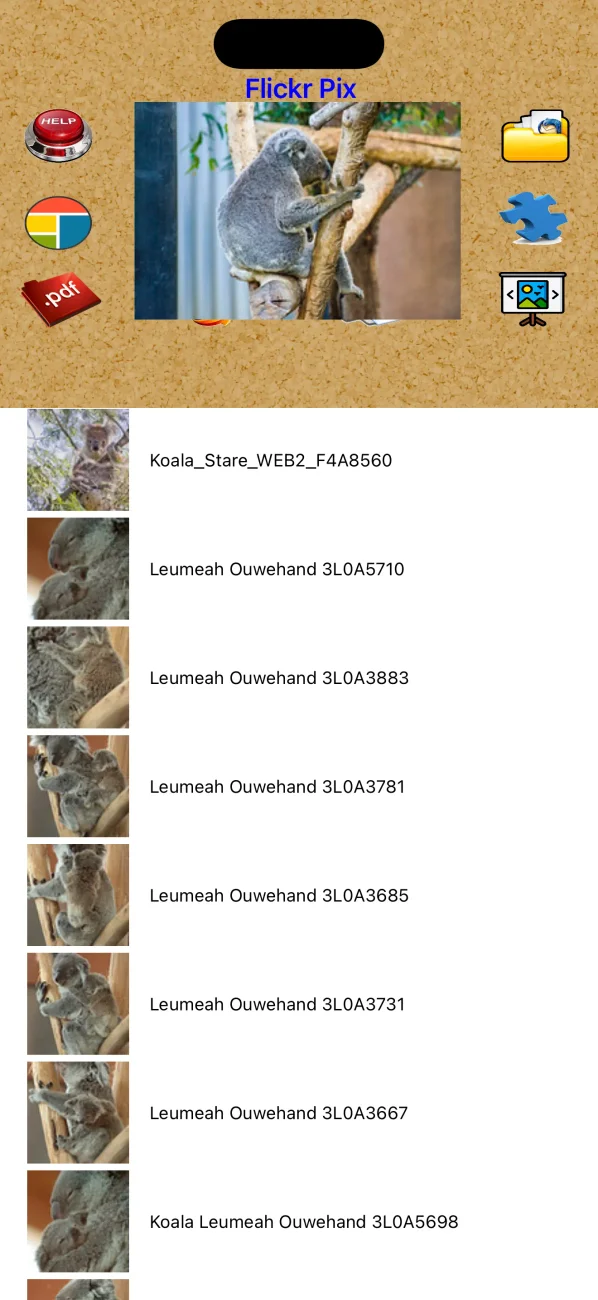
Search - Enter details of your search using keywords eg. Dogs, Cats, Koala, etc. A maximum of 50 photos retrieved from Flickr will be displayed in a table along with the title of the photo based on the search criteria. When you touch any photo in the table, a larger image will be displayed. Touch the larger image on the screen and the image will disappear.
Start/Stop - This option allows you to select multiple photos from the table. Press the 'Start' button to start selecting. Press the 'Stop' button when you have finished selecting the photos.
Collage - Display selected photos in a collage display format.
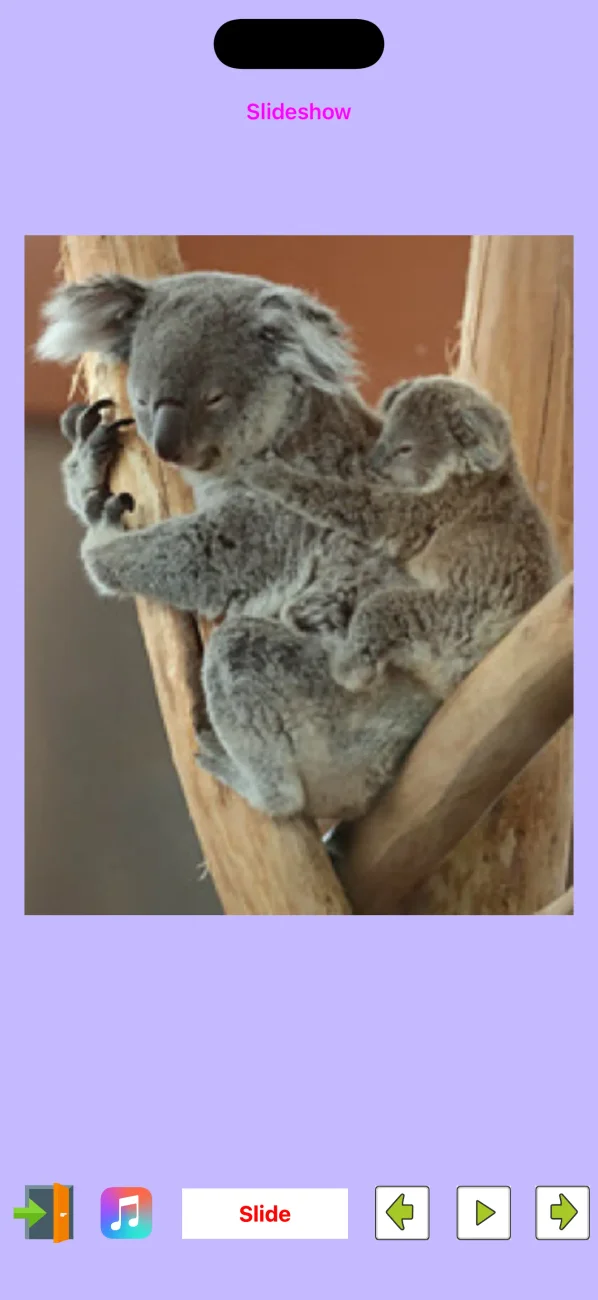
Slideshow - Display a slide show in automatic or manual mode with Fade or Slide effects. You have the option to add music to play during the slideshow.
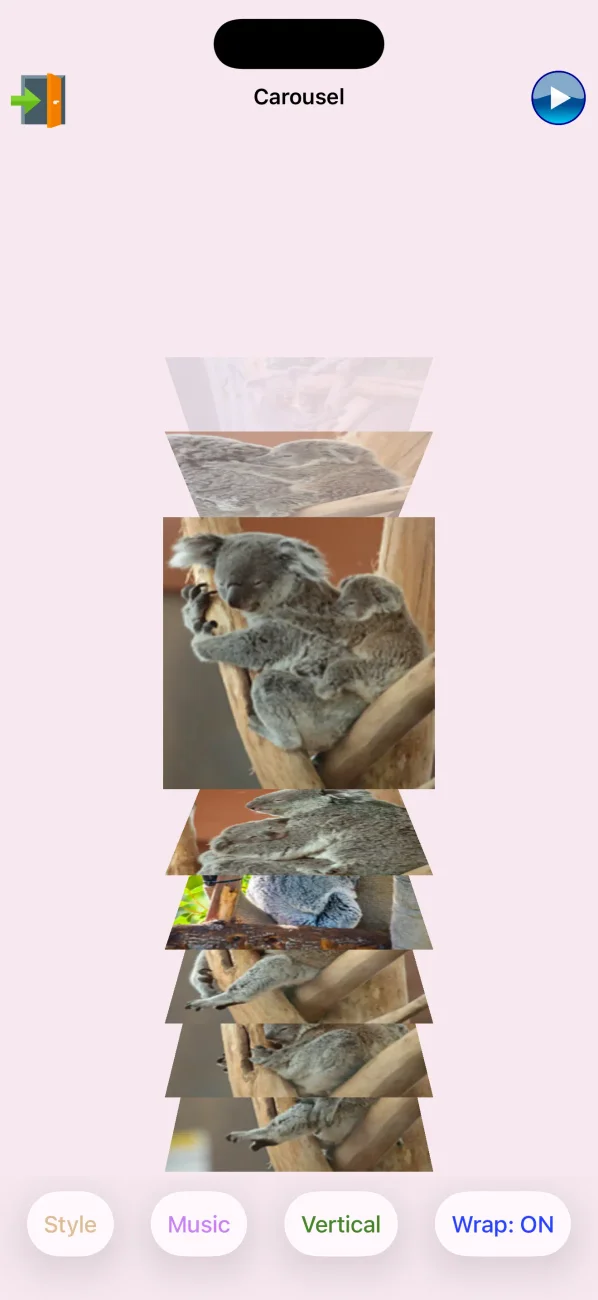
Carousel - Display photos in a carousel. Carousel styles include linear, rotary, inverted rotary, cylinder, inverted cylinder, wheel, inverted wheel, overflow, coverflow2, time machine, inverted time machine, or custom. Display mode can be vertical or horizontal. You have the option to add music to play.
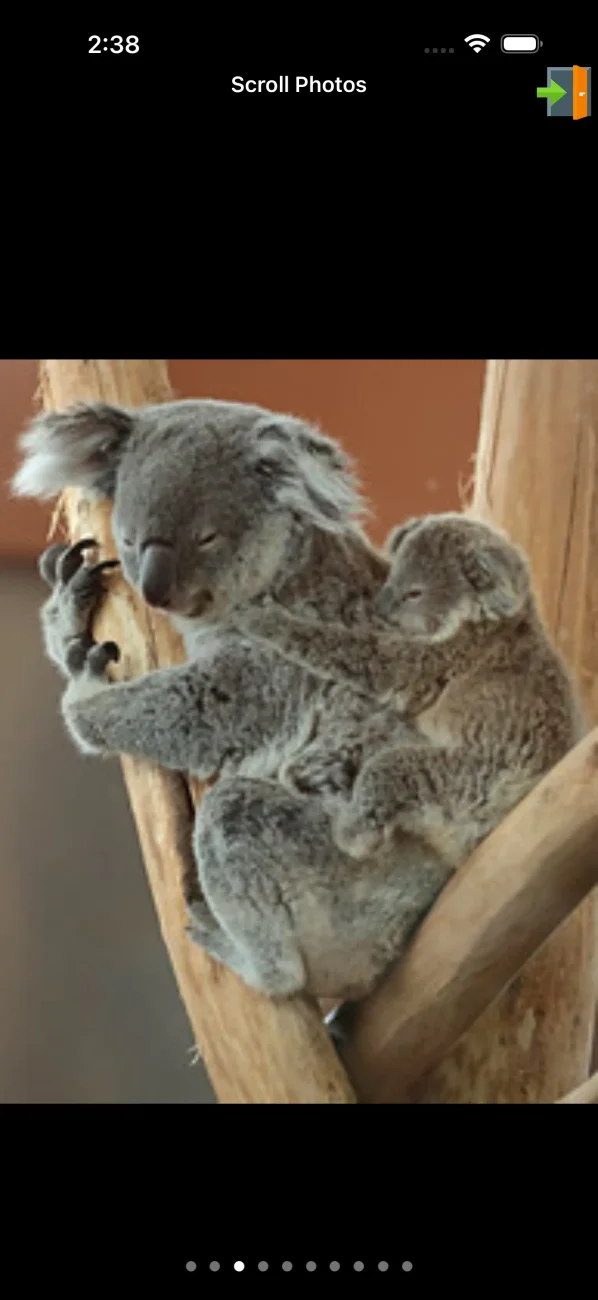
Scroll Photos - Scroll through selected photos.
Email - You can email the selected photos.
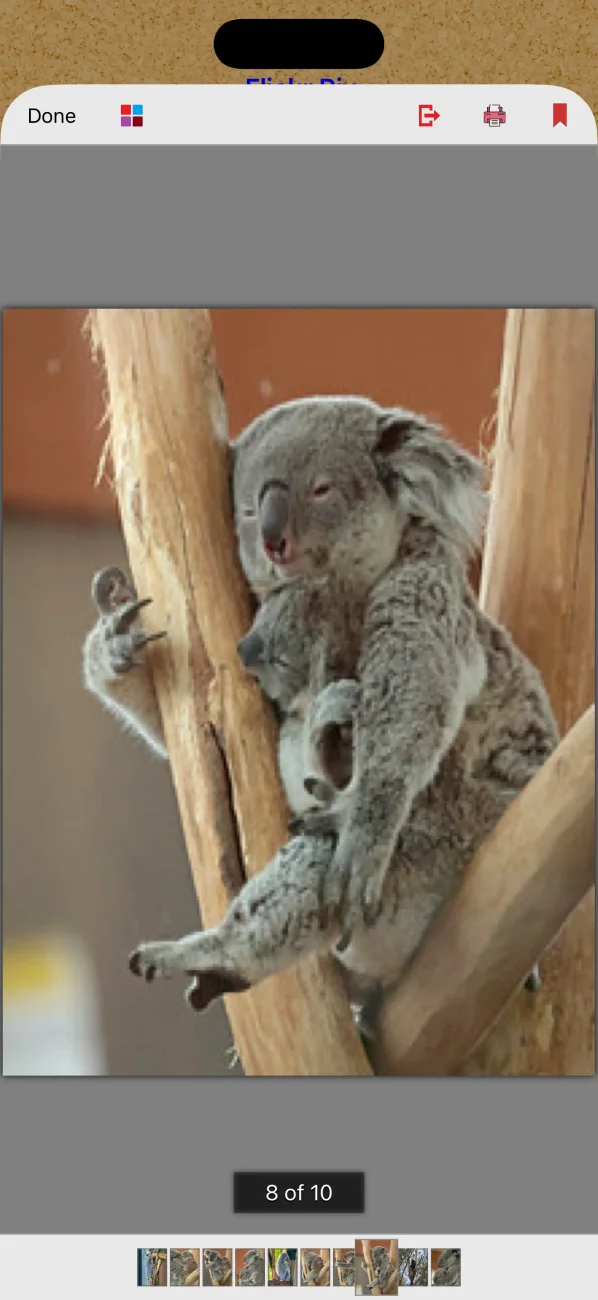
PDF File - Selected photos will be displayed as a pdf file.
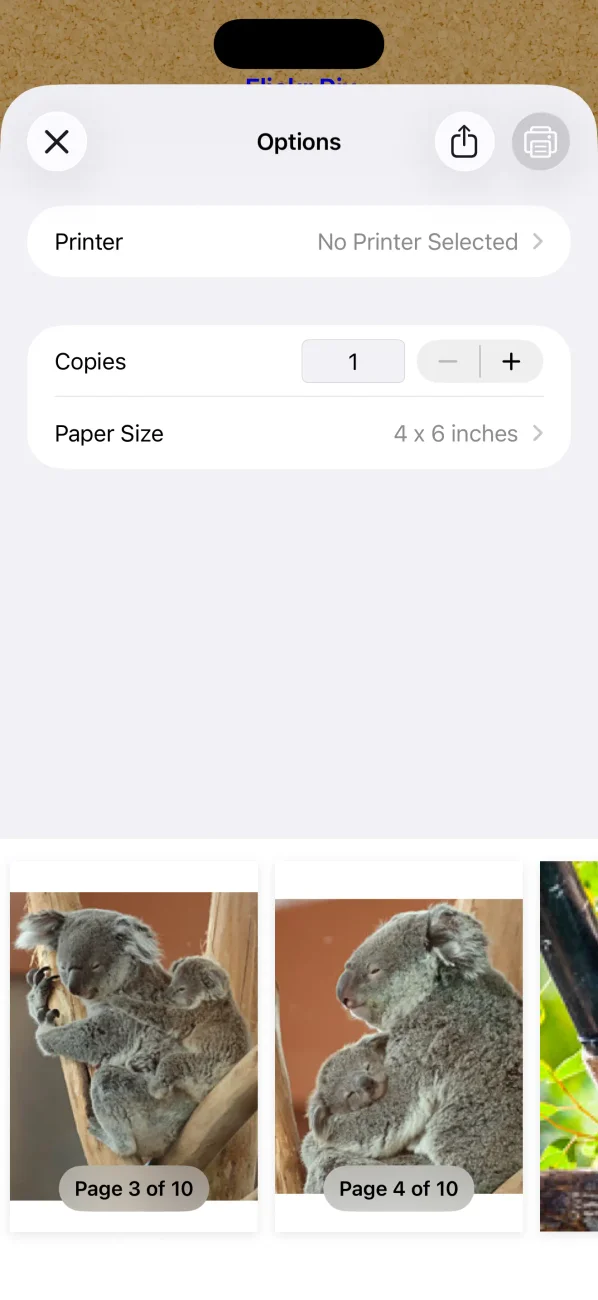
Printer - You can print the selected photos to an iphone supported printer. The print option will allow you to print a single copy or multiple copies.
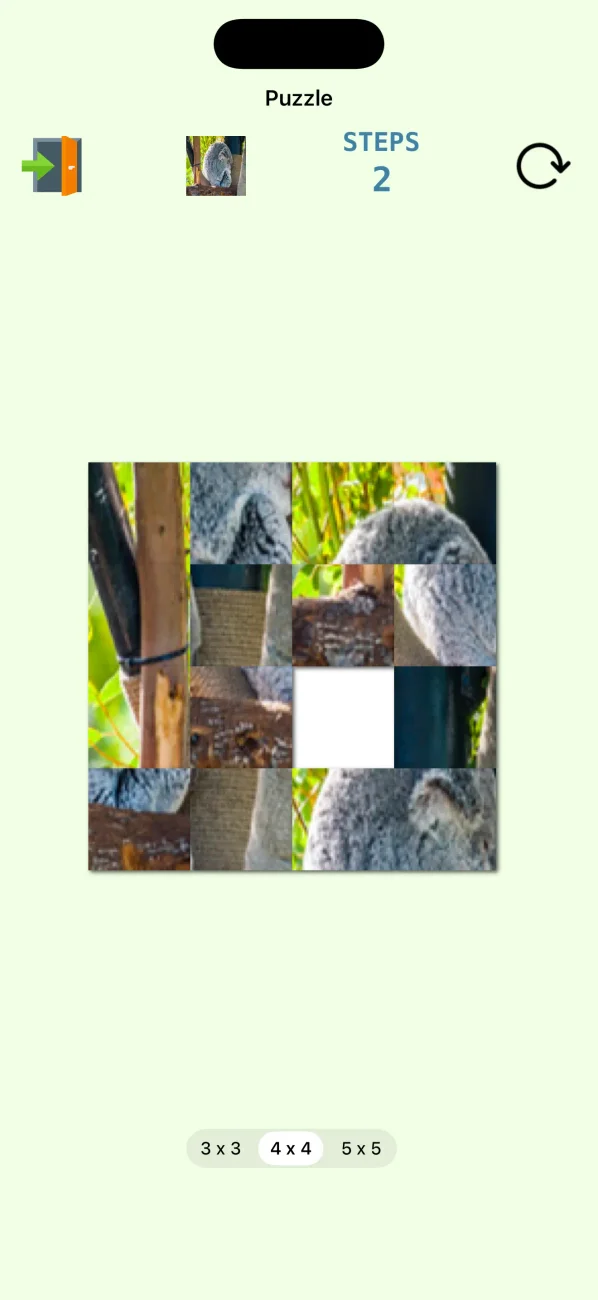
Puzzle - You can select a photo to use in the puzzle. Puzzle selection include 3x3, 4x4 or 5x5.
Save To Photo Album - Selected photos can be saved to the photo album.
There is also a 'Help' button to assist you in using this app.
新機能
バージョン 1.0.25 · 2026/11/2
Bug fixes.
アプリのプライバシー
このアプリのデータの取り扱いについて、Jessica TunnicliffeがApp Storeで申告している内容です。
-
データの収集なし
開発元はこのアプリからデータを収集しません。
プライバシーの取り扱いは、ご利用の機能やお客様の年齢などに応じて異なる場合があります。
情報
- 販売元
- Jessica Tunnicliffe
- カテゴリ
- 写真/ビデオ
- バージョン
- 1.0.25
- 更新日
- 2026/11/2
- リリース
- 2013/11/8
- サイズ
- 62.0 MB
- 必要条件
- iOS 15.6以降
- 対象年齢
- 12+
- 価格
- ¥500
- 言語
- 英語
- 著作権
- © Jessica Tunnicliffe
こちらもおすすめ
-
 FindMySnap - AIによる画像検索と共有ApplePhotosと同期した写真のコラージュとクリーナー
-
 NAS 写真バックアップ - 自動および同期UGREEN, ASUSTOR, WD, any NAS
-
 Camera Remote Watch写真/ビデオ
-
 QNAP 写真バックアップ - 自動および同期バックグラウンド同期:NAS写真バックアップ
-
 写真スライドショー・デジタルフォトフレーム PixFolioクラウドアルバム・動画・画像ビューア・テレビ・ギャラリー
-
 QuMagie写真/ビデオ
-
 Square Insta Pic写真/ビデオ
-
 Lume - AI Photo Generator写真/ビデオ
-
 AI Video Generator Serda写真/ビデオ
-
 Auto Captions: Video Subtitles写真/ビデオ