
- Clasificación por edad12+
- CategoríaFoto y vídeo
- DesarrolladorJessica Tunnicliffe
- IdiomasInglés
- Tamaño62,0 MB
Enlaza a la página oficial de App Store
Download.org no aloja ningún archivo de Flickr-Pix. El botón abre la página de la aplicación en App Store, donde la publica Jessica Tunnicliffe. Ficha comprobada por última vez el 18/11/2026.
Capturas de pantalla


Acerca de
El desarrollador no ha proporcionado este texto en tu idioma.
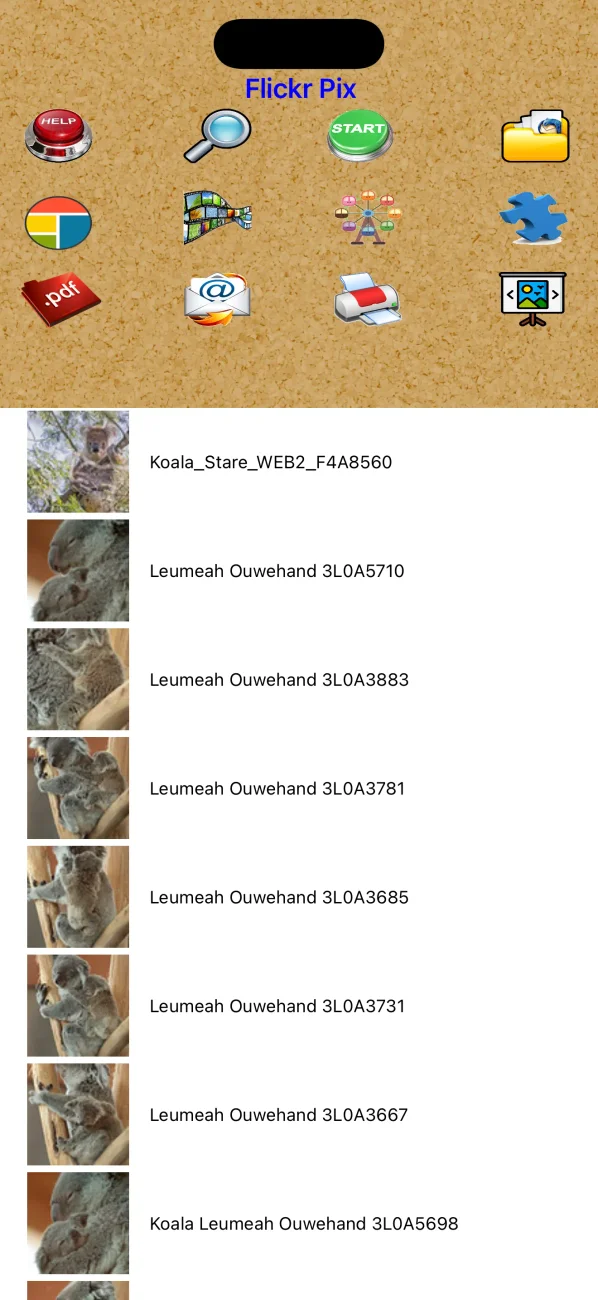
Flickr Pix allows you to search Flickr for photos. The photos retrieved can then be used in a collage display, slideshow, carousel, puzzle, an email, display as a pdf file, scroll photos, printed to an iphone supported printer or saved to your photo album.
There are 11 functions:
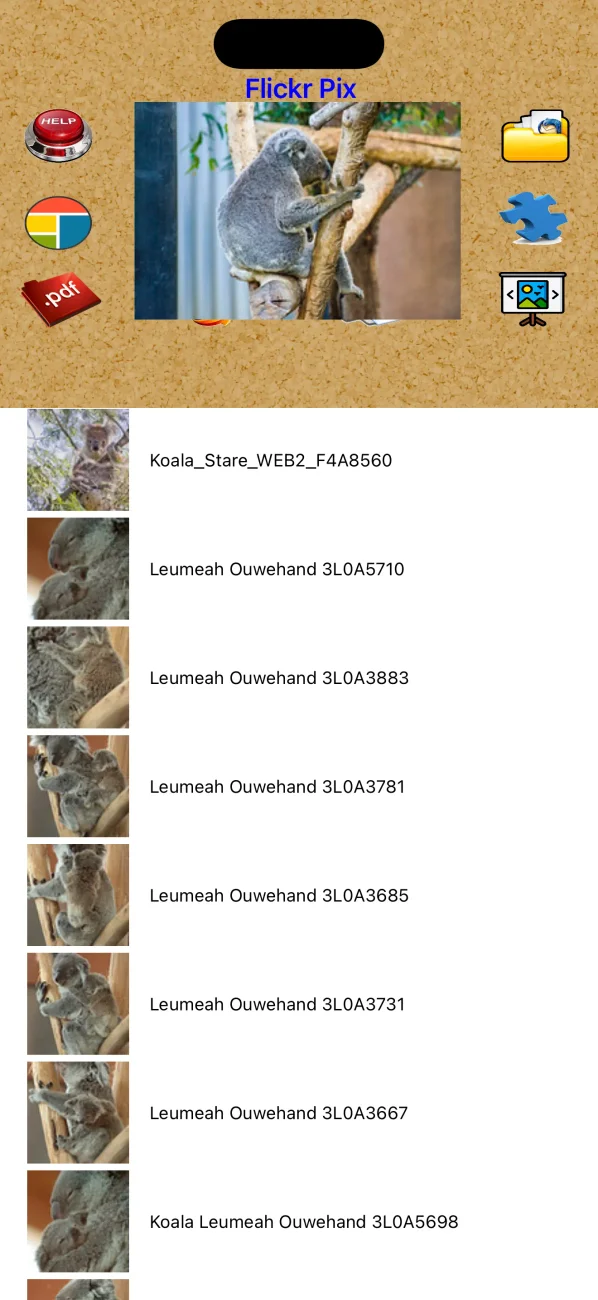
Search - Enter details of your search using keywords eg. Dogs, Cats, Koala, etc. A maximum of 50 photos retrieved from Flickr will be displayed in a table along with the title of the photo based on the search criteria. When you touch any photo in the table, a larger image will be displayed. Touch the larger image on the screen and the image will disappear.
Start/Stop - This option allows you to select multiple photos from the table. Press the 'Start' button to start selecting. Press the 'Stop' button when you have finished selecting the photos.
Collage - Display selected photos in a collage display format.
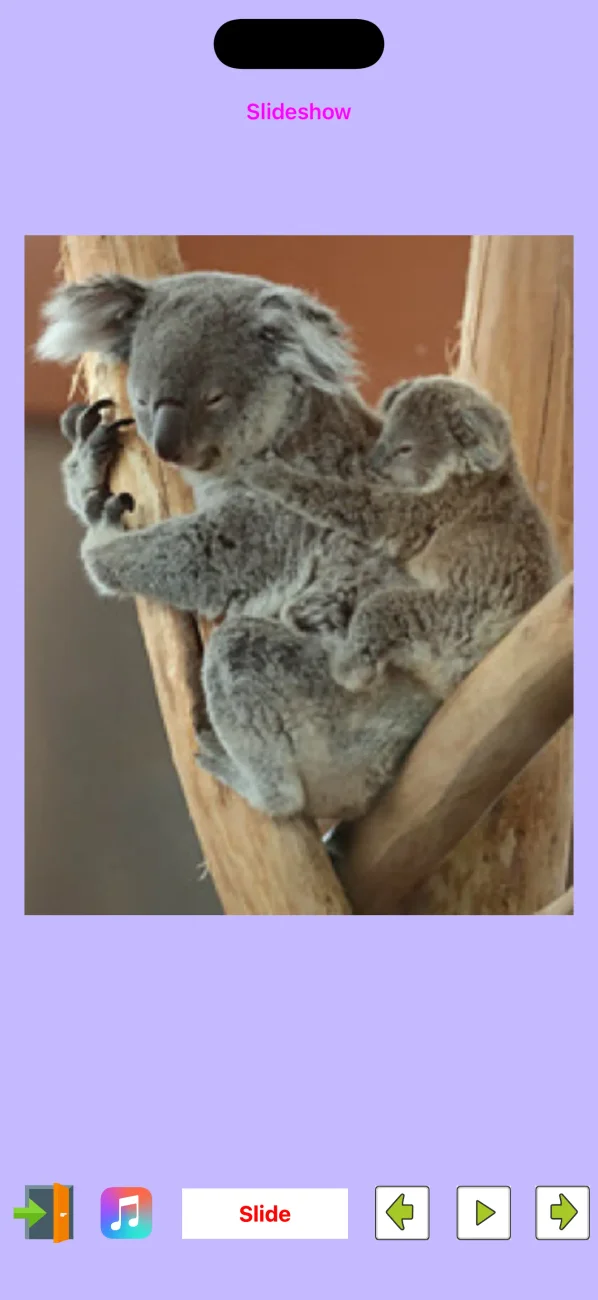
Slideshow - Display a slide show in automatic or manual mode with Fade or Slide effects. You have the option to add music to play during the slideshow.
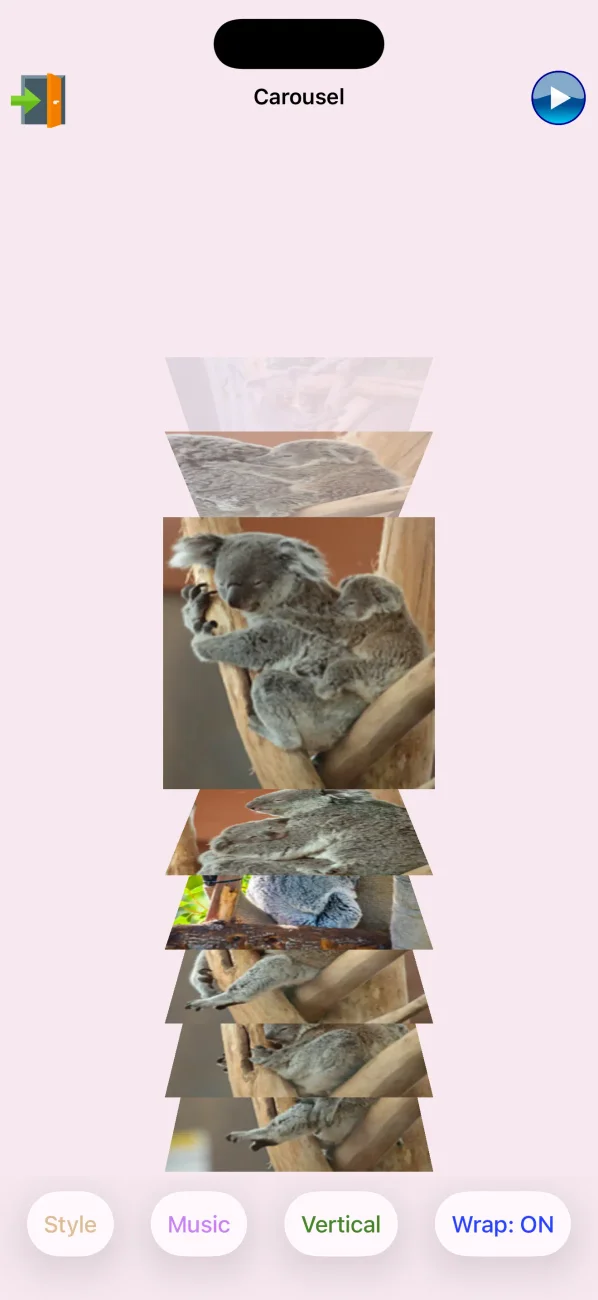
Carousel - Display photos in a carousel. Carousel styles include linear, rotary, inverted rotary, cylinder, inverted cylinder, wheel, inverted wheel, overflow, coverflow2, time machine, inverted time machine, or custom. Display mode can be vertical or horizontal. You have the option to add music to play.
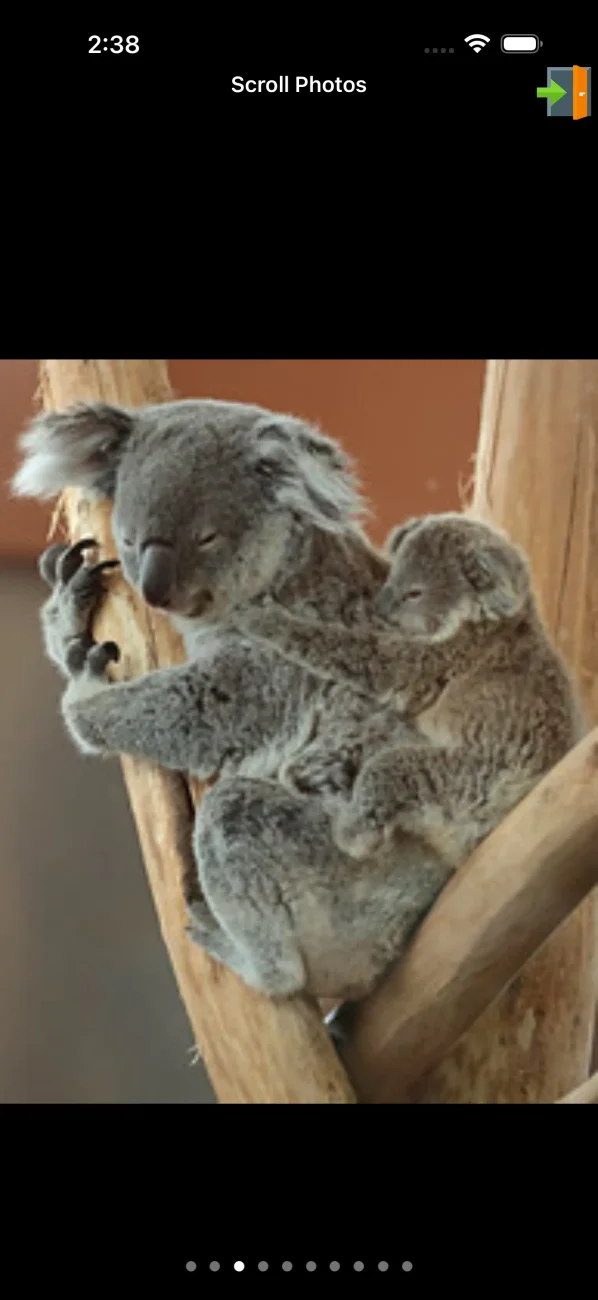
Scroll Photos - Scroll through selected photos.
Email - You can email the selected photos.
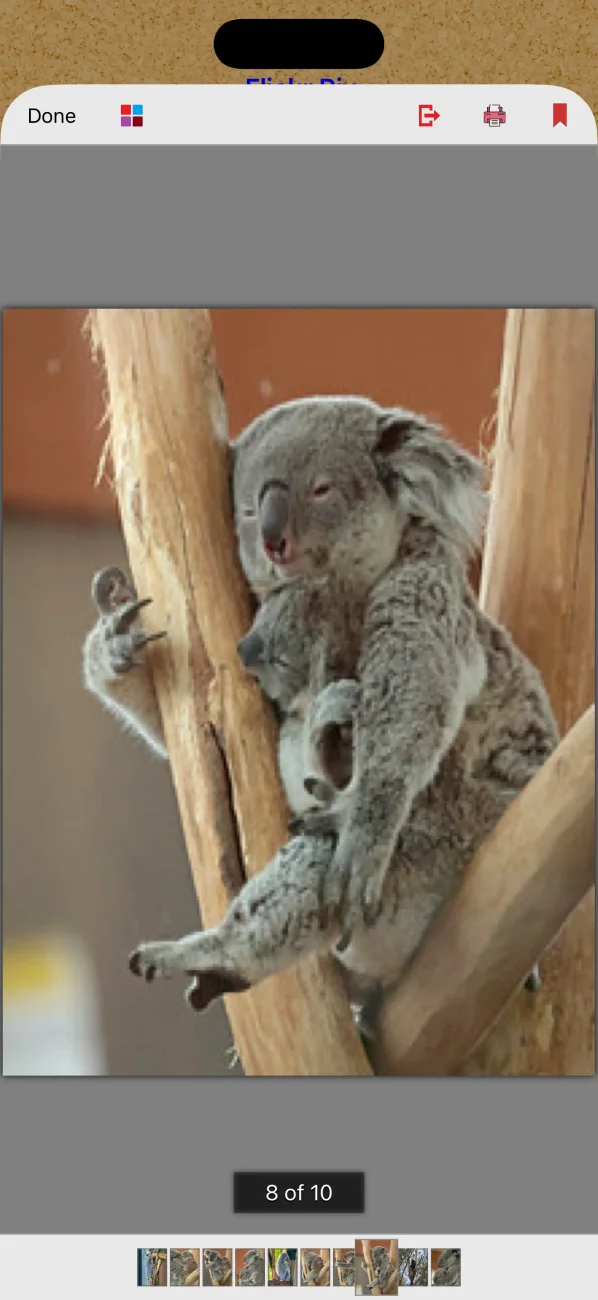
PDF File - Selected photos will be displayed as a pdf file.
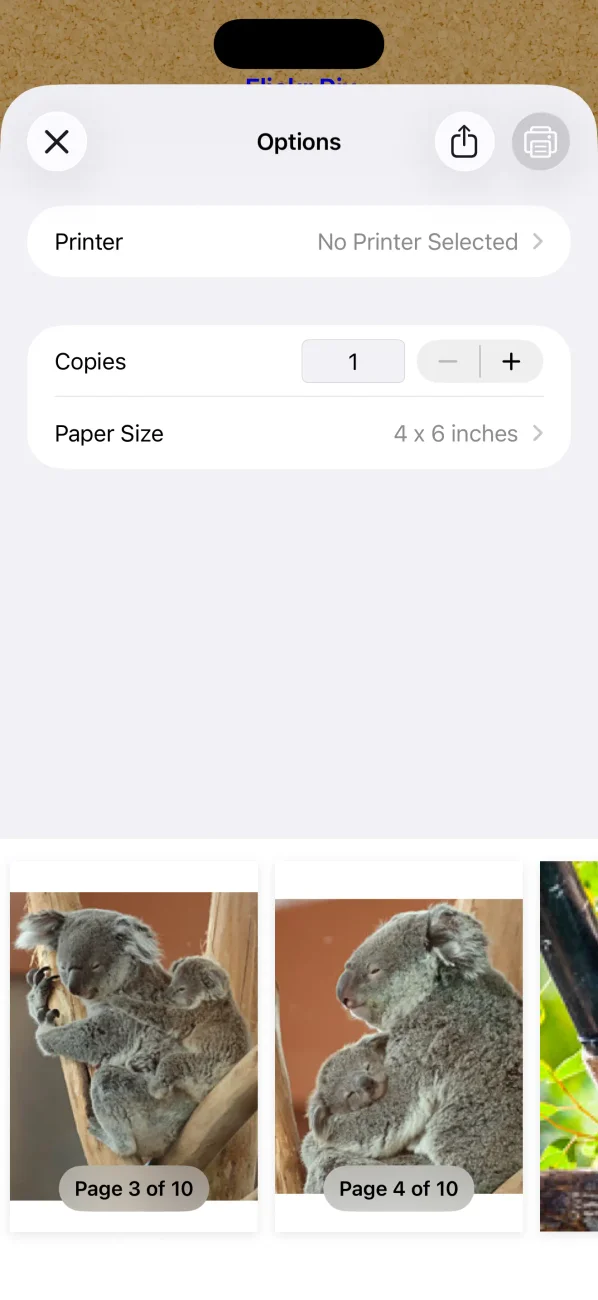
Printer - You can print the selected photos to an iphone supported printer. The print option will allow you to print a single copy or multiple copies.
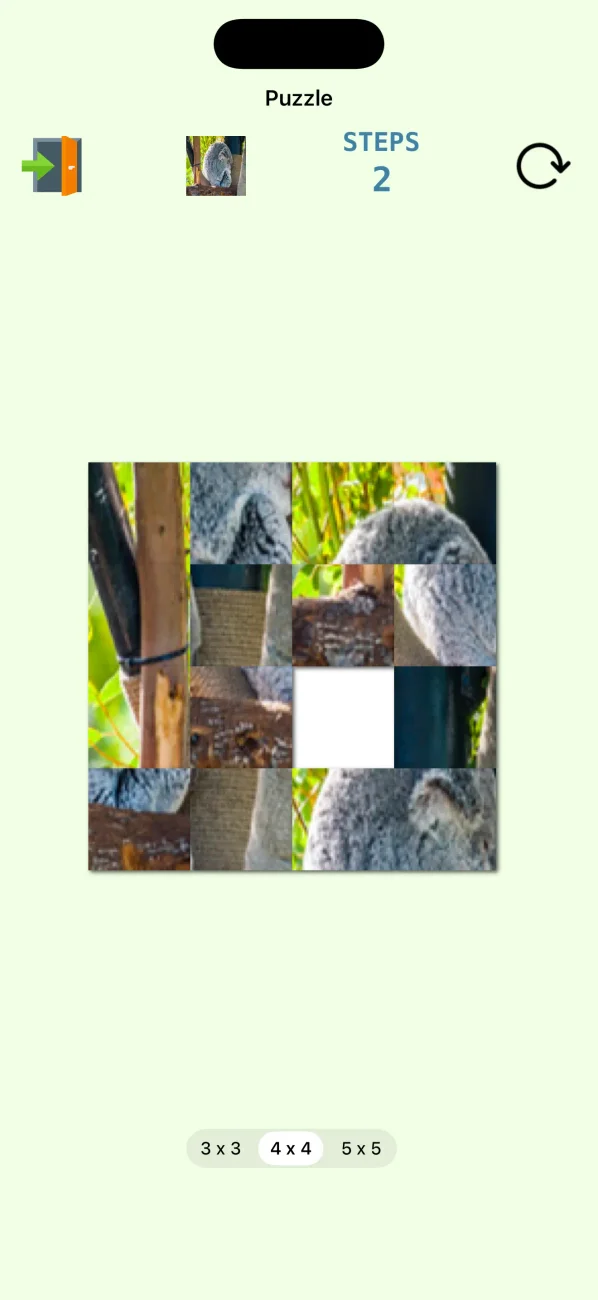
Puzzle - You can select a photo to use in the puzzle. Puzzle selection include 3x3, 4x4 or 5x5.
Save To Photo Album - Selected photos can be saved to the photo album.
There is also a 'Help' button to assist you in using this app.
Novedades
Versión 1.0.25 · 2/11/2026
Bug fixes.
Privacidad de la aplicación
Lo que Jessica Tunnicliffe declara en App Store sobre cómo esta aplicación gestiona los datos.
-
No se recopilan datos
El desarrollador no recopila ningún dato de esta aplicación.
Las prácticas de privacidad pueden variar, por ejemplo, según las funciones que uses o tu edad.
Información
- Vendedor
- Jessica Tunnicliffe
- Categoría
- Foto y vídeo
- Versión
- 1.0.25
- Actualizado
- 2/11/2026
- Publicado
- 8/11/2013
- Tamaño
- 62,0 MB
- Requiere
- iOS 15.6 o posterior
- Clasificación por edad
- 12+
- Precio
- 2,99 €
- Idiomas
- Inglés
- Copyright
- © Jessica Tunnicliffe
Quizá también te guste
-
 FindMySnap Encontrar tu ImagenIA Creator de social photogrid
-
 Respaldar Fotos para NASUGREEN, ASUSTOR, WD, any NAS
-
 Camera Remote WatchFoto y vídeo
-
 Respaldar Fotos para QNAPSegundo plano: sincronización
-
 Presentación de Fotos PixFolioGalería, marco digital y TV
-
 QuMagieFoto y vídeo
-
 Square Insta PicFoto y vídeo
-
 Lume - IA Fotos GeneratorGenerar Foto con AI & Imagen
-
 AI Video Generator SerdaText to Video
-
 Auto Captions: Video SubtitlesFoto y vídeo