
Folio Writer
The Longform Writing Studio
Entwickelt für iPhone, iPad, Mac
Kostenlos · In-App-Käufe
- Altersfreigabe4+
- KategorieProduktivität
- EntwicklerBin Chen
- SprachenEnglisch+ 7 weitere
- Größe17,2 MB
Verlinkt auf die offizielle App Store-Seite
Download.org hostet keine Datei von Folio Writer. Die Schaltfläche öffnet die App-Seite bei App Store, wo Bin Chen die App veröffentlicht. Eintrag zuletzt geprüft am 23.11.2026.
Screenshots


Info
Der Entwickler hat diesen Text nicht in Ihrer Sprache bereitgestellt.
Folio Writer is a structured writing studio for papers, theses, books, and other long projects. Build a manuscript from small, movable documents, write in Markdown or Typst, and keep working across iPhone, iPad, Mac, and the web.
WRITE ANYWHERE
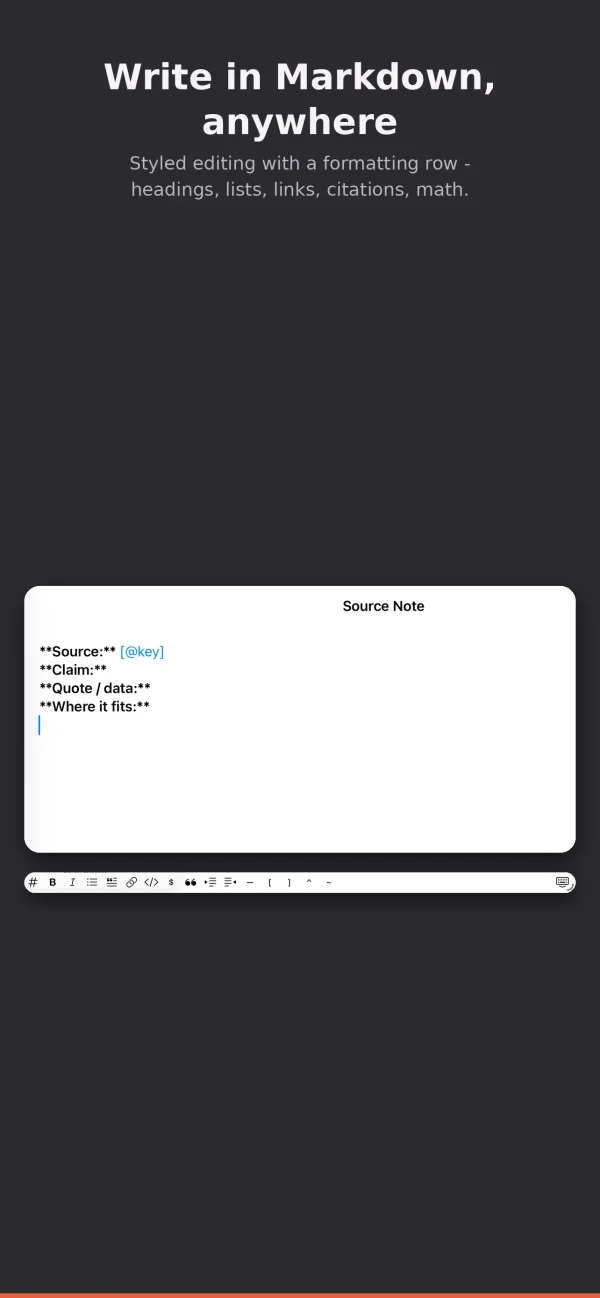
• A Markdown format bar puts headings, emphasis, lists, links, citations, and math within reach.
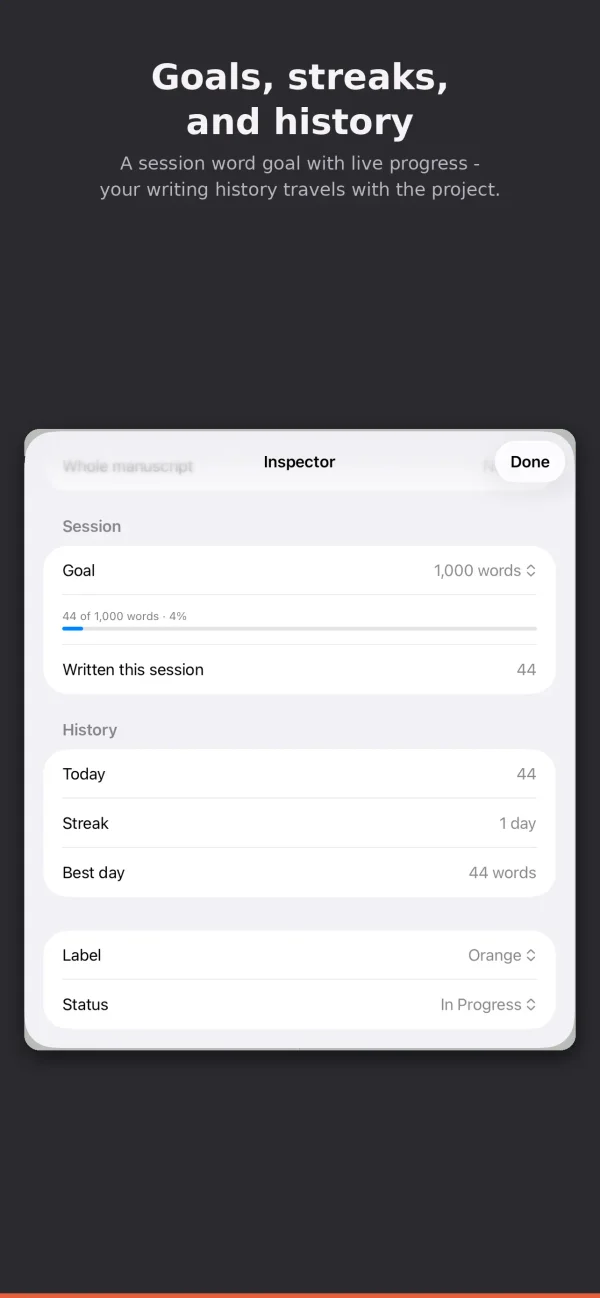
• Focus Mode, typewriter scrolling, adjustable text size, live word counts, and writing goals help you stay in your flow.
• Preview a document as you write, or assemble the whole manuscript and save or print it as a PDF.
ORGANIZE YOUR PROJECT
• Keep chapters, notes, research, references, templates, and deleted items together in a binder.
• Reorder documents by touch on iPhone; organize with Corkboard and Outline beside the binder on iPad.
• Keep a synopsis and notes with each document, and use templates for repeatable structures.
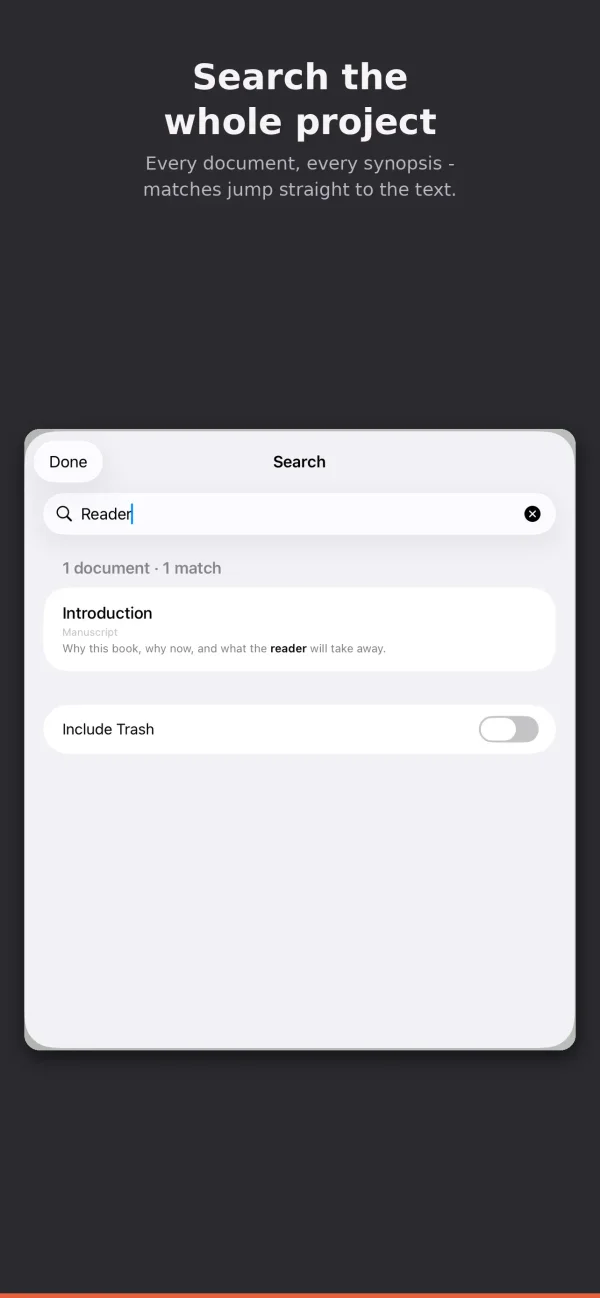
• Search across your project and filter by label, status, type, or tag.
READ, RESEARCH, AND CITE
• Open PDFs, images, spreadsheets, and Word files from Research.
• On iPad, keep a PDF, figure, or document beside your draft in the Reading Pane.
• Search PDFs, highlight passages, and add notes. Annotations are saved in the PDF.
• Cite from your project’s BibTeX bibliography and preview citations, math, tables, and images as rendered.
• Choose Manuscript, GitHub, or Modern preview styles. Right-to-left paragraphs render in their proper direction.
KEEP YOUR PROJECT IN STEP
• Open Folio projects from Files and locations such as iCloud Drive, or sync with Folio Cloud.
• Changes sync with Folio Writer on Mac and the web. Conflict-safe syncing combines non-overlapping edits and preserves a copy when changes conflict.
• Collaborate on shared projects with co-authors.
FREE TO WRITE
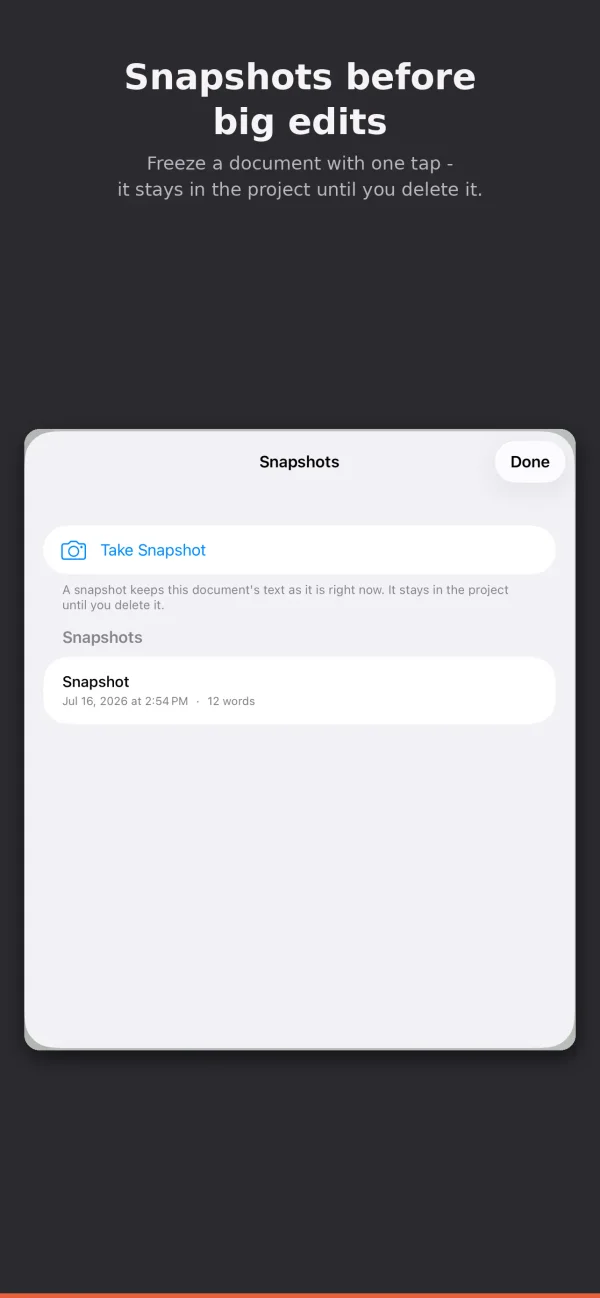
Writing and organizing are free. Folio Pro for iPhone and iPad adds collaboration, comments and review, tracked suggestions, snapshots, templates, and compile to PDF, Word, or Typst through Folio Cloud. Pro is available as an in-app purchase or subscription; subscriptions include Folio Cloud storage.
Folio projects are built from portable Markdown and Typst files. Your work isn’t locked into a single editor.
Terms of Use (EULA): https://www.apple.com/legal/internet-services/itunes/dev/stdeula/
Privacy Policy: https://foliowriter.app/privacy/
Neue Funktionen
Version 1.25 · 22.11.2026
Keep more project tools close while you write.
• Create documents and folders, open templates, search, and access the Inspector from the editor bar.
• On iPad, arrange manuscript cards and work with canvas notes, images, and connectors.
• Includes refinements to editing, navigation, and project syncing.
App-Datenschutz
Was Bin Chen im App Store zum Umgang dieser App mit Daten angibt.
-
Keine Daten erfasst
Der Entwickler erfasst keine Daten von dieser App.
Die Datenschutzpraktiken können variieren, zum Beispiel je nach den von Ihnen verwendeten Funktionen oder Ihrem Alter.
Informationen
- Anbieter
- Bin Chen
- Kategorie
- Produktivität
- Version
- 1.25
- Aktualisiert
- 22.11.2026
- Veröffentlicht
- 17.07.2026
- Größe
- 17,2 MB
- Erfordert
- iOS 17.0 oder neuer
- Altersfreigabe
- 4+
- Preis
- Kostenlos
- In-App-Käufe
- Ja
- Sprachen
- Englisch, Französisch, Deutsch, Japanisch, Koreanisch, Vereinf. Chinesisch, Spanisch, Tradit. Chinesisch
- Copyright
- © Copyright 2026 UHUP LLC
Das könnte Ihnen auch gefallen
-
 RequizProduktivität
-
 Privacy WatermarkProduktivität
-
 Threaded: Idea ThreadsProduktivität
-
 Narrativ TimelineProduktivität
-
 ZenSlate: Just WriteProduktivität
-
 Ask FrankProduktivität
-
 QuickPaste – Snippet KeyboardProduktivität
-
 Kalida: Save Ideas InstantlyProduktivität
-
 eDots: Notes & Ideas JournalProduktivität
-
 ScrivenerBridge.scriv schreiben & annotieren