
Folio Writer
The Longform Writing Studio
Designed for iPhone, iPad, Mac
Free · In-app purchases
- Age rating4+
- CategoryProductivity
- DeveloperBin Chen
- LanguagesEnglish+ 7 more
- Size17.2 MB
Links to the official App Store page
Download.org hosts no file of Folio Writer. The button opens its official App Store page, published by Bin Chen. Listing last checked on Nov 23, 2026.
Screenshots


About
Folio Writer is a structured writing studio for papers, theses, books, and other long projects. Build a manuscript from small, movable documents, write in Markdown or Typst, and keep working across iPhone, iPad, Mac, and the web.
WRITE ANYWHERE
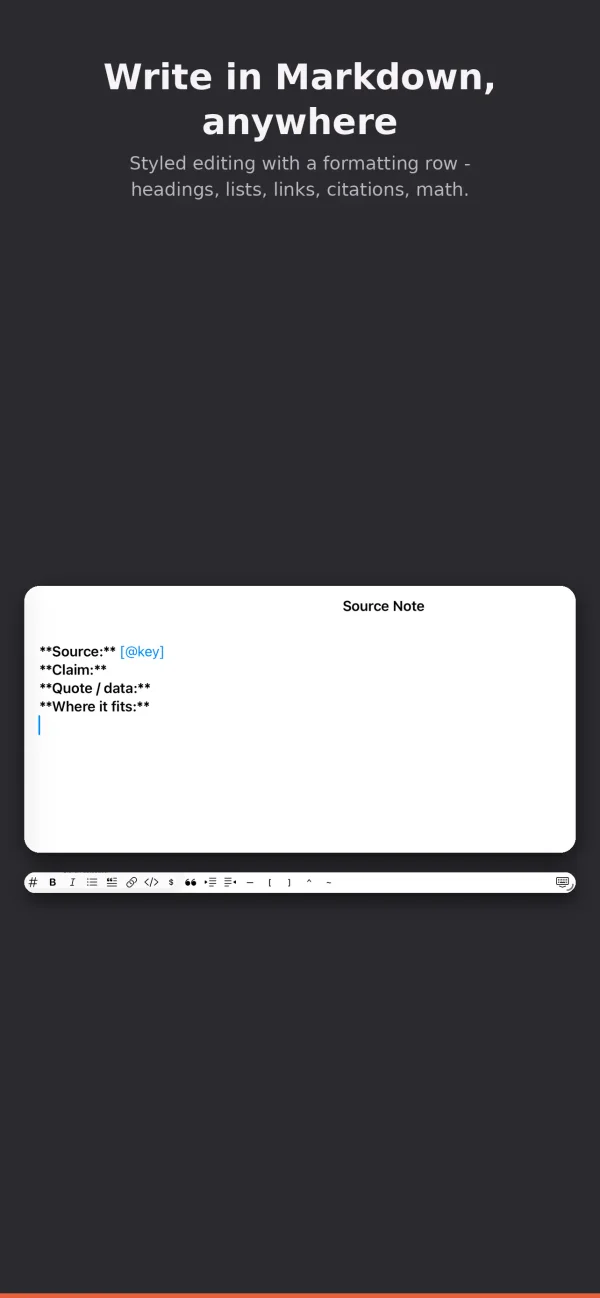
• A Markdown format bar puts headings, emphasis, lists, links, citations, and math within reach.
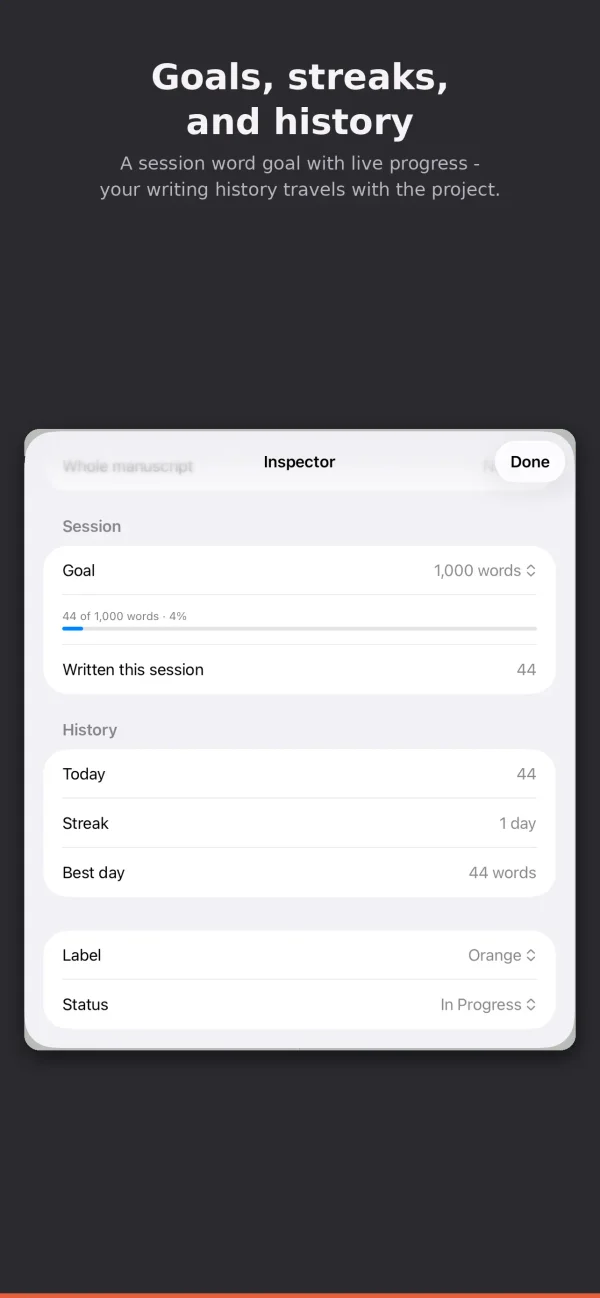
• Focus Mode, typewriter scrolling, adjustable text size, live word counts, and writing goals help you stay in your flow.
• Preview a document as you write, or assemble the whole manuscript and save or print it as a PDF.
ORGANIZE YOUR PROJECT
• Keep chapters, notes, research, references, templates, and deleted items together in a binder.
• Reorder documents by touch on iPhone; organize with Corkboard and Outline beside the binder on iPad.
• Keep a synopsis and notes with each document, and use templates for repeatable structures.
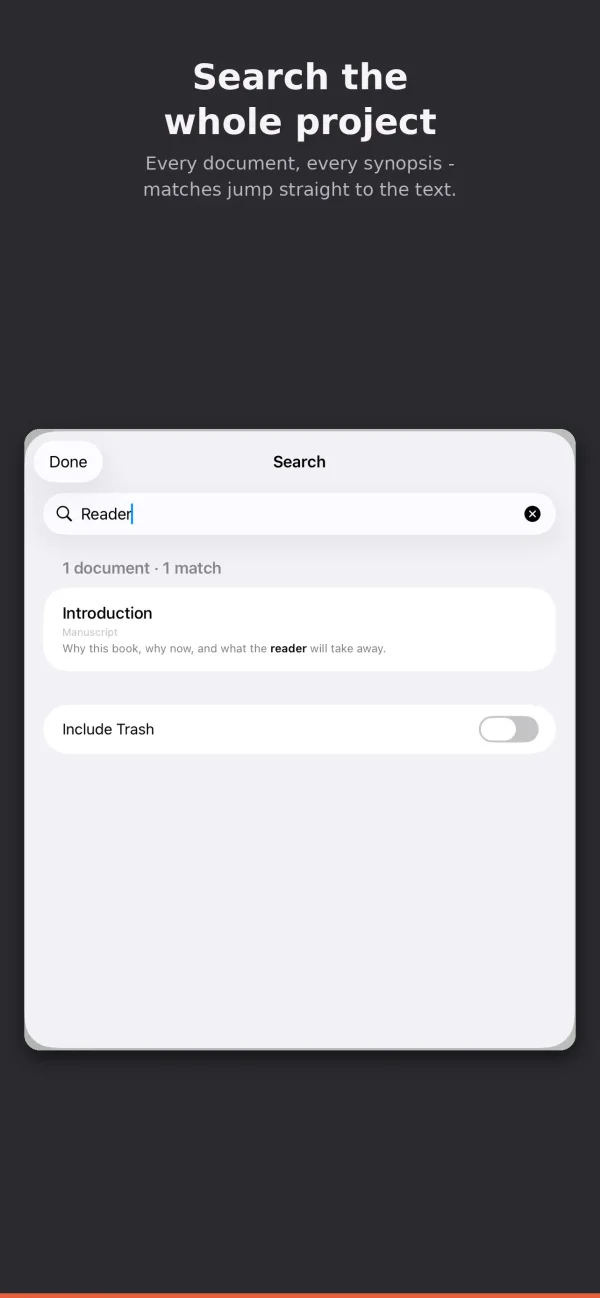
• Search across your project and filter by label, status, type, or tag.
READ, RESEARCH, AND CITE
• Open PDFs, images, spreadsheets, and Word files from Research.
• On iPad, keep a PDF, figure, or document beside your draft in the Reading Pane.
• Search PDFs, highlight passages, and add notes. Annotations are saved in the PDF.
• Cite from your project’s BibTeX bibliography and preview citations, math, tables, and images as rendered.
• Choose Manuscript, GitHub, or Modern preview styles. Right-to-left paragraphs render in their proper direction.
KEEP YOUR PROJECT IN STEP
• Open Folio projects from Files and locations such as iCloud Drive, or sync with Folio Cloud.
• Changes sync with Folio Writer on Mac and the web. Conflict-safe syncing combines non-overlapping edits and preserves a copy when changes conflict.
• Collaborate on shared projects with co-authors.
FREE TO WRITE
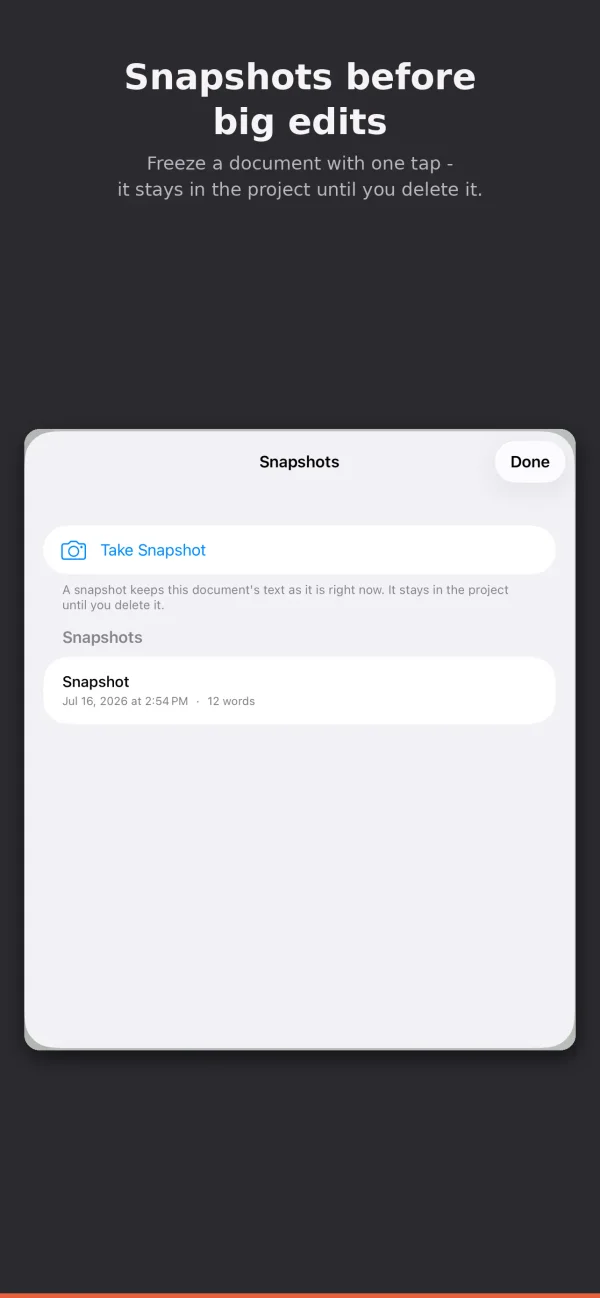
Writing and organizing are free. Folio Pro for iPhone and iPad adds collaboration, comments and review, tracked suggestions, snapshots, templates, and compile to PDF, Word, or Typst through Folio Cloud. Pro is available as an in-app purchase or subscription; subscriptions include Folio Cloud storage.
Folio projects are built from portable Markdown and Typst files. Your work isn’t locked into a single editor.
Terms of Use (EULA): https://www.apple.com/legal/internet-services/itunes/dev/stdeula/
Privacy Policy: https://foliowriter.app/privacy/
What’s new
Version 1.25 · Nov 22, 2026
Keep more project tools close while you write.
• Create documents and folders, open templates, search, and access the Inspector from the editor bar.
• On iPad, arrange manuscript cards and work with canvas notes, images, and connectors.
• Includes refinements to editing, navigation, and project syncing.
App privacy
What Bin Chen declares on the App Store about how this app handles data.
-
Data not collected
The developer does not collect any data from this app.
Privacy practices may vary, for example with the features you use or your age.
Information
- Seller
- Bin Chen
- Category
- Productivity
- Version
- 1.25
- Updated
- Nov 22, 2026
- Released
- Jul 17, 2026
- Size
- 17.2 MB
- Requires
- iOS 17.0 or later
- Age rating
- 4+
- Price
- Free
- In-app purchases
- Yes
- Languages
- English, French, German, Japanese, Korean, Simplified Chinese, Spanish, Traditional Chinese
- Copyright
- © Copyright 2026 UHUP LLC
You might also like
-
 RequizProductivity
-
 Privacy WatermarkRedact, mosaic & mark photos
-
 Threaded: Idea ThreadsResume ideas Organize thoughts
-
 Narrativ TimelinePlan your story
-
 ZenSlate: Just WriteQuick distraction free writing
-
 Ask FrankPrivate Local AI the Apple Way
-
 QuickPaste – Snippet KeyboardPaste from your keyboard
-
 Kalida: Save Ideas InstantlyNever Forget an Idea
-
 eDots: Notes & Ideas JournalOrganize ideas, notes & quotes
-
 ScrivenerBridgeScrivener Companion & Editor