
- 対象年齢4+
- カテゴリ仕事効率化
- 開発元Bin Chen
- 言語英語ほか7言語
- サイズ17.2 MB
App Storeの公式ページにリンクしています
Download.orgはFolio Writerのファイルを一切ホストしていません。ボタンを押すと、Bin Chenが公開しているApp Storeのアプリページが開きます。ページの最終確認:2026/11/23。
スクリーンショット


概要
開発元はこのテキストをお使いの言語で提供していません。
Folio Writer is a structured writing studio for papers, theses, books, and other long projects. Build a manuscript from small, movable documents, write in Markdown or Typst, and keep working across iPhone, iPad, Mac, and the web.
WRITE ANYWHERE
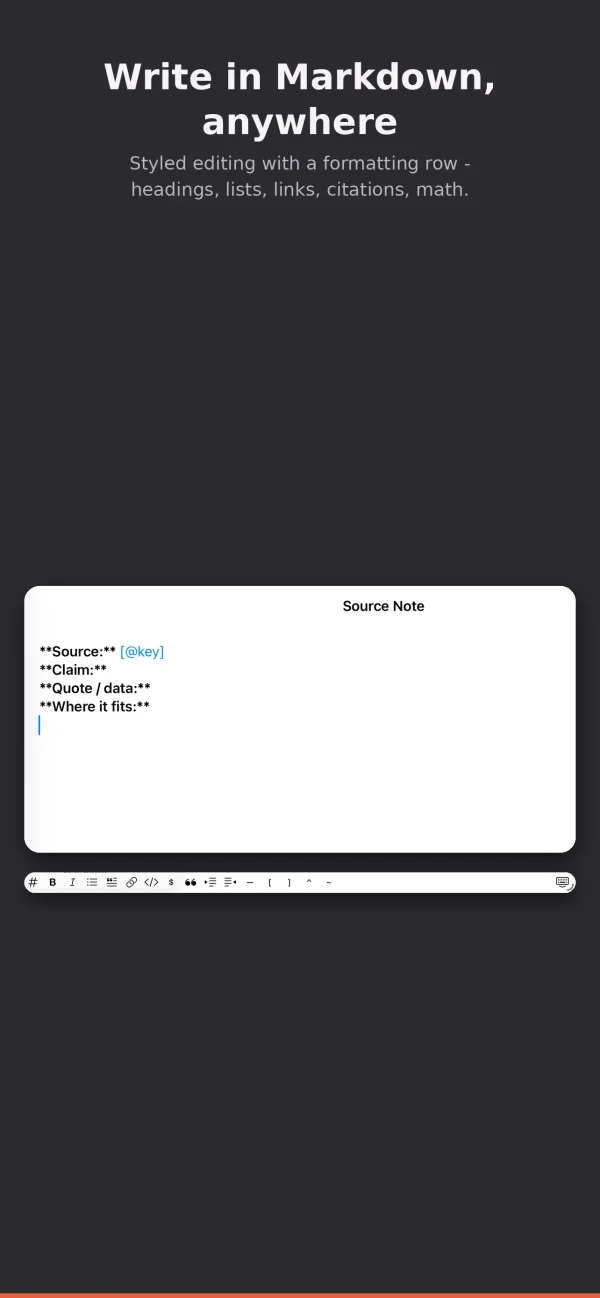
• A Markdown format bar puts headings, emphasis, lists, links, citations, and math within reach.
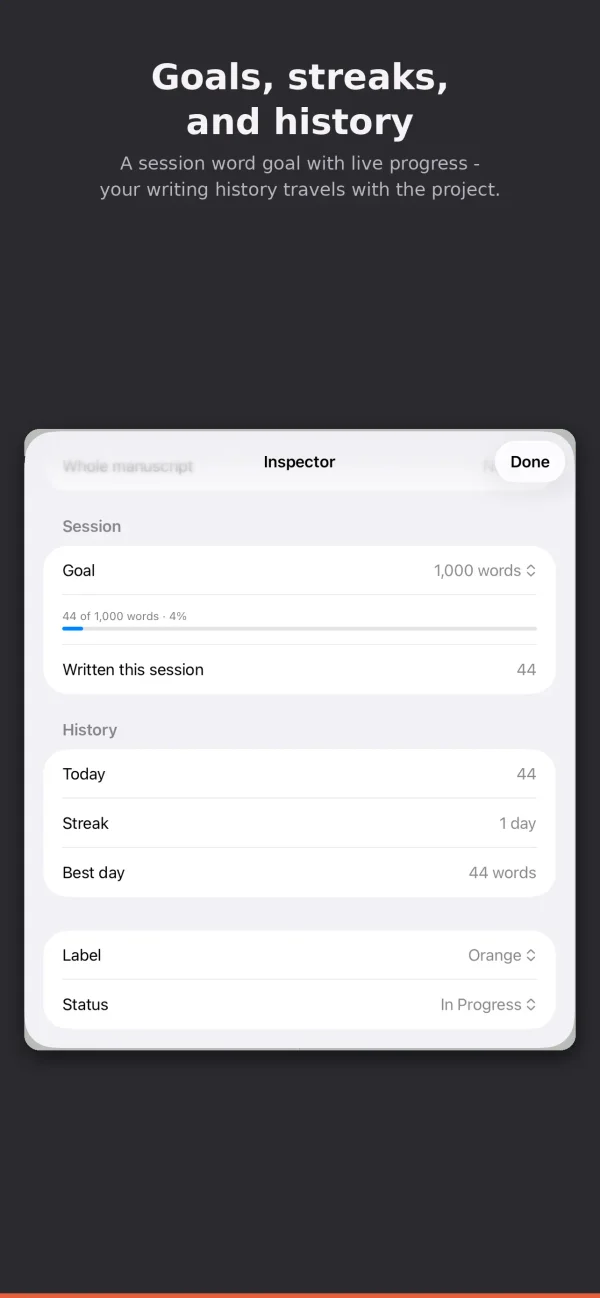
• Focus Mode, typewriter scrolling, adjustable text size, live word counts, and writing goals help you stay in your flow.
• Preview a document as you write, or assemble the whole manuscript and save or print it as a PDF.
ORGANIZE YOUR PROJECT
• Keep chapters, notes, research, references, templates, and deleted items together in a binder.
• Reorder documents by touch on iPhone; organize with Corkboard and Outline beside the binder on iPad.
• Keep a synopsis and notes with each document, and use templates for repeatable structures.
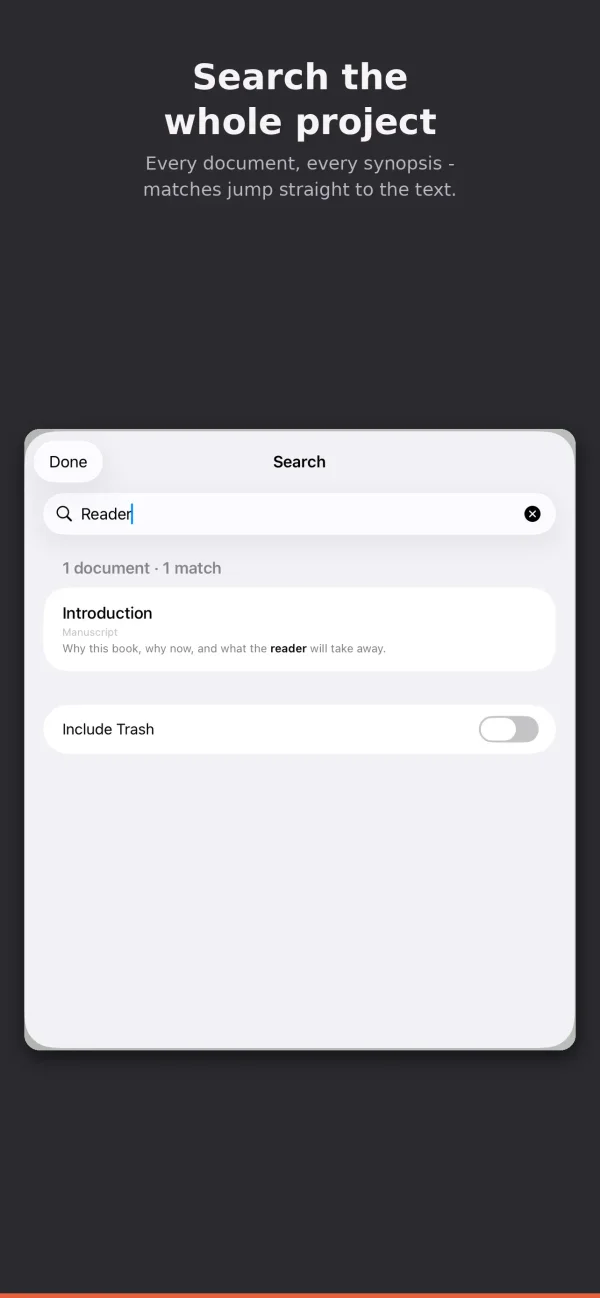
• Search across your project and filter by label, status, type, or tag.
READ, RESEARCH, AND CITE
• Open PDFs, images, spreadsheets, and Word files from Research.
• On iPad, keep a PDF, figure, or document beside your draft in the Reading Pane.
• Search PDFs, highlight passages, and add notes. Annotations are saved in the PDF.
• Cite from your project’s BibTeX bibliography and preview citations, math, tables, and images as rendered.
• Choose Manuscript, GitHub, or Modern preview styles. Right-to-left paragraphs render in their proper direction.
KEEP YOUR PROJECT IN STEP
• Open Folio projects from Files and locations such as iCloud Drive, or sync with Folio Cloud.
• Changes sync with Folio Writer on Mac and the web. Conflict-safe syncing combines non-overlapping edits and preserves a copy when changes conflict.
• Collaborate on shared projects with co-authors.
FREE TO WRITE
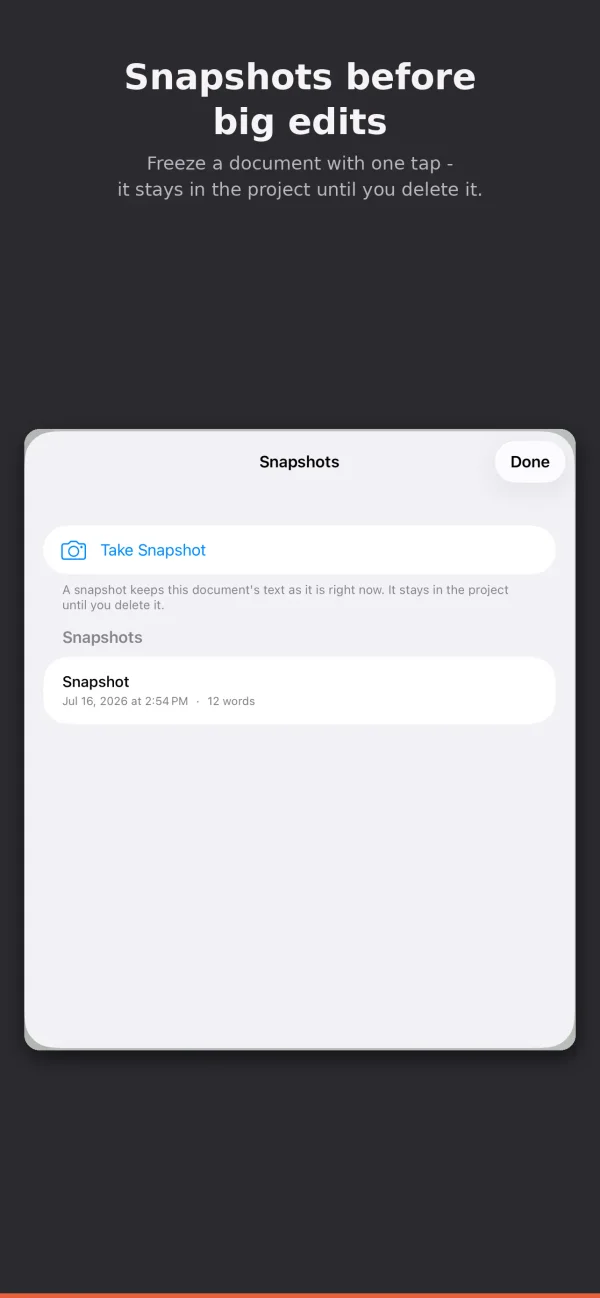
Writing and organizing are free. Folio Pro for iPhone and iPad adds collaboration, comments and review, tracked suggestions, snapshots, templates, and compile to PDF, Word, or Typst through Folio Cloud. Pro is available as an in-app purchase or subscription; subscriptions include Folio Cloud storage.
Folio projects are built from portable Markdown and Typst files. Your work isn’t locked into a single editor.
Terms of Use (EULA): https://www.apple.com/legal/internet-services/itunes/dev/stdeula/
Privacy Policy: https://foliowriter.app/privacy/
新機能
バージョン 1.25 · 2026/11/22
Keep more project tools close while you write.
• Create documents and folders, open templates, search, and access the Inspector from the editor bar.
• On iPad, arrange manuscript cards and work with canvas notes, images, and connectors.
• Includes refinements to editing, navigation, and project syncing.
アプリのプライバシー
このアプリのデータの取り扱いについて、Bin ChenがApp Storeで申告している内容です。
-
データの収集なし
開発元はこのアプリからデータを収集しません。
プライバシーの取り扱いは、ご利用の機能やお客様の年齢などに応じて異なる場合があります。
情報
- 販売元
- Bin Chen
- カテゴリ
- 仕事効率化
- バージョン
- 1.25
- 更新日
- 2026/11/22
- リリース
- 2026/7/17
- サイズ
- 17.2 MB
- 必要条件
- iOS 17.0以降
- 対象年齢
- 4+
- 価格
- 無料
- アプリ内課金
- あり
- 言語
- 英語, フランス語, ドイツ語, 日本語, 韓国語, 簡体字中国語, スペイン語, 繁体字中国語
- 著作権
- © Copyright 2026 UHUP LLC