
- Altersfreigabe4+
- KategorieProduktivität
- EntwicklerKevin Tang
- SprachenEnglisch
- Größe2,2 MB
Verlinkt auf die offizielle App Store-Seite
Download.org hostet keine Datei von Foolscap. Die Schaltfläche öffnet die App-Seite bei App Store, wo Kevin Tang die App veröffentlicht. Eintrag zuletzt geprüft am 18.11.2026.
Screenshots

Info
Der Entwickler hat diesen Text nicht in Ihrer Sprache bereitgestellt.
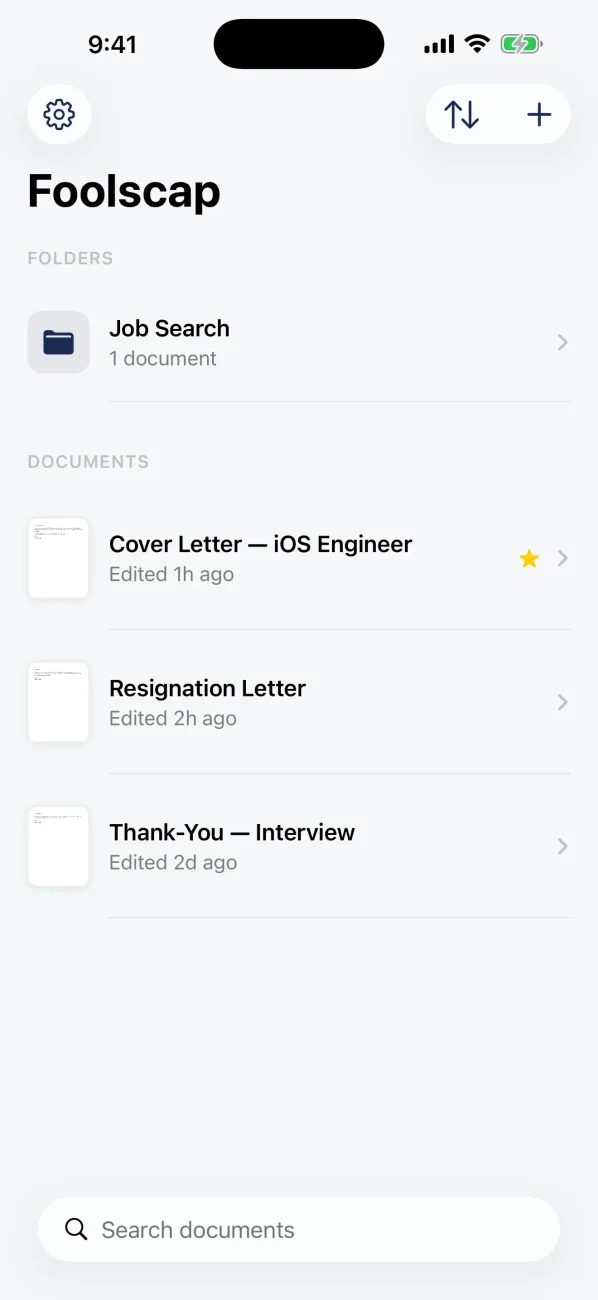
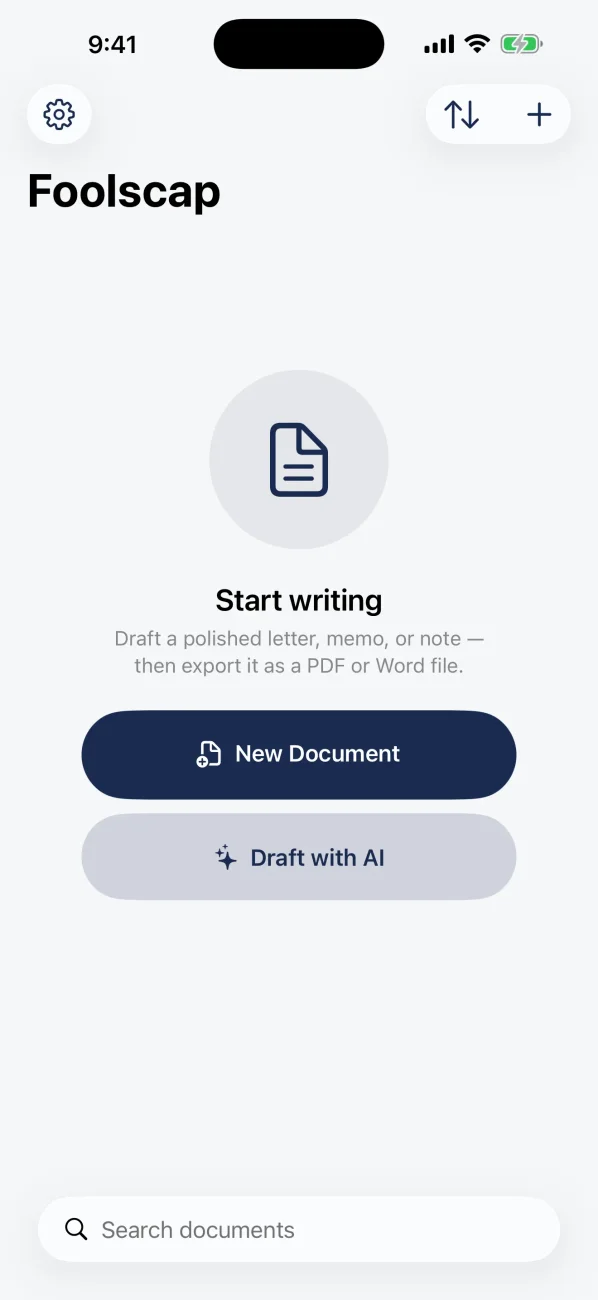
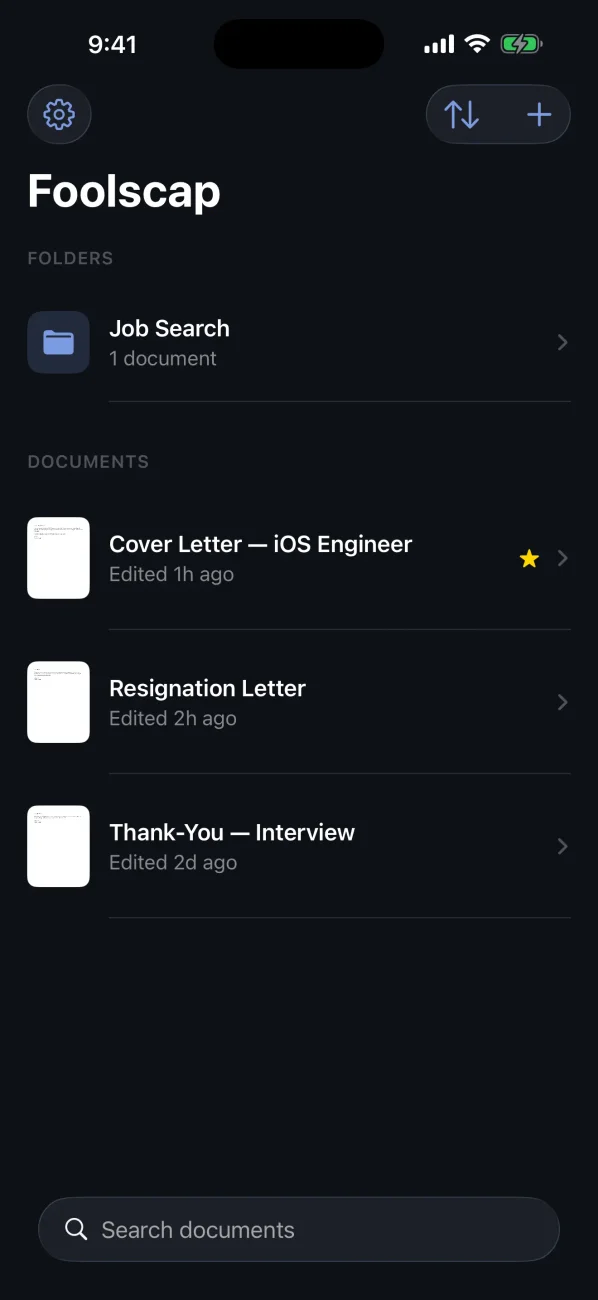
Foolscap is a focused word processor for the documents that should look deliberate: cover letters, resignations, recommendations, complaints, thank-you notes, and business memos.
Write on a true-to-print Letter or A4 page instead of a generic text box. Format with bold, italic, underline, bullets, and numbered lists; hide the surrounding controls when you want to focus; and watch your word count update as you type.
• Export a clean, print-ready PDF
• Export an editable Word (.docx) file
• Append photos and PDFs to the end of a PDF export
• Print directly with AirPrint
• Build reusable letterhead, footer, and formatting templates
• Draw a signature once and reuse it
• Organize documents into folders and favorites
• Recover deleted work for 30 days
• Sync through your private iCloud database
Need a first draft? Use Apple Intelligence on-device, or—if you are eligible under Google's terms—connect your own Gemini API key after reviewing the privacy notice. AI is optional; Foolscap never silently switches providers.
No account, ads, analytics, or tracking.
App-Datenschutz
Was Kevin Tang im App Store zum Umgang dieser App mit Daten angibt.
-
Mit Ihnen verknüpfte Daten
Können erfasst und mit Ihrer Identität verknüpft werden.
- Benutzerinhalte
Die Datenschutzpraktiken können variieren, zum Beispiel je nach den von Ihnen verwendeten Funktionen oder Ihrem Alter.
Informationen
- Anbieter
- Kevin Tang
- Kategorie
- Produktivität
- Version
- 1.0
- Aktualisiert
- 23.07.2026
- Veröffentlicht
- 23.07.2026
- Größe
- 2,2 MB
- Erfordert
- iOS 26.0 oder neuer
- Altersfreigabe
- 4+
- Preis
- Kostenlos
- Sprachen
- Englisch
- Copyright
- © 2026 Kevin Tang
Das könnte Ihnen auch gefallen
-
 PDF CompresslyProduktivität
-
 Briefe schreiben drucken PDFAnschreiben Kündigung Vorlagen
-
 Prose - Hemingway Style EditorProduktivität
-
 DiagrammerstellungGrafiken einfach gestalten
-
 Zeitblock Tagesplan - DayBlockPlane deinen Tag mit
-
 Notes to RemindersProduktivität
-
 Token: Local AI & Code StudioLokale KI: Chat, Stimme & Bild
-
 Glazr PPTX PräsentationseditorPPTX-Folien offline bearbeiten
-
 VOTT: Sprache zu Text, NotizenDiktat, Checklisten, privat
-
 Kan Do: Project ManagementProduktivität