
- Age rating4+
- CategoryProductivity
- DeveloperKevin Tang
- LanguagesEnglish
- Size2.2 MB
Links to the official App Store page
Download.org hosts no file of Foolscap. The button opens its official App Store page, published by Kevin Tang. Listing last checked on Nov 18, 2026.
Screenshots

About
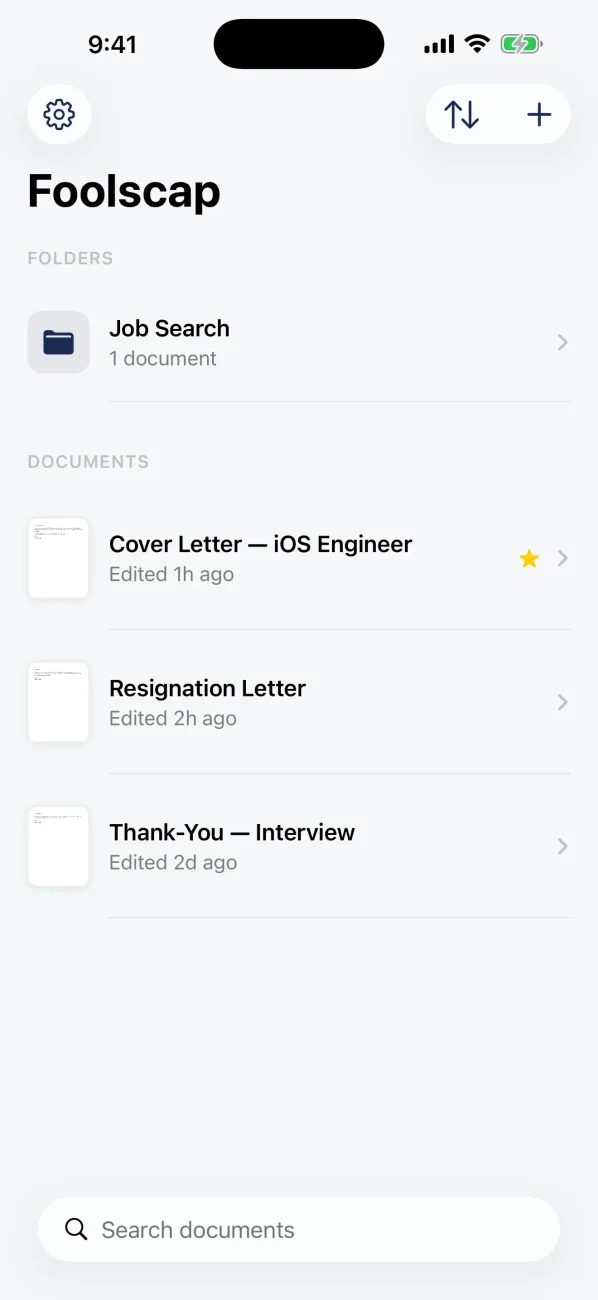
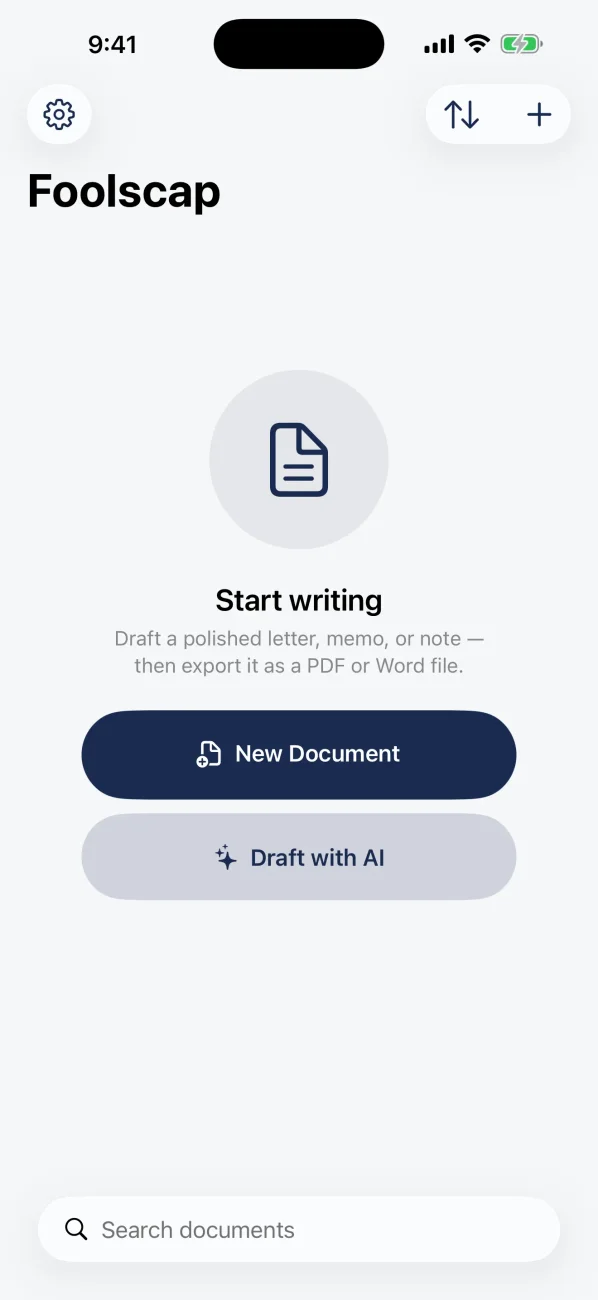
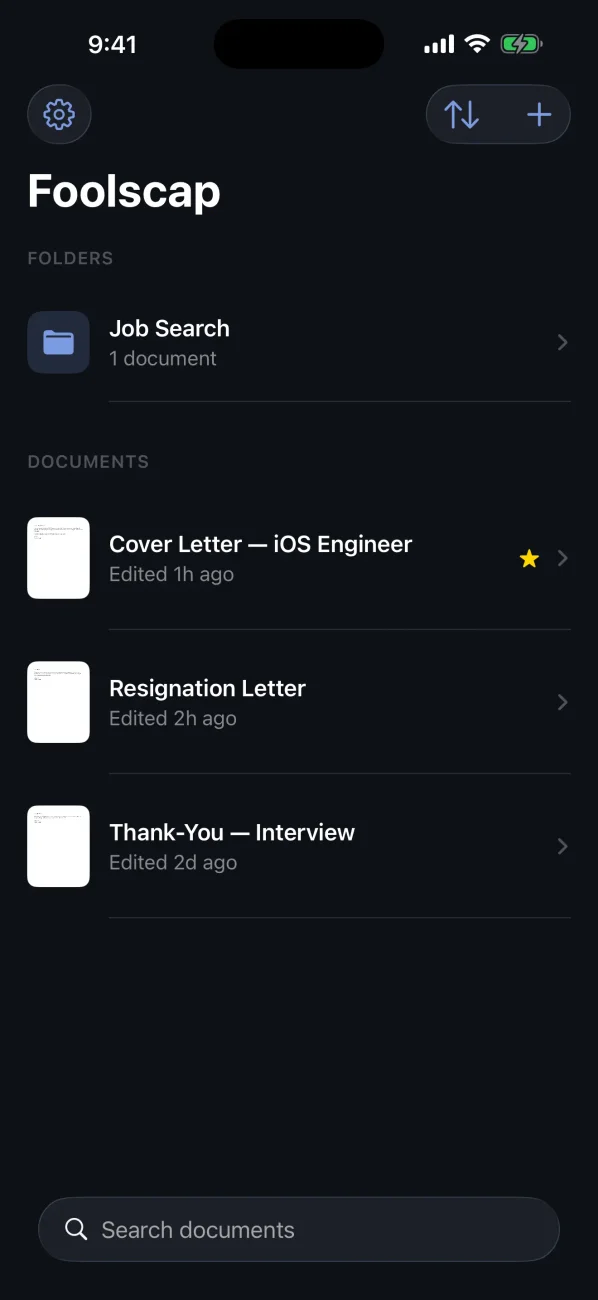
Foolscap is a focused word processor for the documents that should look deliberate: cover letters, resignations, recommendations, complaints, thank-you notes, and business memos.
Write on a true-to-print Letter or A4 page instead of a generic text box. Format with bold, italic, underline, bullets, and numbered lists; hide the surrounding controls when you want to focus; and watch your word count update as you type.
• Export a clean, print-ready PDF
• Export an editable Word (.docx) file
• Append photos and PDFs to the end of a PDF export
• Print directly with AirPrint
• Build reusable letterhead, footer, and formatting templates
• Draw a signature once and reuse it
• Organize documents into folders and favorites
• Recover deleted work for 30 days
• Sync through your private iCloud database
Need a first draft? Use Apple Intelligence on-device, or—if you are eligible under Google's terms—connect your own Gemini API key after reviewing the privacy notice. AI is optional; Foolscap never silently switches providers.
No account, ads, analytics, or tracking.
App privacy
What Kevin Tang declares on the App Store about how this app handles data.
-
Data linked to you
May be collected and linked to your identity.
- User content
Privacy practices may vary, for example with the features you use or your age.
Information
- Seller
- Kevin Tang
- Category
- Productivity
- Version
- 1.0
- Updated
- Jul 23, 2026
- Released
- Jul 23, 2026
- Size
- 2.2 MB
- Requires
- iOS 26.0 or later
- Age rating
- 4+
- Price
- Free
- Languages
- English
- Copyright
- © 2026 Kevin Tang
You might also like
-
 PDF CompresslyReduce PDF size
-
 Letter Printer: PDF WriterFormal Letterhead Templates
-
 Prose - Hemingway Style EditorWrite with clarity
-
 Chart Graph MakerMaking graphics easier
-
 Time Block Planner - DayBlockPlan your day with blocks
-
 Notes to RemindersImport checklists instantly
-
 Token: Local AI & Code StudioLocal AI, code, chat & images
-
 Glazr PPTX Presentation EditorEdit PPTX slides, even offline
-
 VOTT: Voice to Text & NotesPrivate Dictation & Checklists
-
 Kan Do: Project ManagementProductivity