
- 対象年齢4+
- カテゴリ仕事効率化
- 開発元Kevin Tang
- 言語英語
- サイズ2.2 MB
App Storeの公式ページにリンクしています
Download.orgはFoolscapのファイルを一切ホストしていません。ボタンを押すと、Kevin Tangが公開しているApp Storeのアプリページが開きます。ページの最終確認:2026/11/18。
スクリーンショット

概要
開発元はこのテキストをお使いの言語で提供していません。
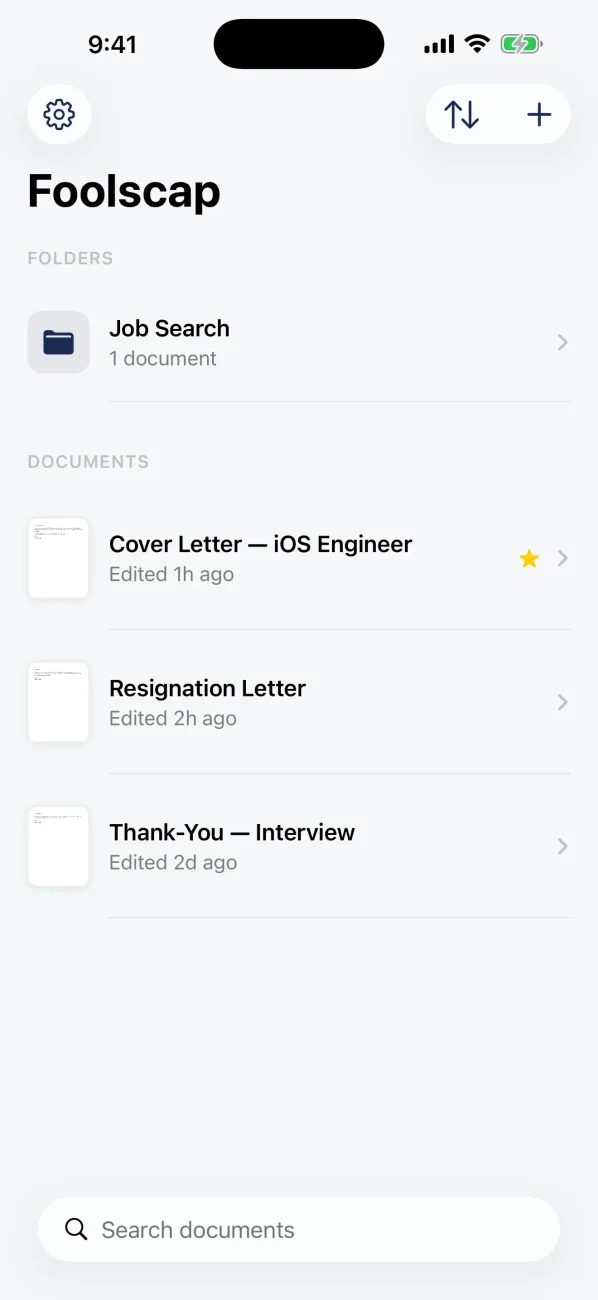
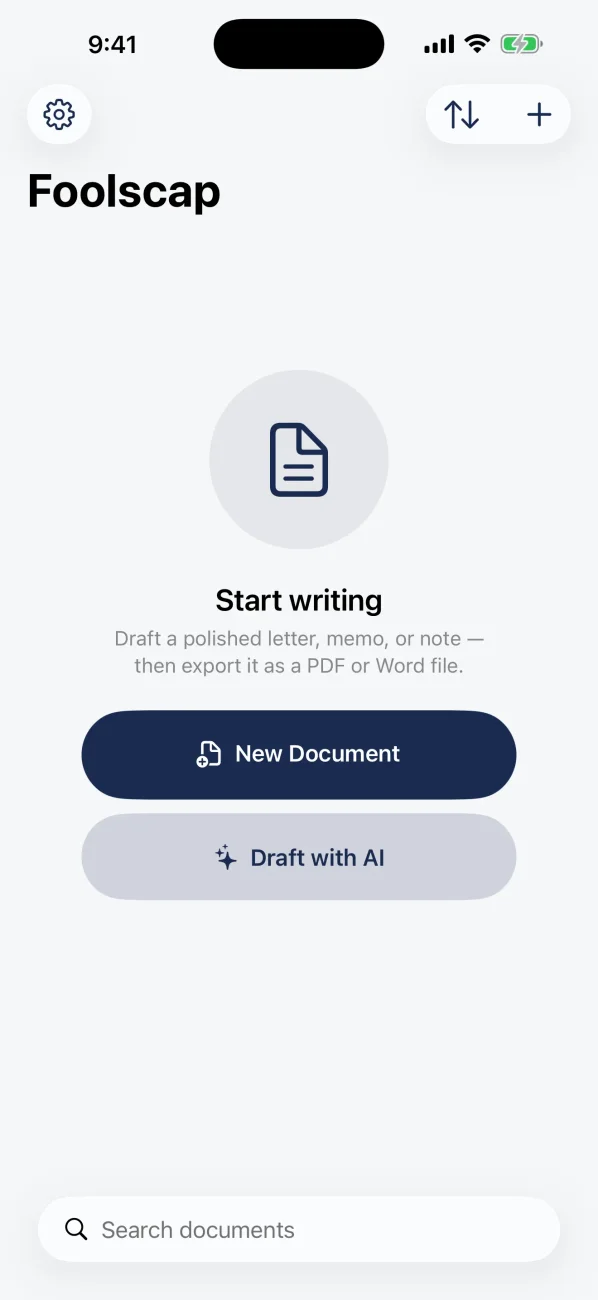
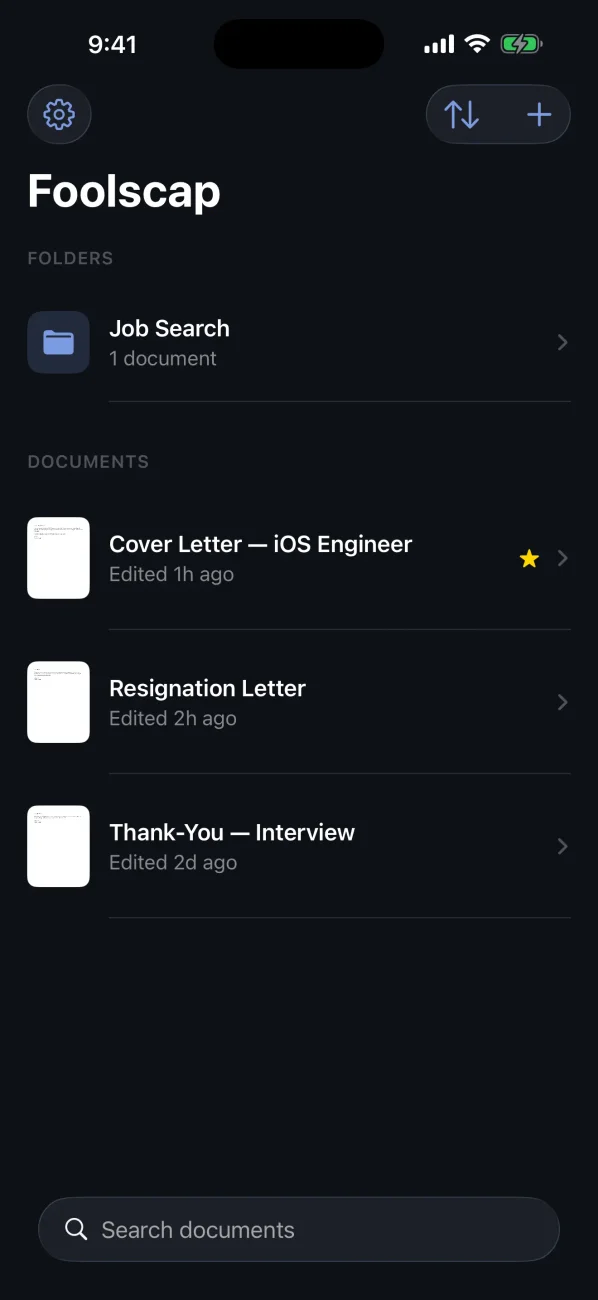
Foolscap is a focused word processor for the documents that should look deliberate: cover letters, resignations, recommendations, complaints, thank-you notes, and business memos.
Write on a true-to-print Letter or A4 page instead of a generic text box. Format with bold, italic, underline, bullets, and numbered lists; hide the surrounding controls when you want to focus; and watch your word count update as you type.
• Export a clean, print-ready PDF
• Export an editable Word (.docx) file
• Append photos and PDFs to the end of a PDF export
• Print directly with AirPrint
• Build reusable letterhead, footer, and formatting templates
• Draw a signature once and reuse it
• Organize documents into folders and favorites
• Recover deleted work for 30 days
• Sync through your private iCloud database
Need a first draft? Use Apple Intelligence on-device, or—if you are eligible under Google's terms—connect your own Gemini API key after reviewing the privacy notice. AI is optional; Foolscap never silently switches providers.
No account, ads, analytics, or tracking.
アプリのプライバシー
このアプリのデータの取り扱いについて、Kevin TangがApp Storeで申告している内容です。
-
ユーザーに関連付けられたデータ
収集され、ユーザーの識別情報に関連付けられる場合があります。
- ユーザーコンテンツ
プライバシーの取り扱いは、ご利用の機能やお客様の年齢などに応じて異なる場合があります。
情報
- 販売元
- Kevin Tang
- カテゴリ
- 仕事効率化
- バージョン
- 1.0
- 更新日
- 2026/7/23
- リリース
- 2026/7/23
- サイズ
- 2.2 MB
- 必要条件
- iOS 26.0以降
- 対象年齢
- 4+
- 価格
- 無料
- 言語
- 英語
- 著作権
- © 2026 Kevin Tang
こちらもおすすめ
-
 PDF Compressly仕事効率化
-
 手紙作成 ビジネス文書 印刷 退職届 拝啓 案内状 A4フォーマルな書式とPDF出力 敬具 宛名 レターヘッド
-
 Prose - Hemingway Style Editor仕事効率化
-
 グラフ作成ツールグラフ作成をより簡単に
-
 タイムブロック式デイリープランナー - DayBlock時間割感覚でタスクを配置して1日を見える化
-
 Notes to Reminders仕事効率化
-
 Token: Local AI & Code StudioローカルAI・チャット・音声・画像
-
 Glazr PPTX Presentation Editor仕事効率化
-
 VOTT: Voice to Text & Notes仕事効率化
-
 Kan Do: Project Management仕事効率化