Forms: Spreadsheet Integration
Sync with Google Sheet & Excel
Entwickelt für iPhone, iPad
Kostenlos · In-App-Käufe
- Altersfreigabe4+
- KategorieProduktivität
- EntwicklerPratheesh Bennet
- SprachenEnglisch+ 6 weitere
- Größe70,6 MB
Verlinkt auf die offizielle App Store-Seite
Download.org hostet keine Datei von Forms: Spreadsheet Integration. Die Schaltfläche öffnet die App-Seite bei App Store, wo Pratheesh Bennet die App veröffentlicht. Eintrag zuletzt geprüft am 17.11.2026.
Screenshots



Info
Der Entwickler hat diesen Text nicht in Ihrer Sprache bereitgestellt.
Benefits of Falcon Forms:
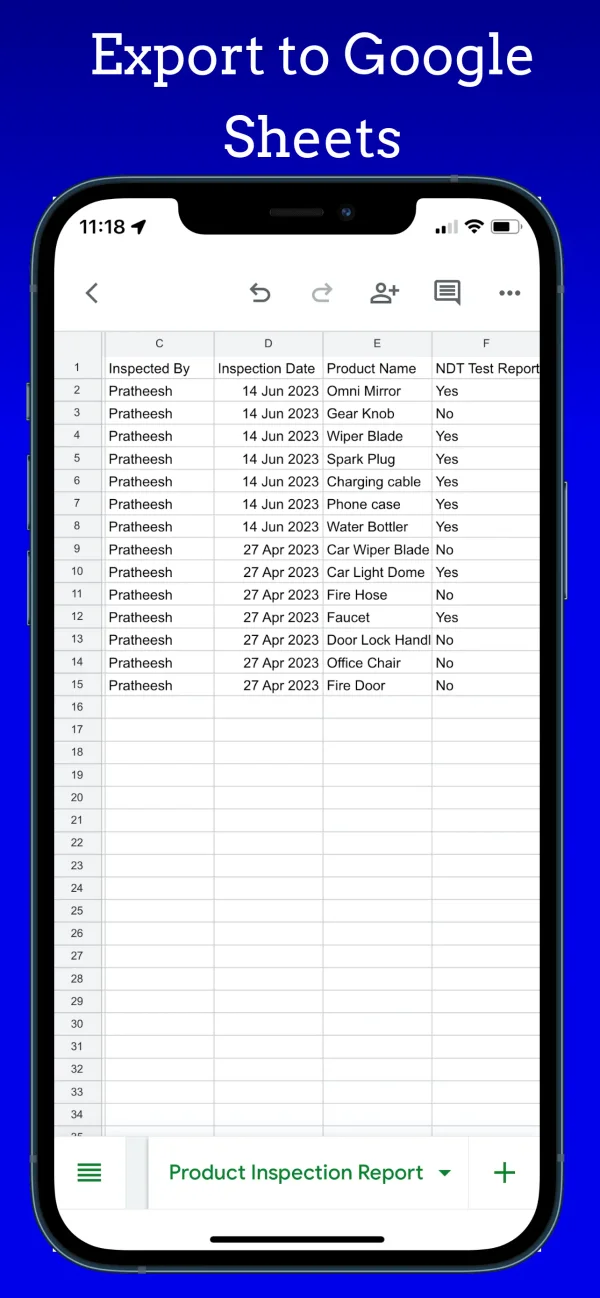
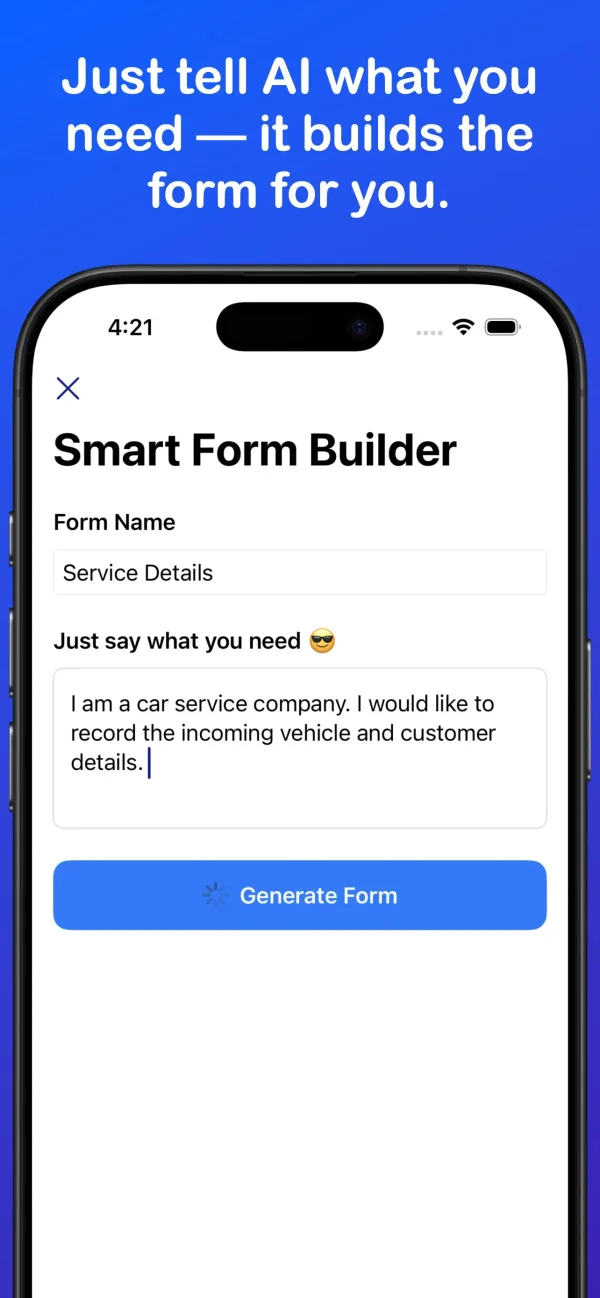
AI-Powered Form Creation: Instantly generate ready-to-use forms with the built-in AI Form Builder, designed for Google Sheets and Excel workflows.
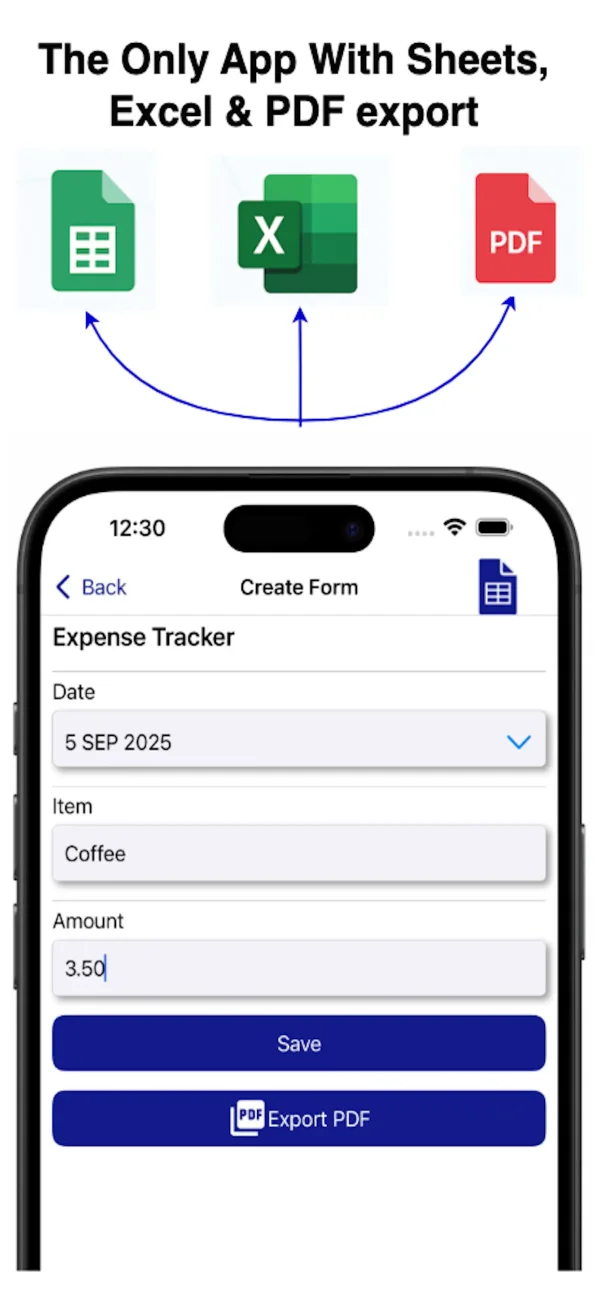
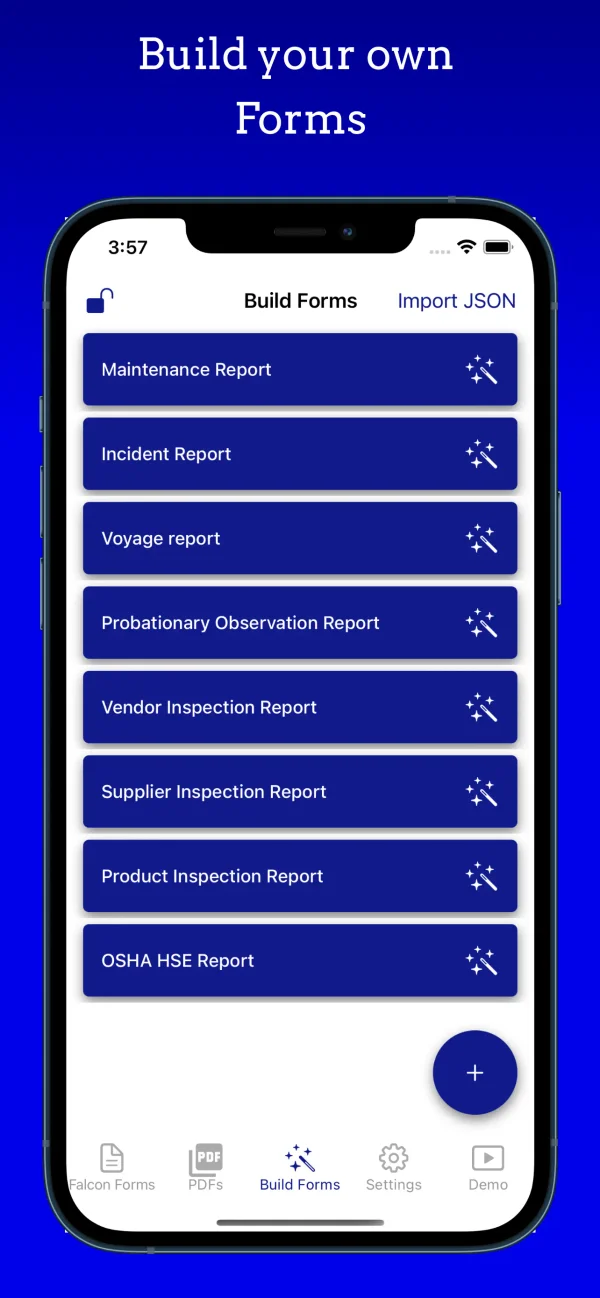
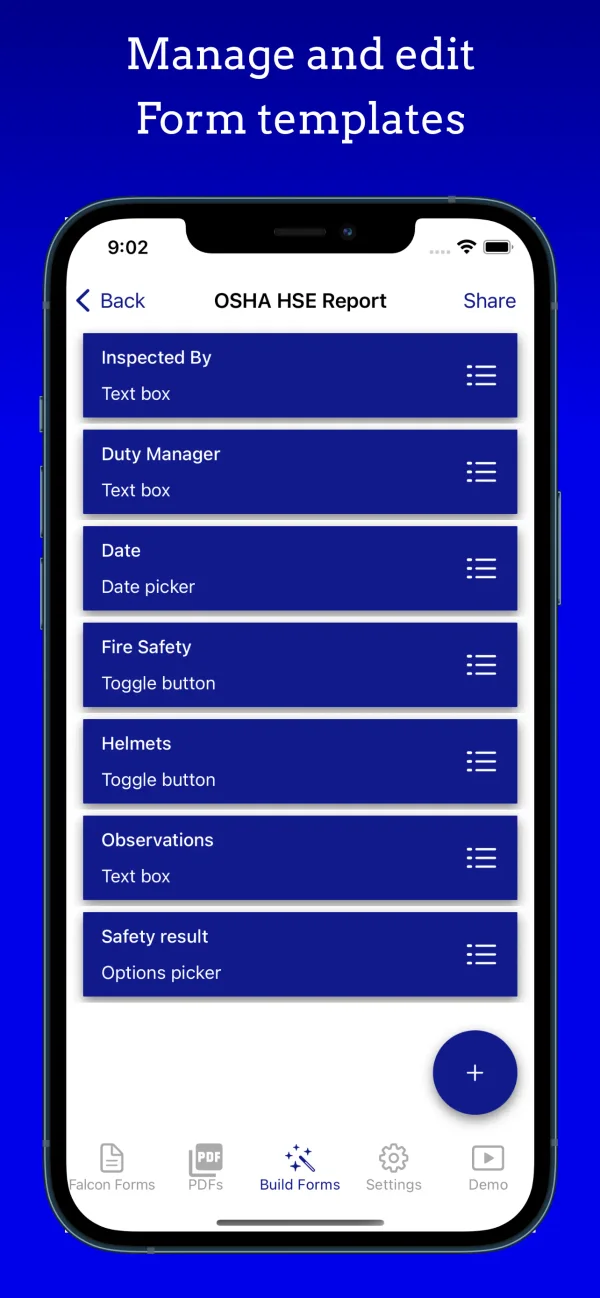
Build and Customize Forms: Create unlimited templates and export data directly to Google Sheets, Microsoft Excel, or PDFs with seamless spreadsheet integration.
Multiple Export Options: Send responses to Google Sheets, Excel, or generate professional PDFs. Ideal for users looking for apps with Google Sheets integration.
Digitize Paper Forms: Scan and convert paper forms into digital data and export to Google Sheets, Excel, or PDFs.
No Account Required: Build, fill, and export forms offline with full control over your data.
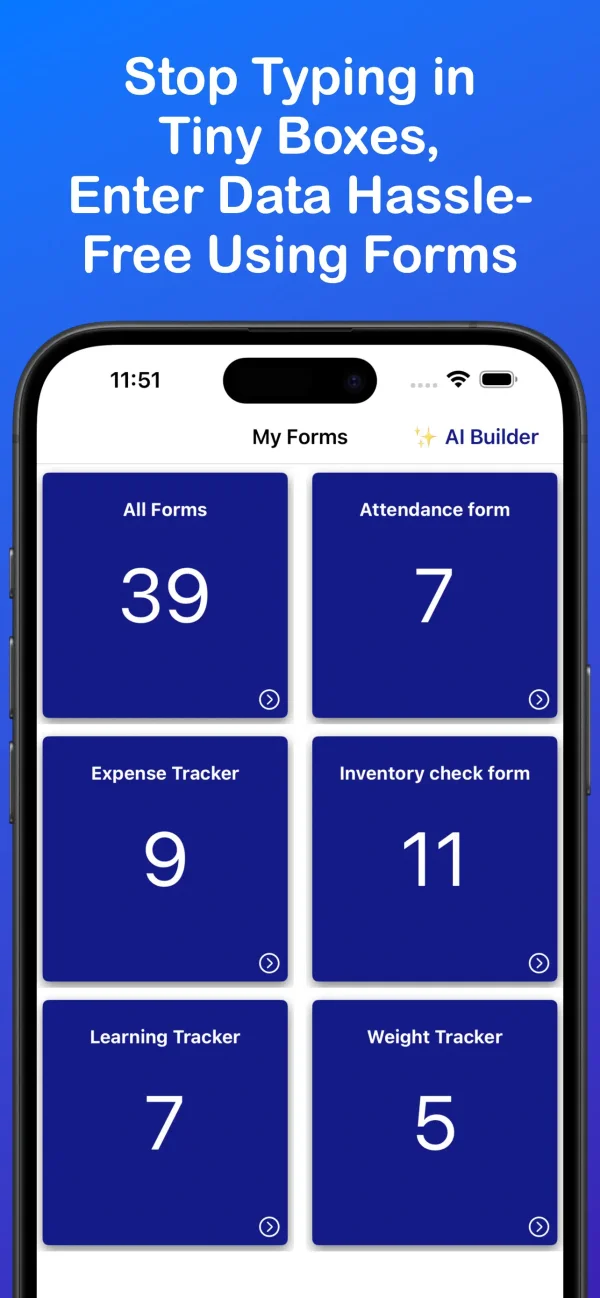
User Friendly: Simple interface for fast form creation and easy data entry built for spreadsheet users.
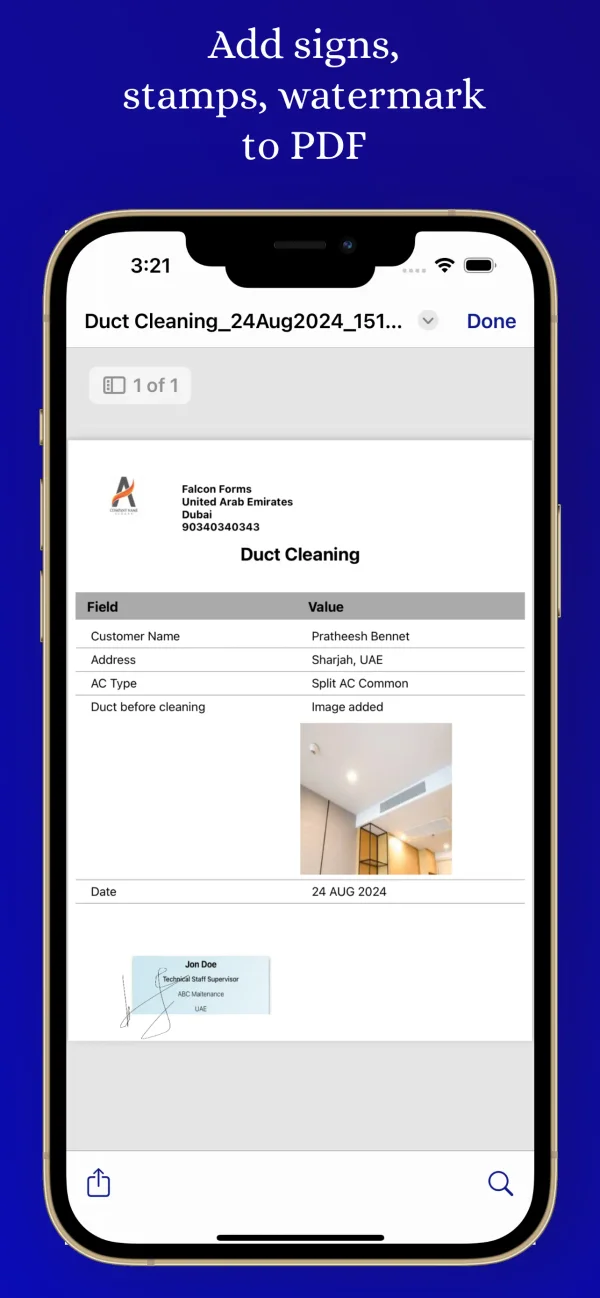
Boost Brand Value: Add letterheads, watermarks, and logos to your PDF exports.
Core Features:
AI Form Builder: Create forms instantly and connect data to Google Sheets and Excel.
Custom Templates: 15+ input types designed for spreadsheet integration and export.
Real Time Sharing: Share via email or cloud services and sync with Google Sheets.
Secure PDFs: Add signatures and password protection to exported documents.
Who Can Use Falcon Forms?
Personal and Business: Manage tasks, inspections, and reports with easy export to Google Sheets, Excel, or PDFs.
Business Documents: Create branded forms and simplify Google Sheets and Excel workflows.
Suggestions or Feedback
Reach out through the Contact Us section in the app. We are continuously improving Google Sheets integration, Excel support, and PDF features.
Terms of Use: https://www.apple.com/legal/internet-services/itunes/dev/stdeula/
Special Attribution: Icons created by Freepik - Flaticon
Neue Funktionen
Version 5.2.10 · 11.04.2026
• Improved spreadsheet integration experience
• Enhanced syncing with Google Sheets and Excel
• Performance improvements and minor fixes
App-Datenschutz
Was Pratheesh Bennet im App Store zum Umgang dieser App mit Daten angibt.
-
Nicht mit Ihnen verknüpfte Daten
Können erfasst werden, sind aber nicht mit Ihrer Identität verknüpft.
- Kennungen
Die Datenschutzpraktiken können variieren, zum Beispiel je nach den von Ihnen verwendeten Funktionen oder Ihrem Alter.
Informationen
- Anbieter
- Pratheesh Bennet
- Kategorie
- Produktivität
- Version
- 5.2.10
- Aktualisiert
- 11.04.2026
- Veröffentlicht
- 17.09.2021
- Größe
- 70,6 MB
- Erfordert
- iOS 16.0 oder neuer
- Altersfreigabe
- 4+
- Preis
- Kostenlos
- In-App-Käufe
- Ja
- Sprachen
- Englisch, Französisch, Deutsch, Japanisch, Koreanisch, Vereinf. Chinesisch, Spanisch
- Copyright
- © "2025 Pratheesh Bennet"
Das könnte Ihnen auch gefallen
-
 Moodboard - CreativitVision board
-
 SnagID - Snagging and DefectsProduktivität
-
 Habit Tracker: GewohnheitenZiele, Routine & Motivation
-
 AI Keyboard : KI-TastaturKünstliche Intelligenz Deutsch
-
 Gola - ZielverfolgungStrukturierte Ziele für alles
-
 Penned: Private NotesProduktivität
-
 Secrets - Passwort ManagerGenerieren, Ausfüllen, Sync
-
 Authenticator °Produktivität
-
 Paraphrase Tool - AI RewriterProduktivität
-
 Multitimer: Lernen & FokusDeep Work & ADHS-Countdowns