Forms: Spreadsheet Integration
Sync with Google Sheet & Excel
Designed for iPhone, iPad
Free · In-app purchases
- Age rating4+
- CategoryProductivity
- DeveloperPratheesh Bennet
- LanguagesEnglish+ 6 more
- Size70.6 MB
Links to the official App Store page
Download.org hosts no file of Forms: Spreadsheet Integration. The button opens its official App Store page, published by Pratheesh Bennet. Listing last checked on Nov 17, 2026.
Screenshots



About
Benefits of Falcon Forms:
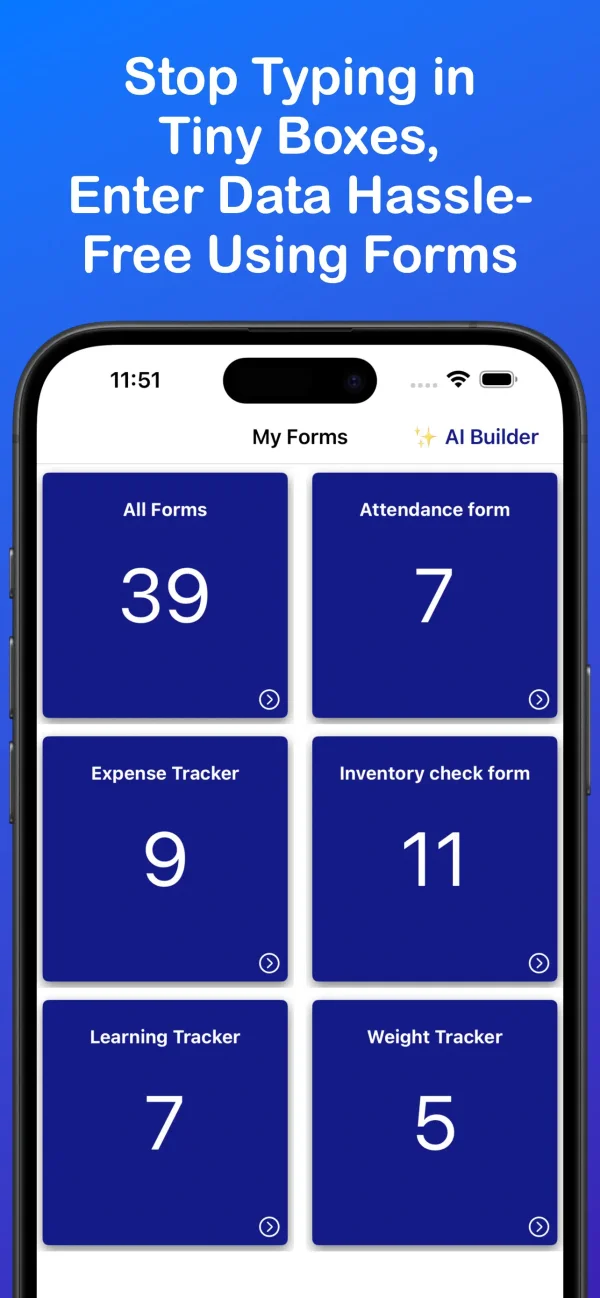
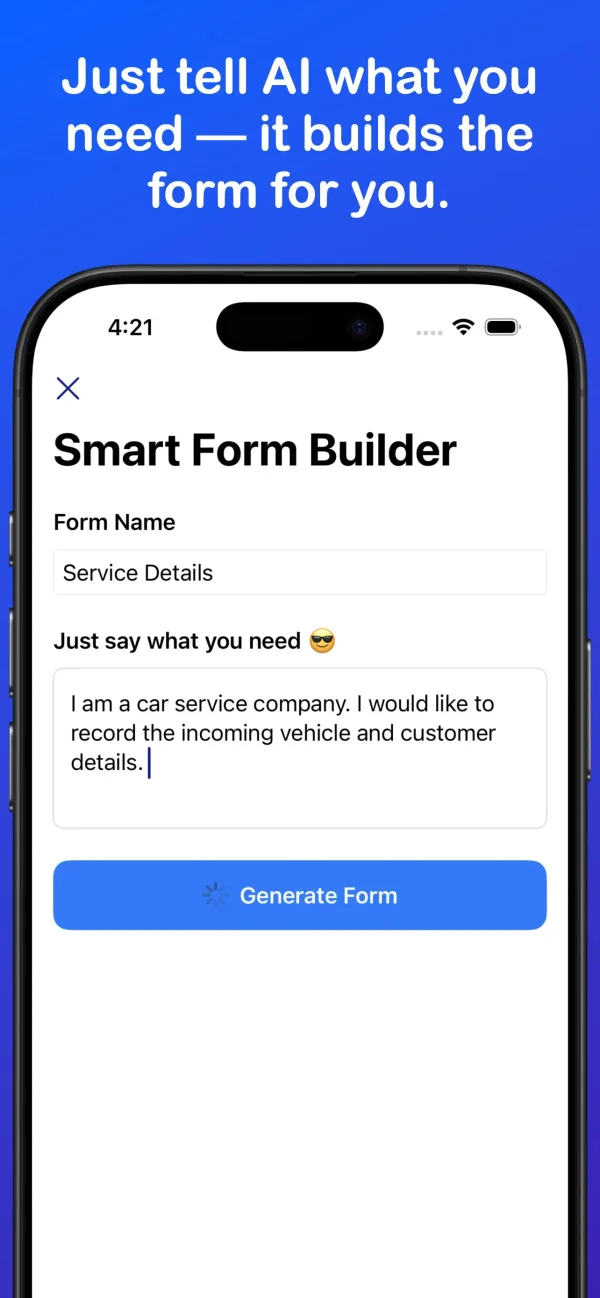
AI-Powered Form Creation: Instantly generate ready-to-use forms with the built-in AI Form Builder, designed for Google Sheets and Excel workflows.
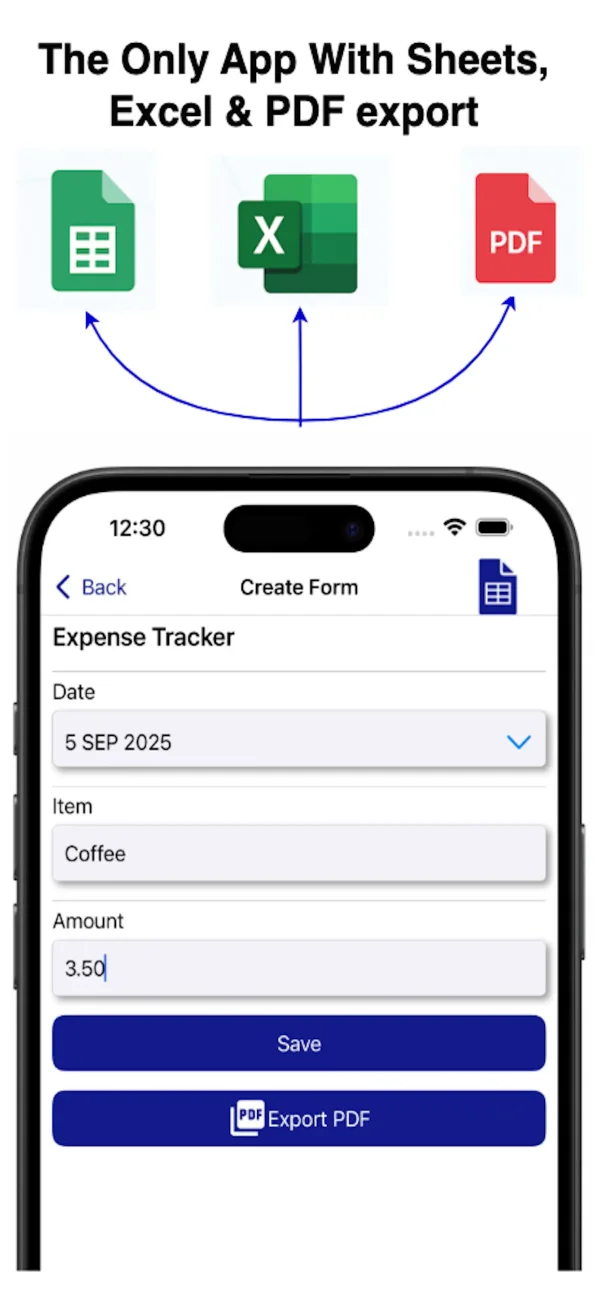
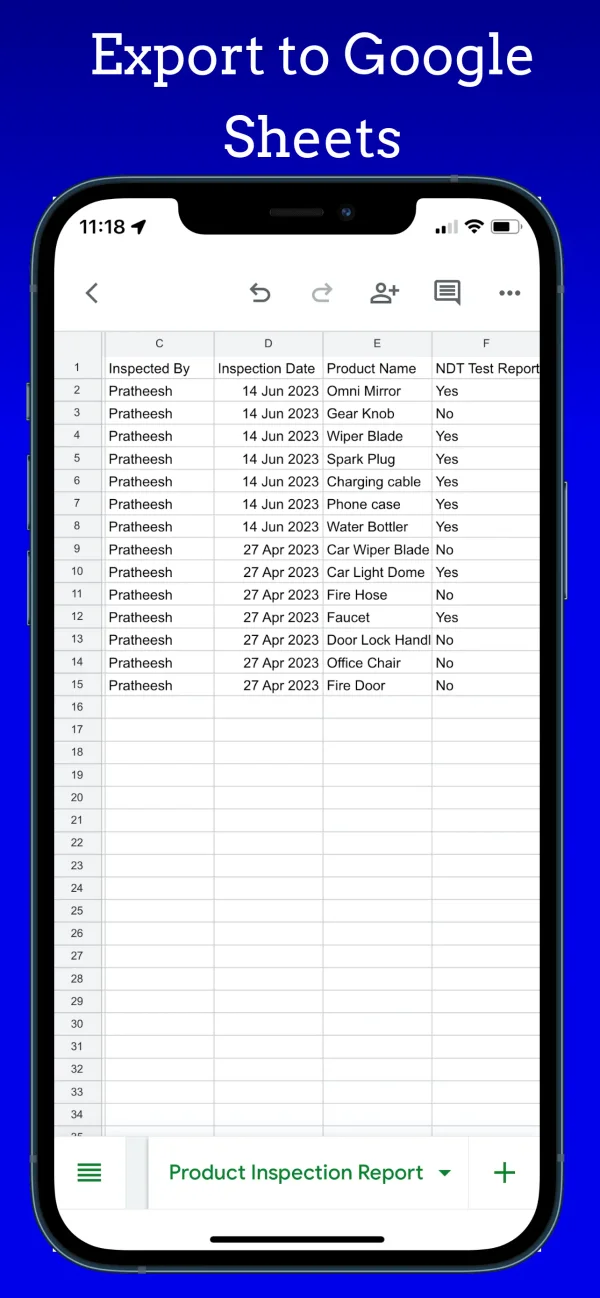
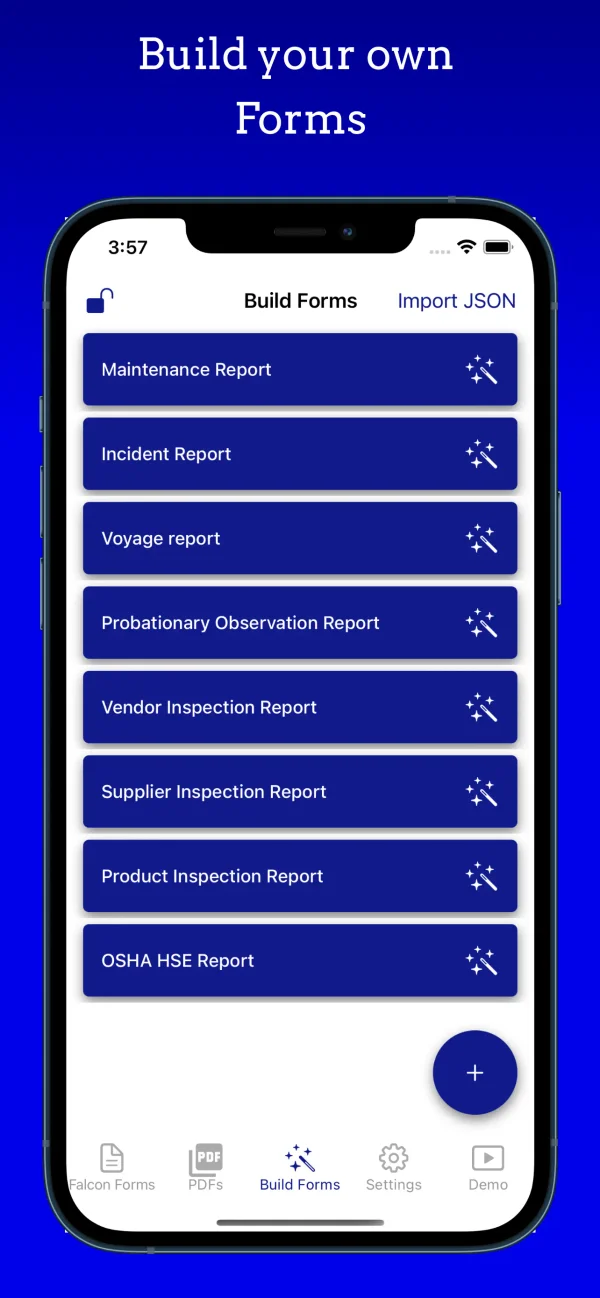
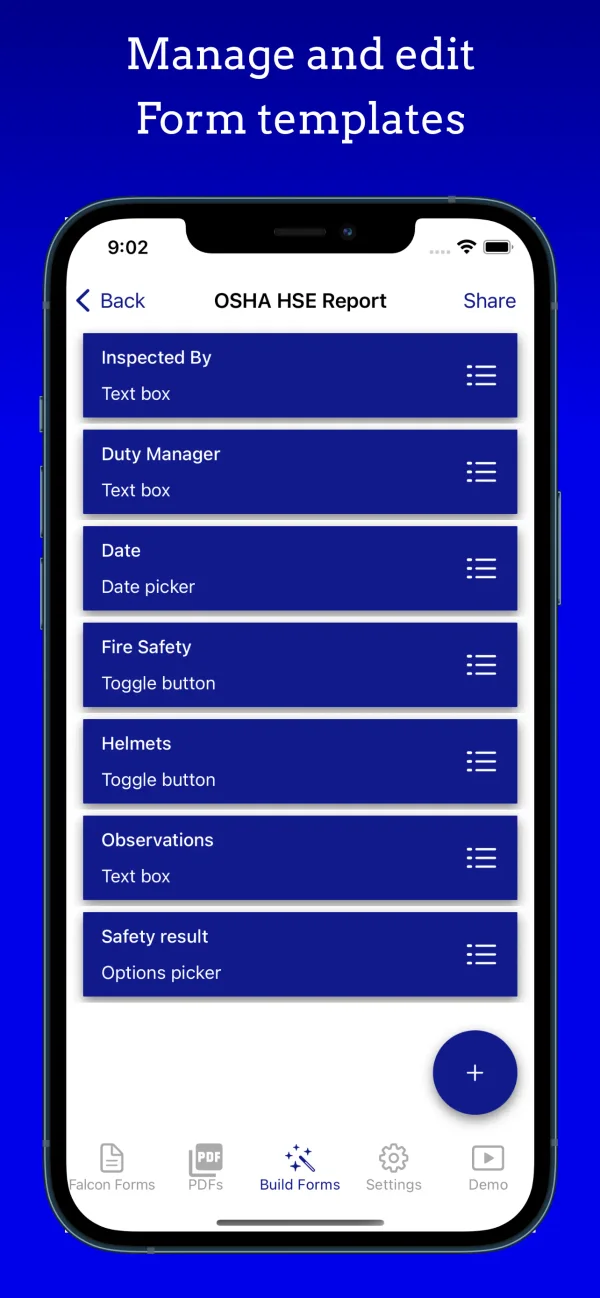
Build and Customize Forms: Create unlimited templates and export data directly to Google Sheets, Microsoft Excel, or PDFs with seamless spreadsheet integration.
Multiple Export Options: Send responses to Google Sheets, Excel, or generate professional PDFs. Ideal for users looking for apps with Google Sheets integration.
Digitize Paper Forms: Scan and convert paper forms into digital data and export to Google Sheets, Excel, or PDFs.
No Account Required: Build, fill, and export forms offline with full control over your data.
User Friendly: Simple interface for fast form creation and easy data entry built for spreadsheet users.
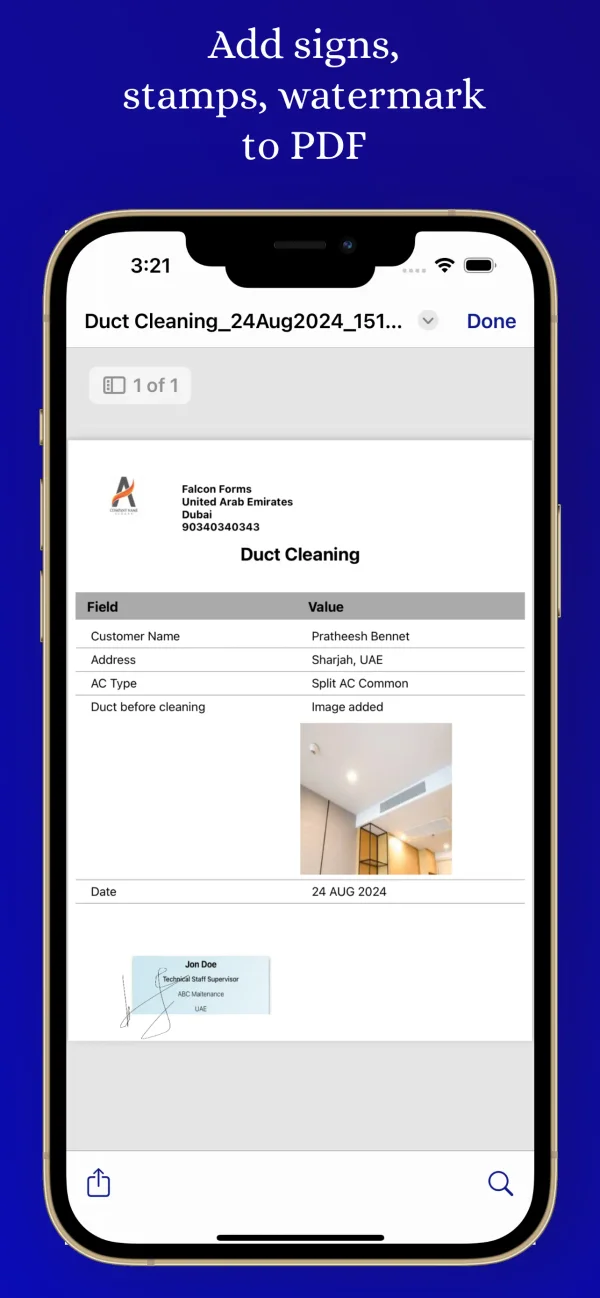
Boost Brand Value: Add letterheads, watermarks, and logos to your PDF exports.
Core Features:
AI Form Builder: Create forms instantly and connect data to Google Sheets and Excel.
Custom Templates: 15+ input types designed for spreadsheet integration and export.
Real Time Sharing: Share via email or cloud services and sync with Google Sheets.
Secure PDFs: Add signatures and password protection to exported documents.
Who Can Use Falcon Forms?
Personal and Business: Manage tasks, inspections, and reports with easy export to Google Sheets, Excel, or PDFs.
Business Documents: Create branded forms and simplify Google Sheets and Excel workflows.
Suggestions or Feedback
Reach out through the Contact Us section in the app. We are continuously improving Google Sheets integration, Excel support, and PDF features.
Terms of Use: https://www.apple.com/legal/internet-services/itunes/dev/stdeula/
Special Attribution: Icons created by Freepik - Flaticon
What’s new
Version 5.2.10 · Apr 11, 2026
• Improved spreadsheet integration experience
• Enhanced syncing with Google Sheets and Excel
• Performance improvements and minor fixes
App privacy
What Pratheesh Bennet declares on the App Store about how this app handles data.
-
Data not linked to you
May be collected but is not linked to your identity.
- Identifiers
Privacy practices may vary, for example with the features you use or your age.
Information
- Seller
- Pratheesh Bennet
- Category
- Productivity
- Version
- 5.2.10
- Updated
- Apr 11, 2026
- Released
- Sep 17, 2021
- Size
- 70.6 MB
- Requires
- iOS 16.0 or later
- Age rating
- 4+
- Price
- Free
- In-app purchases
- Yes
- Languages
- English, French, German, Japanese, Korean, Simplified Chinese, Spanish
- Copyright
- © "2025 Pratheesh Bennet"
You might also like
-
 Mood Board - CreativitBookmark
-
 SnagID - Snagging and DefectsSnag List Site Audit Reports
-
 Habit Tracker: Streaks & GoalsDaily routine & self care plan
-
 AI Keyboard: KeyAIWriting Assistant & Translator
-
 Gola: Goal & Streak TrackingAchieve & reach it with ease
-
 Penned: Private NotesAI Text Search, Local & Secure
-
 Secrets - Password ManagerGenerate, AutoFill, Sync
-
 Authenticator °2FA & MFA Authentication App
-
 Paraphrase Tool - AI RewriterRewrite, Reword & Readability
-
 Multi Timer: Study & FocusDeep Work & ADHD Countdowns