Forms: Spreadsheet Integration
Sync with Google Sheet & Excel
Conçue pour iPhone, iPad
Gratuit · Achats intégrés
- Classification d’âge4+
- CatégorieProductivité
- DéveloppeurPratheesh Bennet
- LanguesAnglais+ 6 de plus
- Taille70,6 Mo
Renvoie vers la page App Store officielle
Download.org n’héberge aucun fichier de Forms: Spreadsheet Integration. Le bouton ouvre la page de l’application sur App Store, où Pratheesh Bennet la publie. Fiche vérifiée pour la dernière fois le 17/11/2026.
Captures d’écran



À propos
Le développeur n’a pas fourni ce texte dans votre langue.
Benefits of Falcon Forms:
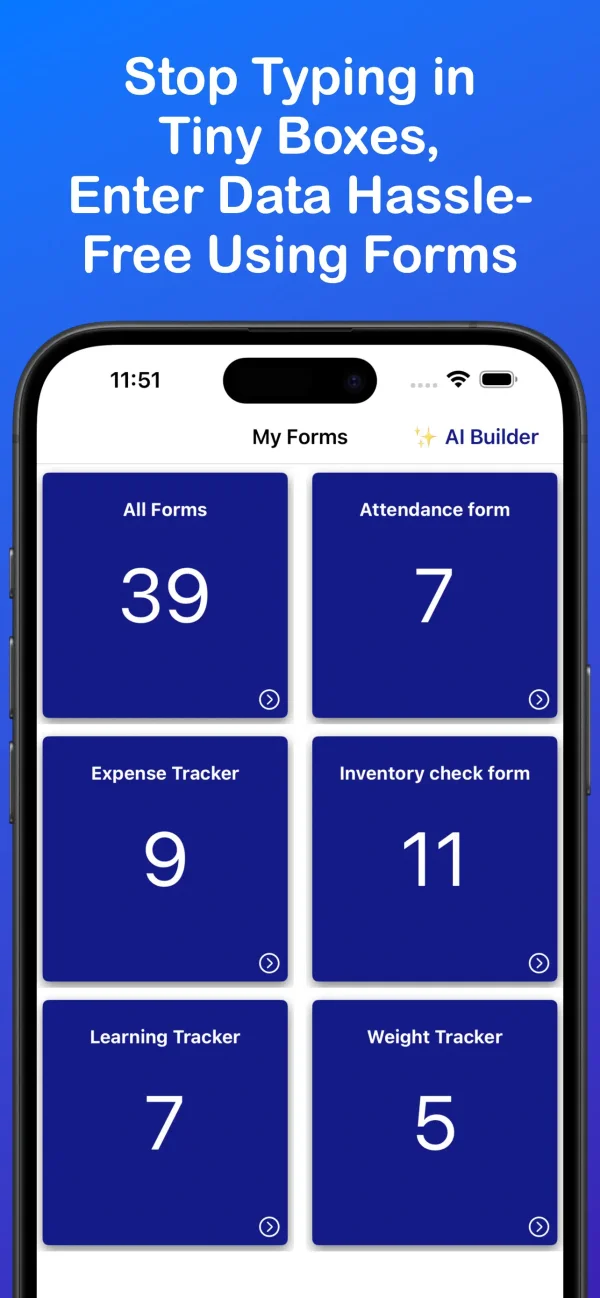
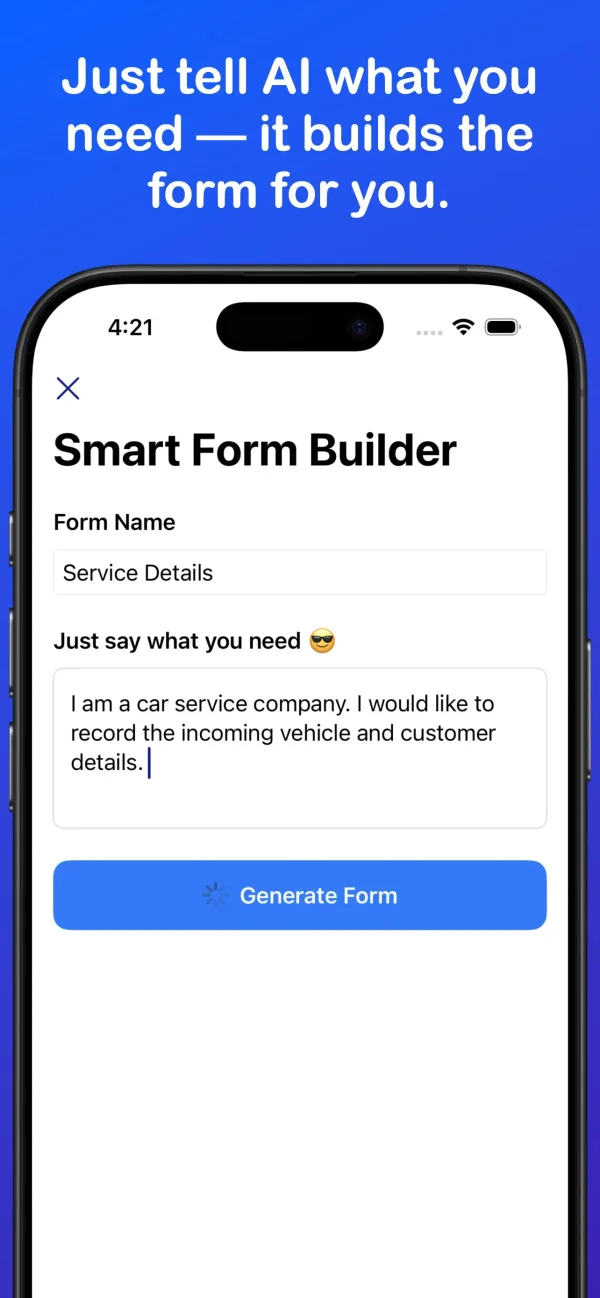
AI-Powered Form Creation: Instantly generate ready-to-use forms with the built-in AI Form Builder, designed for Google Sheets and Excel workflows.
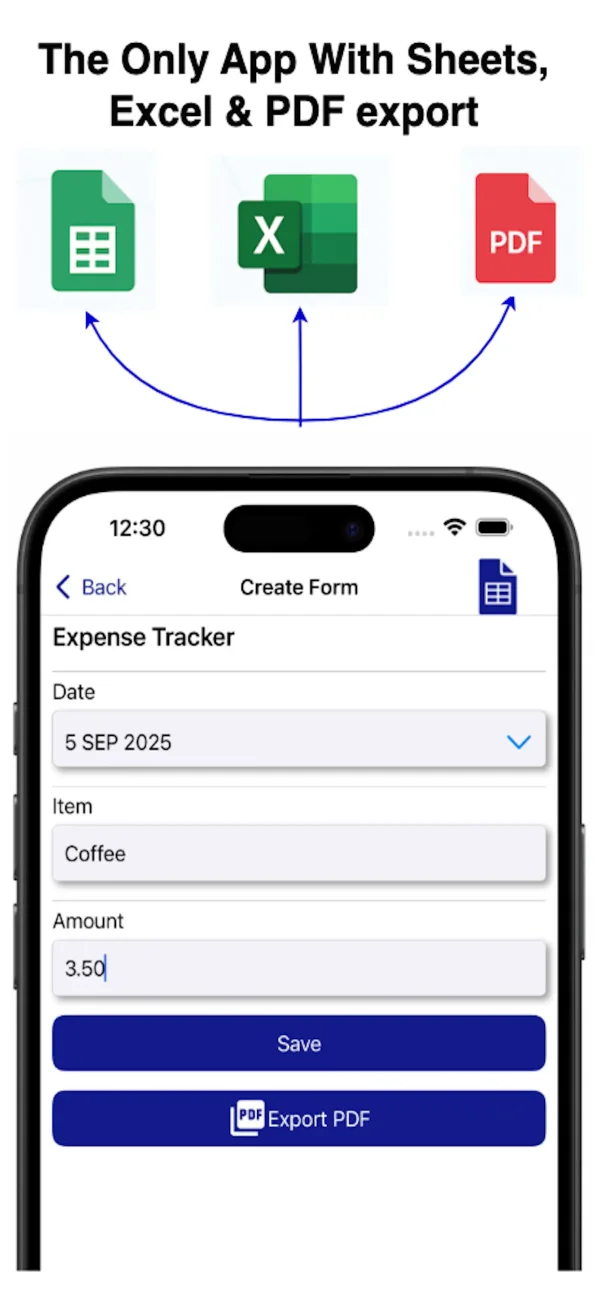
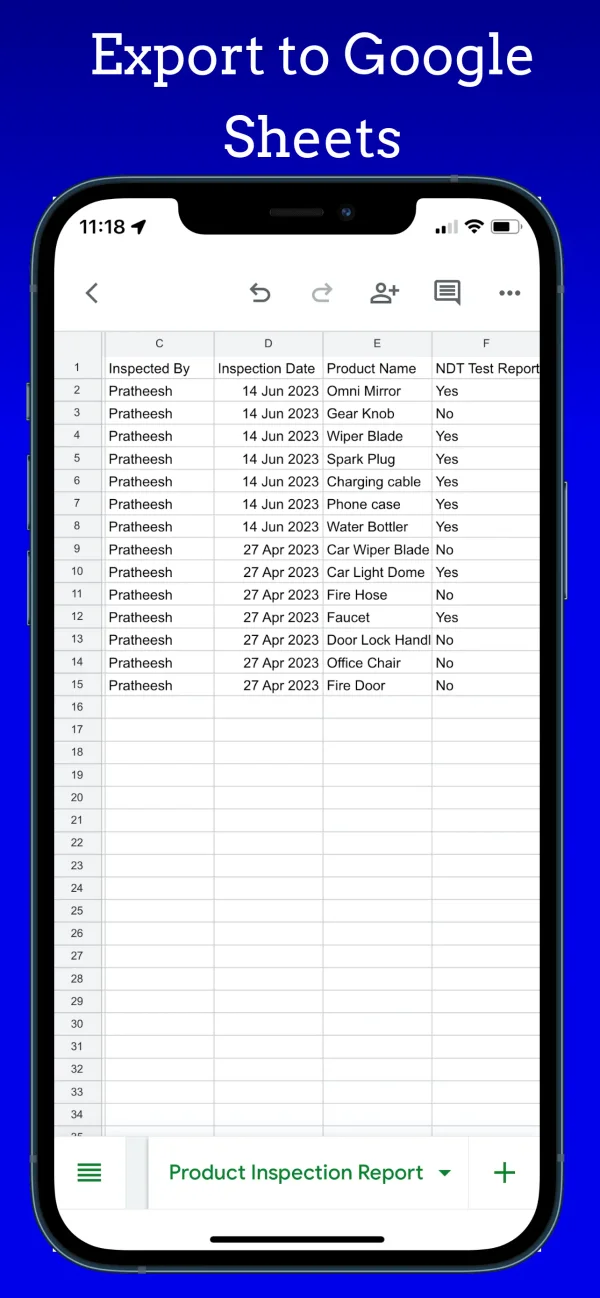
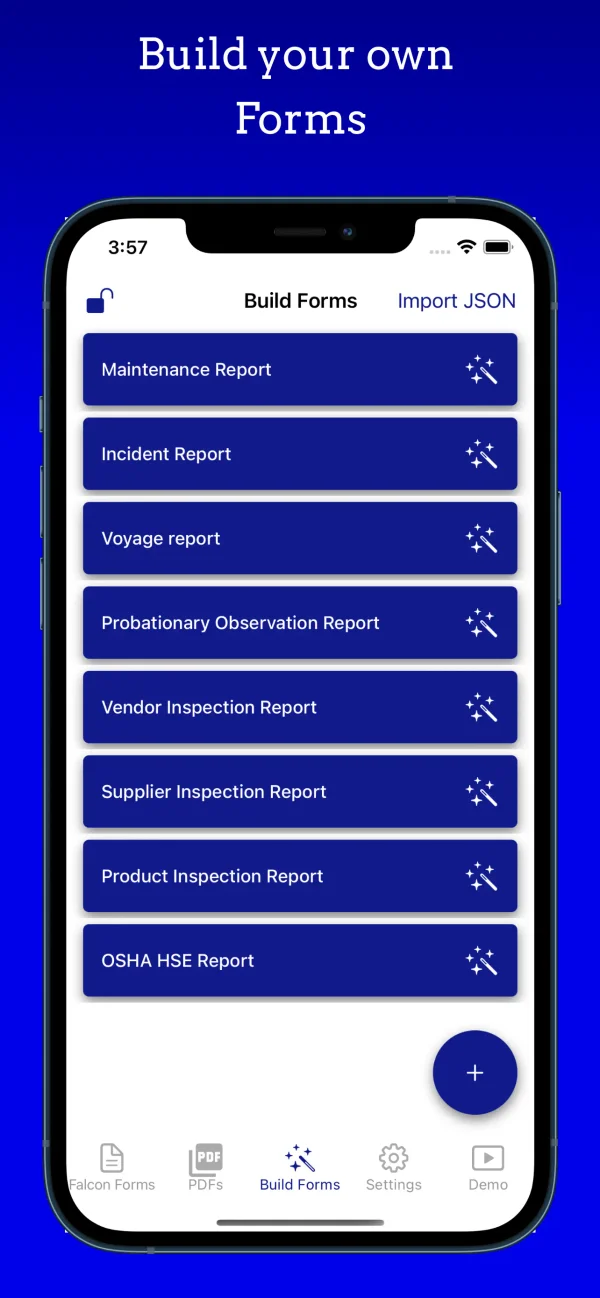
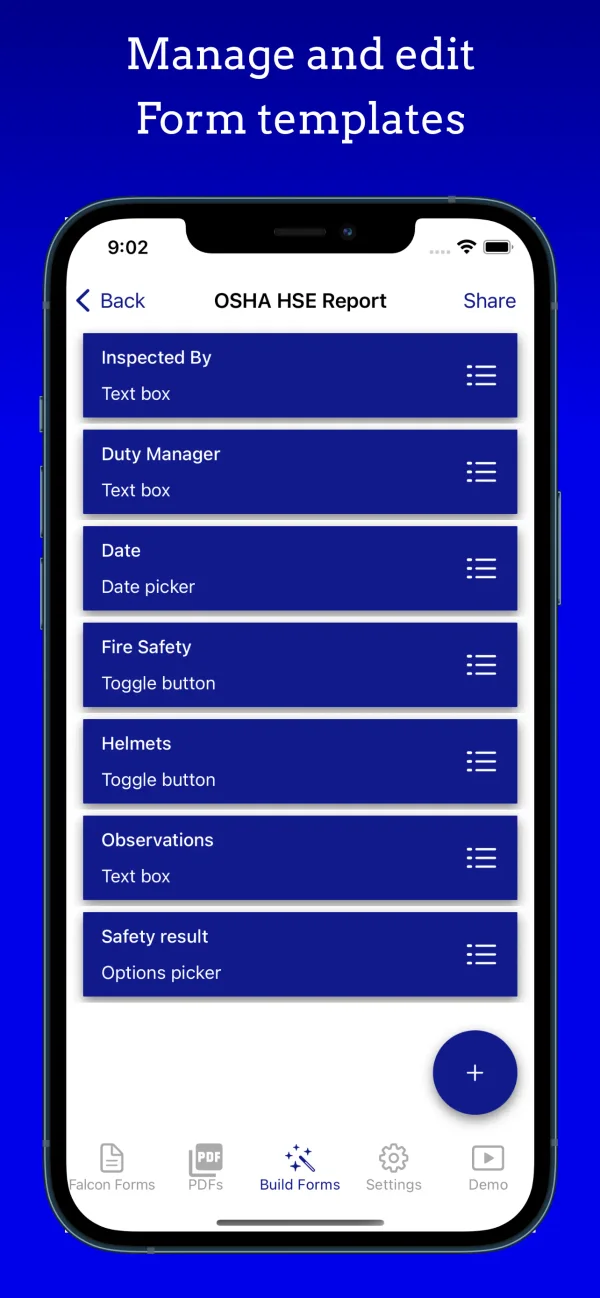
Build and Customize Forms: Create unlimited templates and export data directly to Google Sheets, Microsoft Excel, or PDFs with seamless spreadsheet integration.
Multiple Export Options: Send responses to Google Sheets, Excel, or generate professional PDFs. Ideal for users looking for apps with Google Sheets integration.
Digitize Paper Forms: Scan and convert paper forms into digital data and export to Google Sheets, Excel, or PDFs.
No Account Required: Build, fill, and export forms offline with full control over your data.
User Friendly: Simple interface for fast form creation and easy data entry built for spreadsheet users.
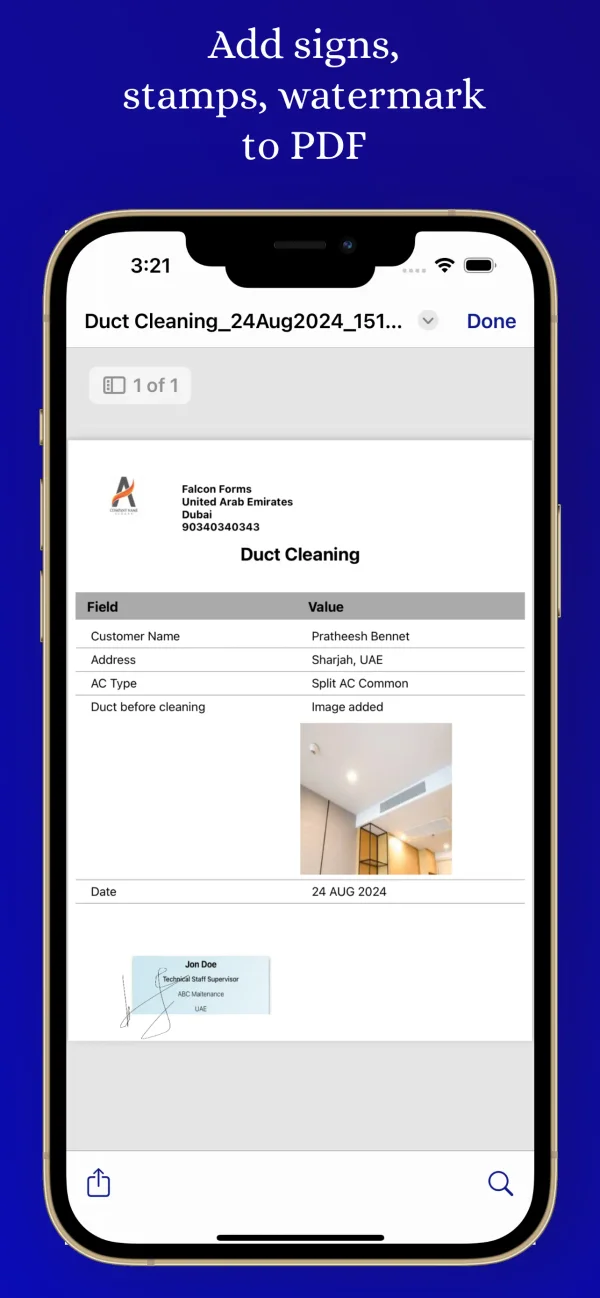
Boost Brand Value: Add letterheads, watermarks, and logos to your PDF exports.
Core Features:
AI Form Builder: Create forms instantly and connect data to Google Sheets and Excel.
Custom Templates: 15+ input types designed for spreadsheet integration and export.
Real Time Sharing: Share via email or cloud services and sync with Google Sheets.
Secure PDFs: Add signatures and password protection to exported documents.
Who Can Use Falcon Forms?
Personal and Business: Manage tasks, inspections, and reports with easy export to Google Sheets, Excel, or PDFs.
Business Documents: Create branded forms and simplify Google Sheets and Excel workflows.
Suggestions or Feedback
Reach out through the Contact Us section in the app. We are continuously improving Google Sheets integration, Excel support, and PDF features.
Terms of Use: https://www.apple.com/legal/internet-services/itunes/dev/stdeula/
Special Attribution: Icons created by Freepik - Flaticon
Nouveautés
Version 5.2.10 · 11/04/2026
• Improved spreadsheet integration experience
• Enhanced syncing with Google Sheets and Excel
• Performance improvements and minor fixes
Confidentialité de l’application
Ce que Pratheesh Bennet déclare sur l’App Store au sujet du traitement des données par cette application.
-
Données n’établissant aucun lien avec vous
Peuvent être collectées, mais ne sont pas liées à votre identité.
- Identifiants
Les pratiques en matière de confidentialité peuvent varier, notamment en fonction des fonctionnalités que vous utilisez ou de votre âge.
Informations
- Vendeur
- Pratheesh Bennet
- Catégorie
- Productivité
- Version
- 5.2.10
- Mis à jour
- 11/04/2026
- Publié
- 17/09/2021
- Taille
- 70,6 Mo
- Nécessite
- iOS 16.0 ou version ultérieure
- Classification d’âge
- 4+
- Prix
- Gratuit
- Achats intégrés
- Oui
- Langues
- Anglais, Français, Allemand, Japonais, Coréen, Chinois simplifié, Espagnol
- Copyright
- © "2025 Pratheesh Bennet"
Vous aimerez peut-être aussi
-
 Moodboard - CreativitVision board
-
 SnagID - Snagging and DefectsProductivité
-
 Habit Tracker: HabitudesObjectifs, routine & santé
-
 Clavier IA : Outils d’écritureCorrecteur d’orthographe,email
-
 Gola - Suivi d'objectifsObjectifs structurés
-
 Penned: Private NotesProductivité
-
 Secrets - Mots de passeGestionnaire sûr et simple
-
 Two Factor Authentication Aрр2fas auth es castlebranch okta
-
 Paraphrase Tool - AI RewriterProductivité
-
 MinuteurTravail profond & focus TDAH