
ForNote
Handwrite Notes, Annotate PDFs
Entwickelt für iPhone, iPad
Kostenlos · In-App-Käufe
- Altersfreigabe4+
- KategorieProduktivität
- EntwicklerCAGAN DURGUN
- SprachenEnglisch+ 2 weitere
- Größe1,9 MB
Verlinkt auf die offizielle App Store-Seite
Download.org hostet keine Datei von ForNote. Die Schaltfläche öffnet die App-Seite bei App Store, wo CAGAN DURGUN die App veröffentlicht. Eintrag zuletzt geprüft am 14.11.2026.
Screenshots


Info
Der Entwickler hat diesen Text nicht in Ihrer Sprache bereitgestellt.
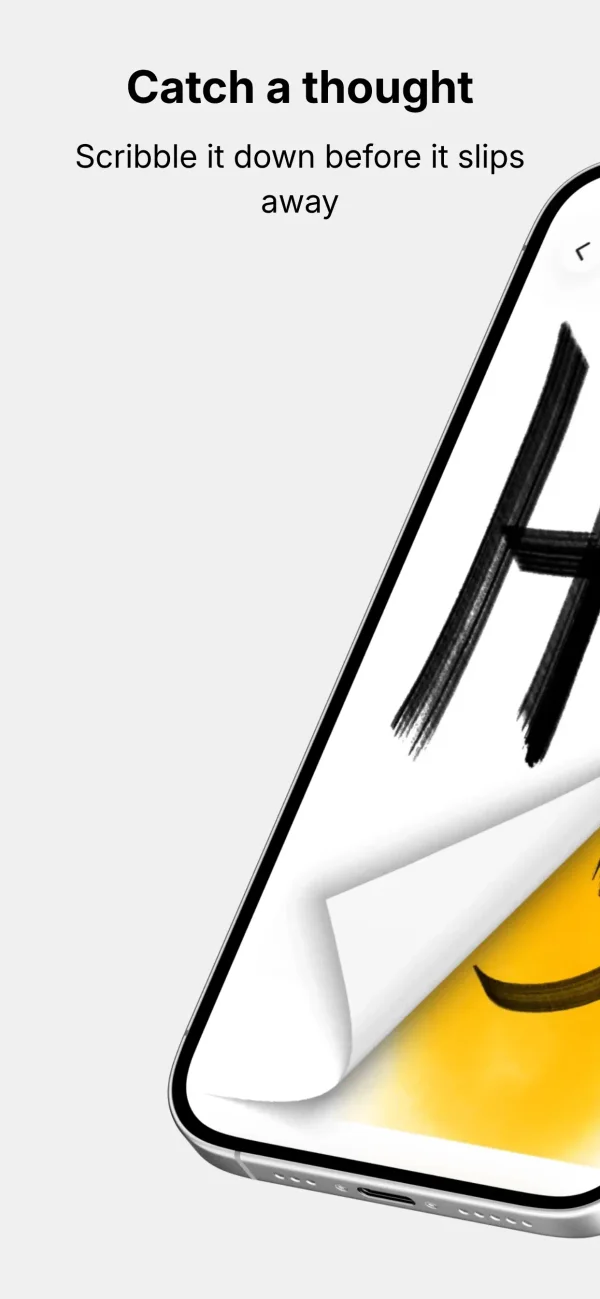
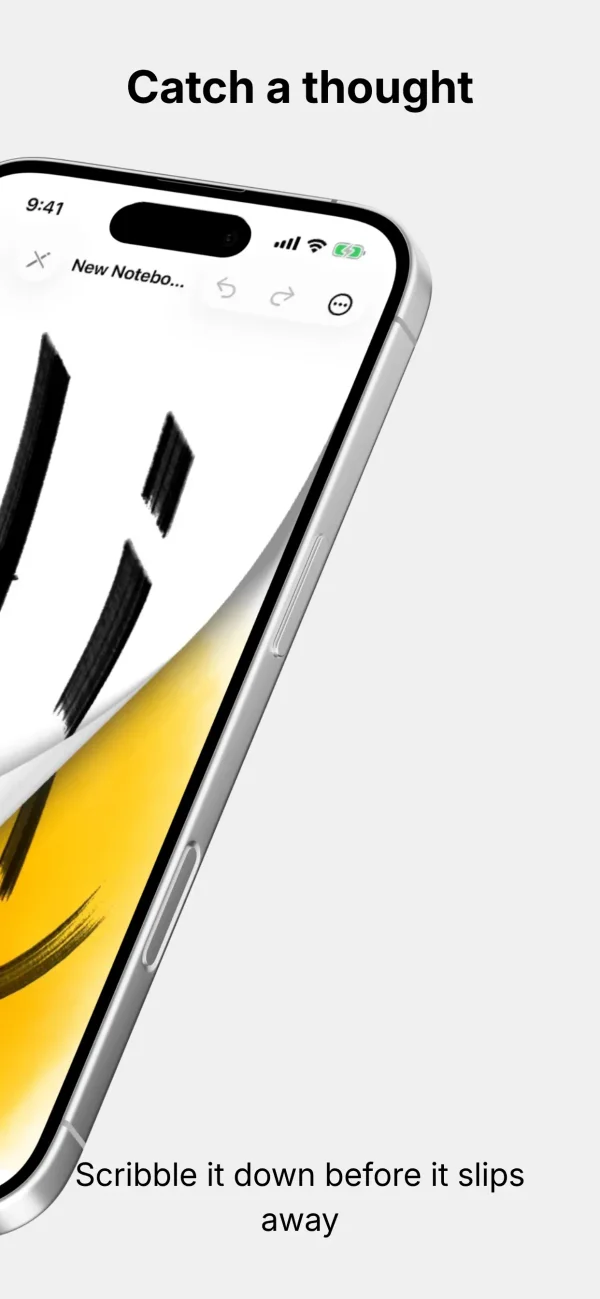
The notebook that turns Apple Pencil strokes into searchable, organized handwritten notes.
ForNote is a native iPad and iPhone notes app for handwriting, sketching, and annotating PDFs. Draw with Apple Pencil, organize notebooks in nested folders, drop a photo or PDF as a page background, and find any handwritten word from Spotlight.
HAND-DRAWN PAGES
• Draw with Apple Pencil on iPad, or with your finger on iPhone
• Pen, marker, eraser, and lasso with a full color picker
• Native page-curl animation between pages
• Pinch to zoom up to 5×
• Floating tool palette you can drag anywhere on screen
FOLDERS & ORGANIZATION
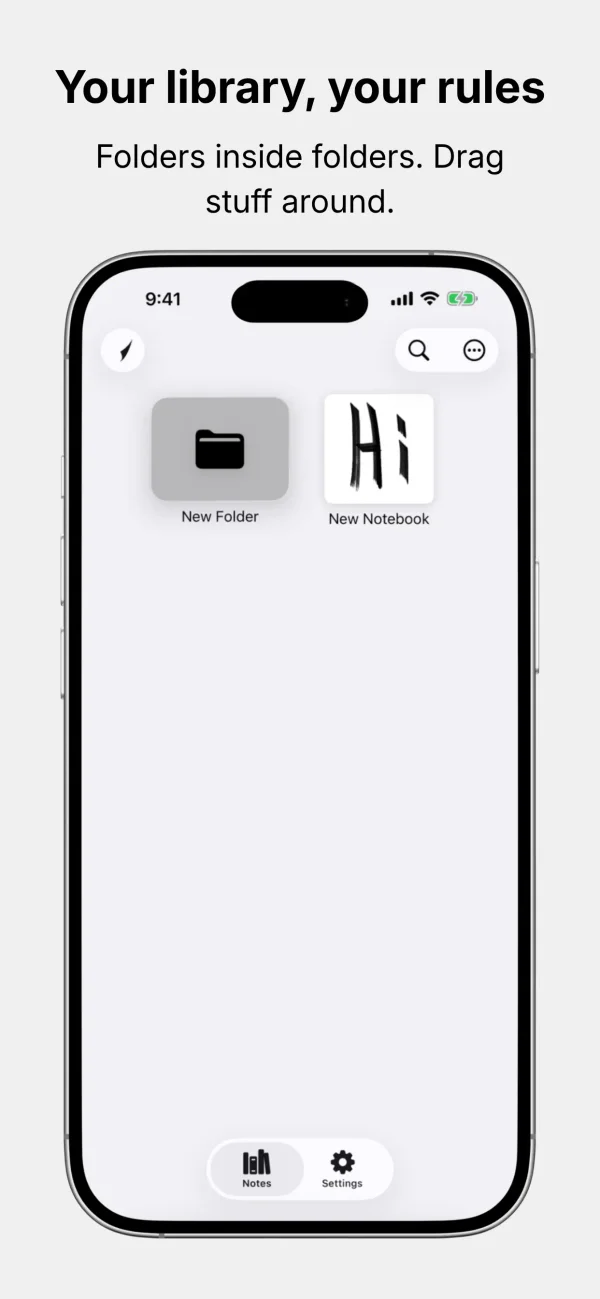
• Nest folders inside folders — Files-style hierarchy
• Drag and drop notebooks and folders between locations
• Spring-load on the back arrow to navigate while dragging
• Select multiple items at once
• Bulk export, move, or delete in a single action
PAGE BACKGROUNDS
• Drop a photo as a background and annotate over it
• Import a PDF — every page becomes a notebook page you can write on
• Scan a document with the camera and turn it into pages instantly
• Annotate every imported page with Apple Pencil
SPOTLIGHT SEARCH
• Vision OCR runs in the background on every page you draw on
• Search for any handwritten word from Spotlight on your device
• Tap a result to jump straight to the exact page
• Turkish and English recognition out of the box
STATISTICS
• Track your writing streak across notebooks, pages, and folders
• Library overview with item counts
• Content breakdown of OCR-indexed and image-backed pages
• Everything stays on-device
LIQUID GLASS DESIGN
Every card, sheet, and toolbar uses iOS 26's stunning Liquid Glass material. The whole app is built with native SwiftUI — no custom chrome, just the system you already know from Notes, Files, and Reminders.
FORNOTE PLUS — TRY FREE
• Unlimited notebooks
• Unlimited PDF imports
• Photos, PDF, and document scanner page backgrounds inside the editor
• Detailed writing statistics
Start a free trial today. Cancel anytime.
Built for students, researchers, planners, and anyone who thinks better with a pen.
Available in 3 languages: English, Turkish, and Simplified Chinese.
———————————————
Terms of Use (EULA): https://www.apple.com/legal/internet-services/itunes/dev/stdeula/
Privacy Policy: https://cagandurgun.com/fornoteprivacy
Neue Funktionen
Version 2.0 · 19.05.2026
What's New in 2.0
The first major update to ForNote — rebuilt from scratch for iOS 26.
— LIQUID GLASS DESIGN —
Every card, sheet, and toolbar now flows with the stunning Liquid Glass material from iOS 26. The whole app is native SwiftUI — nothing custom, just the system materials you already know.
— FOLDERS & BULK OPERATIONS —
Nest folders inside folders, drag notebooks between them, and select multiple items at once to export, move, or delete in a single action. Drop a notebook on the back arrow and ForNote moves it to the parent folder for you. Spring-load on the back arrow to navigate while you're still dragging.
— PAGE BACKGROUNDS —
Import photos, PDFs, or scanned documents as page backgrounds, then annotate over them with Apple Pencil. Every page of a PDF becomes a writable notebook page.
— SPOTLIGHT SEARCH —
Vision OCR now runs in the background on every page you draw on. Search for any handwritten word from Spotlight and jump straight to the exact page. Turkish and English are supported out of the box.
— FLOATING TOOL PALETTE —
Drag the tool palette anywhere on screen. Pen, marker, eraser, lasso, and a full color picker — without the system tool picker getting in your way.
— NATIVE PAGE CURL —
Notebooks now flip with the native page-curl animation. On iPad, draw with Apple Pencil while your finger swipes pages.
— STATISTICS —
Track your writing streak, browse a library overview, and see a content breakdown of OCR-indexed and image-backed pages.
— FORNOTE PLUS —
Unlock unlimited notebooks, unlimited PDF imports, every import source inside the editor, and detailed stats.
App-Datenschutz
Was CAGAN DURGUN im App Store zum Umgang dieser App mit Daten angibt.
-
Keine Daten erfasst
Der Entwickler erfasst keine Daten von dieser App.
Die Datenschutzpraktiken können variieren, zum Beispiel je nach den von Ihnen verwendeten Funktionen oder Ihrem Alter.
Informationen
- Anbieter
- CAGAN DURGUN
- Kategorie
- Produktivität
- Version
- 2.0
- Aktualisiert
- 19.05.2026
- Veröffentlicht
- 12.06.2025
- Größe
- 1,9 MB
- Erfordert
- iOS 26.0 oder neuer
- Altersfreigabe
- 4+
- Preis
- Kostenlos
- In-App-Käufe
- Ja
- Sprachen
- Englisch, Vereinf. Chinesisch, Türkisch
- Copyright
- © Cagan Durgun 2025
Das könnte Ihnen auch gefallen
-
 Timeboard - AlwaysOn HubProduktivität
-
 PromoSenderProduktivität
-
 AI Notes: BYOK TranscriptionProduktivität
-
 SonicScript: Text zu SpracheTTS-Reader mit Exportfunktion
-
 WakeMinder-Popup ErinnerungenAufgaben beim Aufwachen
-
 Fuel Fahrzeugkosten & TankbuchVerbrauch & Wartungsübersicht
-
 PDFForge - PDF Scanner & EditOCR, Signature & File Manager
-
 NeatNotes – Notizen & ListenMemos, To-dos & Erinnerungen
-
 PDF Converter Scanner PrinterProduktivität
-
 Daily Life Planner: ProstirProduktivität