
- 対象年齢4+
- カテゴリ仕事効率化
- 開発元CAGAN DURGUN
- 言語英語ほか2言語
- サイズ1.9 MB
App Storeの公式ページにリンクしています
Download.orgはForNoteのファイルを一切ホストしていません。ボタンを押すと、CAGAN DURGUNが公開しているApp Storeのアプリページが開きます。ページの最終確認:2026/11/14。
スクリーンショット


概要
開発元はこのテキストをお使いの言語で提供していません。
The notebook that turns Apple Pencil strokes into searchable, organized handwritten notes.
ForNote is a native iPad and iPhone notes app for handwriting, sketching, and annotating PDFs. Draw with Apple Pencil, organize notebooks in nested folders, drop a photo or PDF as a page background, and find any handwritten word from Spotlight.
HAND-DRAWN PAGES
• Draw with Apple Pencil on iPad, or with your finger on iPhone
• Pen, marker, eraser, and lasso with a full color picker
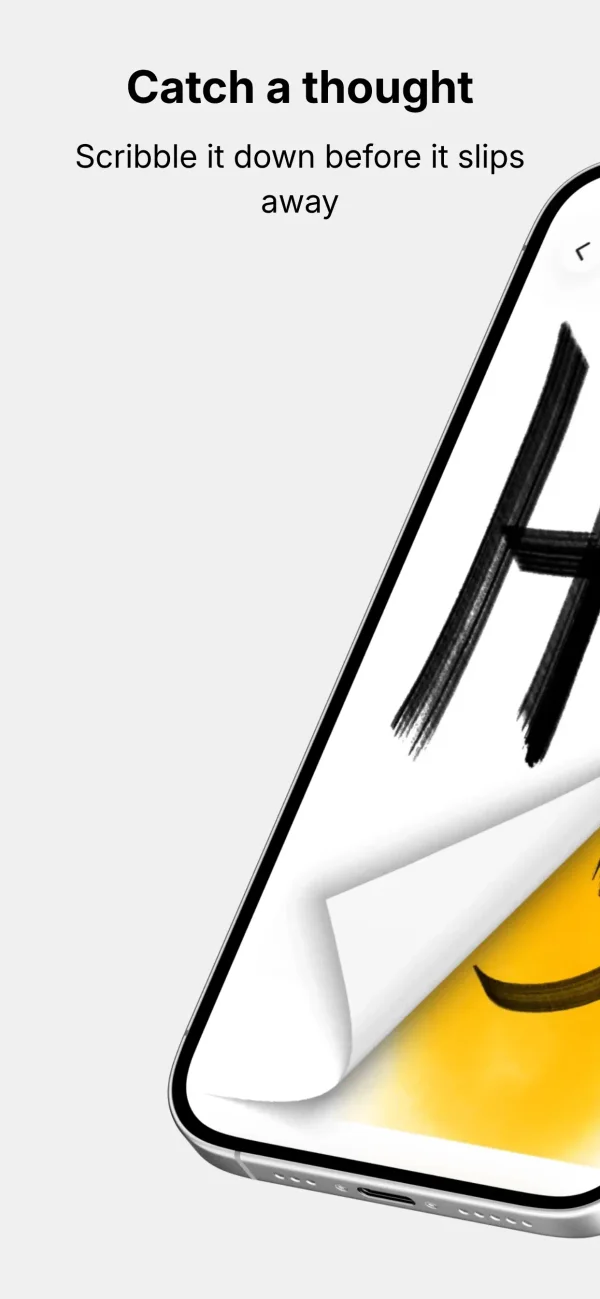
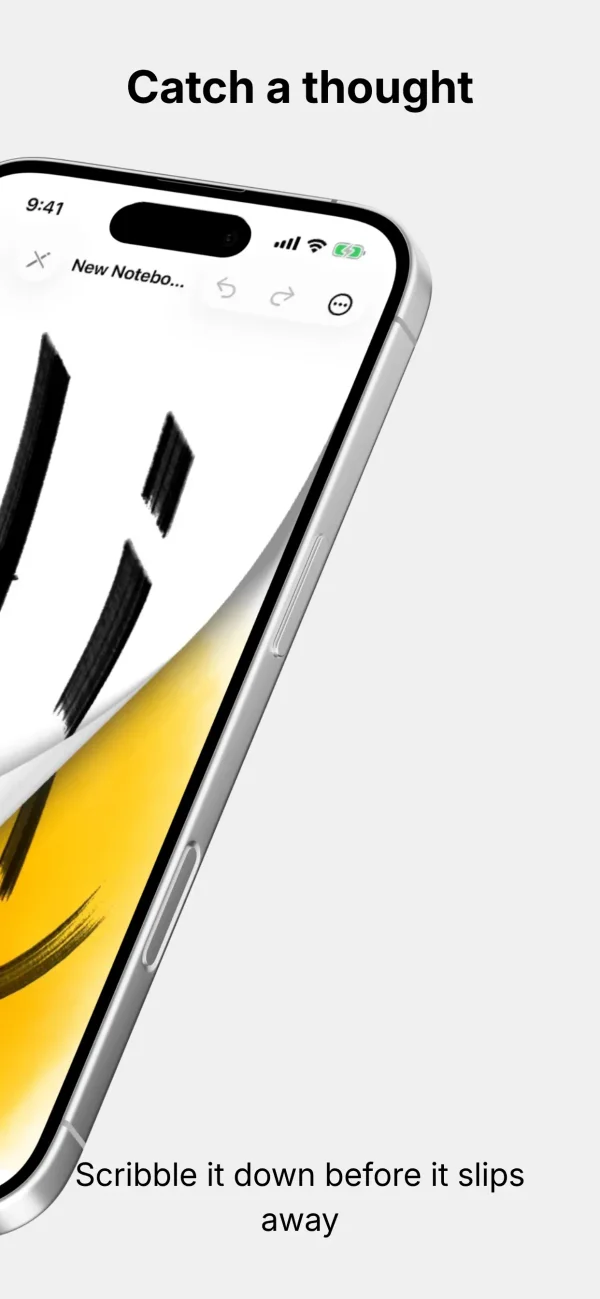
• Native page-curl animation between pages
• Pinch to zoom up to 5×
• Floating tool palette you can drag anywhere on screen
FOLDERS & ORGANIZATION
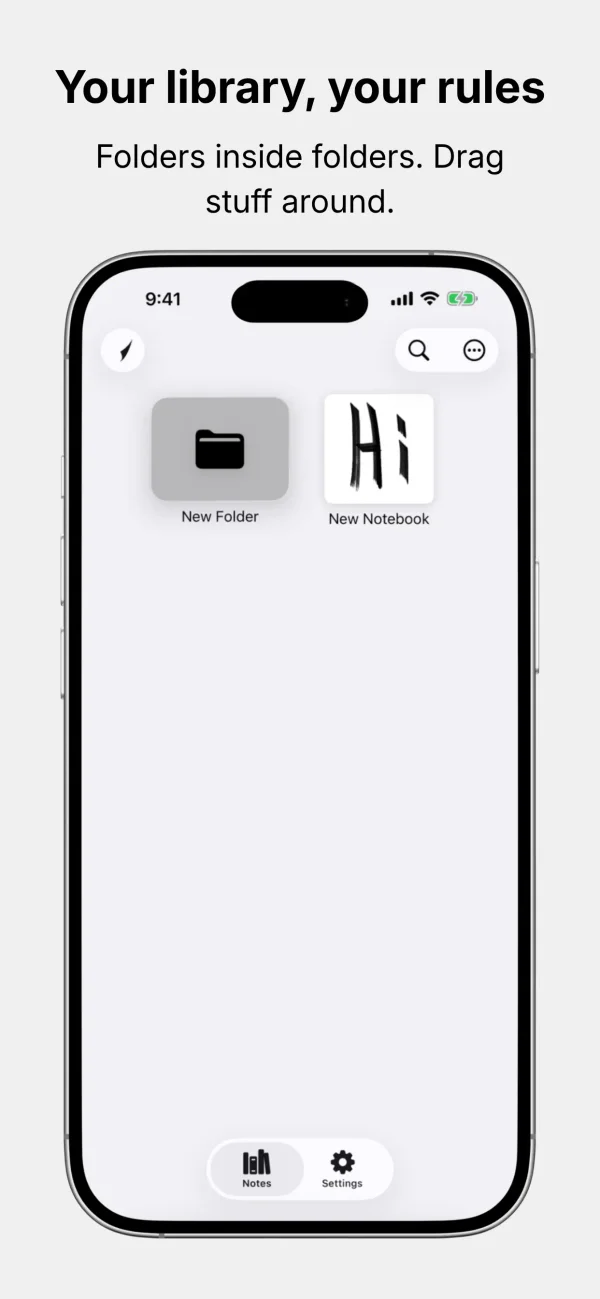
• Nest folders inside folders — Files-style hierarchy
• Drag and drop notebooks and folders between locations
• Spring-load on the back arrow to navigate while dragging
• Select multiple items at once
• Bulk export, move, or delete in a single action
PAGE BACKGROUNDS
• Drop a photo as a background and annotate over it
• Import a PDF — every page becomes a notebook page you can write on
• Scan a document with the camera and turn it into pages instantly
• Annotate every imported page with Apple Pencil
SPOTLIGHT SEARCH
• Vision OCR runs in the background on every page you draw on
• Search for any handwritten word from Spotlight on your device
• Tap a result to jump straight to the exact page
• Turkish and English recognition out of the box
STATISTICS
• Track your writing streak across notebooks, pages, and folders
• Library overview with item counts
• Content breakdown of OCR-indexed and image-backed pages
• Everything stays on-device
LIQUID GLASS DESIGN
Every card, sheet, and toolbar uses iOS 26's stunning Liquid Glass material. The whole app is built with native SwiftUI — no custom chrome, just the system you already know from Notes, Files, and Reminders.
FORNOTE PLUS — TRY FREE
• Unlimited notebooks
• Unlimited PDF imports
• Photos, PDF, and document scanner page backgrounds inside the editor
• Detailed writing statistics
Start a free trial today. Cancel anytime.
Built for students, researchers, planners, and anyone who thinks better with a pen.
Available in 3 languages: English, Turkish, and Simplified Chinese.
———————————————
Terms of Use (EULA): https://www.apple.com/legal/internet-services/itunes/dev/stdeula/
Privacy Policy: https://cagandurgun.com/fornoteprivacy
新機能
バージョン 2.0 · 2026/5/19
What's New in 2.0
The first major update to ForNote — rebuilt from scratch for iOS 26.
— LIQUID GLASS DESIGN —
Every card, sheet, and toolbar now flows with the stunning Liquid Glass material from iOS 26. The whole app is native SwiftUI — nothing custom, just the system materials you already know.
— FOLDERS & BULK OPERATIONS —
Nest folders inside folders, drag notebooks between them, and select multiple items at once to export, move, or delete in a single action. Drop a notebook on the back arrow and ForNote moves it to the parent folder for you. Spring-load on the back arrow to navigate while you're still dragging.
— PAGE BACKGROUNDS —
Import photos, PDFs, or scanned documents as page backgrounds, then annotate over them with Apple Pencil. Every page of a PDF becomes a writable notebook page.
— SPOTLIGHT SEARCH —
Vision OCR now runs in the background on every page you draw on. Search for any handwritten word from Spotlight and jump straight to the exact page. Turkish and English are supported out of the box.
— FLOATING TOOL PALETTE —
Drag the tool palette anywhere on screen. Pen, marker, eraser, lasso, and a full color picker — without the system tool picker getting in your way.
— NATIVE PAGE CURL —
Notebooks now flip with the native page-curl animation. On iPad, draw with Apple Pencil while your finger swipes pages.
— STATISTICS —
Track your writing streak, browse a library overview, and see a content breakdown of OCR-indexed and image-backed pages.
— FORNOTE PLUS —
Unlock unlimited notebooks, unlimited PDF imports, every import source inside the editor, and detailed stats.
アプリのプライバシー
このアプリのデータの取り扱いについて、CAGAN DURGUNがApp Storeで申告している内容です。
-
データの収集なし
開発元はこのアプリからデータを収集しません。
プライバシーの取り扱いは、ご利用の機能やお客様の年齢などに応じて異なる場合があります。
情報
- 販売元
- CAGAN DURGUN
- カテゴリ
- 仕事効率化
- バージョン
- 2.0
- 更新日
- 2026/5/19
- リリース
- 2025/6/12
- サイズ
- 1.9 MB
- 必要条件
- iOS 26.0以降
- 対象年齢
- 4+
- 価格
- 無料
- アプリ内課金
- あり
- 言語
- 英語, 簡体字中国語, トルコ語
- 著作権
- © Cagan Durgun 2025
こちらもおすすめ
-
 Timeboard - AlwaysOn Hub仕事効率化
-
 PromoSender仕事効率化
-
 AI Notes: BYOK Transcription仕事効率化
-
 SonicScript:テキスト読み上げ・音声変換アプリエクスポート対応TTSリーダー・学習・読書・音声再生・作業用
-
 WakeMinder - ポップアップリマインダー起動時にタスクを表示
-
 Fuel 燃費・給油・充電・車両費用管理・整備記録走行距離と維持費を分析、ハイブリッド・EVにも対応
-
 PDFForge - PDF Scanner & EditOCR, Signature & File Manager
-
 NeatNotes : メモとリストメモ帳, メモ, リマインダー
-
 DFコンバーター スキャナー プリンターConvert Photo to PDF,Scan PDF
-
 Daily Life Planner: Prostir仕事効率化