
ForNote
Handwrite Notes, Annotate PDFs
Dirancang untuk iPhone, iPad
Gratis · Pembelian dalam aplikasi
- Batasan usia4+
- KategoriProduktivitas
- PengembangCAGAN DURGUN
- BahasaInggris+ 2 lainnya
- Ukuran1,9 MB
Tertaut ke halaman resmi App Store
Download.org tidak menyimpan file ForNote apa pun. Tombol ini membuka halaman aplikasi di App Store, tempat CAGAN DURGUN menerbitkannya. Halaman terakhir diperiksa pada 14/11/2026.
Tangkapan layar


Tentang
Pengembang belum menyediakan teks ini dalam bahasa Anda.
The notebook that turns Apple Pencil strokes into searchable, organized handwritten notes.
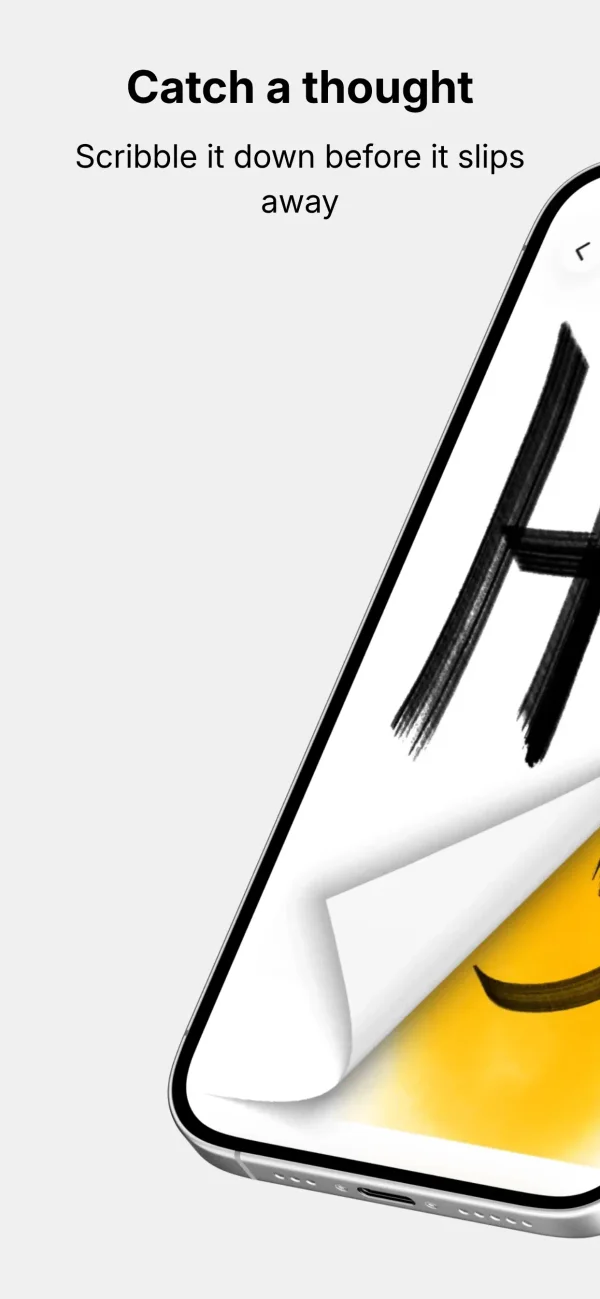
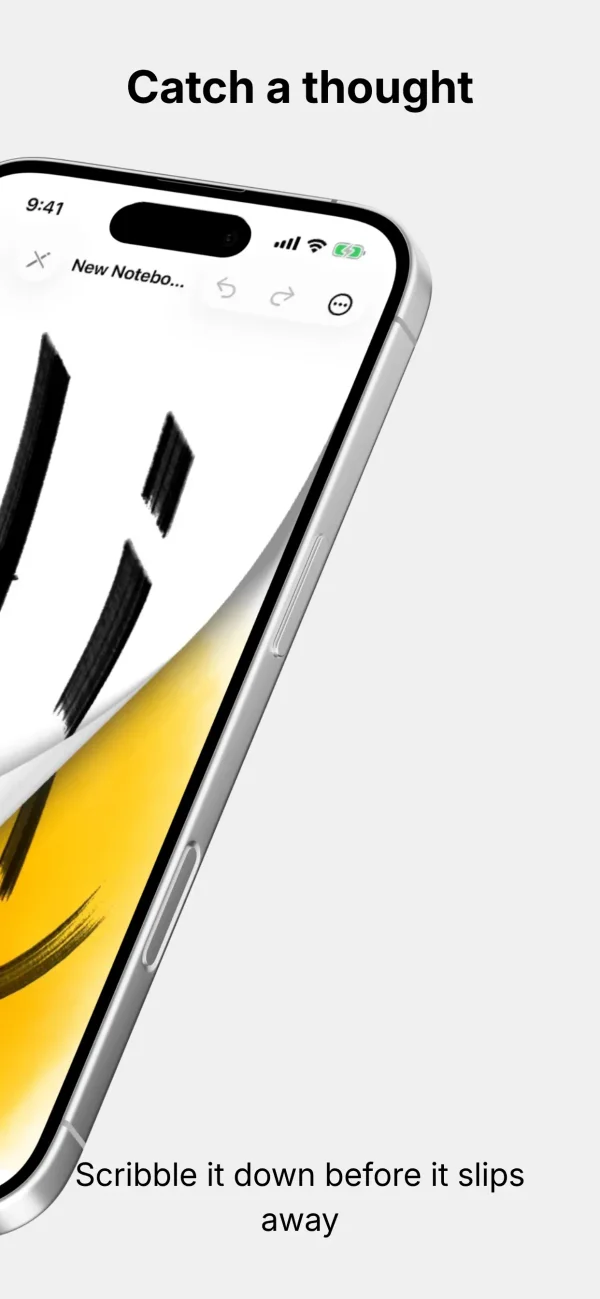
ForNote is a native iPad and iPhone notes app for handwriting, sketching, and annotating PDFs. Draw with Apple Pencil, organize notebooks in nested folders, drop a photo or PDF as a page background, and find any handwritten word from Spotlight.
HAND-DRAWN PAGES
• Draw with Apple Pencil on iPad, or with your finger on iPhone
• Pen, marker, eraser, and lasso with a full color picker
• Native page-curl animation between pages
• Pinch to zoom up to 5×
• Floating tool palette you can drag anywhere on screen
FOLDERS & ORGANIZATION
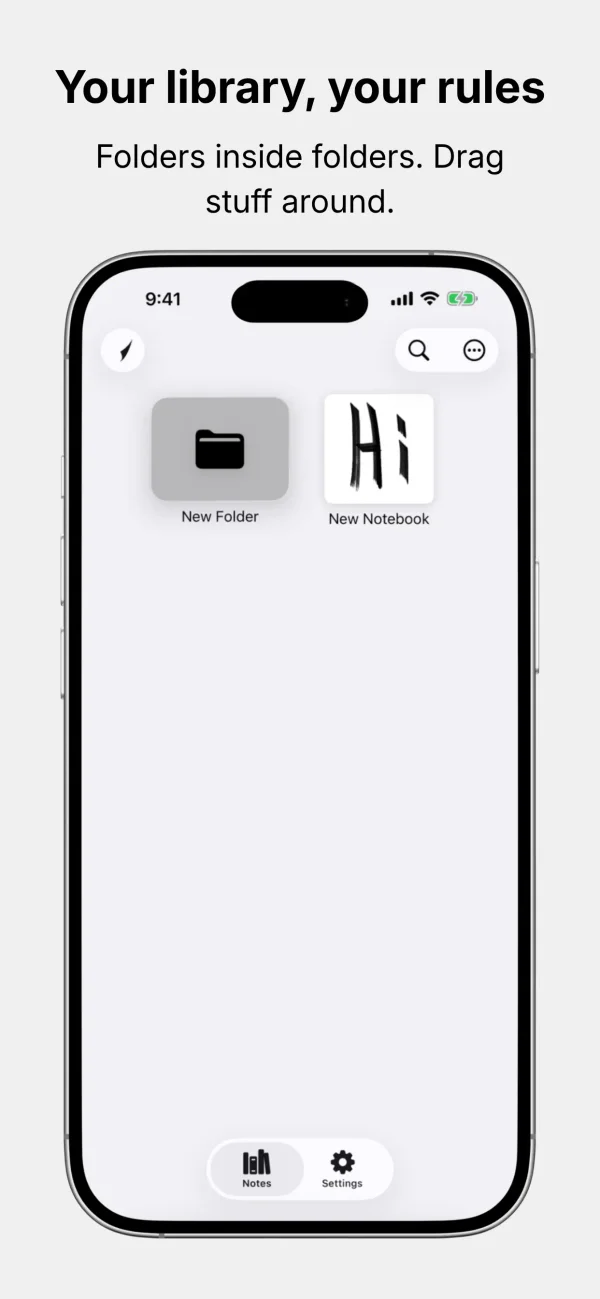
• Nest folders inside folders — Files-style hierarchy
• Drag and drop notebooks and folders between locations
• Spring-load on the back arrow to navigate while dragging
• Select multiple items at once
• Bulk export, move, or delete in a single action
PAGE BACKGROUNDS
• Drop a photo as a background and annotate over it
• Import a PDF — every page becomes a notebook page you can write on
• Scan a document with the camera and turn it into pages instantly
• Annotate every imported page with Apple Pencil
SPOTLIGHT SEARCH
• Vision OCR runs in the background on every page you draw on
• Search for any handwritten word from Spotlight on your device
• Tap a result to jump straight to the exact page
• Turkish and English recognition out of the box
STATISTICS
• Track your writing streak across notebooks, pages, and folders
• Library overview with item counts
• Content breakdown of OCR-indexed and image-backed pages
• Everything stays on-device
LIQUID GLASS DESIGN
Every card, sheet, and toolbar uses iOS 26's stunning Liquid Glass material. The whole app is built with native SwiftUI — no custom chrome, just the system you already know from Notes, Files, and Reminders.
FORNOTE PLUS — TRY FREE
• Unlimited notebooks
• Unlimited PDF imports
• Photos, PDF, and document scanner page backgrounds inside the editor
• Detailed writing statistics
Start a free trial today. Cancel anytime.
Built for students, researchers, planners, and anyone who thinks better with a pen.
Available in 3 languages: English, Turkish, and Simplified Chinese.
———————————————
Terms of Use (EULA): https://www.apple.com/legal/internet-services/itunes/dev/stdeula/
Privacy Policy: https://cagandurgun.com/fornoteprivacy
Yang baru
Versi 2.0 · 19/5/2026
What's New in 2.0
The first major update to ForNote — rebuilt from scratch for iOS 26.
— LIQUID GLASS DESIGN —
Every card, sheet, and toolbar now flows with the stunning Liquid Glass material from iOS 26. The whole app is native SwiftUI — nothing custom, just the system materials you already know.
— FOLDERS & BULK OPERATIONS —
Nest folders inside folders, drag notebooks between them, and select multiple items at once to export, move, or delete in a single action. Drop a notebook on the back arrow and ForNote moves it to the parent folder for you. Spring-load on the back arrow to navigate while you're still dragging.
— PAGE BACKGROUNDS —
Import photos, PDFs, or scanned documents as page backgrounds, then annotate over them with Apple Pencil. Every page of a PDF becomes a writable notebook page.
— SPOTLIGHT SEARCH —
Vision OCR now runs in the background on every page you draw on. Search for any handwritten word from Spotlight and jump straight to the exact page. Turkish and English are supported out of the box.
— FLOATING TOOL PALETTE —
Drag the tool palette anywhere on screen. Pen, marker, eraser, lasso, and a full color picker — without the system tool picker getting in your way.
— NATIVE PAGE CURL —
Notebooks now flip with the native page-curl animation. On iPad, draw with Apple Pencil while your finger swipes pages.
— STATISTICS —
Track your writing streak, browse a library overview, and see a content breakdown of OCR-indexed and image-backed pages.
— FORNOTE PLUS —
Unlock unlimited notebooks, unlimited PDF imports, every import source inside the editor, and detailed stats.
Privasi aplikasi
Yang dinyatakan CAGAN DURGUN di App Store tentang cara aplikasi ini menangani data.
-
Data tidak dikumpulkan
Pengembang tidak mengumpulkan data apa pun dari aplikasi ini.
Praktik privasi dapat bervariasi, misalnya berdasarkan fitur yang Anda gunakan atau usia Anda.
Informasi
- Penjual
- CAGAN DURGUN
- Kategori
- Produktivitas
- Versi
- 2.0
- Diperbarui
- 19/5/2026
- Dirilis
- 12/6/2025
- Ukuran
- 1,9 MB
- Memerlukan
- iOS 26.0 atau yang lebih baru
- Batasan usia
- 4+
- Harga
- Gratis
- Pembelian dalam aplikasi
- Ya
- Bahasa
- Inggris, Tionghoa Sederhana, Turki
- Hak cipta
- © Cagan Durgun 2025
Mungkin Anda juga suka
-
 Timeboard - AlwaysOn HubProduktivitas
-
 PromoSenderProduktivitas
-
 AI Notes: BYOK TranscriptionProduktivitas
-
 SonicScript: Text to SpeechProduktivitas
-
 WakeMinder - Pengingat PopupTugas muncul saat bangun
-
 Fuel: Konsumsi BBM & BiayaJarak, Servis & Isi Ulang EV
-
 PDFForge - PDF Scanner & EditProduktivitas
-
 NeatNotes : Notes and listsProduktivitas
-
 PDF Converter Scanner PrinterProduktivitas
-
 Daily Life Planner: ProstirProduktivitas