
FrameDrop: Camera Import
Camera imports, made simple
Entwickelt für iPhone, iPad
2,99 €
- Altersfreigabe4+
- KategorieFoto und Video
- EntwicklerPeter Olofsson
- SprachenEnglisch
- Größe23,6 MB
Verlinkt auf die offizielle App Store-Seite
Download.org hostet keine Datei von FrameDrop: Camera Import. Die Schaltfläche öffnet die App-Seite bei App Store, wo Peter Olofsson die App veröffentlicht. Eintrag zuletzt geprüft am 18.11.2026.
Screenshots

Info
Der Entwickler hat diesen Text nicht in Ihrer Sprache bereitgestellt.
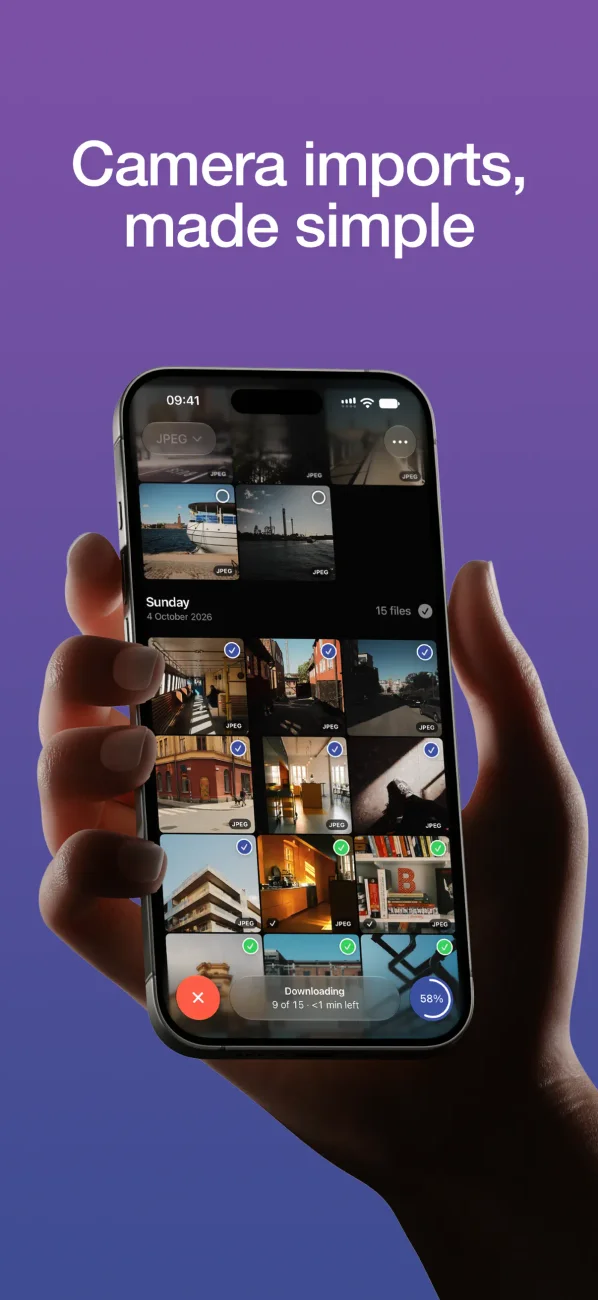
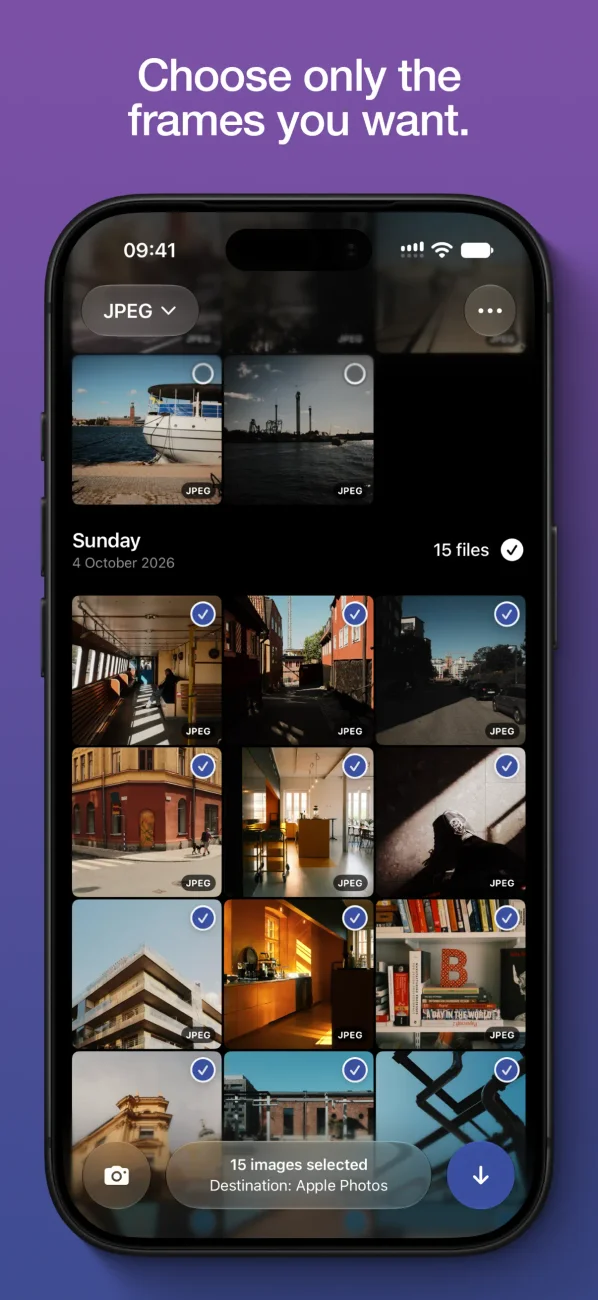
FrameDrop makes it easy to bring photos from your camera to your iPhone or iPad. Connect a supported USB camera, or choose a memory-card folder in Files, preview your shots and transfer only the photos you want.
PREVIEW BEFORE YOU TRANSFER
Browse photos in a date-grouped grid or open Gallery for a closer look. Swipe between shots, zoom into details and use the thumbnail strip to find your favorites.
SEE THE DETAILS BEHIND THE SHOT
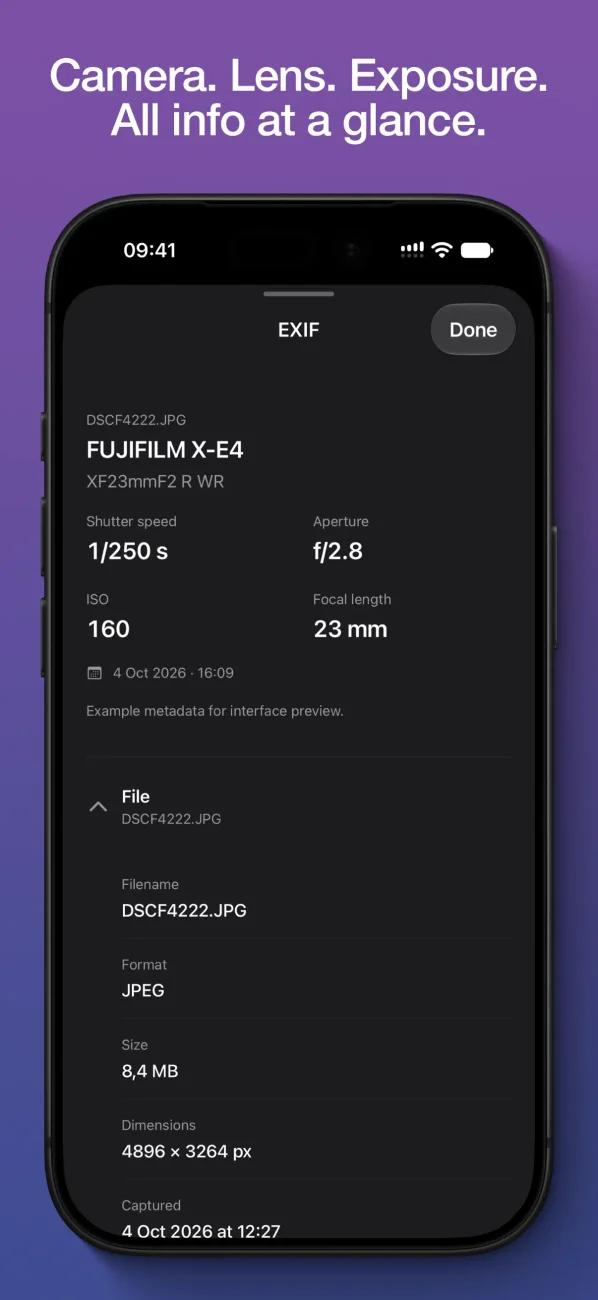
View available camera, lens and exposure information, including shutter speed, aperture, ISO and focal length. Expand the EXIF sections to explore more metadata when your source provides it.
SAVE WHERE YOU WANT
Transfer to Apple Photos or choose a folder in Files, including supported external storage and cloud locations. FrameDrop remembers your preferred destination.
ORIGINALS OR LIGHTER JPEGs
Keep JPEG, HEIF and RAW originals in their original format, or create optimized JPEG copies with your preferred output size. Save matching RAW and JPEG/HEIF originals together or separately in Apple Photos.
KEEP TRACK OF YOUR IMPORTS
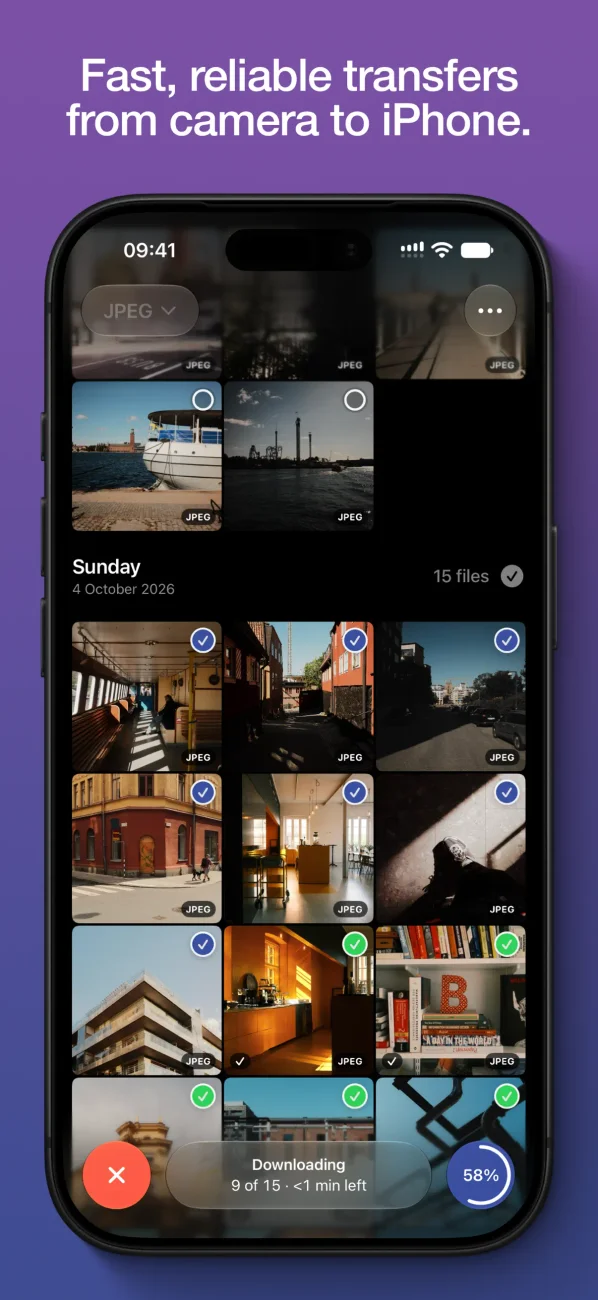
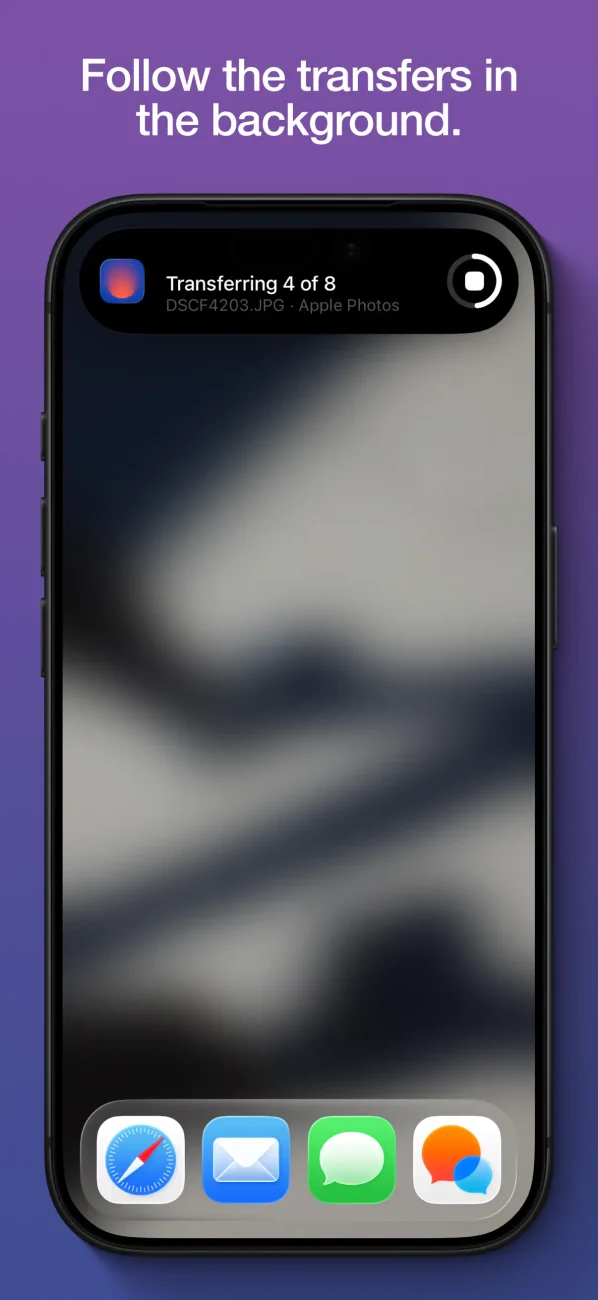
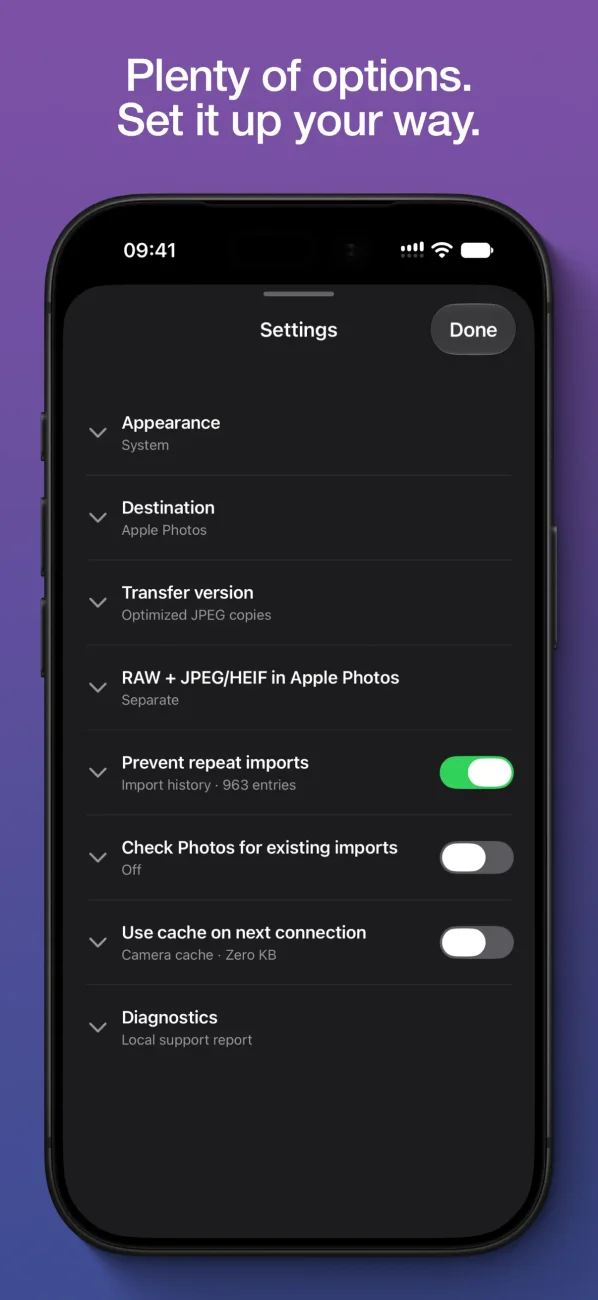
Follow transfer progress and see which photos have been saved. Use import history to help prevent repeat imports, with an optional check for existing photos in your Photos library.
MAKE IT YOURS
Choose Light, Dark or System appearance. Adjust the browsing layout, filters and transfer settings to suit your workflow. On iPad, browse in two columns or fit more photos on screen, with up to eight columns in portrait and twelve in landscape, depending on window size.
Your camera and memory-card originals are never changed or deleted.
USB camera compatibility and RAW support depend on your equipment and the formats supported by iOS and iPadOS.
Neue Funktionen
Version 1.25 · 16.11.2026
• Optional iCloud sync keeps your import history up to date across iPhone and iPad.
• Improved HEIF preview compatibility with USB cameras.
• More reliable JPEG, RAW and TIFF previews, with smoother browsing and fewer unnecessary reloads.
App-Datenschutz
Was Peter Olofsson im App Store zum Umgang dieser App mit Daten angibt.
-
Keine Daten erfasst
Der Entwickler erfasst keine Daten von dieser App.
Die Datenschutzpraktiken können variieren, zum Beispiel je nach den von Ihnen verwendeten Funktionen oder Ihrem Alter.
Informationen
- Anbieter
- Peter Olofsson
- Kategorie
- Foto und Video
- Version
- 1.25
- Aktualisiert
- 16.11.2026
- Veröffentlicht
- 18.09.2026
- Größe
- 23,6 MB
- Erfordert
- iOS 26.0 oder neuer
- Altersfreigabe
- 4+
- Preis
- 2,99 €
- Sprachen
- Englisch
- Copyright
- © Peter Olofsson
Das könnte Ihnen auch gefallen
-
 CN41P - DNG DeveloperFoto und Video
-
 theLAB - MobileFoto und Video
-
 Reframe – Photo Layout EditorWeiße Ränder für Socials
-
 Razr - Pro Street CameraStreet and Travel Photography
-
 Film(ish) FotobearbeitungFotobearbeitung wie auf Film
-
 Fuji Recipes - Film simulationFoto und Video
-
 YoungPhoto - Aesthetic CameraFoto und Video
-
 Moment Pro Camera IIFoto und Video
-
 FujiStyle - Film Recipes FrameSOOC Community & Photo Editor
-
 Chromagraph CameraFoto und Video