FrameDrop: Camera Import
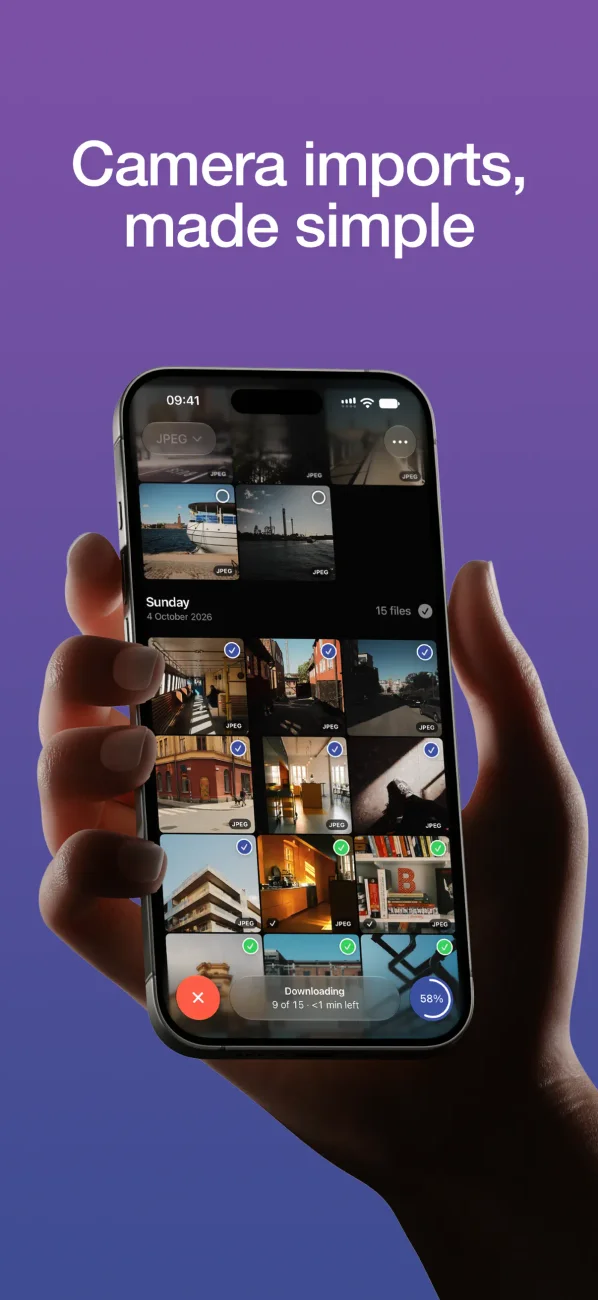
Camera imports, made simple
Conçue pour iPhone, iPad
2,99 €
- Classification d’âge4+
- CatégoriePhoto et vidéo
- DéveloppeurPeter Olofsson
- LanguesAnglais
- Taille23,6 Mo
Renvoie vers la page App Store officielle
Download.org n’héberge aucun fichier de FrameDrop: Camera Import. Le bouton ouvre la page de l’application sur App Store, où Peter Olofsson la publie. Fiche vérifiée pour la dernière fois le 18/11/2026.
Captures d’écran

À propos
Le développeur n’a pas fourni ce texte dans votre langue.
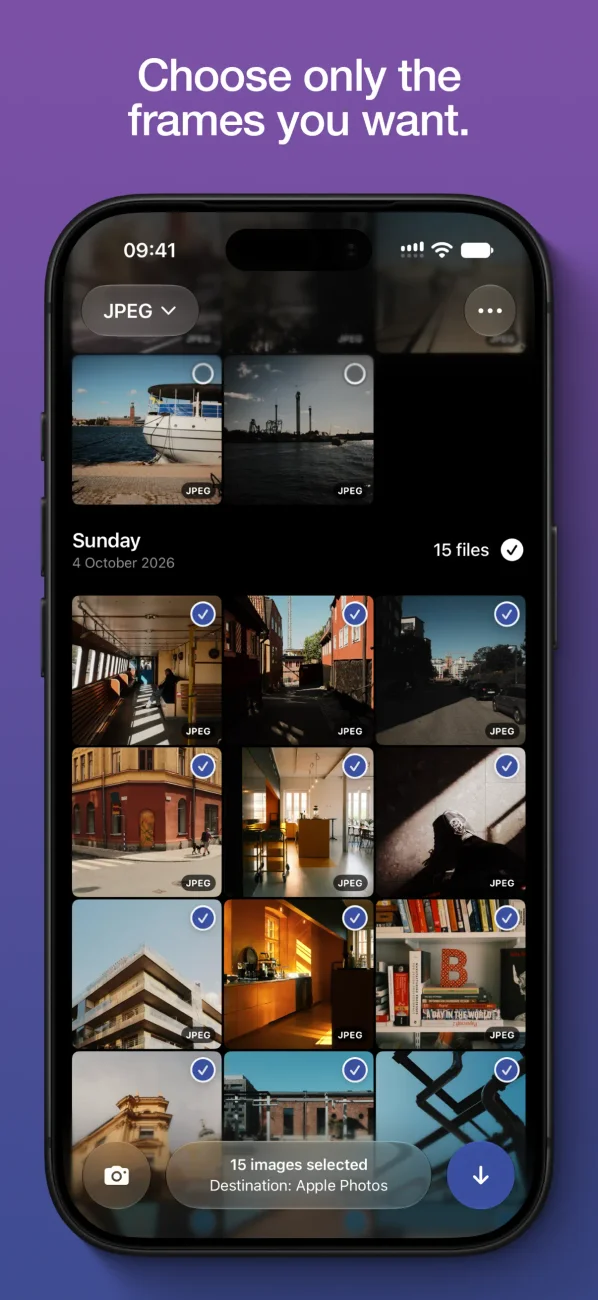
FrameDrop makes it easy to bring photos from your camera to your iPhone or iPad. Connect a supported USB camera, or choose a memory-card folder in Files, preview your shots and transfer only the photos you want.
PREVIEW BEFORE YOU TRANSFER
Browse photos in a date-grouped grid or open Gallery for a closer look. Swipe between shots, zoom into details and use the thumbnail strip to find your favorites.
SEE THE DETAILS BEHIND THE SHOT
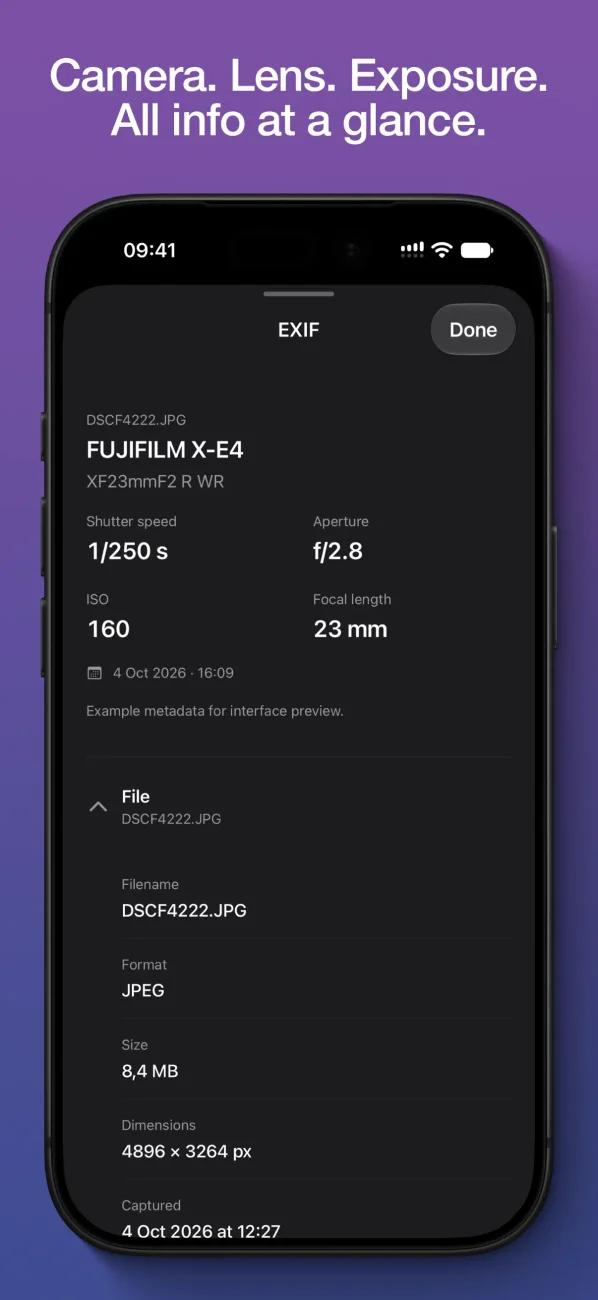
View available camera, lens and exposure information, including shutter speed, aperture, ISO and focal length. Expand the EXIF sections to explore more metadata when your source provides it.
SAVE WHERE YOU WANT
Transfer to Apple Photos or choose a folder in Files, including supported external storage and cloud locations. FrameDrop remembers your preferred destination.
ORIGINALS OR LIGHTER JPEGs
Keep JPEG, HEIF and RAW originals in their original format, or create optimized JPEG copies with your preferred output size. Save matching RAW and JPEG/HEIF originals together or separately in Apple Photos.
KEEP TRACK OF YOUR IMPORTS
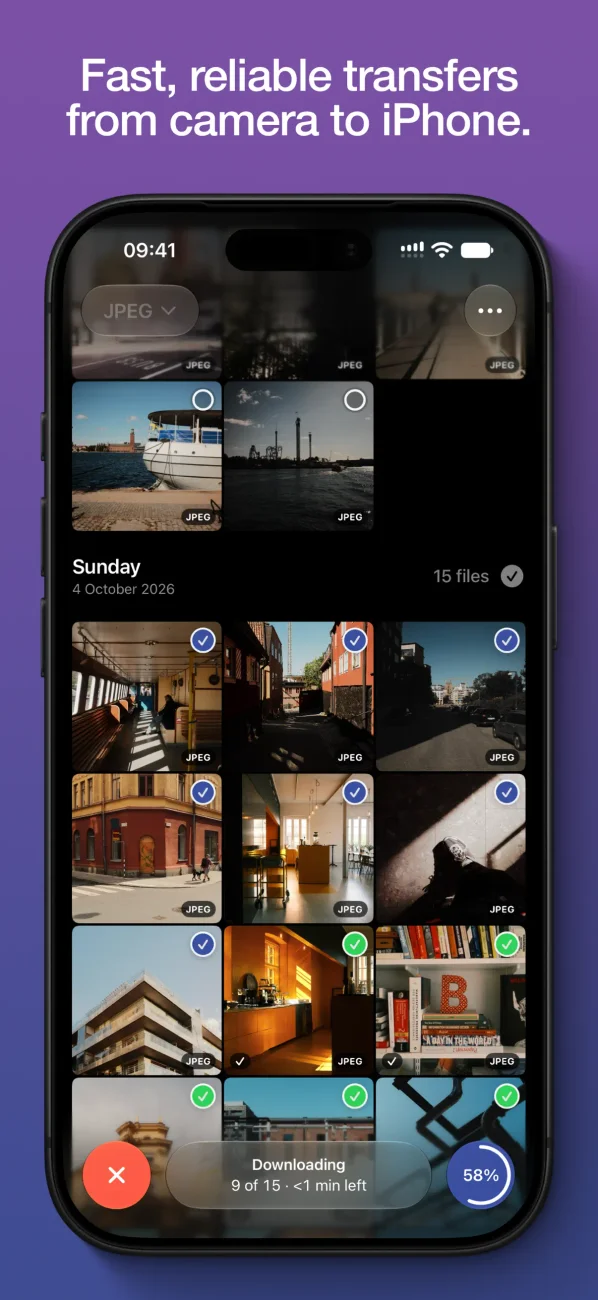
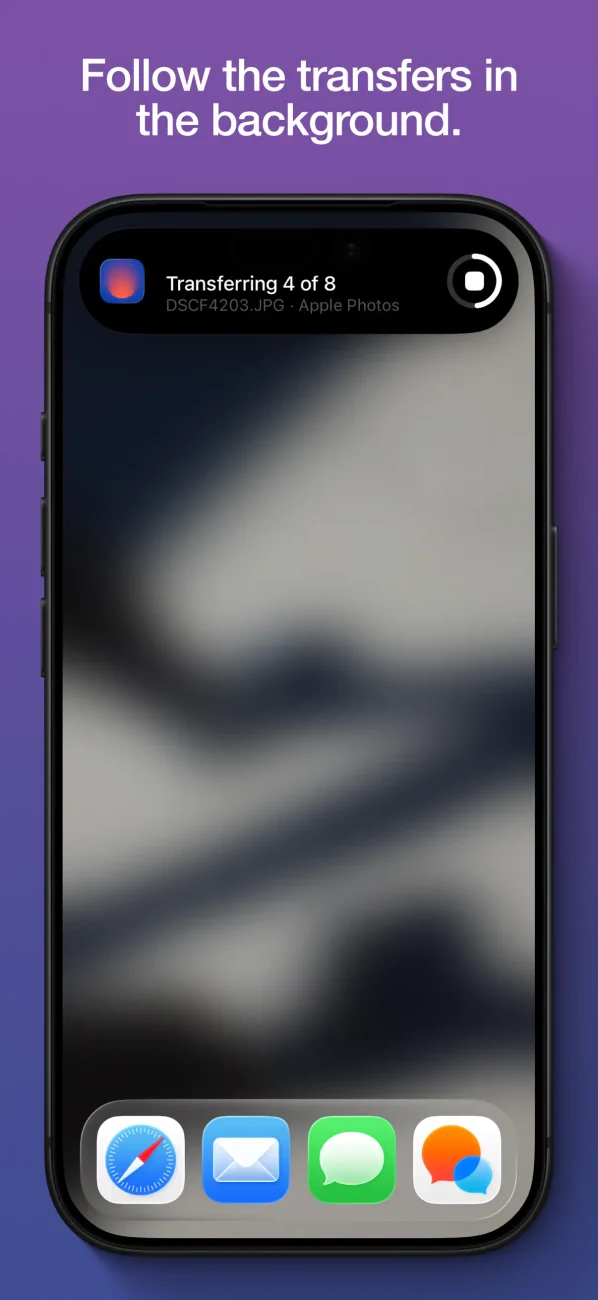
Follow transfer progress and see which photos have been saved. Use import history to help prevent repeat imports, with an optional check for existing photos in your Photos library.
MAKE IT YOURS
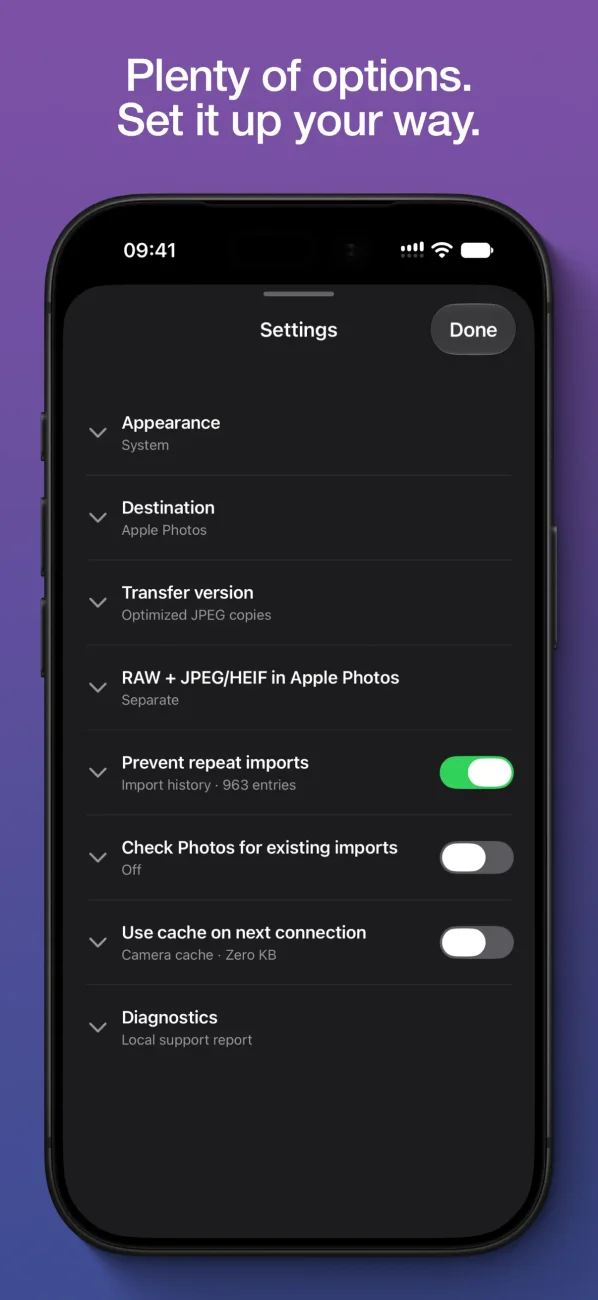
Choose Light, Dark or System appearance. Adjust the browsing layout, filters and transfer settings to suit your workflow. On iPad, browse in two columns or fit more photos on screen, with up to eight columns in portrait and twelve in landscape, depending on window size.
Your camera and memory-card originals are never changed or deleted.
USB camera compatibility and RAW support depend on your equipment and the formats supported by iOS and iPadOS.
Nouveautés
Version 1.25 · 16/11/2026
• Optional iCloud sync keeps your import history up to date across iPhone and iPad.
• Improved HEIF preview compatibility with USB cameras.
• More reliable JPEG, RAW and TIFF previews, with smoother browsing and fewer unnecessary reloads.
Confidentialité de l’application
Ce que Peter Olofsson déclare sur l’App Store au sujet du traitement des données par cette application.
-
Données non collectées
Le développeur ne collecte aucune donnée à partir de cette application.
Les pratiques en matière de confidentialité peuvent varier, notamment en fonction des fonctionnalités que vous utilisez ou de votre âge.
Informations
- Vendeur
- Peter Olofsson
- Catégorie
- Photo et vidéo
- Version
- 1.25
- Mis à jour
- 16/11/2026
- Publié
- 18/09/2026
- Taille
- 23,6 Mo
- Nécessite
- iOS 26.0 ou version ultérieure
- Classification d’âge
- 4+
- Prix
- 2,99 €
- Langues
- Anglais
- Copyright
- © Peter Olofsson
Vous aimerez peut-être aussi
-
 CN41P - DNG DeveloperPhoto et vidéo
-
 theLAB - MobilePhoto et vidéo
-
 Reframe – Photo Layout EditorBordures pour les réseaux
-
 Razr - Pro Street CameraStreet and Travel Photography
-
 Film(ish) retouche photoRetouche fidèle à la pellicule
-
 Fuji Recipes - Film simulationPhoto et vidéo
-
 YoungPhoto - Aesthetic CameraPhoto et vidéo
-
 Moment Pro Camera IIPhoto et vidéo
-
 FujiStyle: Recettes & CadresCadres Photo & Films SOOC
-
 Chromagraph CameraPhoto et vidéo