
FrameDrop: Camera Import
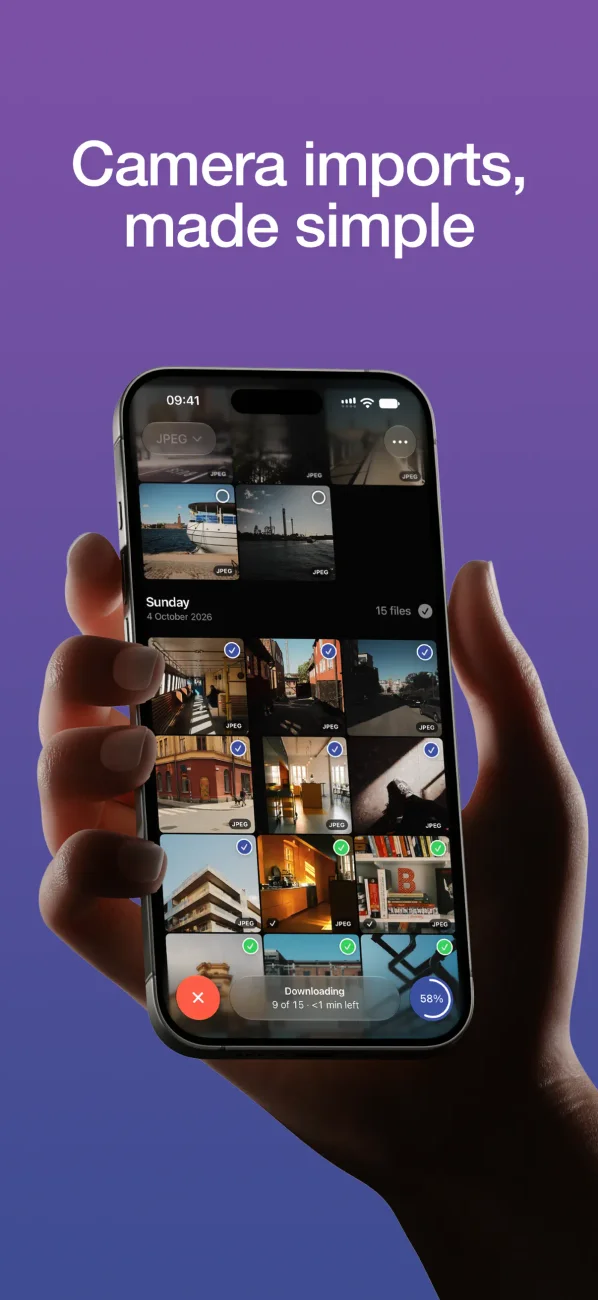
Camera imports, made simple
Được thiết kế cho iPhone, iPad
99.000đ
- Độ tuổi4+
- Danh mụcẢnh & Video
- Nhà phát triểnPeter Olofsson
- Ngôn ngữTiếng Anh
- Kích thước23,6 MB
Liên kết đến trang App Store chính thức
Download.org không lưu trữ tệp nào của FrameDrop: Camera Import. Nút này mở trang ứng dụng trên App Store, nơi Peter Olofsson phát hành ứng dụng. Trang được kiểm tra lần cuối: 18/11/2026.
Ảnh chụp màn hình

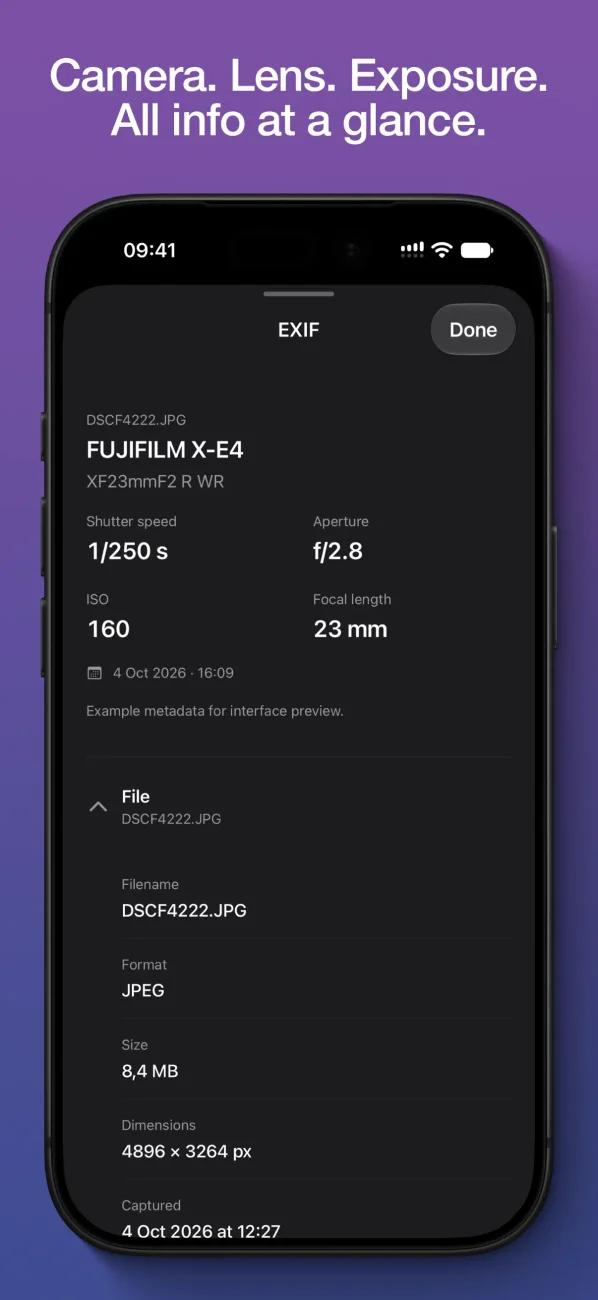
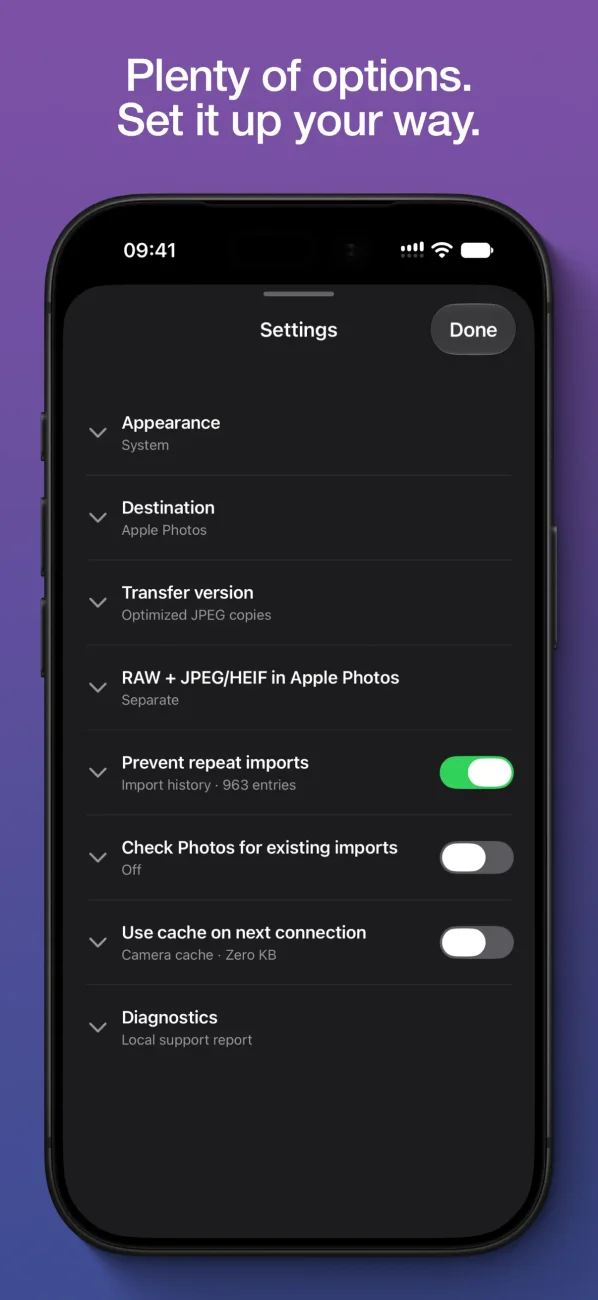
Giới thiệu
Nhà phát triển chưa cung cấp nội dung này bằng ngôn ngữ của bạn.
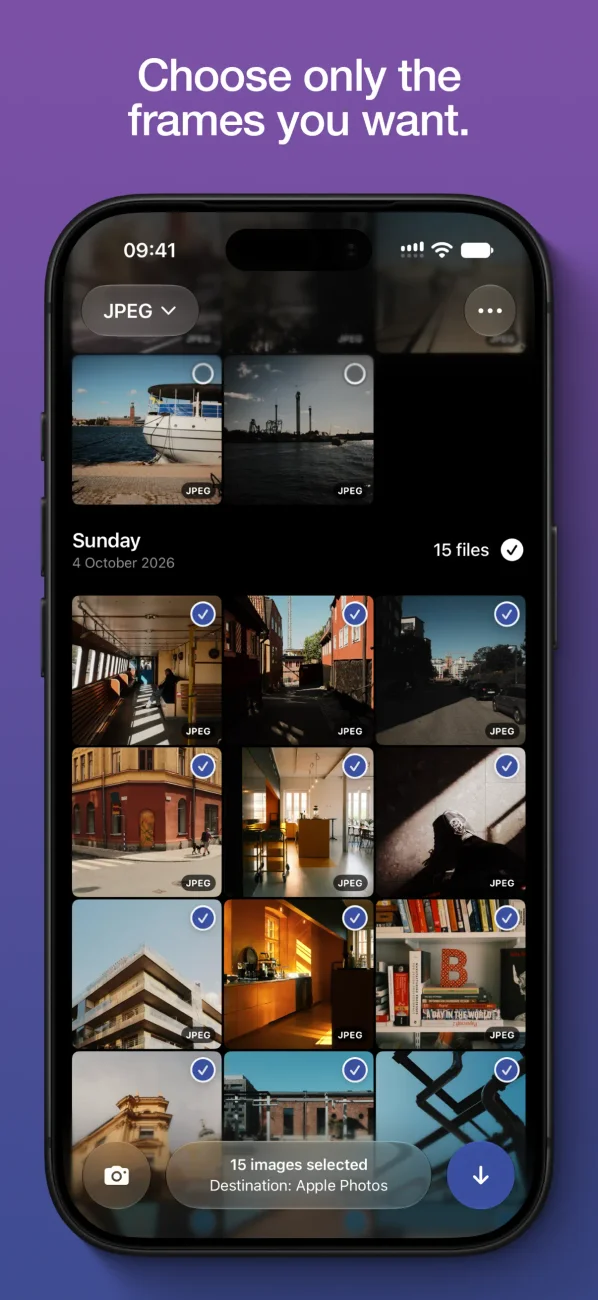
FrameDrop makes it easy to bring photos from your camera to your iPhone or iPad. Connect a supported USB camera, or choose a memory-card folder in Files, preview your shots and transfer only the photos you want.
PREVIEW BEFORE YOU TRANSFER
Browse photos in a date-grouped grid or open Gallery for a closer look. Swipe between shots, zoom into details and use the thumbnail strip to find your favorites.
SEE THE DETAILS BEHIND THE SHOT
View available camera, lens and exposure information, including shutter speed, aperture, ISO and focal length. Expand the EXIF sections to explore more metadata when your source provides it.
SAVE WHERE YOU WANT
Transfer to Apple Photos or choose a folder in Files, including supported external storage and cloud locations. FrameDrop remembers your preferred destination.
ORIGINALS OR LIGHTER JPEGs
Keep JPEG, HEIF and RAW originals in their original format, or create optimized JPEG copies with your preferred output size. Save matching RAW and JPEG/HEIF originals together or separately in Apple Photos.
KEEP TRACK OF YOUR IMPORTS
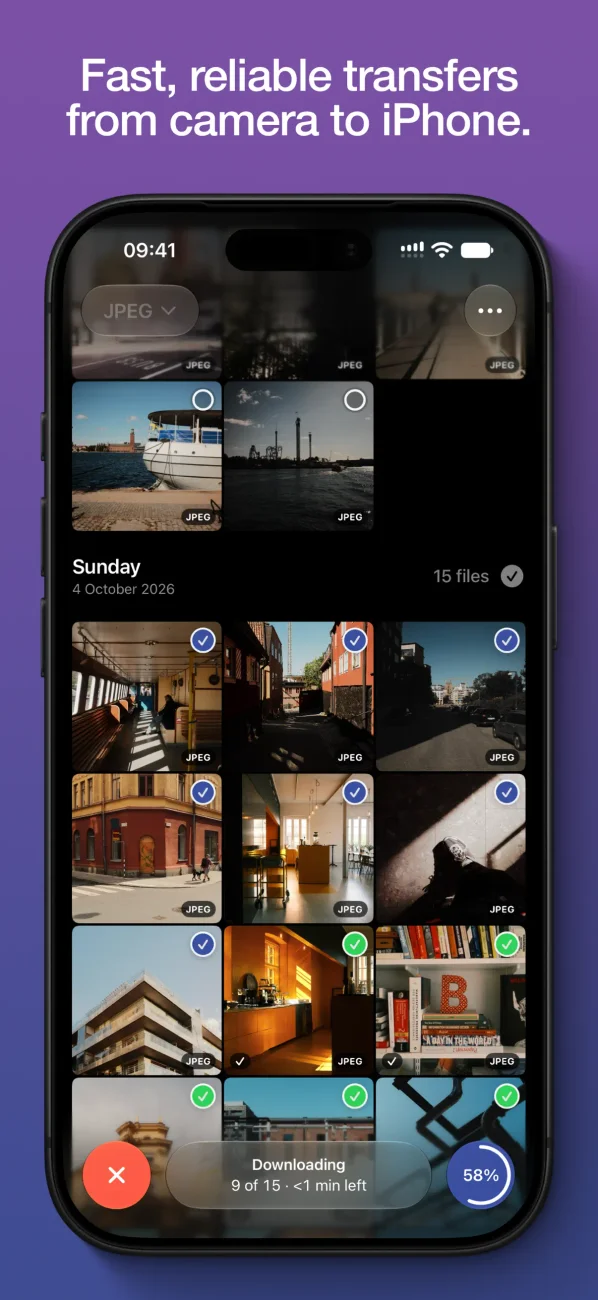
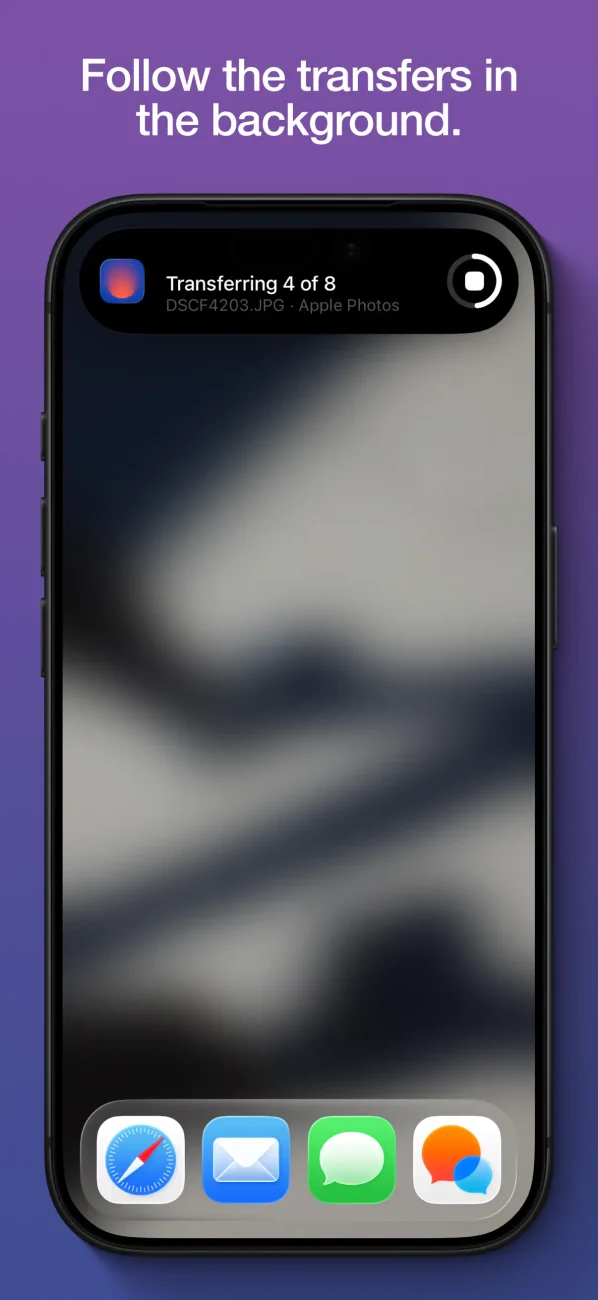
Follow transfer progress and see which photos have been saved. Use import history to help prevent repeat imports, with an optional check for existing photos in your Photos library.
MAKE IT YOURS
Choose Light, Dark or System appearance. Adjust the browsing layout, filters and transfer settings to suit your workflow. On iPad, browse in two columns or fit more photos on screen, with up to eight columns in portrait and twelve in landscape, depending on window size.
Your camera and memory-card originals are never changed or deleted.
USB camera compatibility and RAW support depend on your equipment and the formats supported by iOS and iPadOS.
Có gì mới
Phiên bản 1.25 · 16/11/2026
• Optional iCloud sync keeps your import history up to date across iPhone and iPad.
• Improved HEIF preview compatibility with USB cameras.
• More reliable JPEG, RAW and TIFF previews, with smoother browsing and fewer unnecessary reloads.
Quyền riêng tư của ứng dụng
Những gì Peter Olofsson khai báo trên App Store về cách ứng dụng này xử lý dữ liệu.
-
Dữ liệu không được thu thập
Nhà phát triển không thu thập bất kỳ dữ liệu nào từ ứng dụng này.
Phương thức đảm bảo quyền riêng tư có thể khác nhau, chẳng hạn như tuỳ theo các tính năng bạn sử dụng hoặc độ tuổi của bạn.
Thông tin
- Người bán
- Peter Olofsson
- Danh mục
- Ảnh & Video
- Phiên bản
- 1.25
- Cập nhật
- 16/11/2026
- Phát hành
- 18/09/2026
- Kích thước
- 23,6 MB
- Yêu cầu
- iOS 26.0 trở lên
- Độ tuổi
- 4+
- Giá
- 99.000đ
- Ngôn ngữ
- Tiếng Anh
- Bản quyền
- © Peter Olofsson
Có thể bạn cũng thích
-
 CN41P - DNG DeveloperẢnh & Video
-
 theLAB - MobileẢnh & Video
-
 Reframe – Photo Layout EditorẢnh & Video
-
 Razr - Street CameraẢnh & Video
-
 Film(ish) photo video editingẢnh & Video
-
 Fuji Recipes - Film simulationẢnh & Video
-
 YoungPhoto - Aesthetic CameraẢnh & Video
-
 Moment Pro Camera IIẢnh & Video
-
 FujiStyle - Film Recipes FrameẢnh & Video
-
 Chromagraph CameraẢnh & Video