
Framify Device - Mockup Bezel
Generate 400+ Device Frames
Entwickelt für iPhone, iPad, Mac
Kostenlos · In-App-Käufe
- Altersfreigabe4+
- KategorieGrafik und Design
- EntwicklerAlexander Tech
- SprachenEnglisch+ 1 weitere
- Größe124,2 MB
Verlinkt auf die offizielle App Store-Seite
Download.org hostet keine Datei von Framify Device - Mockup Bezel. Die Schaltfläche öffnet die App-Seite bei App Store, wo Alexander Tech die App veröffentlicht. Eintrag zuletzt geprüft am 16.11.2026.
Screenshots
Info
Der Entwickler hat diesen Text nicht in Ihrer Sprache bereitgestellt.
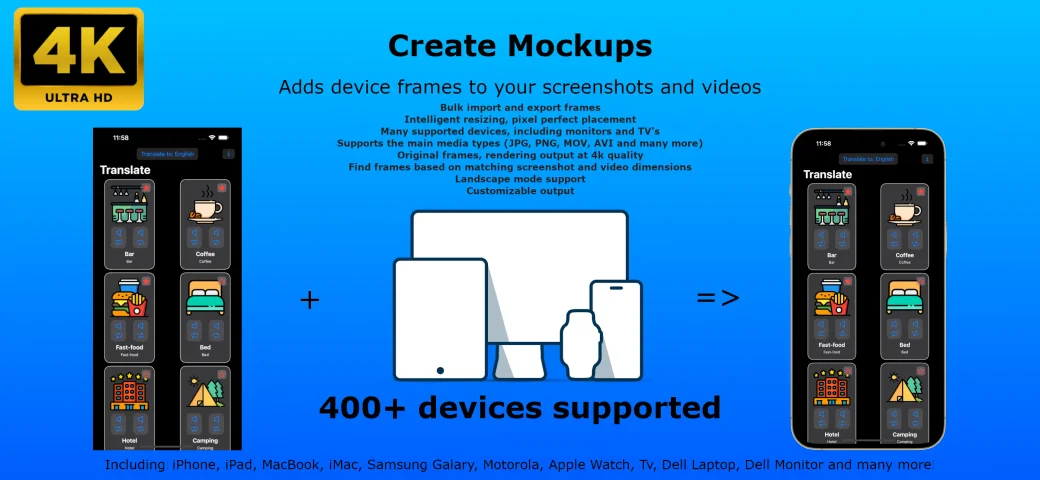
Effortless Add Device Frames to your screenshots and movies - Generate mockups with bezels within seconds
Framify Device is a powerful macOS, iOS and iPad app designed to streamline the process of showcasing screenshots and videos with professional device frames. With just a few clicks, you can frame your screenshots and videos, saving valuable time and energy. Here’s what Framify Device can do for you:
- Instant Framing: Add device frames to your screenshots and videos instantly, without the need for complex design software.
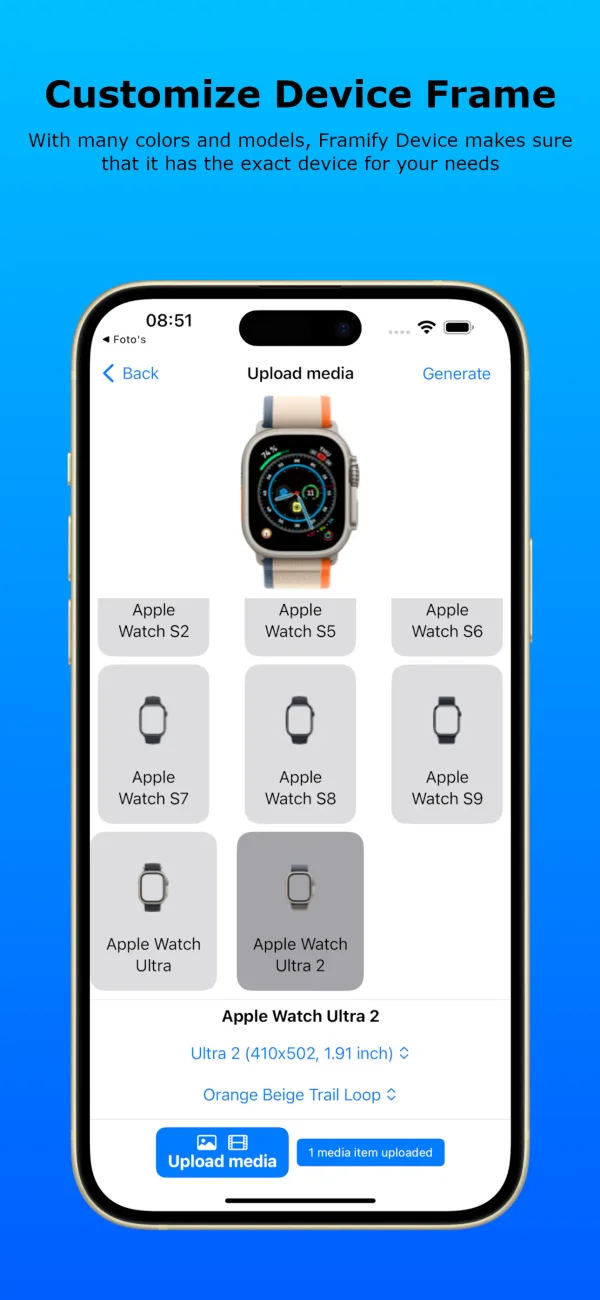
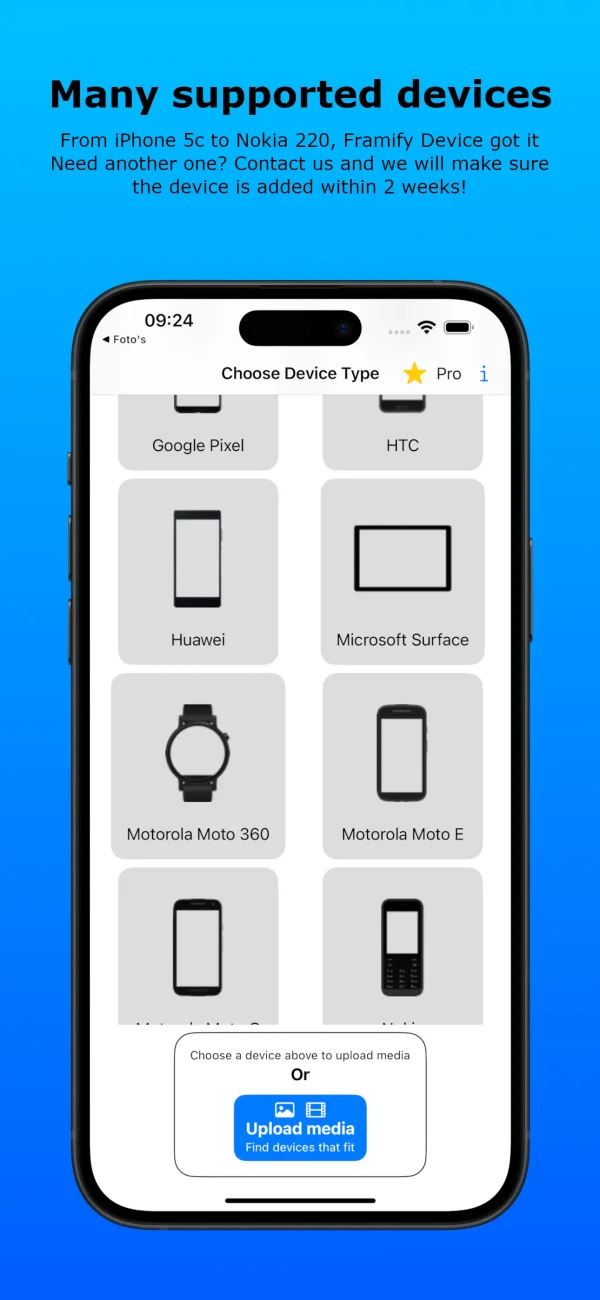
- Wide Device Selection: Choose from a variety of device frames, including iPhones, iPads, MacBooks, Samsung Galaxys and more, to suit every project (400+ devices). Requesting Device Frames is also possible.
- Customization Options: Customize frame colors to match your app’s branding and style for a bezel.
- Seamless Integration: Works seamlessly with macOS, iOS and iPad, allowing you to frame screenshots and videos directly on your desktop, mobile or tablet.
- Time-Saving: Automate the process of cropping and resizing, so you can focus on perfecting your app. Framify Device will match your screenshots and videos pixel-perfect and intelligent inside the frame.
- Export Options: Easily export framed screenshots and videos ready to impress clients, showcase on websites, or share on social media.
- Free Trial: Add a few Device Frames without be charged every day for an unlimited time.
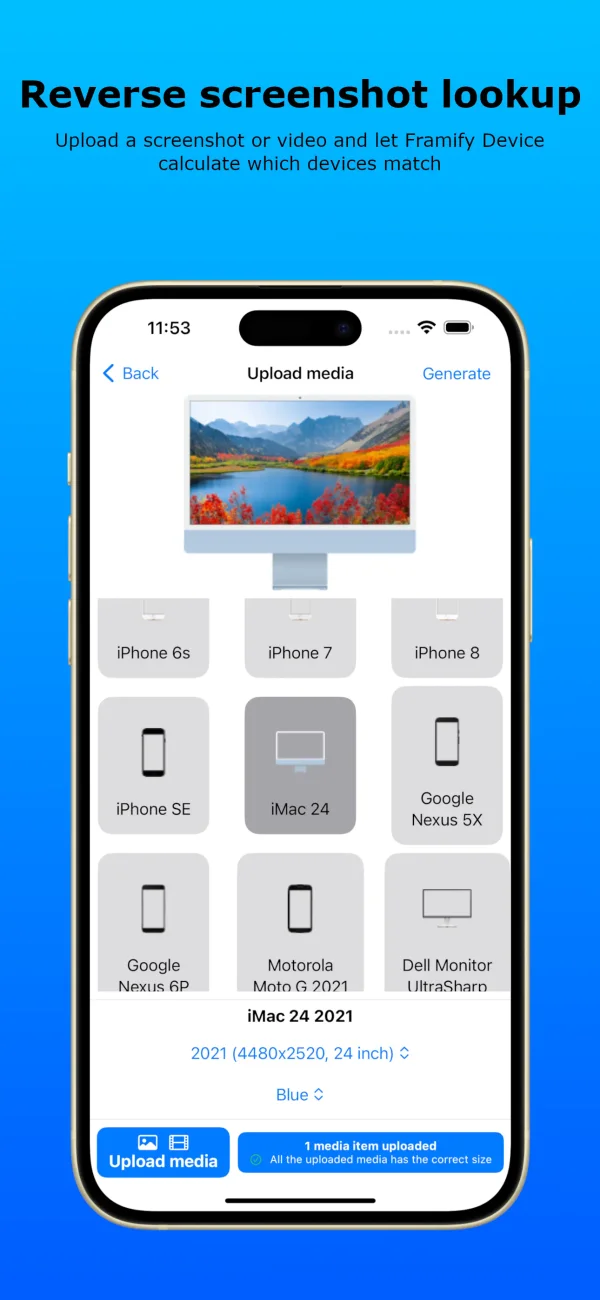
- Dynamic Device Finder: Based on the dimensions of a screenshot and video, Framify Device is able to see matching device frames, giving you just the options of devices which exactly matches the dimensions. Generate a bezel from your media was never been so easy.
- Up to date software: The latest tech is used to make device framing as quick as possible, using Swift, Rust and SwiftUI.
- Many supported files types, allowing you to upload a wide variety of file types, like .png, .mov and many more to generate bezels.
Transform your screenshots and videos into stunning visuals with Framify Device and make a lasting impression on your audience. Create mockups of devices without any hassle.
Terms and conditions: https://framifydevice.com/terms-and-conditions/
Neue Funktionen
Version 1.0.8 · 21.01.2025
Added 3 new devices
App-Datenschutz
Was Alexander Tech im App Store zum Umgang dieser App mit Daten angibt.
-
Keine Daten erfasst
Der Entwickler erfasst keine Daten von dieser App.
Die Datenschutzpraktiken können variieren, zum Beispiel je nach den von Ihnen verwendeten Funktionen oder Ihrem Alter.
Informationen
- Anbieter
- Alexander Tech
- Kategorie
- Grafik und Design
- Version
- 1.0.8
- Aktualisiert
- 21.01.2025
- Veröffentlicht
- 24.03.2024
- Größe
- 124,2 MB
- Erfordert
- iOS 17.0 oder neuer
- Altersfreigabe
- 4+
- Preis
- Kostenlos
- In-App-Käufe
- Ja
- Sprachen
- Englisch, Niederländisch
- Copyright
- © 2024 Alexander Tech
Das könnte Ihnen auch gefallen
-
 mLite Mockup CreatorGrafik und Design
-
 App Mockup Studio: BezelApp-Screenshots erstellen
-
 Mockuper Smartphone RahmenScreenshot ins Handy einfügen
-
 Logo Maker & Design - LogoFormMonogramm & Wasserzeichen
-
 Mesher: Design mesh gradientsGrafik und Design
-
 Mockup GeneratorGrafik und Design
-
 MotMark - 3D-Mockup-VideoApp Store Screenshots, Social
-
 EasyLogo: Schneller Logo-MakerSchnelle & Einfache Designs
-
 Lek AI : LinkedIn Post WriterGrafik und Design
-
 Lilacpane: Screenshot-DesignWerbegrafiken & Fotorahmen