mLite Mockup Creator
Mockups the mLite way!
Entwickelt für iPhone, iPad, Mac
Kostenlos · In-App-Käufe
- Altersfreigabe4+
- KategorieGrafik und Design
- EntwicklerSean Kelly
- SprachenEnglisch
- Größe56,1 MB
Verlinkt auf die offizielle App Store-Seite
Download.org hostet keine Datei von mLite Mockup Creator. Die Schaltfläche öffnet die App-Seite bei App Store, wo Sean Kelly die App veröffentlicht. Eintrag zuletzt geprüft am 22.11.2026.
Screenshots

Info
Der Entwickler hat diesen Text nicht in Ihrer Sprache bereitgestellt.
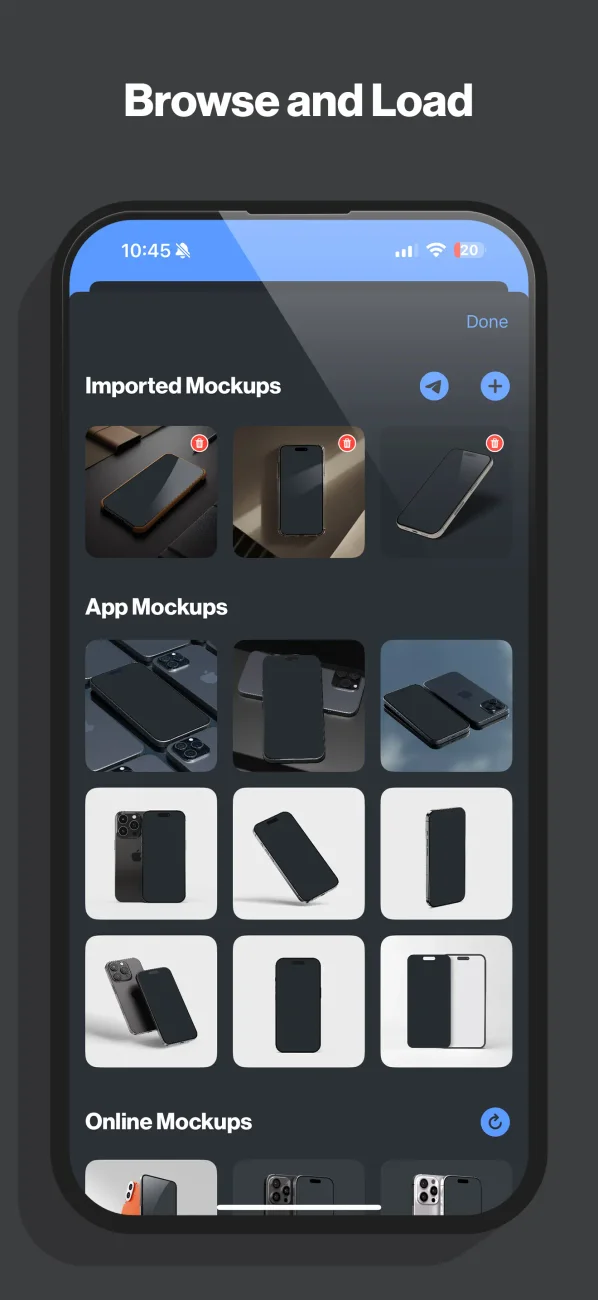
Transform Your Screenshots into Beautiful Device Frames
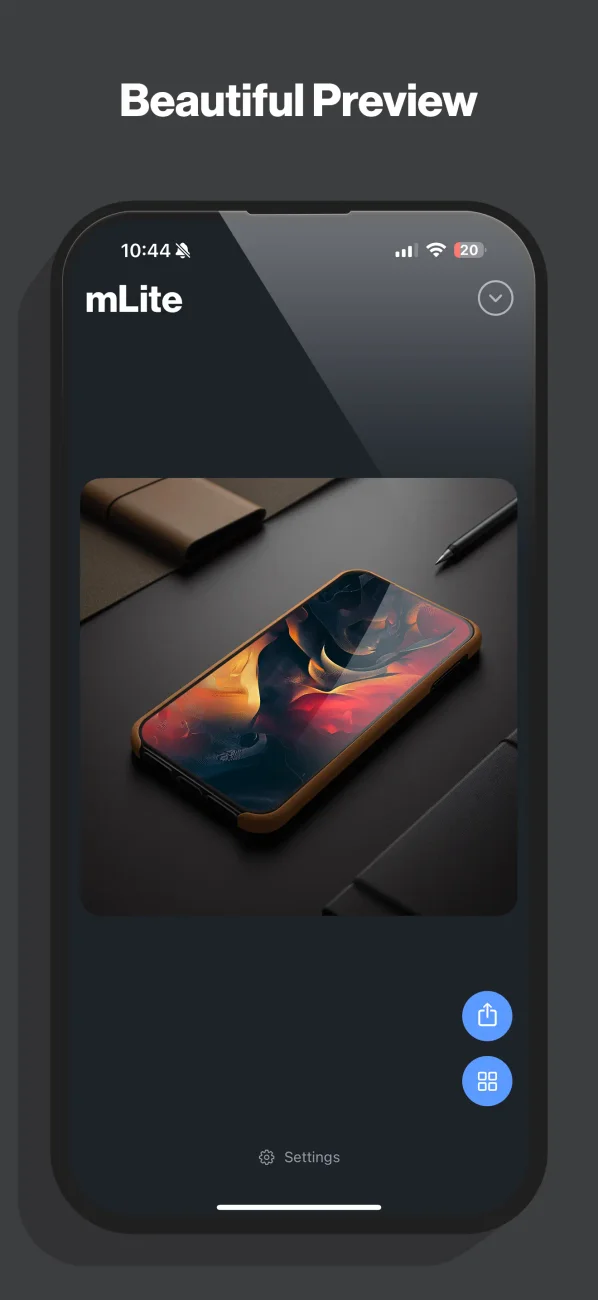
mLite is your go-to tool for creating stunning device mockups in seconds. Perfect for developers, designers, and marketers who want to showcase their work professionally.
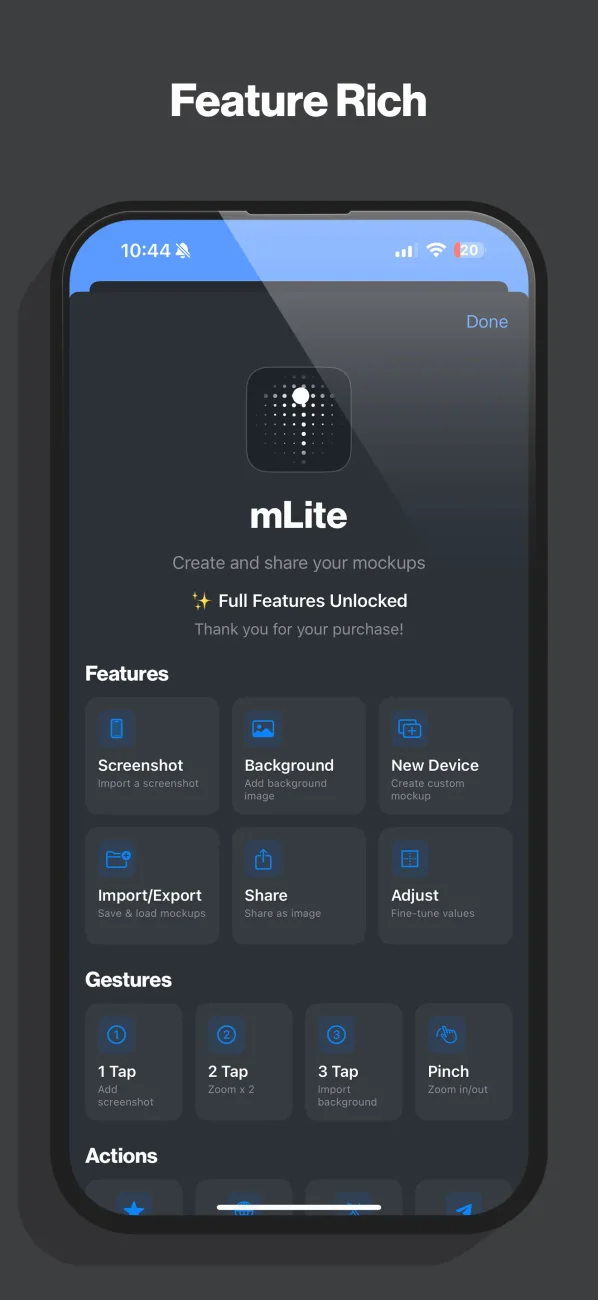
FEATURES:
• Instant Mockups - Drop screenshots into elegant device frames
• Multi-Screenshot Support - Showcase up to 4 screenshots simultaneously
• Video Mockups - Transform your screen recordings into professional device presentations
• Image to Video - Animate your static mockups with smooth transitions
• Custom Frames - Import your own or use our premium collection
• Background Effects - Add images with adjustable blur
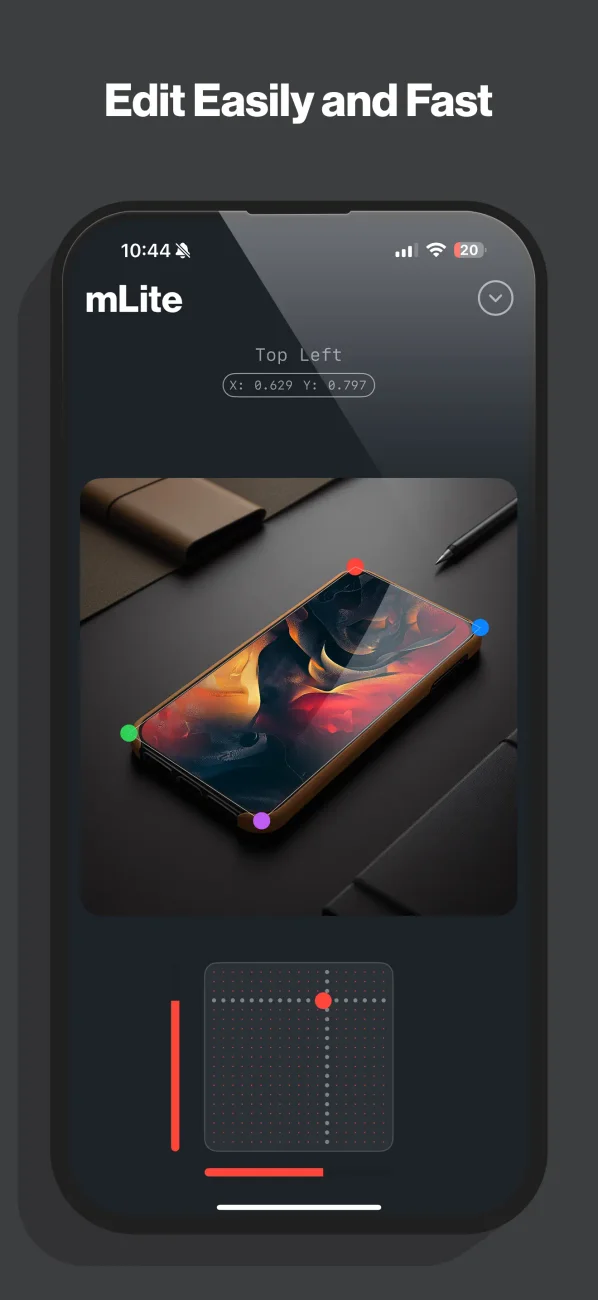
• Precision Controls - Fine-tune screenshot and logo placement
• Flexible Export - Choose from 3 quality settings optimized for web, social, or print
• High-Resolution Output - Share directly to social media
• Multi-Device Support - Create mockups for various devices
PRO FEATURES
• Import custom device frames
• Advanced position editing for screenshots and logos
• Background customization
• Video mockup creation and export
• Share custom frames via .mLite files
• App Icon alternatives
• Export qaulity settings
No design experience needed - just add your screenshots or videos and let mLite create the perfect presentation.
Neue Funktionen
Version 1.1.11 · 23.10.2026
In this update I've spent a lot of time optimising further for the iPhone Duo
App-Datenschutz
Was Sean Kelly im App Store zum Umgang dieser App mit Daten angibt.
-
Keine Daten erfasst
Der Entwickler erfasst keine Daten von dieser App.
Die Datenschutzpraktiken können variieren, zum Beispiel je nach den von Ihnen verwendeten Funktionen oder Ihrem Alter.
Informationen
- Anbieter
- Sean Kelly
- Kategorie
- Grafik und Design
- Version
- 1.1.11
- Aktualisiert
- 23.10.2026
- Veröffentlicht
- 11.02.2025
- Größe
- 56,1 MB
- Erfordert
- iOS 18.6 oder neuer
- Altersfreigabe
- 4+
- Preis
- Kostenlos
- In-App-Käufe
- Ja
- Sprachen
- Englisch
- Copyright
- © Sean Kelly
Das könnte Ihnen auch gefallen
-
 Framify Device - Mockup BezelGrafik und Design
-
 Mockuper Smartphone RahmenScreenshot ins Handy einfügen
-
 Wallbyte: 4K HD Hintergründe#1 Startbildschirm Bilder
-
 Palette Dark 8K WallpaperGrafik und Design
-
 Mockup GeneratorGrafik und Design
-
 Screenshots rahmen: ShareshotHintergründe & Schatten
-
 Thematica: AI 4K WallpaperHD Hintergründe & Fotoeditor
-
 Appmost Design: AI PrototypingPrototypen & Design Mockups
-
 Lilacpane: Screenshot-DesignWerbegrafiken & Fotorahmen
-
 Transparent App IconsGrafik und Design