GamePeek - Unity Remote View
Wireless Game Display & Input
Entwickelt für iPhone, iPad, iPod touch
Kostenlos · In-App-Käufe
- Altersfreigabe4+
- KategorieEntwickler-Tools
- EntwicklerTolga Durman
- SprachenEnglisch
- Größe27,7 MB
Verlinkt auf die offizielle App Store-Seite
Download.org hostet keine Datei von GamePeek - Unity Remote View. Die Schaltfläche öffnet die App-Seite bei App Store, wo Tolga Durman die App veröffentlicht. Eintrag zuletzt geprüft am 16.11.2026.
Screenshots



Info
Der Entwickler hat diesen Text nicht in Ihrer Sprache bereitgestellt.
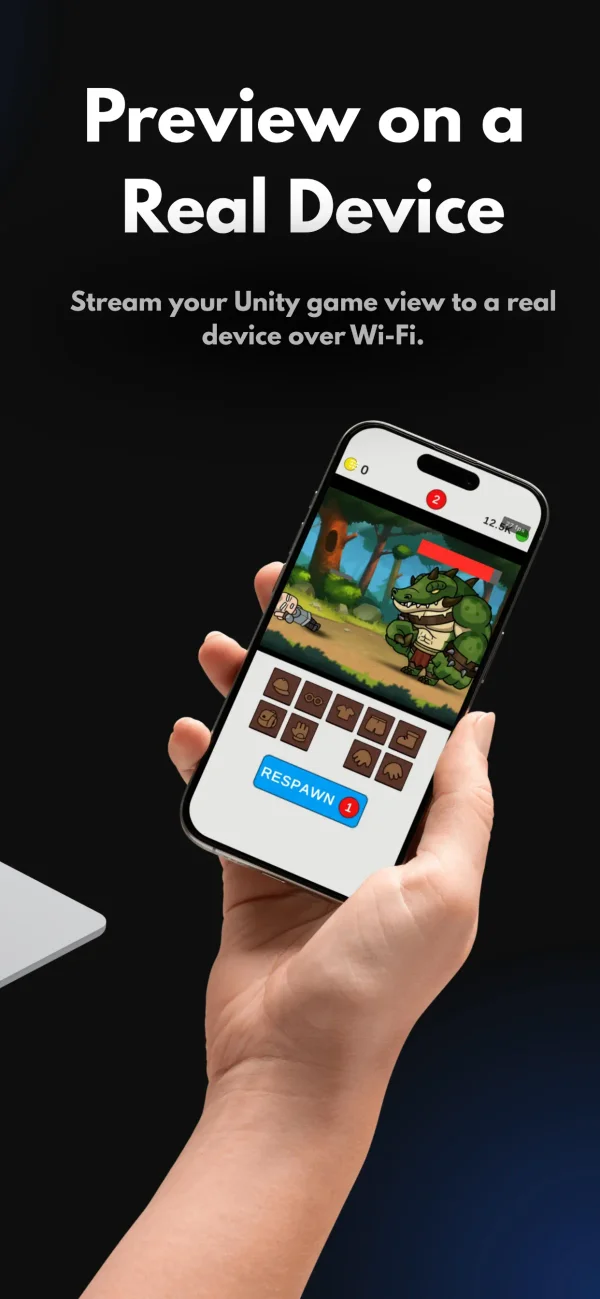
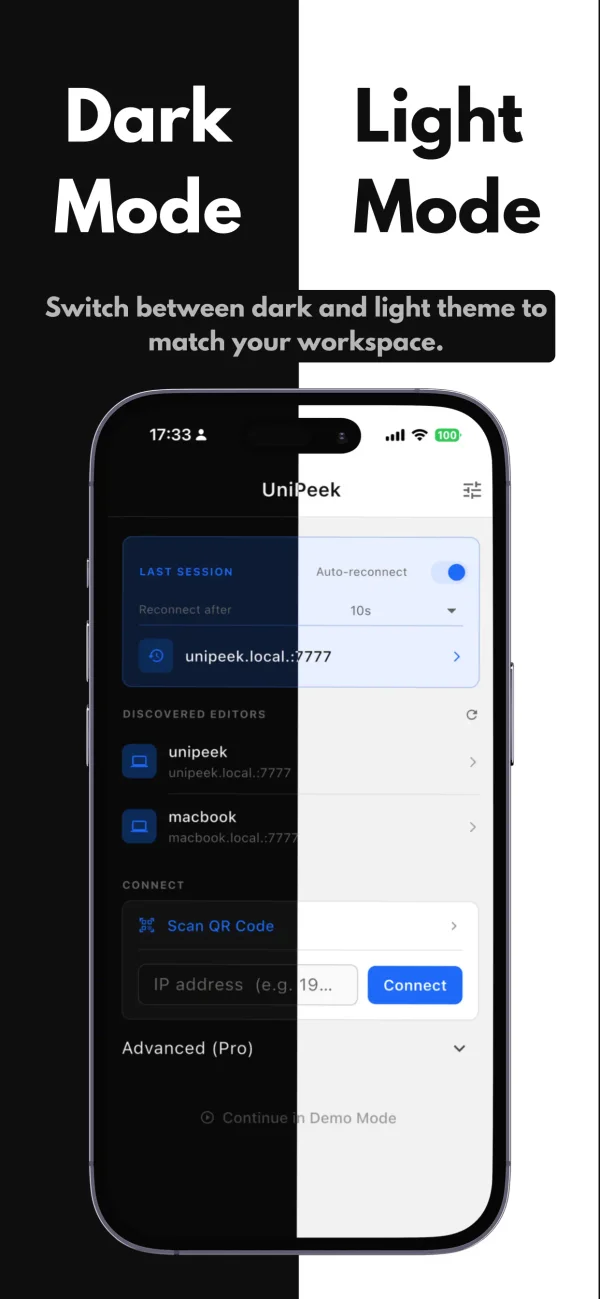
GamePeek shows your Unity Game View on your phone while you work in the
editor. Press Start Streaming in Unity, scan the QR code (or tap your
machine in the device list), and the stream appears on your screen.
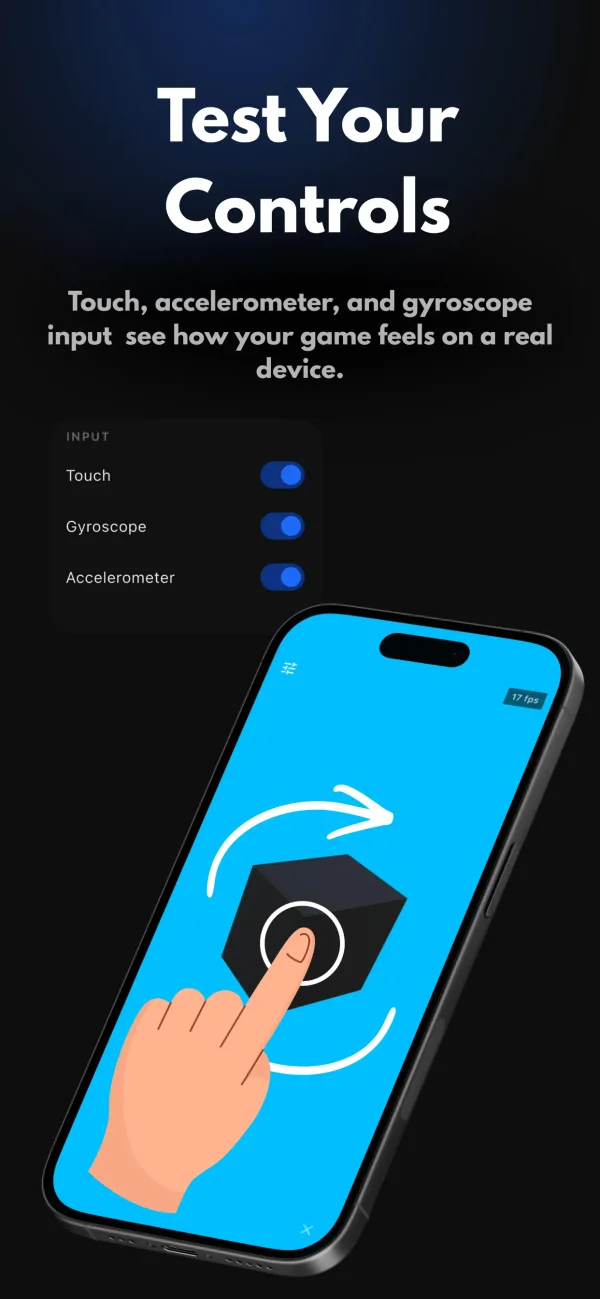
Touches on the phone go back into the editor as real input events, so
buttons, joysticks, and gestures behave exactly the way they will in the
shipped game. Motion controls work too: gyroscope and accelerometer
readings stream to Unity while you tilt the actual device in your hand.
Video travels over GamePeek's own low-latency UDP protocol and falls back
to TCP on networks that block it. Quality adapts to your Wi-Fi on its own,
and recovers on its own too.
WHAT'S FREE
Streaming with no time limit, every day, forever: 720p at 20 fps with
single-touch input, the live FPS overlay, and a small watermark. Enough to
check your game on a real screen whenever you want.
GAMEPEEK PRO
Monthly, yearly, or one payment forever. Every plan unlocks everything:
- 1080p at up to 120 fps
- No watermark
- Multi-touch, gyroscope, and accelerometer input
- Custom quality settings
- Auto-reconnect after drops
- Settings saved per Unity project
WHAT YOU NEED
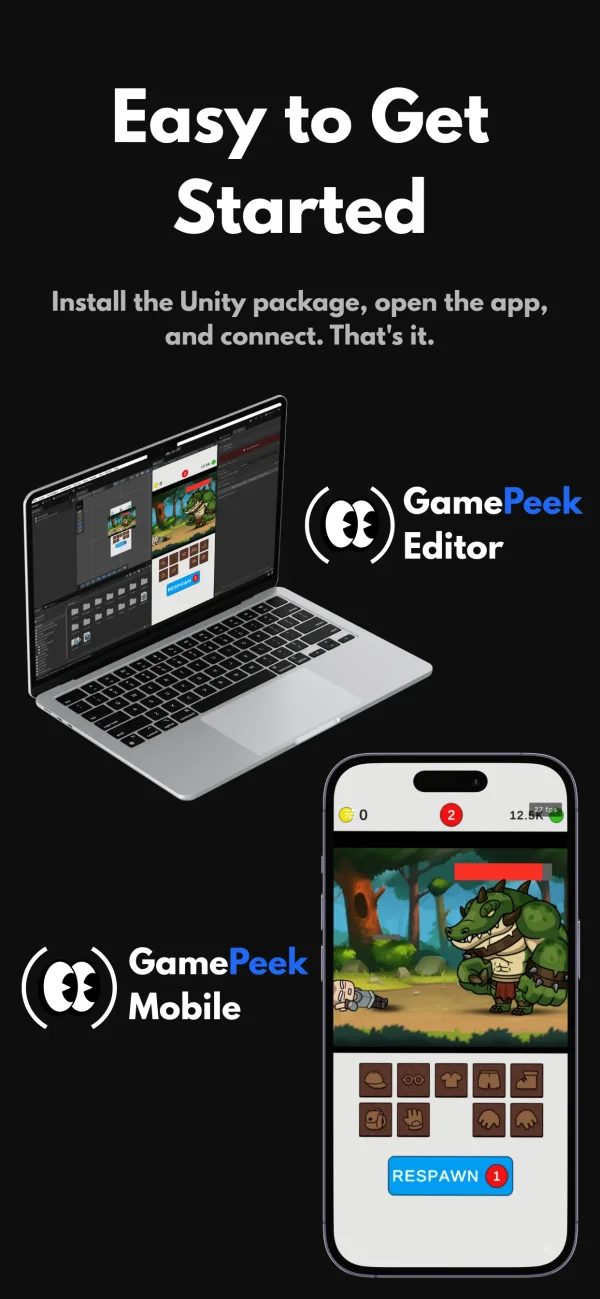
The free GamePeek plugin for Unity 2021.3 or newer (on the Unity Asset
Store), and both devices on the same Wi-Fi network. Away from your desk,
remote play works over Tailscale.
Neue Funktionen
Version 2.5.3 · 13.09.2026
New Pro plans. Pick monthly, yearly, or a one-time lifetime purchase; every
plan unlocks everything. Free streaming has no daily time limit: stream as
long as you like at 720p and 20 fps. Pro unlocks 1080p, up to 120 fps,
multi-touch, motion sensors, and removes the watermark. One settings sheet now holds
everything, opened by the tune button, a three-finger swipe up, or a
shake, in the live stream and the demo alike. Existing owners keep
everything they have.
App-Datenschutz
Was Tolga Durman im App Store zum Umgang dieser App mit Daten angibt.
-
Nicht mit Ihnen verknüpfte Daten
Können erfasst werden, sind aber nicht mit Ihrer Identität verknüpft.
- Käufe
- Kennungen
- Nutzungsdaten
Die Datenschutzpraktiken können variieren, zum Beispiel je nach den von Ihnen verwendeten Funktionen oder Ihrem Alter.
Informationen
- Anbieter
- Tolga Durman
- Kategorie
- Entwickler-Tools
- Version
- 2.5.3
- Aktualisiert
- 13.09.2026
- Veröffentlicht
- 18.03.2026
- Größe
- 27,7 MB
- Erfordert
- iOS 15.5 oder neuer
- Altersfreigabe
- 4+
- Preis
- Kostenlos
- In-App-Käufe
- Ja
- Sprachen
- Englisch
- Copyright
- © 2026 Tolga Durman
Das könnte Ihnen auch gefallen
-
 Linux Command and TerminalEntwickler-Tools
-
 sshido: SSH Client & TerminalEntwickler-Tools
-
 MCP StudioEntwickler-Tools
-
 Python ManualEntwickler-Tools
-
 HapthicksEntwickler-Tools
-
 Haptique - Haptic ExplorerEntwickler-Tools
-
 VibeGo – Mobile Code EditorEntwickler-Tools
-
 Luma SSHEntwickler-Tools
-
 SensorStream, powered by ROS 2Entwickler-Tools
-
 Shepherd: AI Agents & SSHEntwickler-Tools