GamePeek - Unity Remote View
Wireless Game Display & Input
Designed for iPhone, iPad, iPod touch
Free · In-app purchases
- Age rating4+
- CategoryDeveloper Tools
- DeveloperTolga Durman
- LanguagesEnglish
- Size27.7 MB
Links to the official App Store page
Download.org hosts no file of GamePeek - Unity Remote View. The button opens its official App Store page, published by Tolga Durman. Listing last checked on Nov 16, 2026.
Screenshots



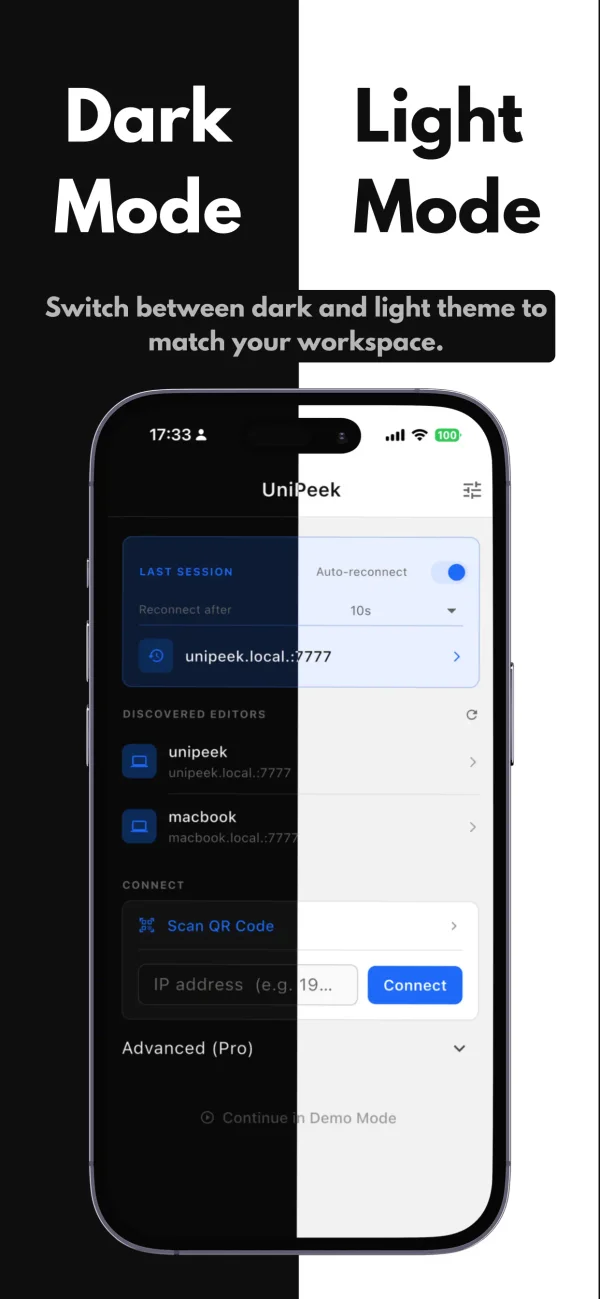
About
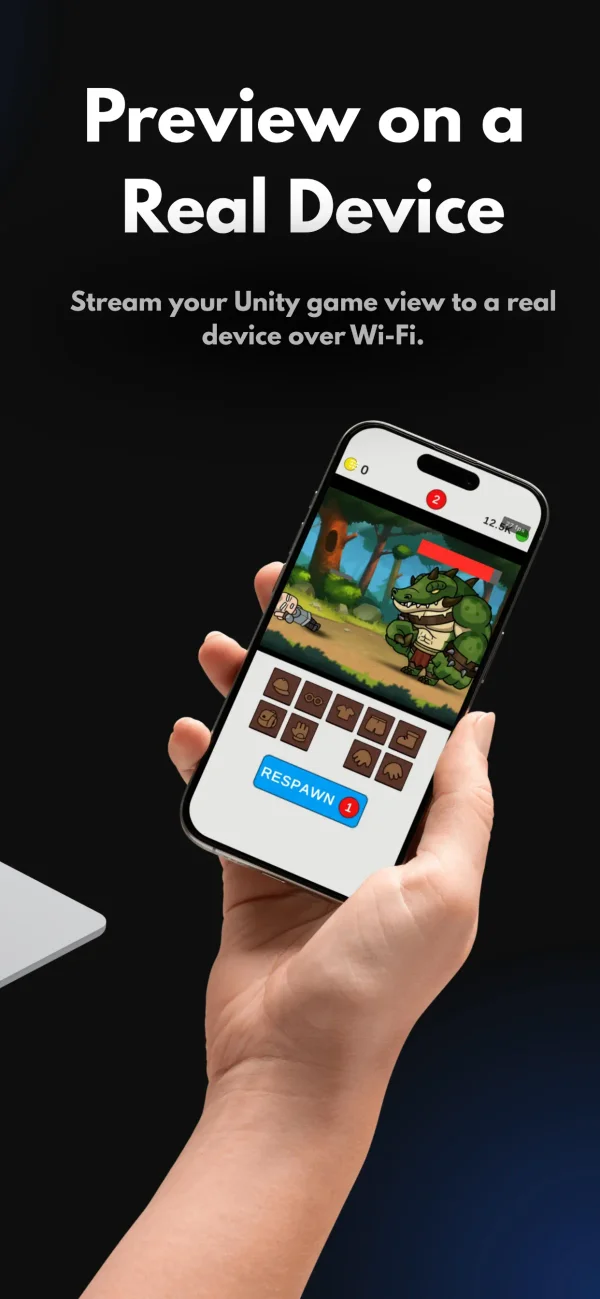
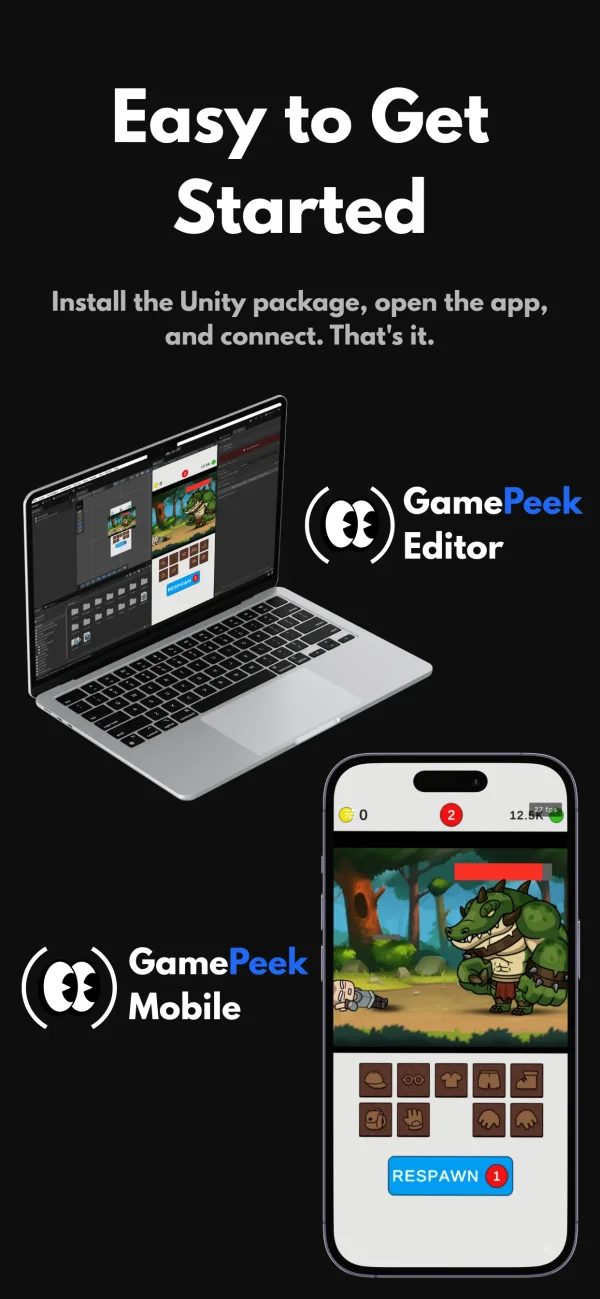
GamePeek shows your Unity Game View on your phone while you work in the
editor. Press Start Streaming in Unity, scan the QR code (or tap your
machine in the device list), and the stream appears on your screen.
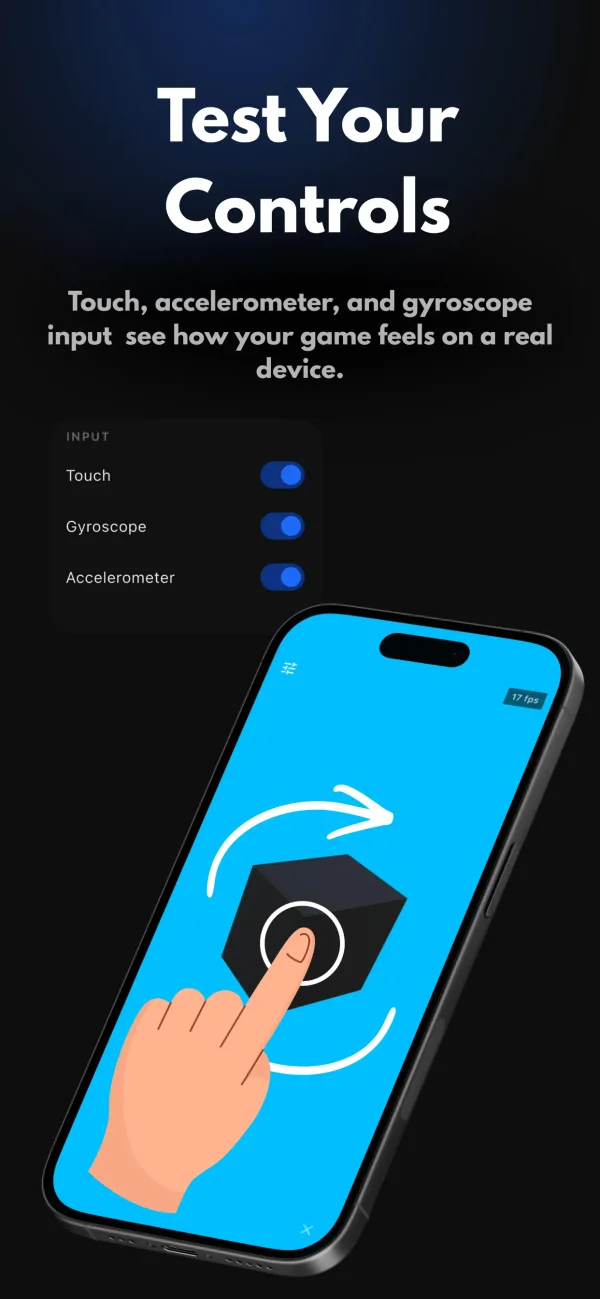
Touches on the phone go back into the editor as real input events, so
buttons, joysticks, and gestures behave exactly the way they will in the
shipped game. Motion controls work too: gyroscope and accelerometer
readings stream to Unity while you tilt the actual device in your hand.
Video travels over GamePeek's own low-latency UDP protocol and falls back
to TCP on networks that block it. Quality adapts to your Wi-Fi on its own,
and recovers on its own too.
WHAT'S FREE
Streaming with no time limit, every day, forever: 720p at 20 fps with
single-touch input, the live FPS overlay, and a small watermark. Enough to
check your game on a real screen whenever you want.
GAMEPEEK PRO
Monthly, yearly, or one payment forever. Every plan unlocks everything:
- 1080p at up to 120 fps
- No watermark
- Multi-touch, gyroscope, and accelerometer input
- Custom quality settings
- Auto-reconnect after drops
- Settings saved per Unity project
WHAT YOU NEED
The free GamePeek plugin for Unity 2021.3 or newer (on the Unity Asset
Store), and both devices on the same Wi-Fi network. Away from your desk,
remote play works over Tailscale.
What’s new
Version 2.5.3 · Sep 13, 2026
New Pro plans. Pick monthly, yearly, or a one-time lifetime purchase; every
plan unlocks everything. Free streaming has no daily time limit: stream as
long as you like at 720p and 20 fps. Pro unlocks 1080p, up to 120 fps,
multi-touch, motion sensors, and removes the watermark. One settings sheet now holds
everything, opened by the tune button, a three-finger swipe up, or a
shake, in the live stream and the demo alike. Existing owners keep
everything they have.
App privacy
What Tolga Durman declares on the App Store about how this app handles data.
-
Data not linked to you
May be collected but is not linked to your identity.
- Purchases
- Identifiers
- Usage data
Privacy practices may vary, for example with the features you use or your age.
Information
- Seller
- Tolga Durman
- Category
- Developer Tools
- Version
- 2.5.3
- Updated
- Sep 13, 2026
- Released
- Mar 18, 2026
- Size
- 27.7 MB
- Requires
- iOS 15.5 or later
- Age rating
- 4+
- Price
- Free
- In-app purchases
- Yes
- Languages
- English
- Copyright
- © 2026 Tolga Durman
You might also like
-
 Linux Command and TerminalDeveloper Tools
-
 sshido: SSH Client & Terminaltmux & push for coding agents
-
 MCP StudioManage & test MCP servers
-
 Python ManualOffline tutorial & reference
-
 HapthicksHapthicks Companion for Unity
-
 Haptique - Haptic ExplorerLearn and test haptics
-
 VibeGo – Mobile Code EditorRemote VS Code + iOS Editor
-
 Luma SSHSSH, SFTP & Remote Terminal
-
 SensorStream, powered by ROS 2Stream data from iPhone to ROS
-
 Shepherd: AI Agents & SSHControl herdr from your iPhone