SensorStream, powered by ROS 2
Stream data from iPhone to ROS
Entwickelt für iPhone, iPad, iPod touch
Kostenlos
- Altersfreigabe4+
- KategorieEntwickler-Tools
- EntwicklerMartijn Habers
- SprachenEnglisch
- Größe12,4 MB
Verlinkt auf die offizielle App Store-Seite
Download.org hostet keine Datei von SensorStream, powered by ROS 2. Die Schaltfläche öffnet die App-Seite bei App Store, wo Martijn Habers die App veröffentlicht. Eintrag zuletzt geprüft am 16.11.2026.
Screenshots
Info
Der Entwickler hat diesen Text nicht in Ihrer Sprache bereitgestellt.
SensorStream turns your iPhone into a sensor platform, streaming
LiDAR depth, RGB camera, IMU, and GPS data to your host computer over
Wi-Fi or USB. Built for robotics prototypers, researchers, or anyone who wants to use the iPhone's powerful built-in sensor suite.
SENSOR STREAMS
• LiDAR Depth — 256×192 depth frames at up to 30 FPS from front and back (Wide) cameras (requires a LiDAR-equipped iPhone)
• RGB Camera — JPEG-compressed colour frames at up to 30 FPS from the
wide-angle camera, or front-facing camera
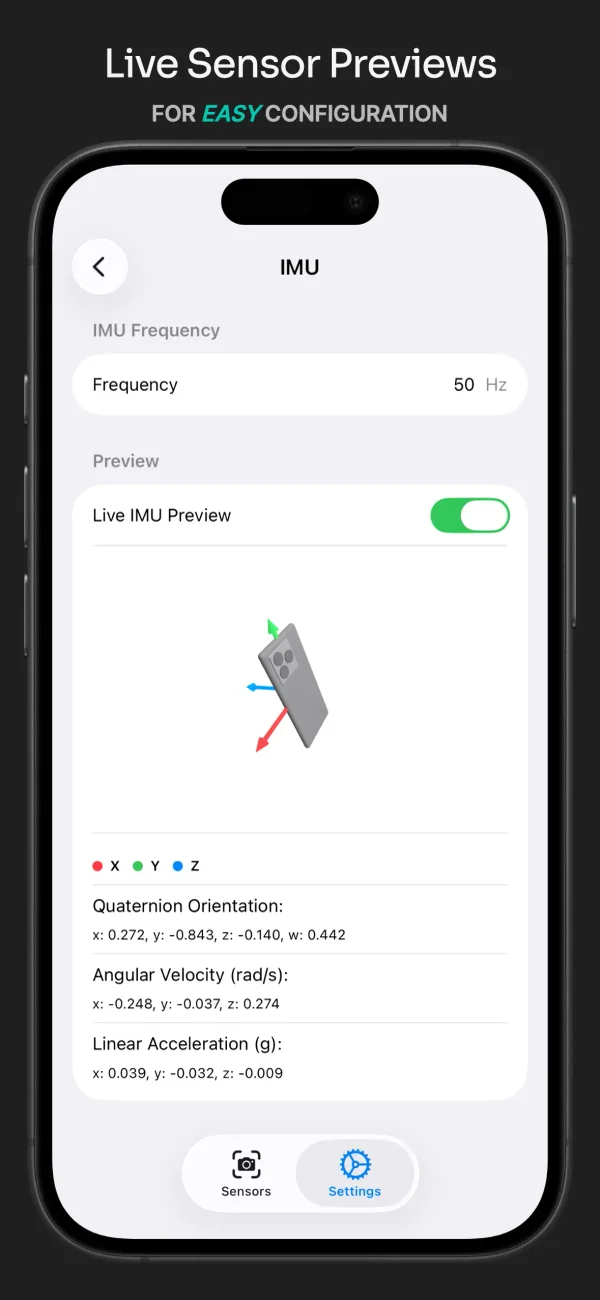
• IMU — accelerometer, gyroscope, and quaternion orientation data at a
configurable frequency
• GPS — GNSS position
TRANSPORT OPTIONS
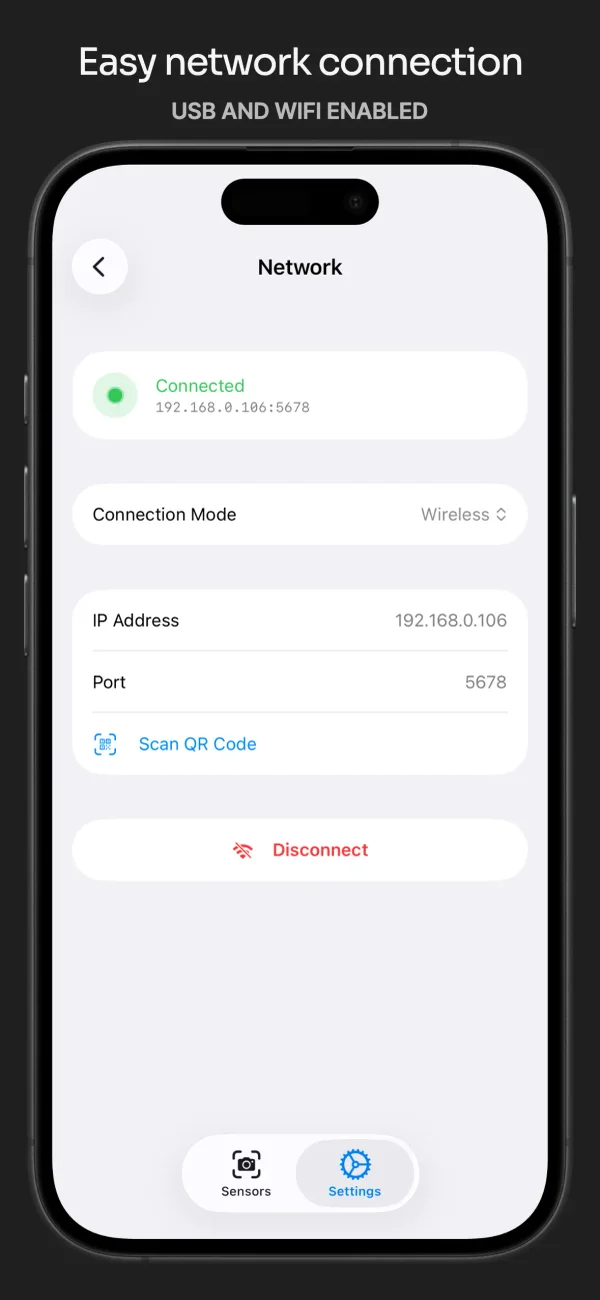
• Wi-Fi (TCP) — connect wirelessly over your local network; scan the server's
QR code from the app for instant pairing
• USB — low-latency wired connection via PeerTalk / iproxy for demanding
real-time applications
INTEGRATION
• Driver for integration with ROS 2 — a companion driver publishes sensor data directly to
ROS 2 topics (/depth_image, /color_image/compressed, /imu/data,
/gps/fix) using sensor_msgs message types
ON-DEVICE PREVIEW
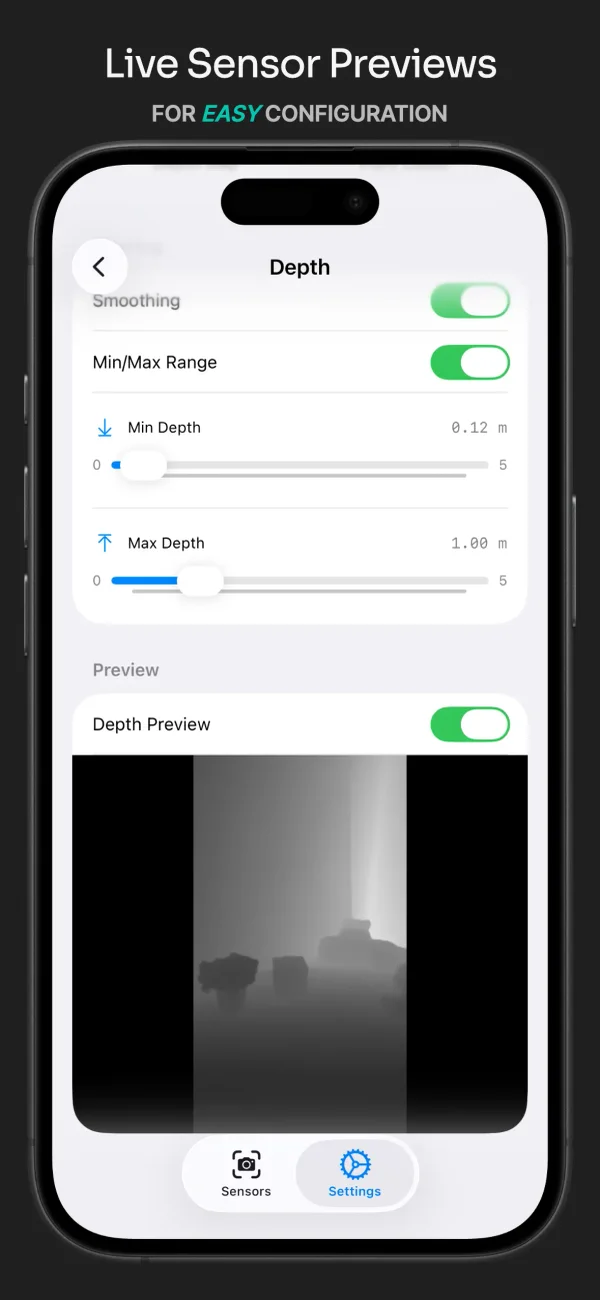
• Real-time depth overlay with adjustable min/max range and colour thresholds
• Live camera preview
• IMU visualiser for orientation feedback
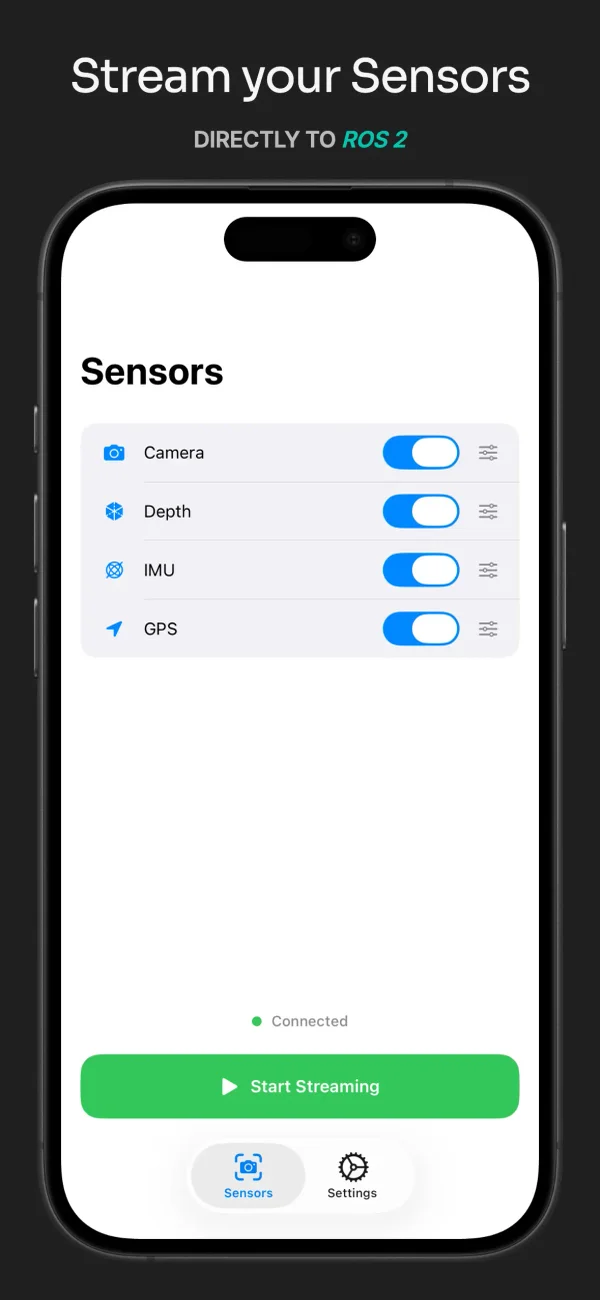
• Per-sensor toggles and settings — configure each sensor independently before
streaming
HOW IT WORKS
1. Start the companion driver on your computer
2. Open SensorStream, go to Settings → Network, and connect via Wi-Fi (scan
the QR code or enter IP/port manually) or USB.
3. Enable the sensors you need on the Dashboard.
4. Tap Start Streaming, that's it.
REQUIREMENTS
• iPhone with iOS 15.6 or later
• LiDAR sensor required for depth streaming (iPhone 12 Pro and later)
• Host computer running Python 3.9+ and ROS 2 Humble for the companion server
Neue Funktionen
Version 0.2.1 · 06.05.2026
- Added configurable ports for USB
- Changed unclear wording of sensor configuration settings screens
App-Datenschutz
Was Martijn Habers im App Store zum Umgang dieser App mit Daten angibt.
-
Keine Daten erfasst
Der Entwickler erfasst keine Daten von dieser App.
Die Datenschutzpraktiken können variieren, zum Beispiel je nach den von Ihnen verwendeten Funktionen oder Ihrem Alter.
Informationen
- Anbieter
- Martijn Habers
- Kategorie
- Entwickler-Tools
- Version
- 0.2.1
- Aktualisiert
- 06.05.2026
- Veröffentlicht
- 01.05.2026
- Größe
- 12,4 MB
- Erfordert
- iOS 15.4 oder neuer
- Altersfreigabe
- 4+
- Preis
- Kostenlos
- Sprachen
- Englisch
- Copyright
- © 2026 Martijn Habers
Das könnte Ihnen auch gefallen
-
 ROS2 Connect MobileEntwickler-Tools
-
 Foxglove WebSocket BridgeEntwickler-Tools
-
 Conduit, powered by ROSEntwickler-Tools
-
 CMD: SSH, Terminal, NetzwerkSSH-Client & Netzwerk-Tools
-
 OpenCode Mobile AppEntwickler-Tools
-
 nRF Connect Device ManagerEntwickler-Tools
-
 Carnets - JupyterEntwickler-Tools
-
 Terminal#Entwickler-Tools
-
 Pyto IDEPython, C/C++
-
 xTerminal - SSH Terminal ShellEntwickler-Tools