
GeekScan
Scan, Recognize & Create Codes
Entwickelt für iPhone, iPad, Mac
Kostenlos · In-App-Käufe
- Altersfreigabe4+
- KategorieProduktivität
- Entwickler非 吴
- SprachenEnglisch+ 3 weitere
- Größe101,7 MB
Verlinkt auf die offizielle App Store-Seite
Download.org hostet keine Datei von GeekScan. Die Schaltfläche öffnet die App-Seite bei App Store, wo 非 吴 die App veröffentlicht. Eintrag zuletzt geprüft am 12.11.2026.
Screenshots

Info
Der Entwickler hat diesen Text nicht in Ihrer Sprache bereitgestellt.
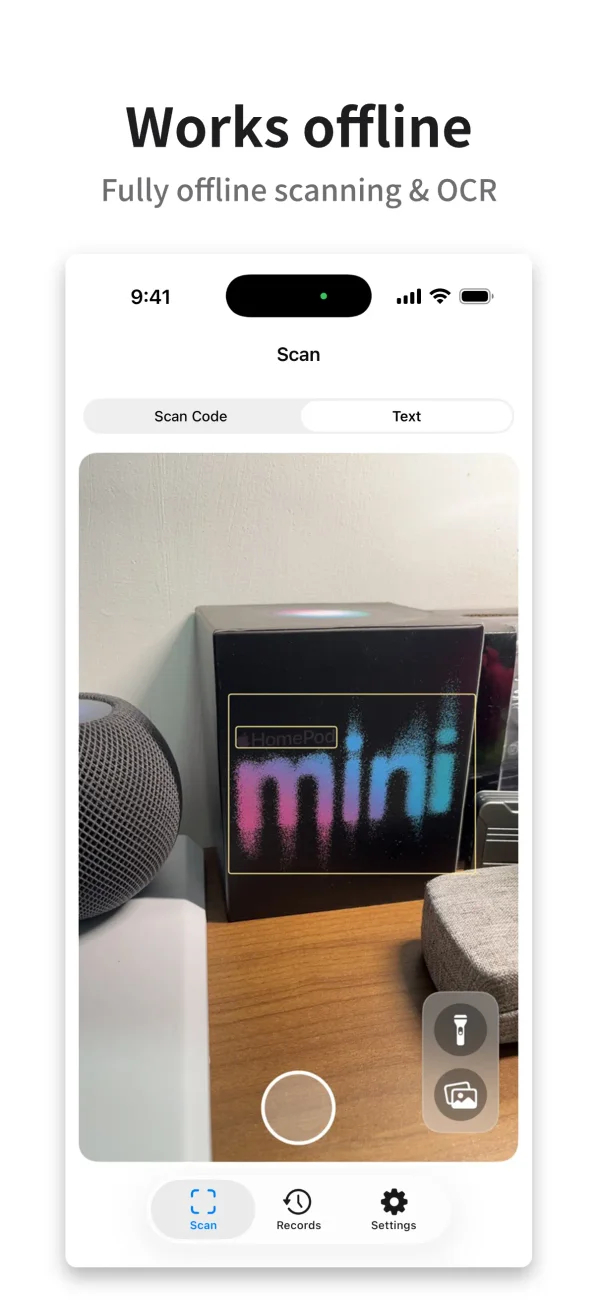
GeekScan is a fast, offline-first tool for barcode scanning, text recognition, and barcode generation, designed for users who value accuracy, control, and structured data processing.
All features run locally on the device with no internet connection required, no tracking, and no ads.
Supports scanning a wide range of common barcode and QR code formats, including QR, Aztec, Data Matrix, PDF417, Micro QR, Code 128, Code 39, Code 93, Codabar, EAN-13, EAN-8, UPC-E, ITF, GS1 DataBar series, MSI Plessey, and more.
Supported barcode formats and recognition performance may vary depending on the device and system version.
Also supports generating QR, Aztec, PDF417, Data Matrix, Micro QR, Code 128, Code 39, Code 93, Codabar, EAN-13, EAN-8, UPC-E, ITF, MSI, and GS1 DataBar series barcodes.
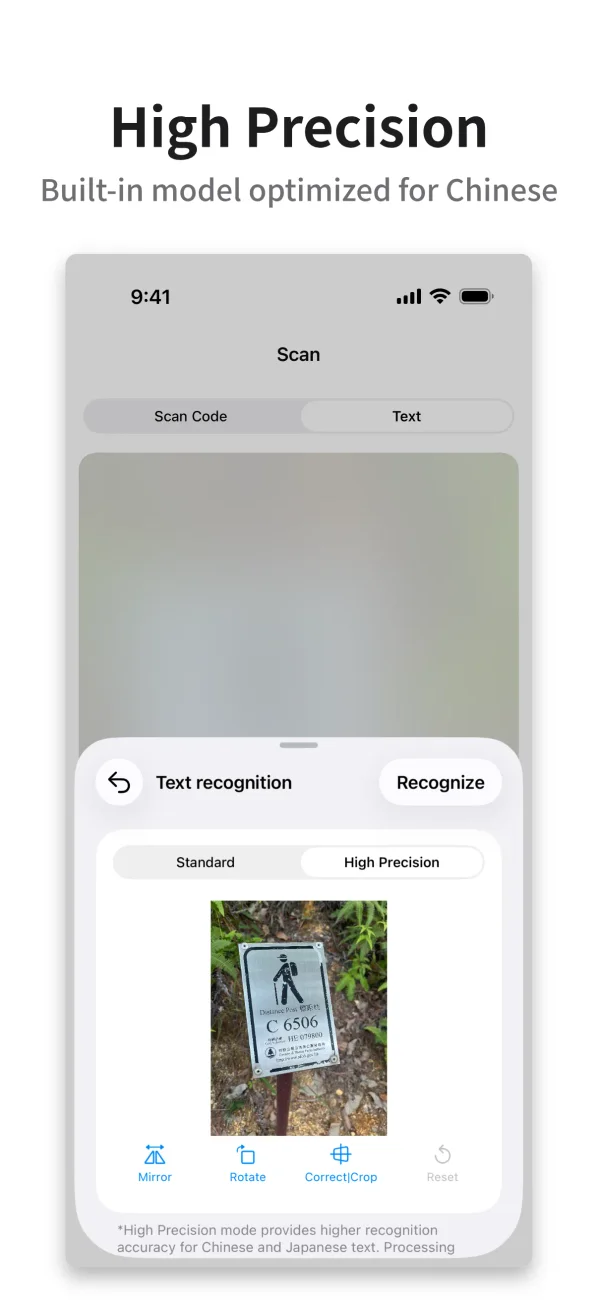
Text recognition runs fully offline and supports multiple languages, including English (US), Simplified Chinese, Traditional Chinese, Japanese, Korean, French, German, Spanish, Italian, Portuguese (Brazil), Russian, Thai, Ukrainian, and Vietnamese.
- Standard Mode: Uses the system built-in text recognition capability, suitable for everyday text extraction.
- High Precision Mode: Includes an optimized model designed for Chinese and Japanese scenarios, ideal for extracting text from screenshots or long screenshots with higher recognition accuracy.
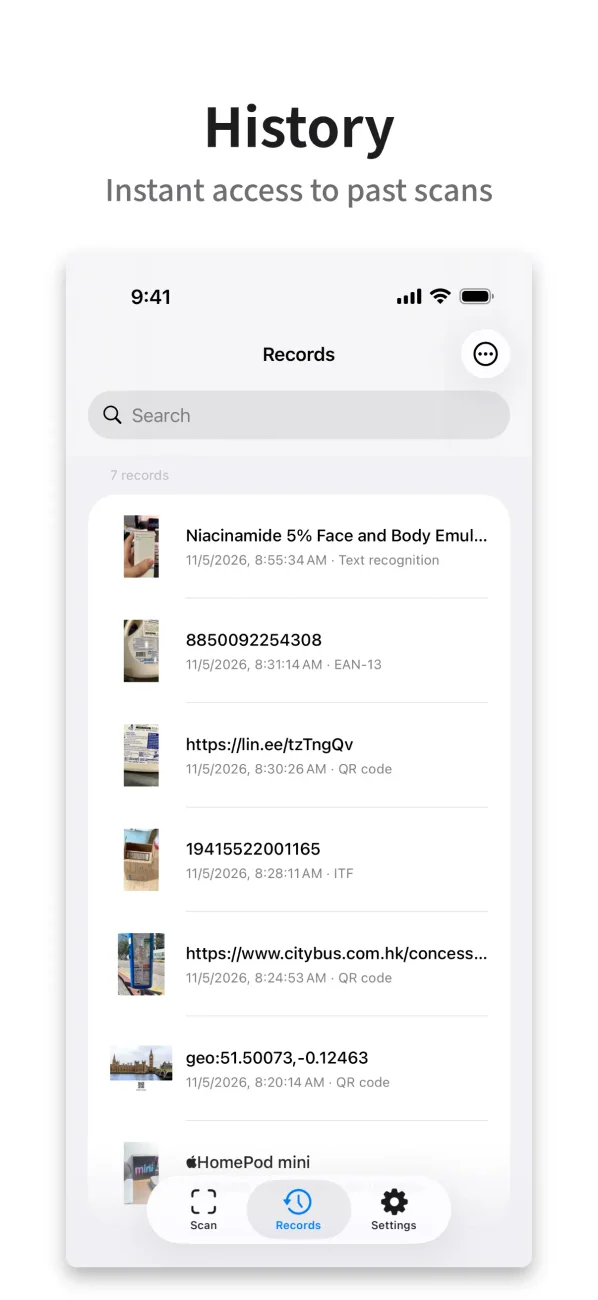
All results are stored locally for quick access and reuse.
Neue Funktionen
Version 1.8.1 · 15.10.2026
In this update:
1. Easier access to your verification codes: Double-tap the Records tab to quickly switch between your scan history and verification codes.
2. Improved verification code autofill: If a website doesn’t automatically show verification code suggestions, long-press the input field and select “AutoFill” → “Passwords” → “GeekScan” to choose a verification code.
App-Datenschutz
Was 非 吴 im App Store zum Umgang dieser App mit Daten angibt.
-
Keine Daten erfasst
Der Entwickler erfasst keine Daten von dieser App.
Die Datenschutzpraktiken können variieren, zum Beispiel je nach den von Ihnen verwendeten Funktionen oder Ihrem Alter.
Informationen
- Anbieter
- 非 吴
- Kategorie
- Produktivität
- Version
- 1.8.1
- Aktualisiert
- 15.10.2026
- Veröffentlicht
- 13.05.2026
- Größe
- 101,7 MB
- Erfordert
- iOS 17.6 oder neuer
- Altersfreigabe
- 4+
- Preis
- Kostenlos
- In-App-Käufe
- Ja
- Sprachen
- Englisch, Japanisch, Vereinf. Chinesisch, Tradit. Chinesisch
- Copyright
- © 2026 WUFEI
Das könnte Ihnen auch gefallen
-
 ReminderOS – Smart RemindersProduktivität
-
 DigWords - Image-to-TextProduktivität
-
 Pocket Goals: Save Up EasierProduktivität
-
 ROBODOROProduktivität
-
 Yore - Notizen & ErinnerungenKI für Tickets & Abholcodes
-
 One Dot: LebenskalenderWallpaper & Tageszähler
-
 Things take time: Life trackerProduktivität
-
 Special DatesProduktivität
-
 Did I Do? - ADHS & ZwangTäglicher Aufgaben-Tracker
-
 Google AI Edge GalleryProduktivität