
GeekScan
Scan, Recognize & Create Codes
Conçue pour iPhone, iPad, Mac
Gratuit · Achats intégrés
- Classification d’âge4+
- CatégorieProductivité
- Développeur非 吴
- LanguesAnglais+ 3 de plus
- Taille101,7 Mo
Renvoie vers la page App Store officielle
Download.org n’héberge aucun fichier de GeekScan. Le bouton ouvre la page de l’application sur App Store, où 非 吴 la publie. Fiche vérifiée pour la dernière fois le 12/11/2026.
Captures d’écran

À propos
Le développeur n’a pas fourni ce texte dans votre langue.
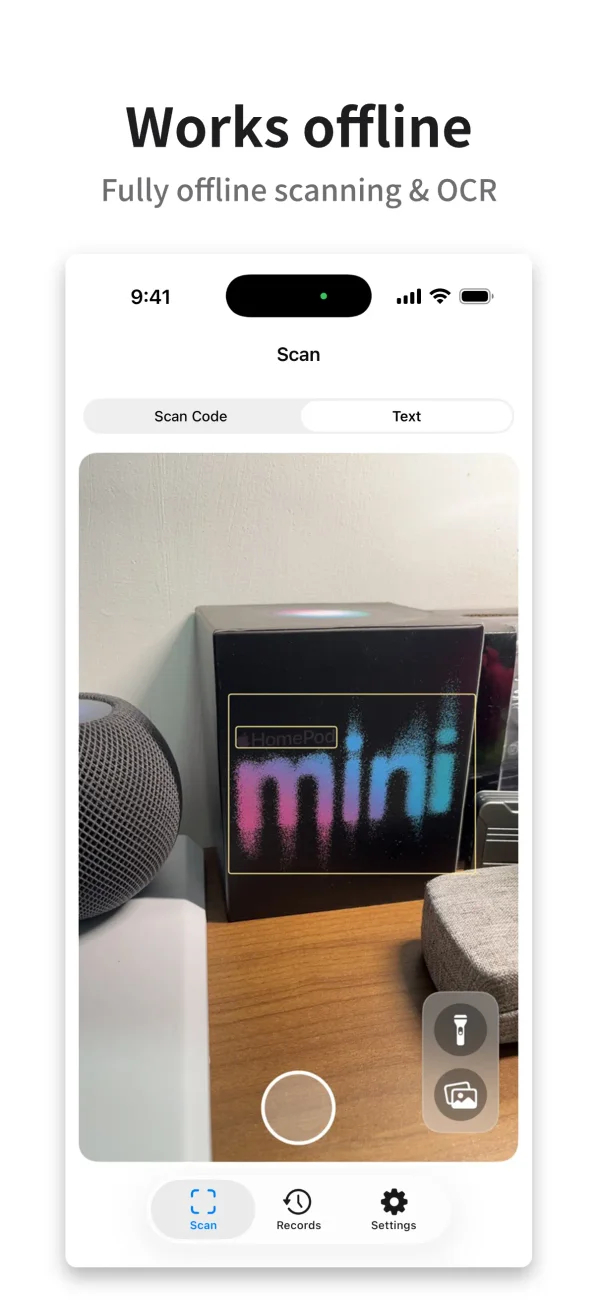
GeekScan is a fast, offline-first tool for barcode scanning, text recognition, and barcode generation, designed for users who value accuracy, control, and structured data processing.
All features run locally on the device with no internet connection required, no tracking, and no ads.
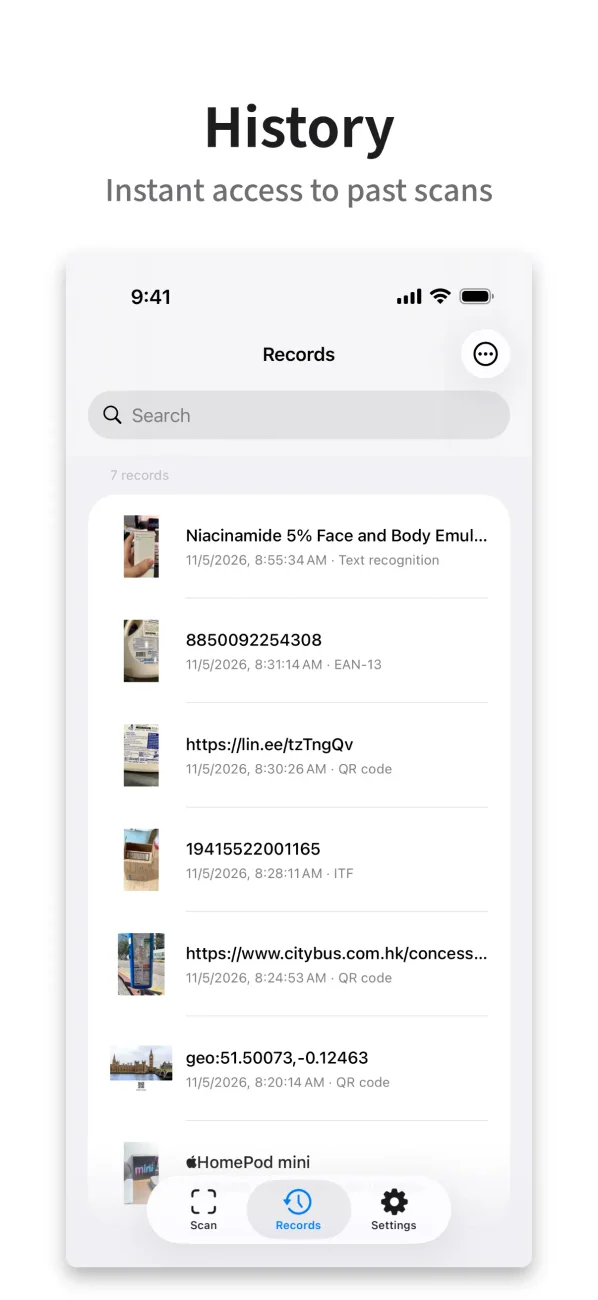
Supports scanning a wide range of common barcode and QR code formats, including QR, Aztec, Data Matrix, PDF417, Micro QR, Code 128, Code 39, Code 93, Codabar, EAN-13, EAN-8, UPC-E, ITF, GS1 DataBar series, MSI Plessey, and more.
Supported barcode formats and recognition performance may vary depending on the device and system version.
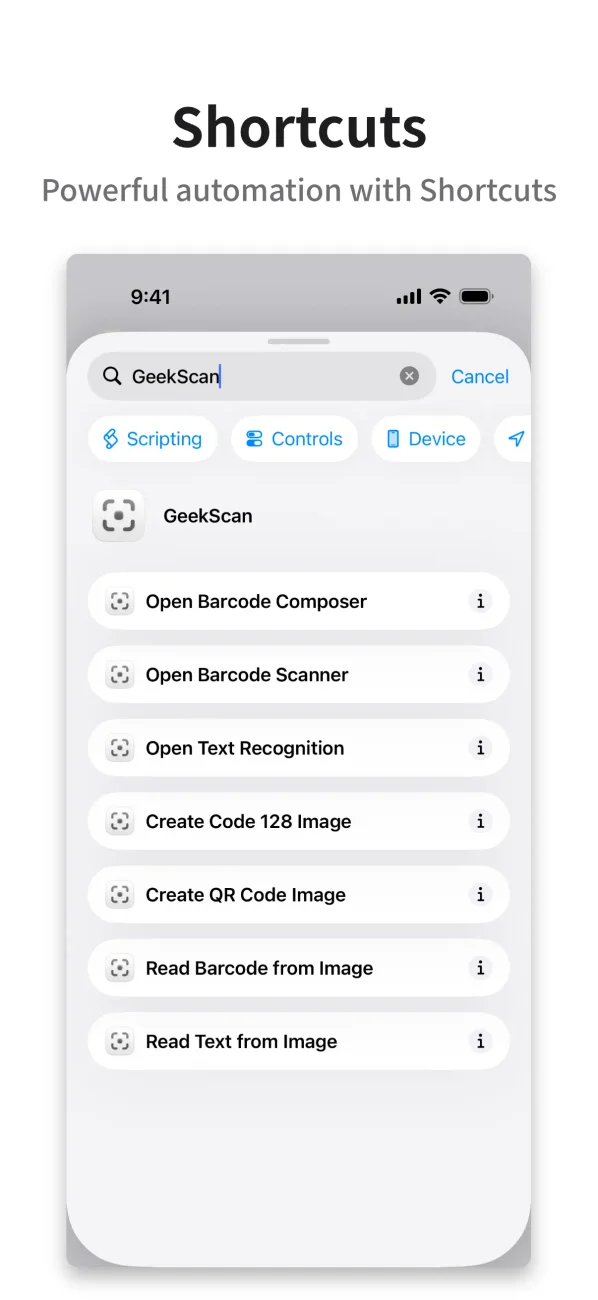
Also supports generating QR, Aztec, PDF417, Data Matrix, Micro QR, Code 128, Code 39, Code 93, Codabar, EAN-13, EAN-8, UPC-E, ITF, MSI, and GS1 DataBar series barcodes.
Text recognition runs fully offline and supports multiple languages, including English (US), Simplified Chinese, Traditional Chinese, Japanese, Korean, French, German, Spanish, Italian, Portuguese (Brazil), Russian, Thai, Ukrainian, and Vietnamese.
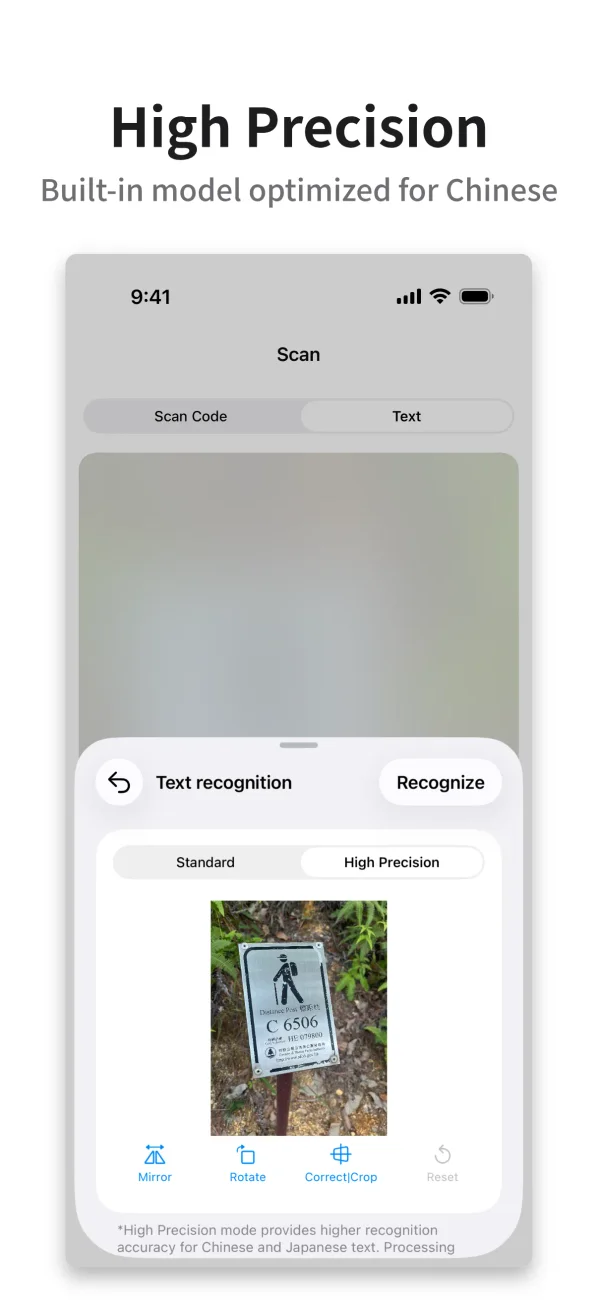
- Standard Mode: Uses the system built-in text recognition capability, suitable for everyday text extraction.
- High Precision Mode: Includes an optimized model designed for Chinese and Japanese scenarios, ideal for extracting text from screenshots or long screenshots with higher recognition accuracy.
All results are stored locally for quick access and reuse.
Nouveautés
Version 1.8.1 · 15/10/2026
In this update:
1. Easier access to your verification codes: Double-tap the Records tab to quickly switch between your scan history and verification codes.
2. Improved verification code autofill: If a website doesn’t automatically show verification code suggestions, long-press the input field and select “AutoFill” → “Passwords” → “GeekScan” to choose a verification code.
Confidentialité de l’application
Ce que 非 吴 déclare sur l’App Store au sujet du traitement des données par cette application.
-
Données non collectées
Le développeur ne collecte aucune donnée à partir de cette application.
Les pratiques en matière de confidentialité peuvent varier, notamment en fonction des fonctionnalités que vous utilisez ou de votre âge.
Informations
- Vendeur
- 非 吴
- Catégorie
- Productivité
- Version
- 1.8.1
- Mis à jour
- 15/10/2026
- Publié
- 13/05/2026
- Taille
- 101,7 Mo
- Nécessite
- iOS 17.6 ou version ultérieure
- Classification d’âge
- 4+
- Prix
- Gratuit
- Achats intégrés
- Oui
- Langues
- Anglais, Japonais, Chinois simplifié, Chinois traditionnel
- Copyright
- © 2026 WUFEI
Vous aimerez peut-être aussi
-
 ReminderOS – Smart RemindersProductivité
-
 DigWords - Image-to-TextProductivité
-
 Pocket Goals: Save Up EasierProductivité
-
 ROBODOROProductivité
-
 Yore - Notes et rappels IANotes, tâches, billets et plus
-
 One Dot : Calendrier de vieFonds et compteur de jours
-
 Things take time: Life trackerProductivité
-
 Special DatesProductivité
-
 Did I Do? - Aide TDAH/TOCSuivi des tâches quotidiennes
-
 Google AI Edge GalleryProductivité