- Altersfreigabe4+
- KategorieGrafik und Design
- EntwicklerINDRA PANDIT
- SprachenEnglisch
- Größe21,6 MB
Gesture Drawing Timer ist bei App Store derzeit möglicherweise nicht verfügbar
Bei unserer letzten Prüfung war der Store-Eintrag nicht erreichbar. Der Link führt weiterhin zur offiziellen App Store-Seite.
Screenshots

Info
Der Entwickler hat diesen Text nicht in Ihrer Sprache bereitgestellt.
A timer, a reference, and a canvas — in one place.
Drawing Practice Timer runs the gesture drawing warm-up that artists have done for a century. A reference photo appears, the timer counts down, you draw. When time runs out your drawing saves itself and the next pose appears.
No browser tabs. No switching apps. No losing the work afterwards.
HOW IT WORKS
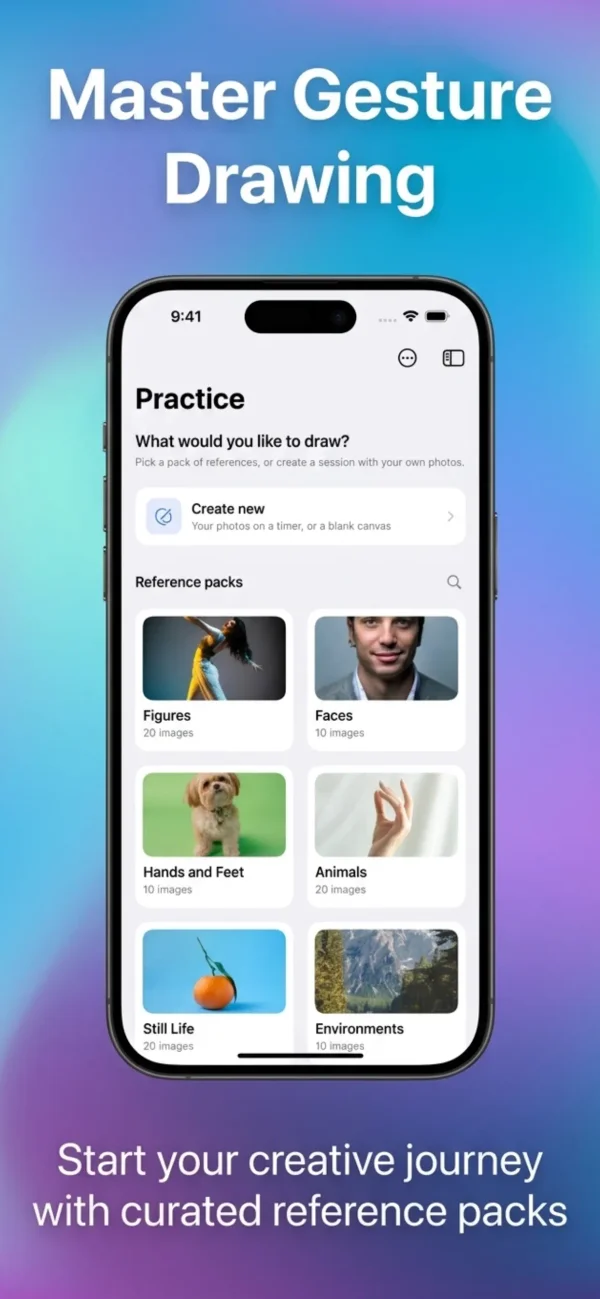
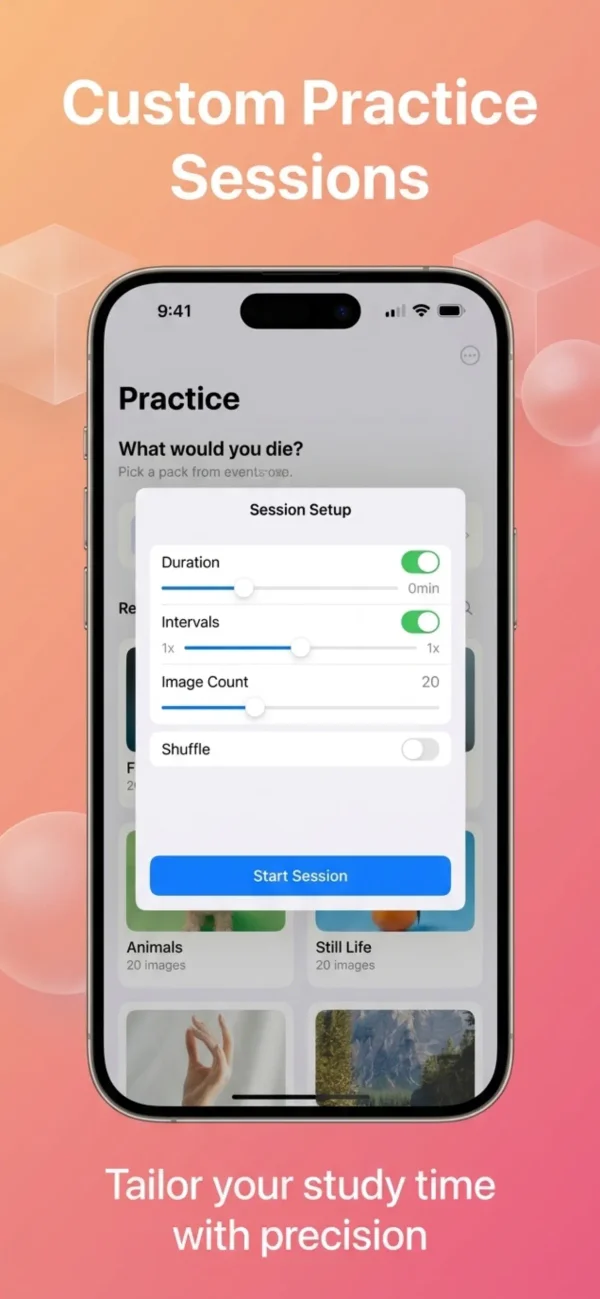
Pick a subject — figures, faces, hands and feet, animals, still life or environments. Set your interval: 30 seconds for gesture, or up to 10 minutes for longer study. Draw. The app handles the rest.
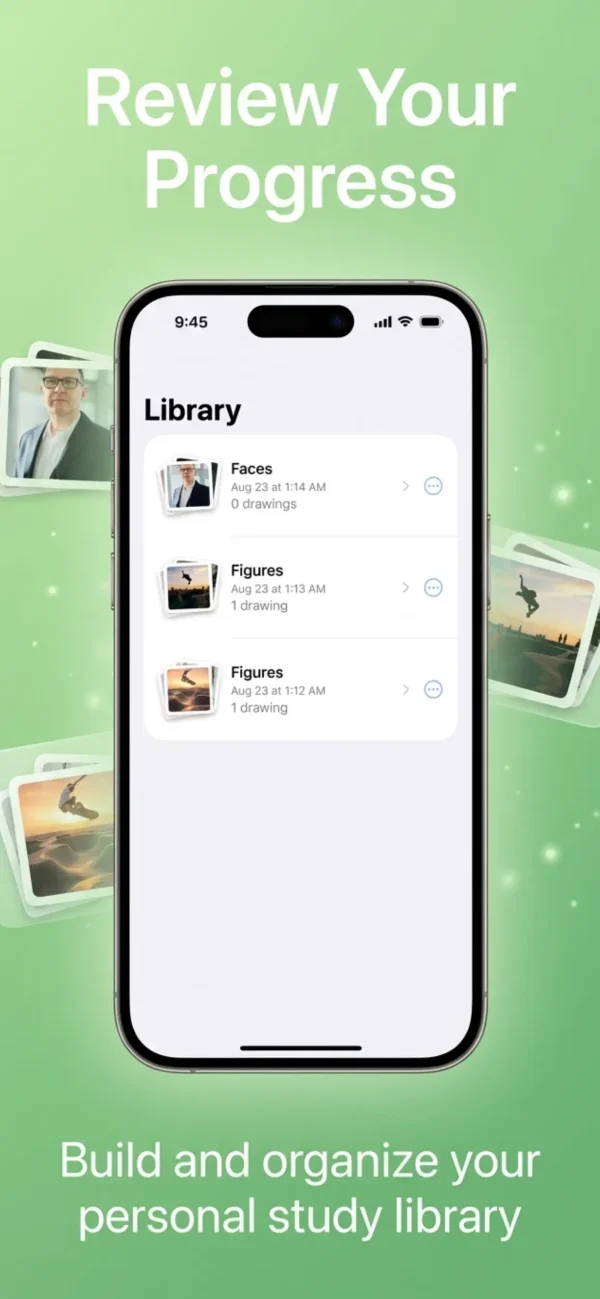
Every pose you draw is saved automatically to your Library. Nothing to remember, nothing to export mid-session.
DRAW THE WAY YOU ALREADY DO
Apple Pencil or fingertip — both work, and both are first class. The drawing tools are the same ones you already know from Notes: pen, pencil, marker, crayon, watercolour, two erasers, ruler, and full colour control with opacity.
Choose your paper: plain, cream, newsprint, watercolour, dot grid or ruled.
TWO WAYS TO WORK
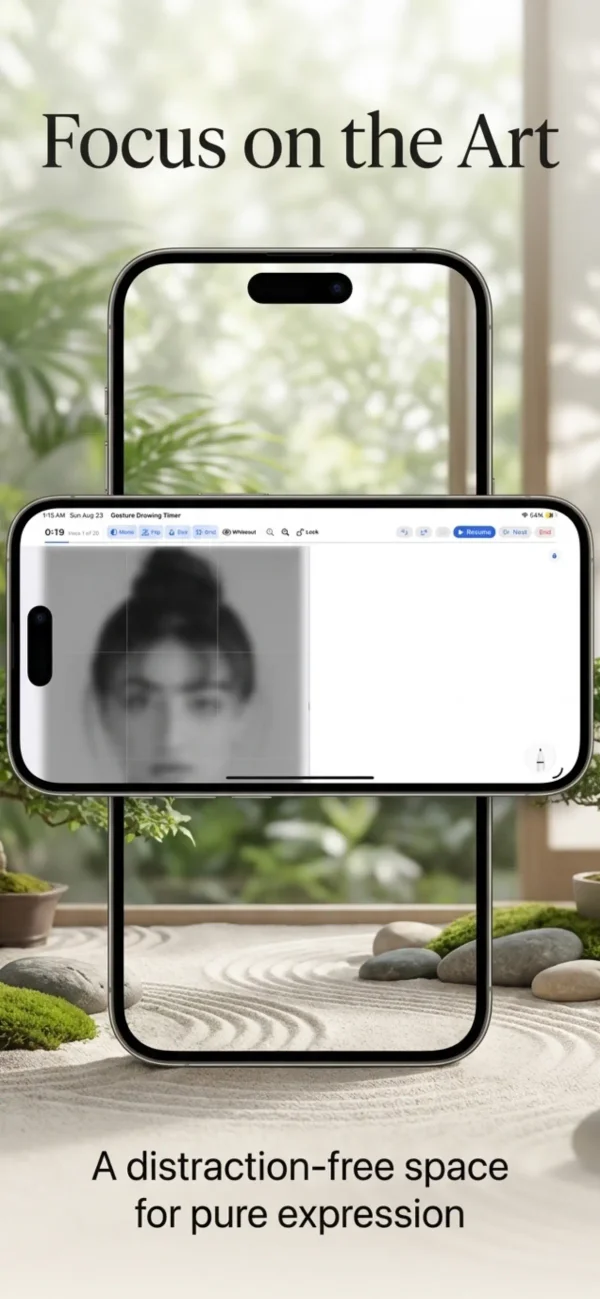
Side by Side — reference and canvas together, with a drag handle to set the split how you like it.
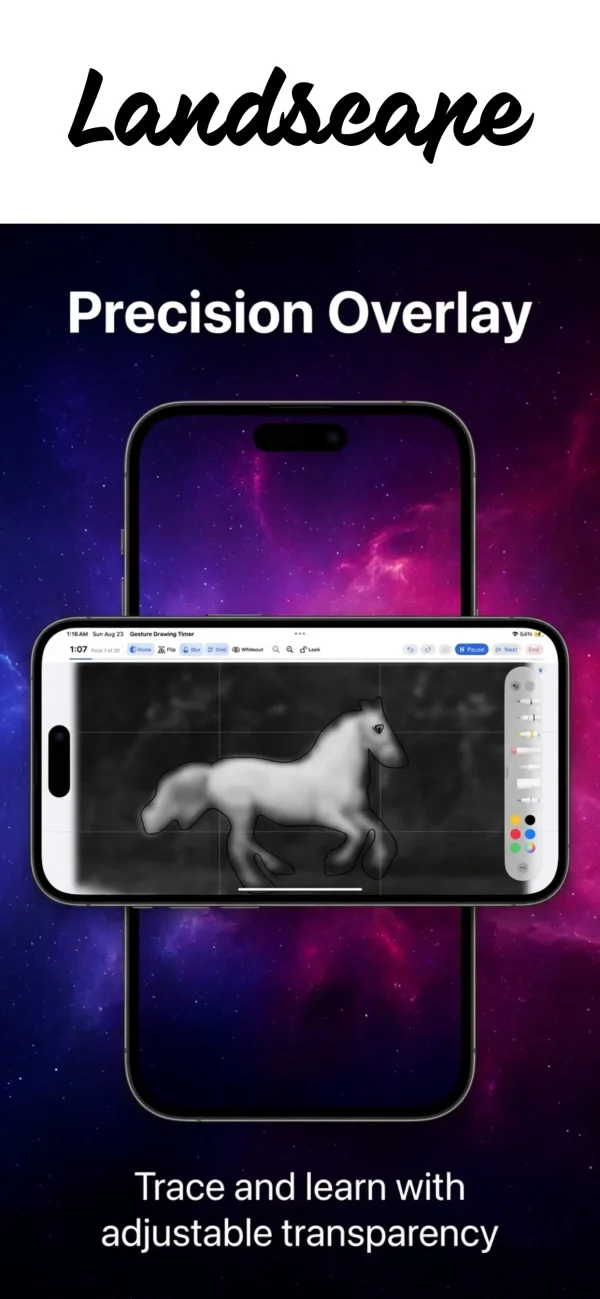
Overlay — draw straight over the reference for value and proportion studies.
Or skip the reference entirely and use it as a plain timed sketchpad.
STUDY AIDS
Greyscale to judge values without colour. Flip to catch your own drawing bias. Blur for the squint test. Grid for placement. Zoom and lock to work into a hand or a face.
Aids change what you see, never what you save.
YOUR WORK, KEPT
Every session is stored on your device. Come back to the Library to review what you drew, resume a session you left halfway, or export anything to Photos.
PRIVATE BY DEFAULT
No account. No sign-up. No network requests at all. Your drawings never leave your iPad, because there is nowhere for them to go.
Built for artists who want to warm up in five minutes and get to work.
App-Datenschutz
Was INDRA PANDIT im App Store zum Umgang dieser App mit Daten angibt.
-
Keine Daten erfasst
Der Entwickler erfasst keine Daten von dieser App.
Die Datenschutzpraktiken können variieren, zum Beispiel je nach den von Ihnen verwendeten Funktionen oder Ihrem Alter.
Informationen
- Anbieter
- INDRA PANDIT
- Kategorie
- Grafik und Design
- Version
- 1.0
- Aktualisiert
- 27.08.2026
- Veröffentlicht
- 27.08.2026
- Größe
- 21,6 MB
- Erfordert
- iOS 17.0 oder neuer
- Altersfreigabe
- 4+
- Sprachen
- Englisch
- Copyright
- © 2026 @ Airsoft Inc.
Das könnte Ihnen auch gefallen
-
 Seshr: Build Drawing SessionsGrafik und Design
-
 Stipple Pose TimerGrafik und Design
-
 QuickSketchDailyGrafik und Design
-
 refs.Grafik und Design
-
 PictureTimerCroquis Timer & Foto Diashow
-
 PoseTimeGrafik und Design
-
 Animatya - Animation CreatorGrafik und Design
-
 Quick Poses: Gesture DrawingGrafik und Design
-
 Learn How to Anime Draw ArtGrafik und Design
-
 Fliplo: Zeichentrick-AnimationZeichnen, animieren, GIFs