- 対象年齢4+
- カテゴリグラフィック/デザイン
- 開発元INDRA PANDIT
- 言語英語
- サイズ21.6 MB
App Storeの公式ページにリンクしています
Download.orgはGesture Drawing Timerのファイルを一切ホストしていません。ボタンを押すと、INDRA PANDITが公開しているApp Storeのアプリページが開きます。ページの最終確認:2026/11/18。
スクリーンショット

概要
開発元はこのテキストをお使いの言語で提供していません。
A timer, a reference, and a canvas — in one place.
Drawing Practice Timer runs the gesture drawing warm-up that artists have done for a century. A reference photo appears, the timer counts down, you draw. When time runs out your drawing saves itself and the next pose appears.
No browser tabs. No switching apps. No losing the work afterwards.
HOW IT WORKS
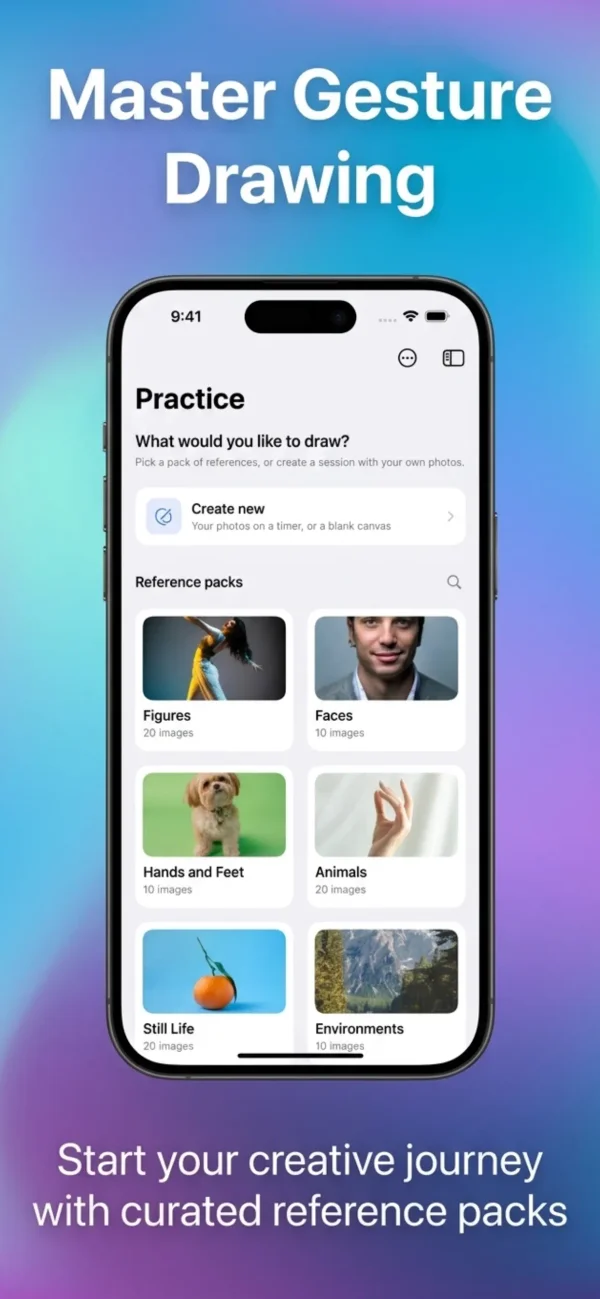
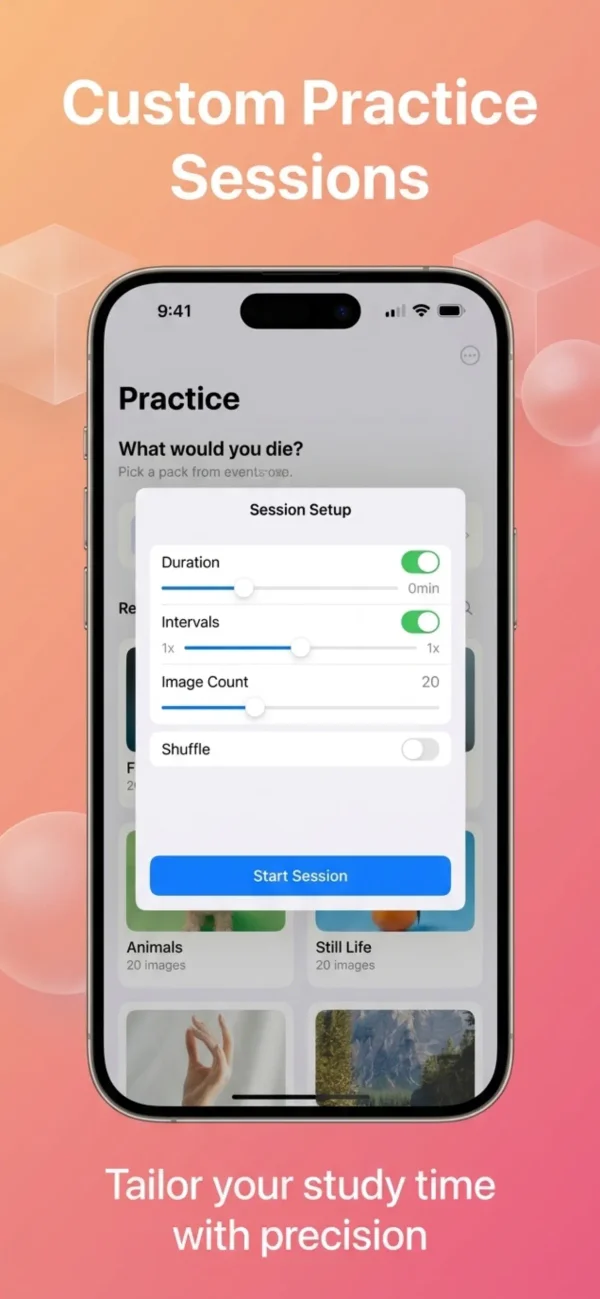
Pick a subject — figures, faces, hands and feet, animals, still life or environments. Set your interval: 30 seconds for gesture, or up to 10 minutes for longer study. Draw. The app handles the rest.
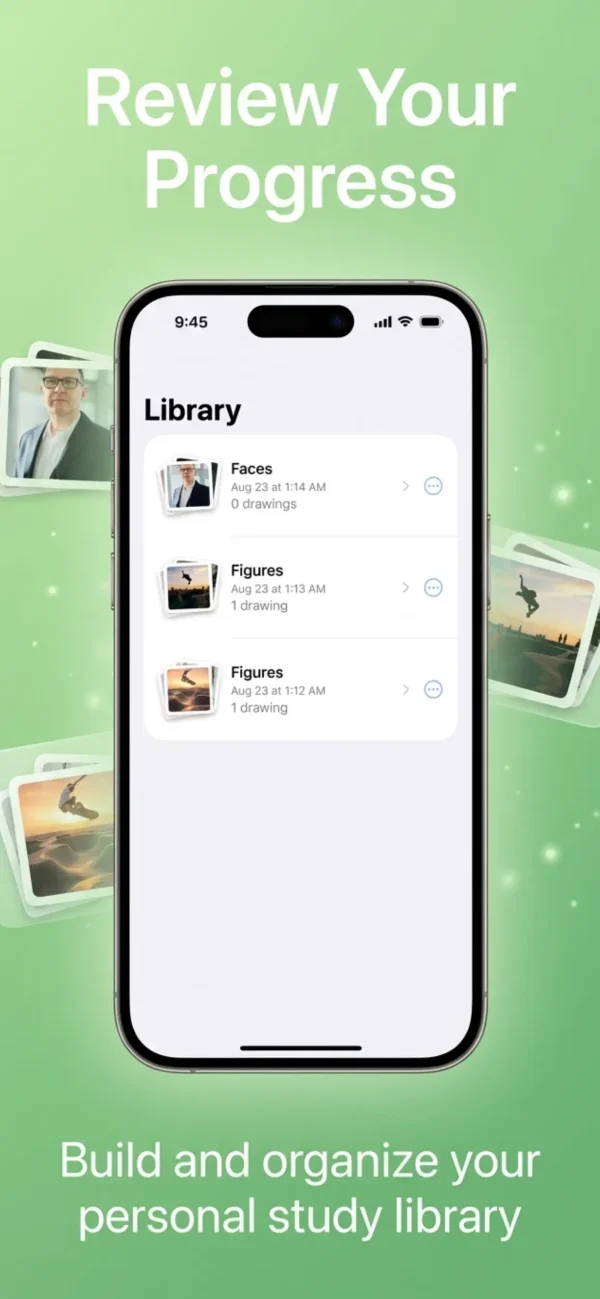
Every pose you draw is saved automatically to your Library. Nothing to remember, nothing to export mid-session.
DRAW THE WAY YOU ALREADY DO
Apple Pencil or fingertip — both work, and both are first class. The drawing tools are the same ones you already know from Notes: pen, pencil, marker, crayon, watercolour, two erasers, ruler, and full colour control with opacity.
Choose your paper: plain, cream, newsprint, watercolour, dot grid or ruled.
TWO WAYS TO WORK
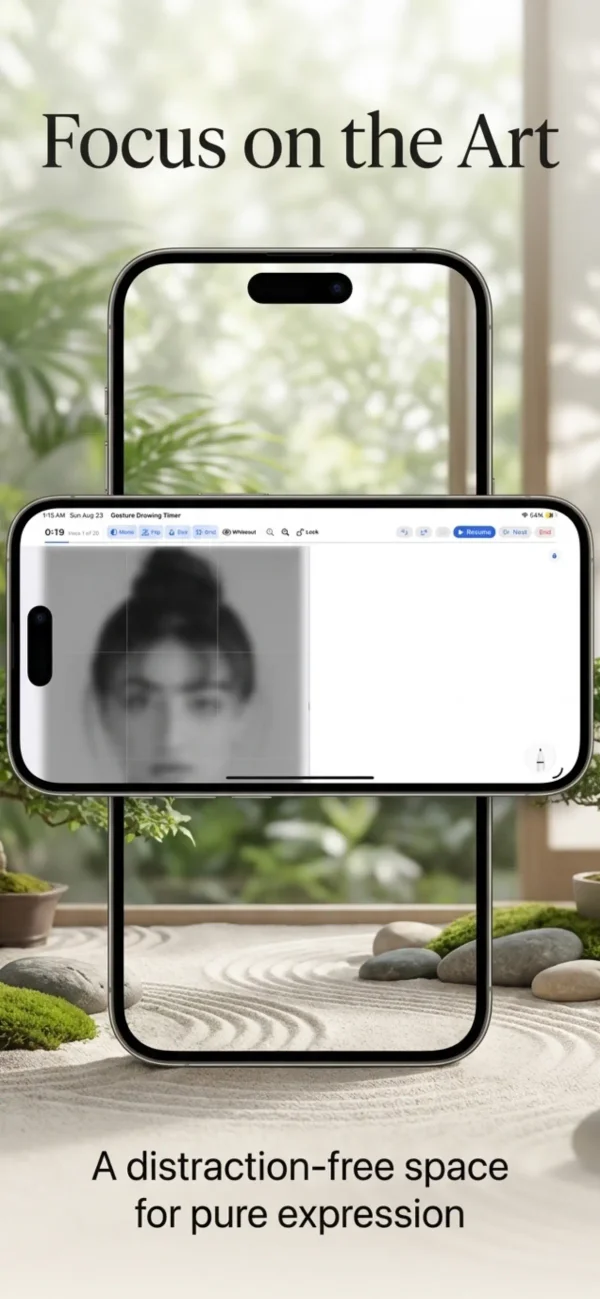
Side by Side — reference and canvas together, with a drag handle to set the split how you like it.
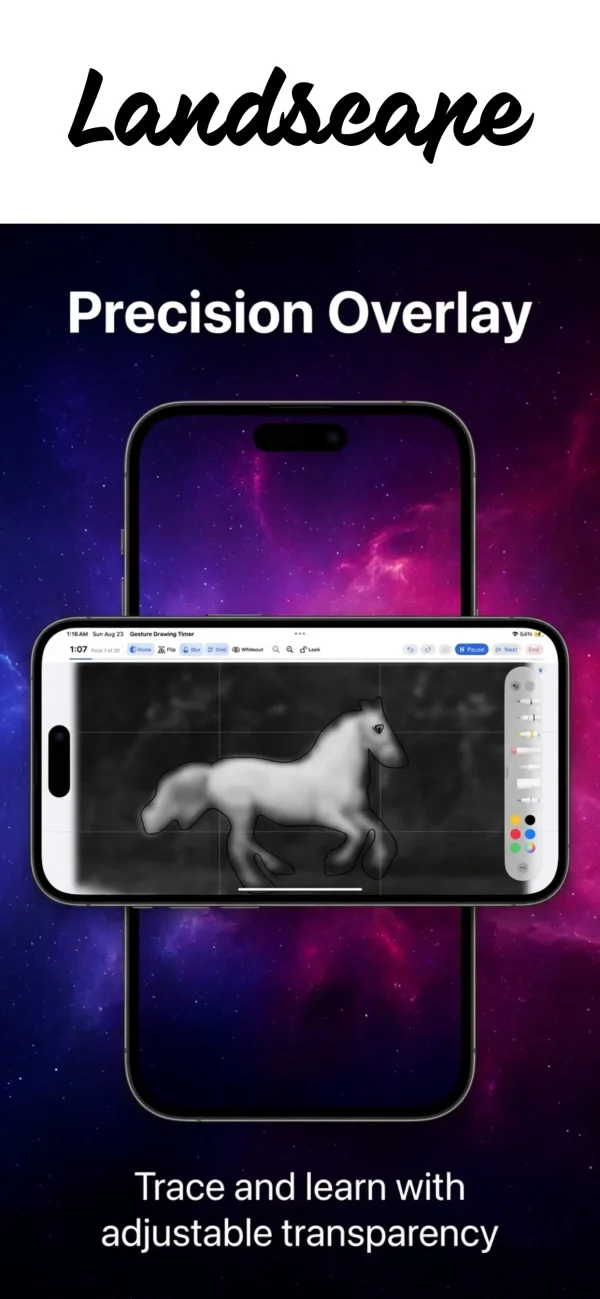
Overlay — draw straight over the reference for value and proportion studies.
Or skip the reference entirely and use it as a plain timed sketchpad.
STUDY AIDS
Greyscale to judge values without colour. Flip to catch your own drawing bias. Blur for the squint test. Grid for placement. Zoom and lock to work into a hand or a face.
Aids change what you see, never what you save.
YOUR WORK, KEPT
Every session is stored on your device. Come back to the Library to review what you drew, resume a session you left halfway, or export anything to Photos.
PRIVATE BY DEFAULT
No account. No sign-up. No network requests at all. Your drawings never leave your iPad, because there is nowhere for them to go.
Built for artists who want to warm up in five minutes and get to work.
アプリのプライバシー
このアプリのデータの取り扱いについて、INDRA PANDITがApp Storeで申告している内容です。
-
データの収集なし
開発元はこのアプリからデータを収集しません。
プライバシーの取り扱いは、ご利用の機能やお客様の年齢などに応じて異なる場合があります。
情報
- 販売元
- INDRA PANDIT
- カテゴリ
- グラフィック/デザイン
- バージョン
- 1.0
- 更新日
- 2026/8/27
- リリース
- 2026/8/27
- サイズ
- 21.6 MB
- 必要条件
- iOS 17.0以降
- 対象年齢
- 4+
- 価格
- 無料
- 言語
- 英語
- 著作権
- © 2026 @ Airsoft Inc.
こちらもおすすめ
-
 Seshr: Build Drawing Sessionsグラフィック/デザイン
-
 Stipple Pose Timerグラフィック/デザイン
-
 QuickSketchDailyグラフィック/デザイン
-
 refs.グラフィック/デザイン
-
 PictureTimer30秒ドローイング・クロッキー・デッサン練習タイマー
-
 PoseTimeグラフィック/デザイン
-
 Animatya - Animation Creatorグラフィック/デザイン
-
 Quick Poses: Gesture Drawingグラフィック/デザイン
-
 Learn How to Anime Draw Artグラフィック/デザイン
-
 Fliplo: コマ撮りアニメ作成描いて動かしてGIFで共有