- Age rating4+
- CategoryGraphics & Design
- DeveloperINDRA PANDIT
- LanguagesEnglish
- Size21.6 MB
Links to the official App Store page
Download.org hosts no file of Gesture Drawing Timer. The button opens its official App Store page, published by INDRA PANDIT. Listing last checked on Nov 18, 2026.
Screenshots

About
A timer, a reference, and a canvas — in one place.
Drawing Practice Timer runs the gesture drawing warm-up that artists have done for a century. A reference photo appears, the timer counts down, you draw. When time runs out your drawing saves itself and the next pose appears.
No browser tabs. No switching apps. No losing the work afterwards.
HOW IT WORKS
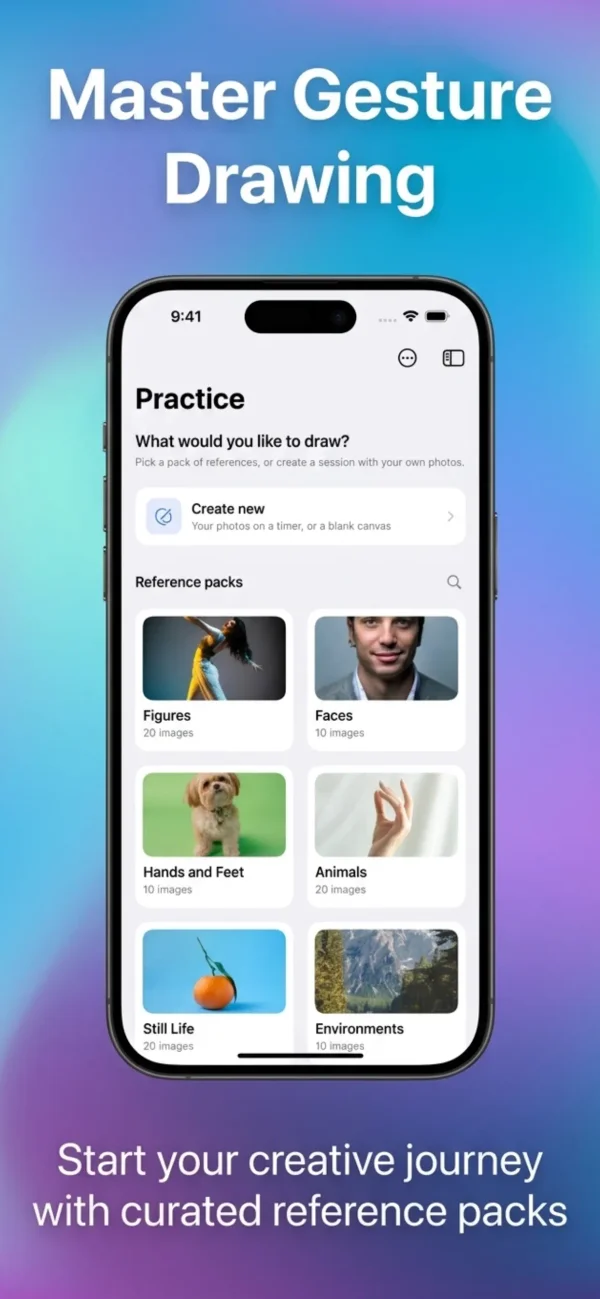
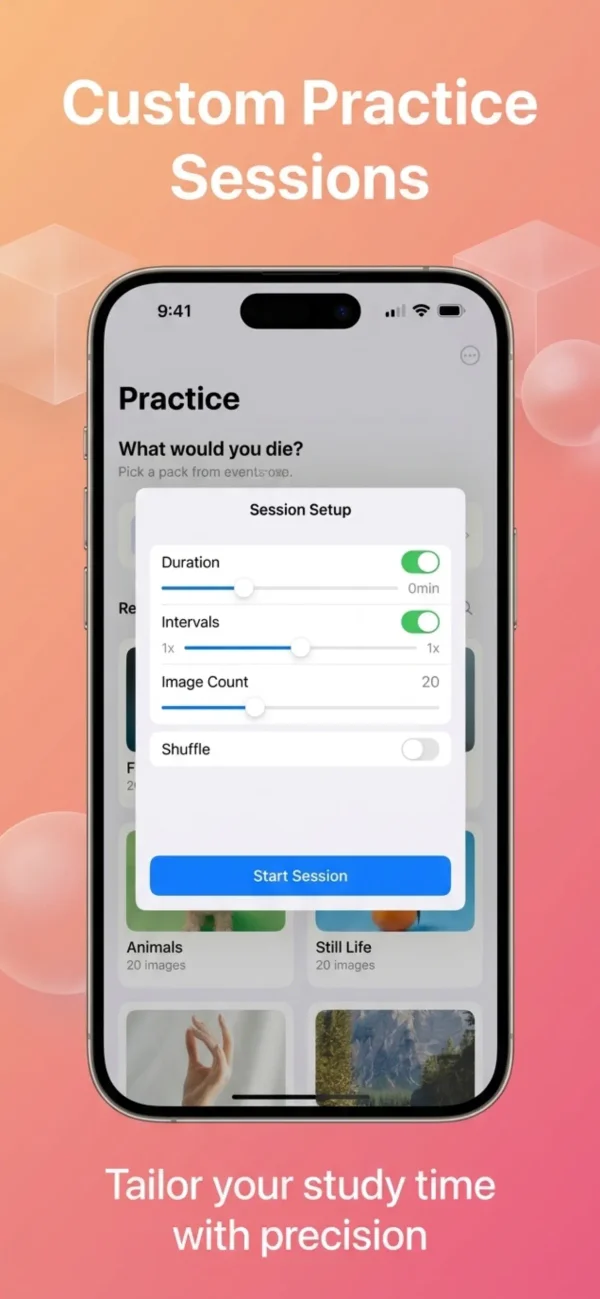
Pick a subject — figures, faces, hands and feet, animals, still life or environments. Set your interval: 30 seconds for gesture, or up to 10 minutes for longer study. Draw. The app handles the rest.
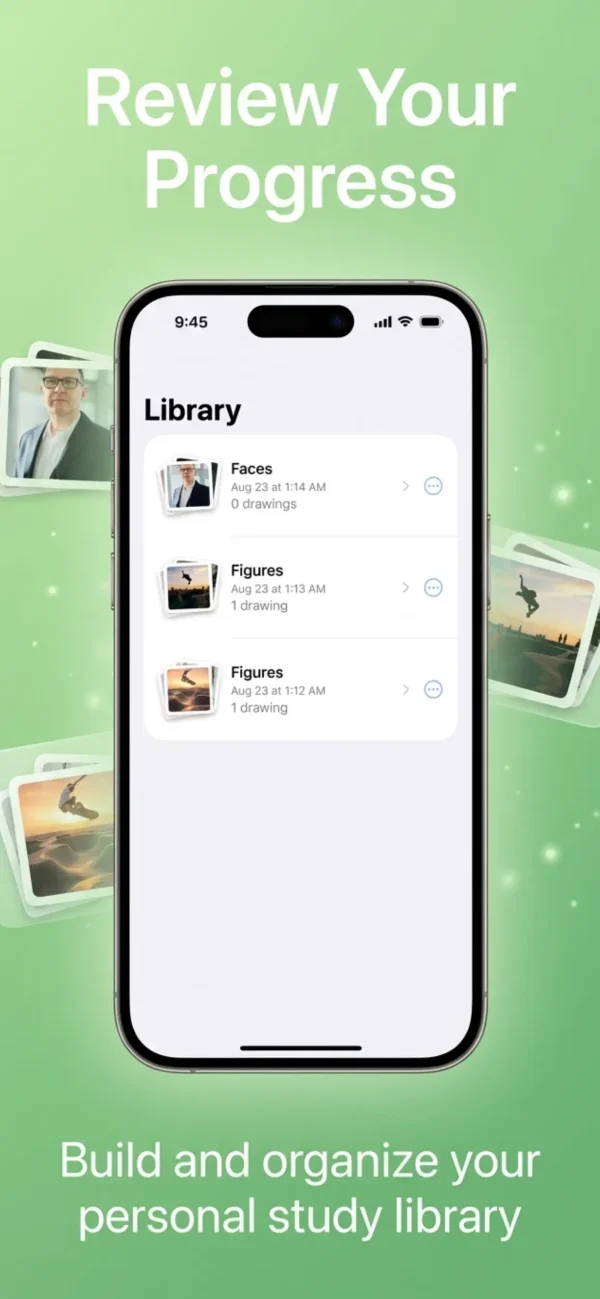
Every pose you draw is saved automatically to your Library. Nothing to remember, nothing to export mid-session.
DRAW THE WAY YOU ALREADY DO
Apple Pencil or fingertip — both work, and both are first class. The drawing tools are the same ones you already know from Notes: pen, pencil, marker, crayon, watercolour, two erasers, ruler, and full colour control with opacity.
Choose your paper: plain, cream, newsprint, watercolour, dot grid or ruled.
TWO WAYS TO WORK
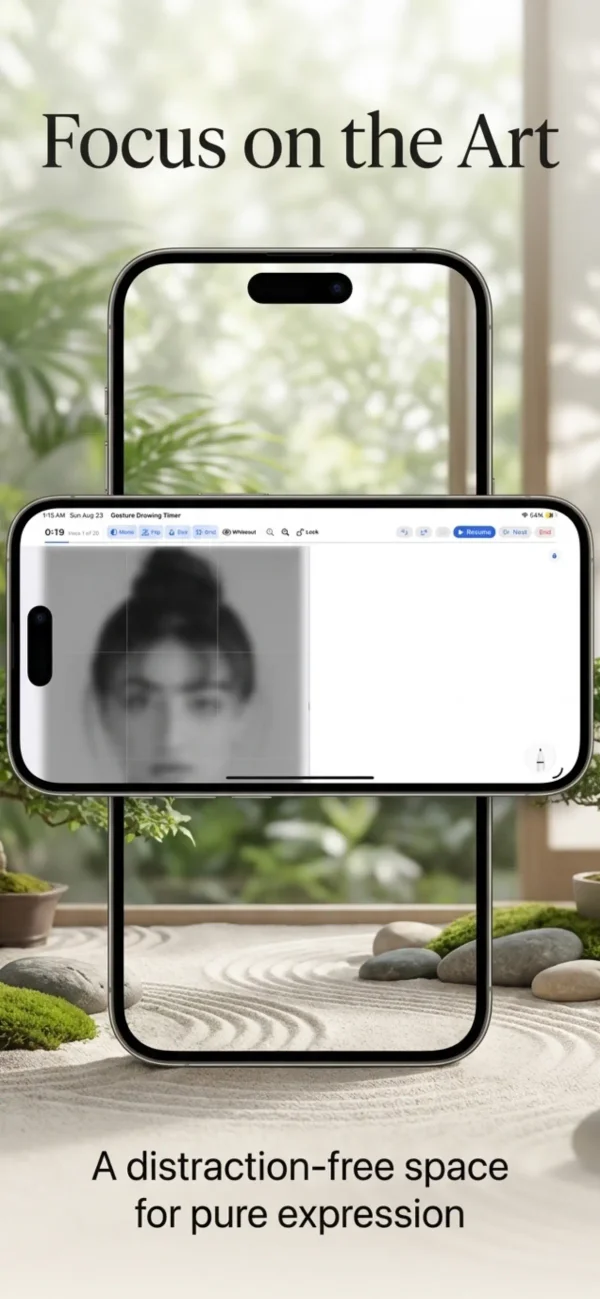
Side by Side — reference and canvas together, with a drag handle to set the split how you like it.
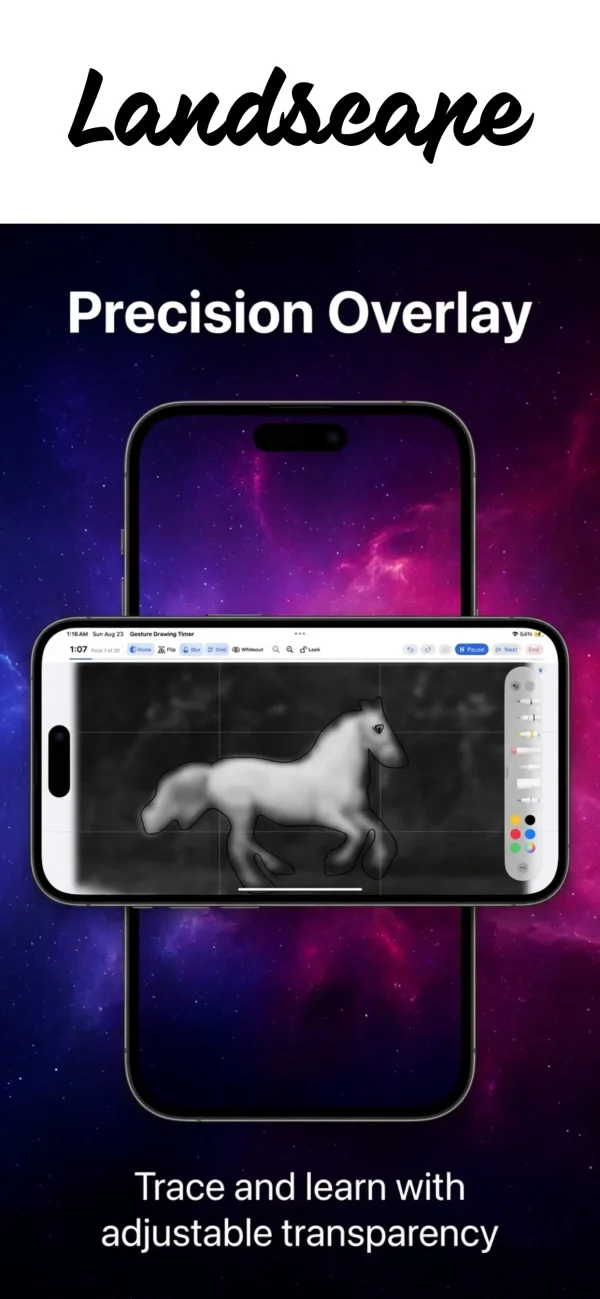
Overlay — draw straight over the reference for value and proportion studies.
Or skip the reference entirely and use it as a plain timed sketchpad.
STUDY AIDS
Greyscale to judge values without colour. Flip to catch your own drawing bias. Blur for the squint test. Grid for placement. Zoom and lock to work into a hand or a face.
Aids change what you see, never what you save.
YOUR WORK, KEPT
Every session is stored on your device. Come back to the Library to review what you drew, resume a session you left halfway, or export anything to Photos.
PRIVATE BY DEFAULT
No account. No sign-up. No network requests at all. Your drawings never leave your iPad, because there is nowhere for them to go.
Built for artists who want to warm up in five minutes and get to work.
App privacy
What INDRA PANDIT declares on the App Store about how this app handles data.
-
Data not collected
The developer does not collect any data from this app.
Privacy practices may vary, for example with the features you use or your age.
Information
- Seller
- INDRA PANDIT
- Category
- Graphics & Design
- Version
- 1.0
- Updated
- Aug 27, 2026
- Released
- Aug 27, 2026
- Size
- 21.6 MB
- Requires
- iOS 17.0 or later
- Age rating
- 4+
- Price
- Free
- Languages
- English
- Copyright
- © 2026 @ Airsoft Inc.
You might also like
-
 Seshr: Build Drawing SessionsTimed intervals, your images.
-
 Stipple Pose TimerFigure Drawing Practice Timer
-
 QuickSketchDailyGraphics & Design
-
 refs.draw with references
-
 PictureTimerGesture Drawing Practice Timer
-
 PoseTimeTimed Drawing for Artists
-
 Animatya - Animation CreatorFlipbook 2D Animation Drawing
-
 Quick Poses: Gesture DrawingImprove with timed practice
-
 Learn How to Anime Draw ArtLearn Anime Drawing by Step
-
 Fliplo: Frame-by-Frame AnimateDraw, Animate & Export GIFs