GridWeave
Grid-Based Pixel Design Tool
Entwickelt für iPhone, iPad, iPod touch
Kostenlos
- Altersfreigabe9+
- KategorieProduktivität
- Entwickler凌峰 孟
- SprachenEnglisch+ 3 weitere
- Größe17,1 MB
Verlinkt auf die offizielle App Store-Seite
Download.org hostet keine Datei von GridWeave. Die Schaltfläche öffnet die App-Seite bei App Store, wo 凌峰 孟 die App veröffentlicht. Eintrag zuletzt geprüft am 12.11.2026.
Screenshots


Info
Der Entwickler hat diesen Text nicht in Ihrer Sprache bereitgestellt.
GridWeave is a pixel pattern design tool focused on grid-based creation.
It helps you turn images and ideas into clear, editable, and printable pixel patterns.
Whether you are working on beading, embroidery, or other grid-based crafts,
GridWeave provides a stable and intuitive workflow designed for real-world making.
Key Features
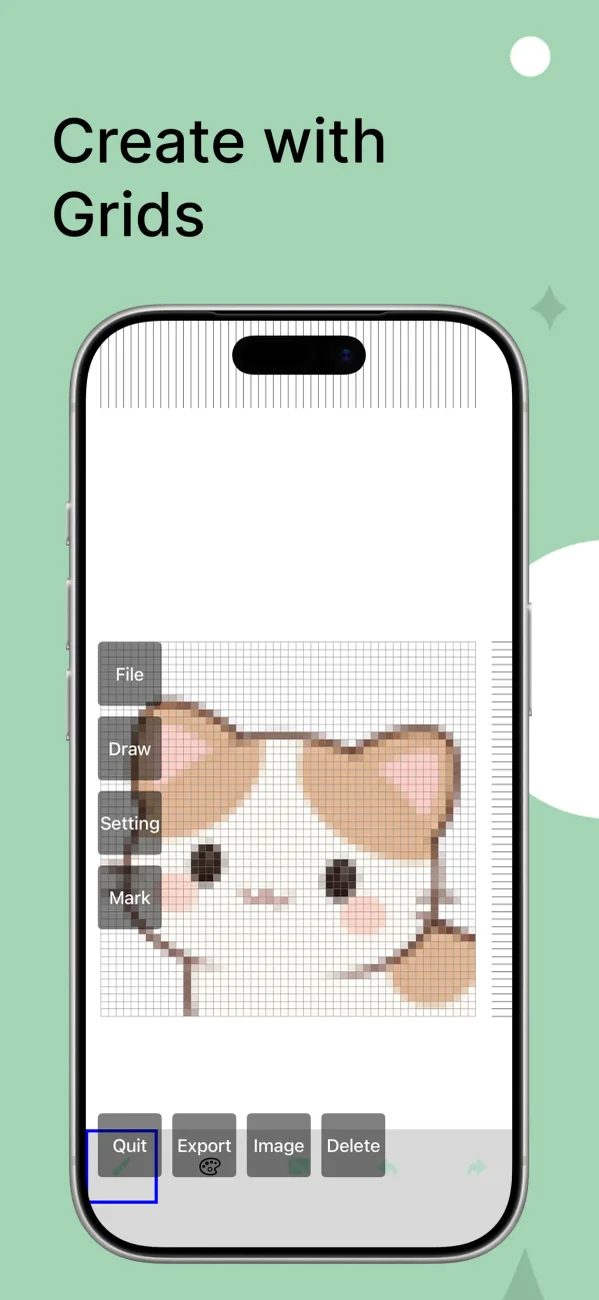
• Precise grid-based design
Every grid cell is clearly defined and fully controllable, ensuring a true WYSIWYG editing experience.
• Convert images into makeable pixel patterns
Transform images into pixel patterns that are suitable for actual crafting, not just visual pixelation.
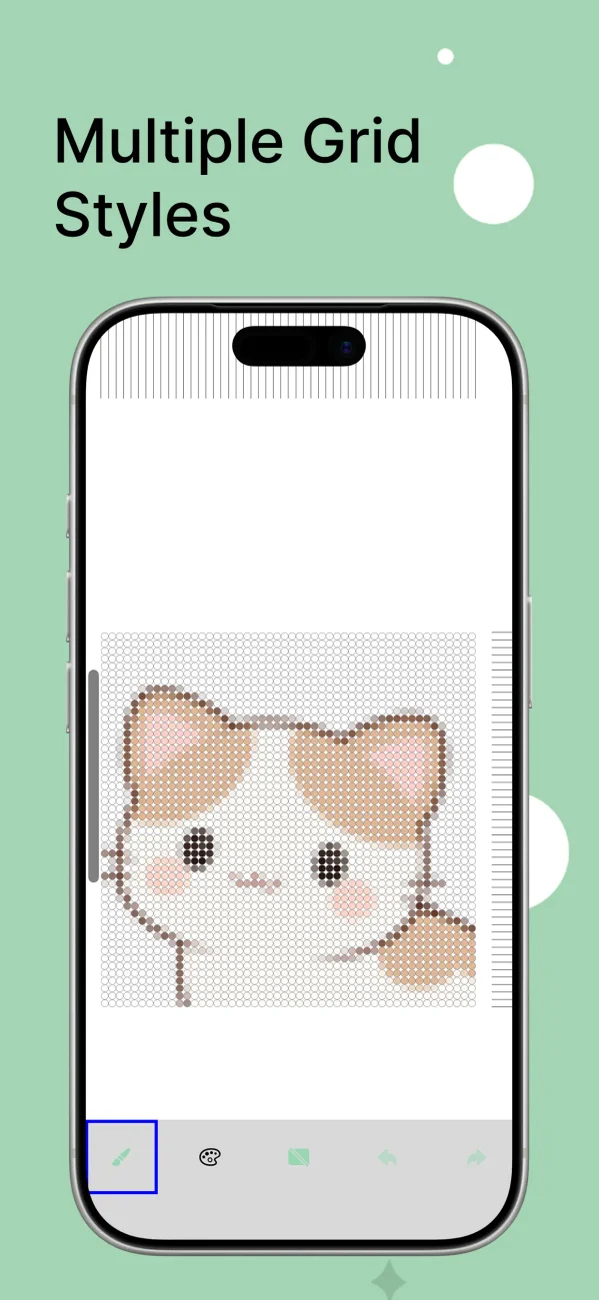
• Multiple grid styles
Support for different grid styles to fit various creative needs.
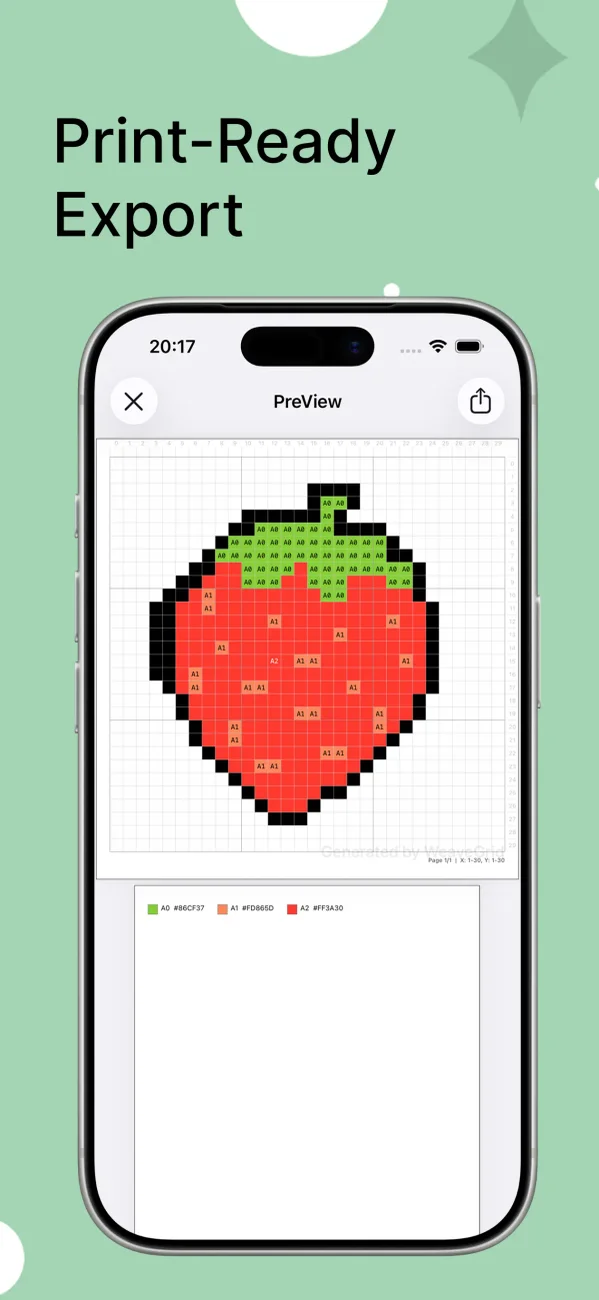
• Export print-ready patterns (PDF)
Clear grids and color references make patterns easy to print and use for crafting.
• Fully local processing
All images and patterns are processed locally on your device. No data is uploaded to any server.
Use Cases
• Beading
• Embroidery / Cross-stitch
• Perler beads / Pixel crafts
• Other grid-based creative work
GridWeave is designed to be a clear, reliable, and production-oriented pixel design tool,
helping you turn ideas into patterns you can truly make.
Neue Funktionen
Version 2.1.2 · 05.01.2026
• Added image import and pixel conversion
Import images from your photo library or camera and convert them into pixel grids.
• Added manual annotations
Add markers to specific grid cells for clearer patterns.
• Project deletion on the home screen
Manage and organize your projects more easily.
• Improved export features
Export patterns as PDF with new export options and optimized layout.
• Bug fixes and performance improvements
App-Datenschutz
Was 凌峰 孟 im App Store zum Umgang dieser App mit Daten angibt.
-
Keine Daten erfasst
Der Entwickler erfasst keine Daten von dieser App.
Die Datenschutzpraktiken können variieren, zum Beispiel je nach den von Ihnen verwendeten Funktionen oder Ihrem Alter.
Informationen
- Anbieter
- 凌峰 孟
- Kategorie
- Produktivität
- Version
- 2.1.2
- Aktualisiert
- 05.01.2026
- Veröffentlicht
- 01.06.2021
- Größe
- 17,1 MB
- Erfordert
- iOS 14.1 oder neuer
- Altersfreigabe
- 9+
- Preis
- Kostenlos
- Sprachen
- Englisch, Japanisch, Vereinf. Chinesisch, Tradit. Chinesisch
- Copyright
- © MarcosMeng
Das könnte Ihnen auch gefallen
-
 Weave DesignerProduktivität
-
 线岛 - 织女从毛线到编织、钩织的记录管理Produktivität
-
 布岛 - 从布料到作品的缝纫记录管理Produktivität
-
 Pixel Draw Zeichnen Sie KunstLustige Kunst
-
 CardFlow Minimal WritingProduktivität
-
 Stitch CreatorFotos in Muster verwandeln
-
 LifePlan - Goal & OKR PlannerProduktivität
-
 Curve-FitProduktivität
-
 集中旅行者 - フォーカスフライトでスマやめ 勉強時間記録Produktivität
-
 Slob Reminder - StundenschlagZeitplan maker todolist Alarm