- Age rating9+
- CategoryProductivity
- Developer凌峰 孟
- LanguagesEnglish+ 3 more
- Size17.1 MB
Links to the official App Store page
Download.org hosts no file of GridWeave. The button opens its official App Store page, published by 凌峰 孟. Listing last checked on Nov 12, 2026.
Screenshots


About
GridWeave is a pixel pattern design tool focused on grid-based creation.
It helps you turn images and ideas into clear, editable, and printable pixel patterns.
Whether you are working on beading, embroidery, or other grid-based crafts,
GridWeave provides a stable and intuitive workflow designed for real-world making.
Key Features
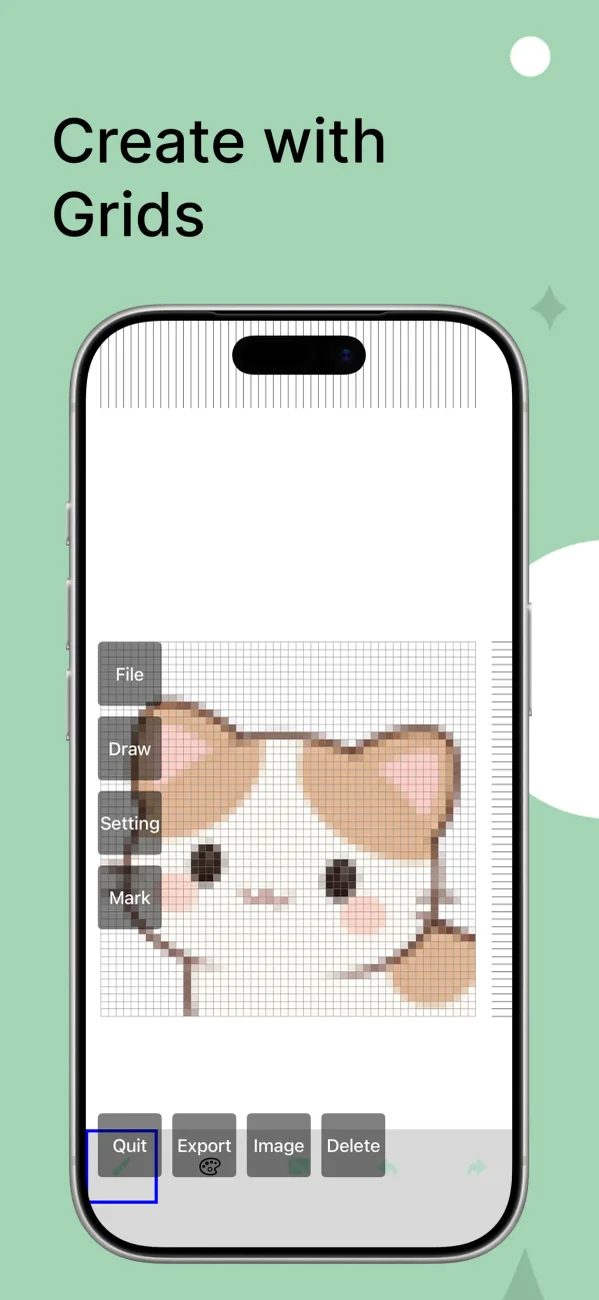
• Precise grid-based design
Every grid cell is clearly defined and fully controllable, ensuring a true WYSIWYG editing experience.
• Convert images into makeable pixel patterns
Transform images into pixel patterns that are suitable for actual crafting, not just visual pixelation.
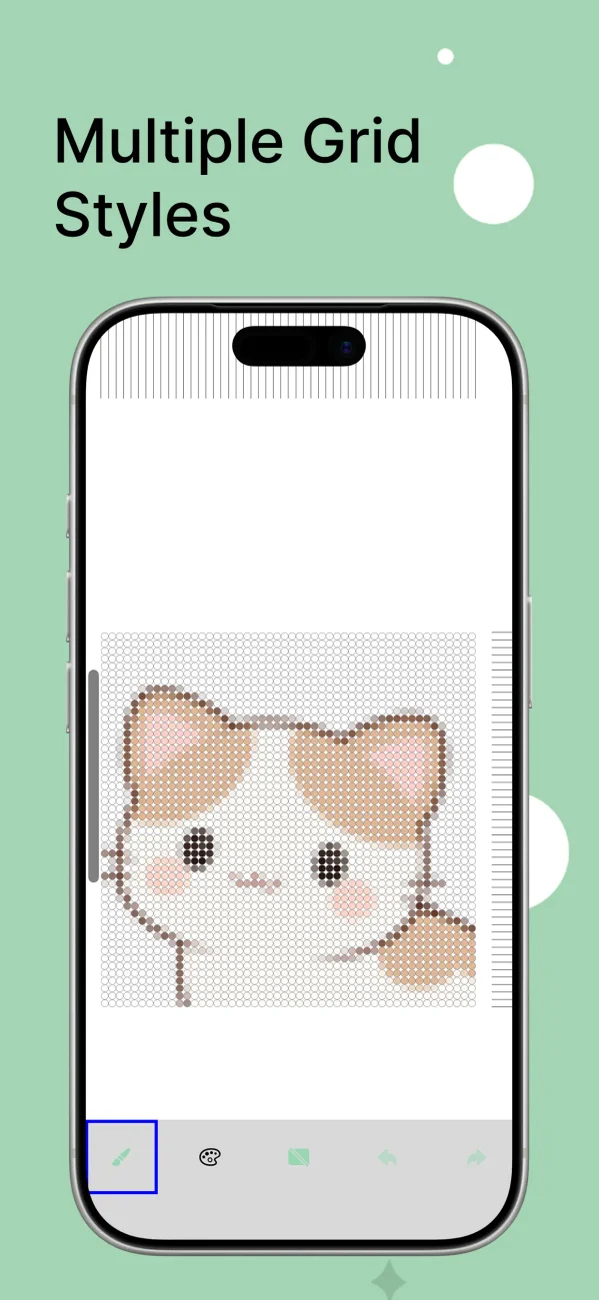
• Multiple grid styles
Support for different grid styles to fit various creative needs.
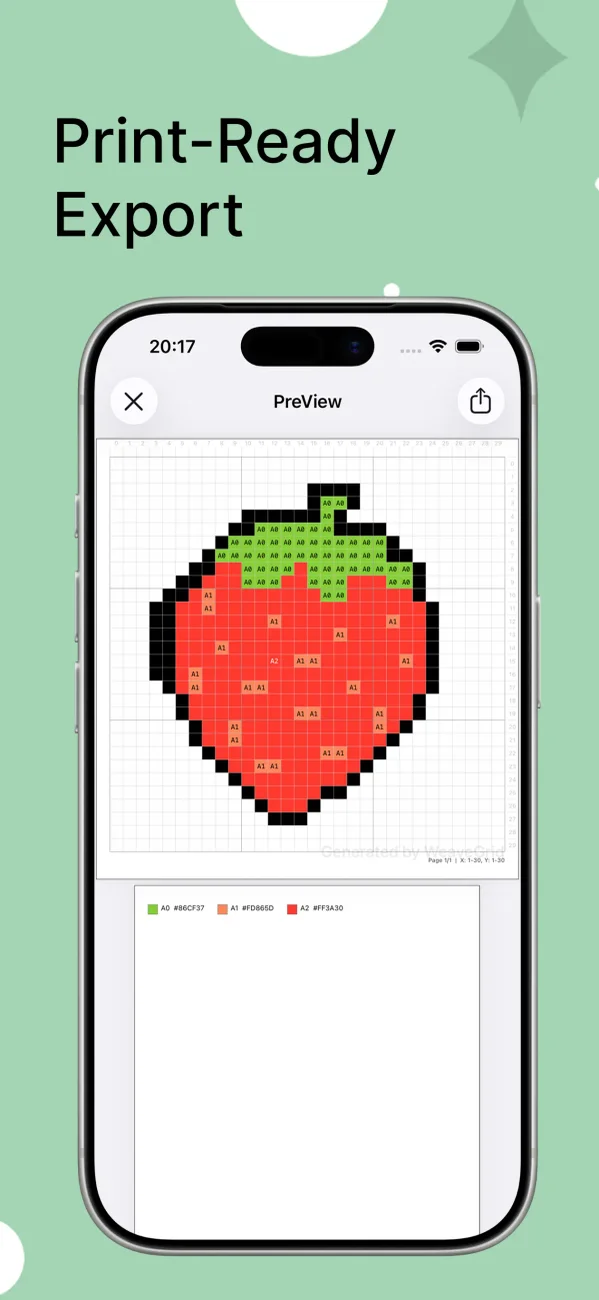
• Export print-ready patterns (PDF)
Clear grids and color references make patterns easy to print and use for crafting.
• Fully local processing
All images and patterns are processed locally on your device. No data is uploaded to any server.
Use Cases
• Beading
• Embroidery / Cross-stitch
• Perler beads / Pixel crafts
• Other grid-based creative work
GridWeave is designed to be a clear, reliable, and production-oriented pixel design tool,
helping you turn ideas into patterns you can truly make.
What’s new
Version 2.1.2 · Jan 5, 2026
• Added image import and pixel conversion
Import images from your photo library or camera and convert them into pixel grids.
• Added manual annotations
Add markers to specific grid cells for clearer patterns.
• Project deletion on the home screen
Manage and organize your projects more easily.
• Improved export features
Export patterns as PDF with new export options and optimized layout.
• Bug fixes and performance improvements
App privacy
What 凌峰 孟 declares on the App Store about how this app handles data.
-
Data not collected
The developer does not collect any data from this app.
Privacy practices may vary, for example with the features you use or your age.
Information
- Seller
- 凌峰 孟
- Category
- Productivity
- Version
- 2.1.2
- Updated
- Jan 5, 2026
- Released
- Jun 1, 2021
- Size
- 17.1 MB
- Requires
- iOS 14.1 or later
- Age rating
- 9+
- Price
- Free
- Languages
- English, Japanese, Simplified Chinese, Traditional Chinese
- Copyright
- © MarcosMeng
You might also like
-
 Weave DesignerApp for creating weave pattern
-
 线岛 - 织女从毛线到编织、钩织的记录管理Productivity
-
 布岛 - 从布料到作品的缝纫记录管理Productivity
-
 Pixel Draw-Draw your own ArtFun Art
-
 CardFlow Minimal WritingCard-based story writing tool
-
 Stitch CreatorTurn Photos Into Patterns
-
 LifePlan - Goal & OKR PlannerGoal planner OKR habit tracker
-
 Curve-FitCurve Fitting by Least Squares
-
 集中旅行者 - フォーカスフライトでスマやめ 勉強時間記録Productivity
-
 Slob Reminder- hourly schedulechime maker todolist alarm