GridWeave
Grid-Based Pixel Design Tool
Được thiết kế cho iPhone, iPad, iPod touch
Miễn phí
- Độ tuổi9+
- Danh mụcHiệu Suất
- Nhà phát triển凌峰 孟
- Ngôn ngữTiếng Anh+ 3 ngôn ngữ khác
- Kích thước17,1 MB
Liên kết đến trang App Store chính thức
Download.org không lưu trữ tệp nào của GridWeave. Nút này mở trang ứng dụng trên App Store, nơi 凌峰 孟 phát hành ứng dụng. Trang được kiểm tra lần cuối: 12/11/2026.
Ảnh chụp màn hình


Giới thiệu
Nhà phát triển chưa cung cấp nội dung này bằng ngôn ngữ của bạn.
GridWeave is a pixel pattern design tool focused on grid-based creation.
It helps you turn images and ideas into clear, editable, and printable pixel patterns.
Whether you are working on beading, embroidery, or other grid-based crafts,
GridWeave provides a stable and intuitive workflow designed for real-world making.
Key Features
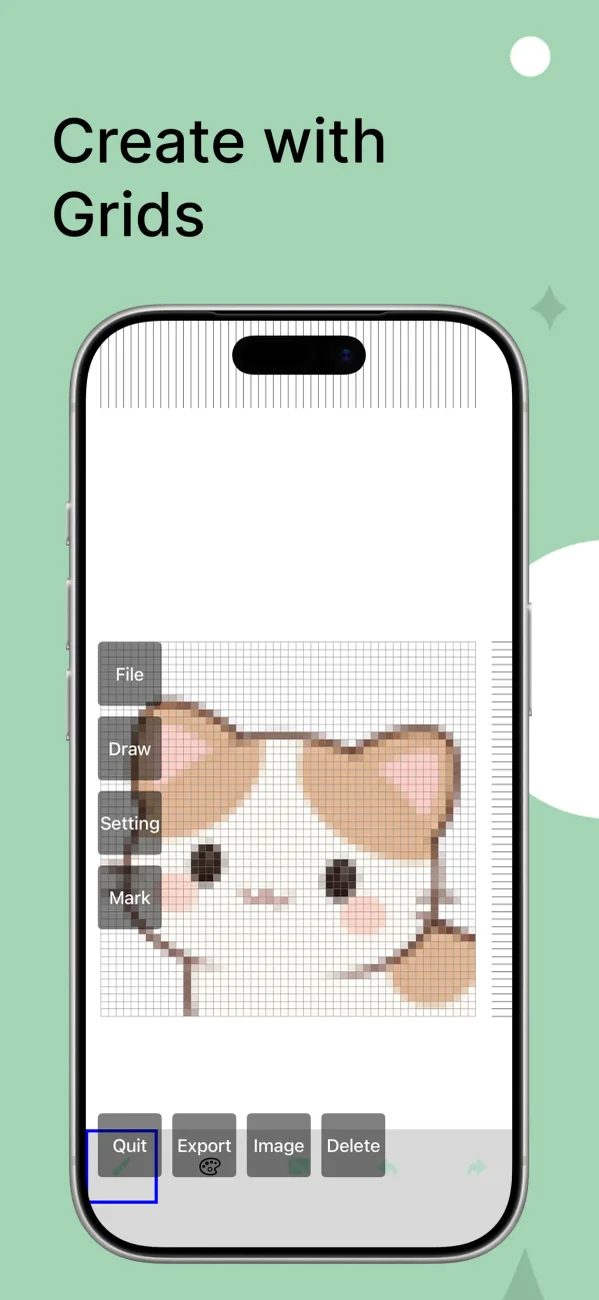
• Precise grid-based design
Every grid cell is clearly defined and fully controllable, ensuring a true WYSIWYG editing experience.
• Convert images into makeable pixel patterns
Transform images into pixel patterns that are suitable for actual crafting, not just visual pixelation.
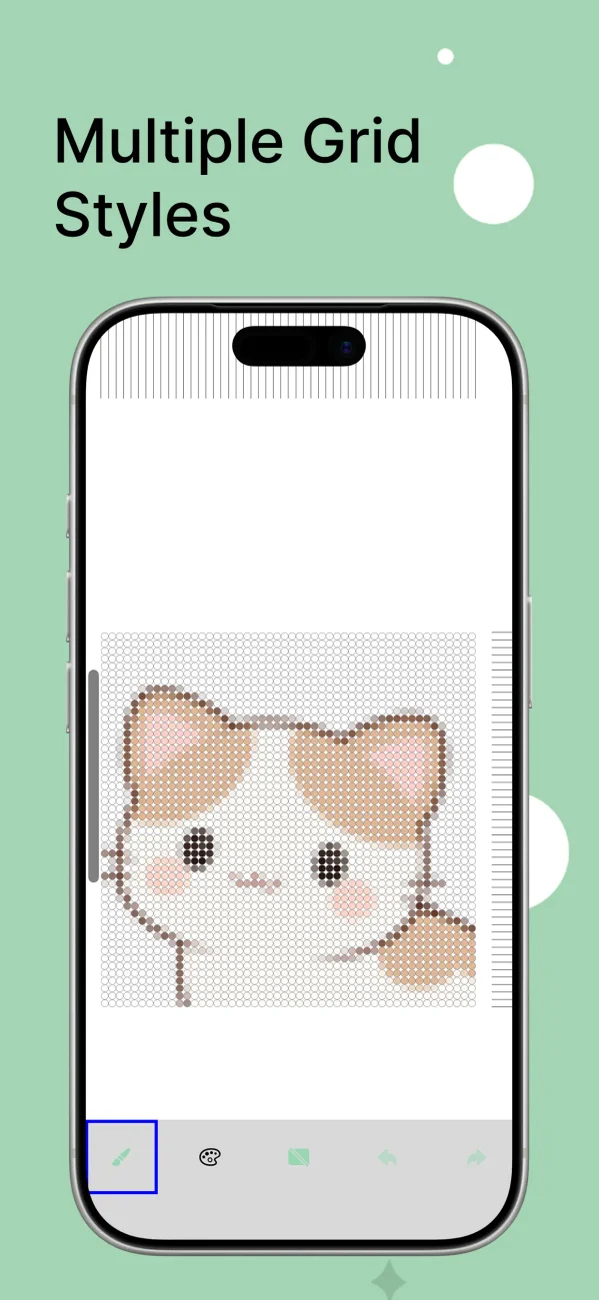
• Multiple grid styles
Support for different grid styles to fit various creative needs.
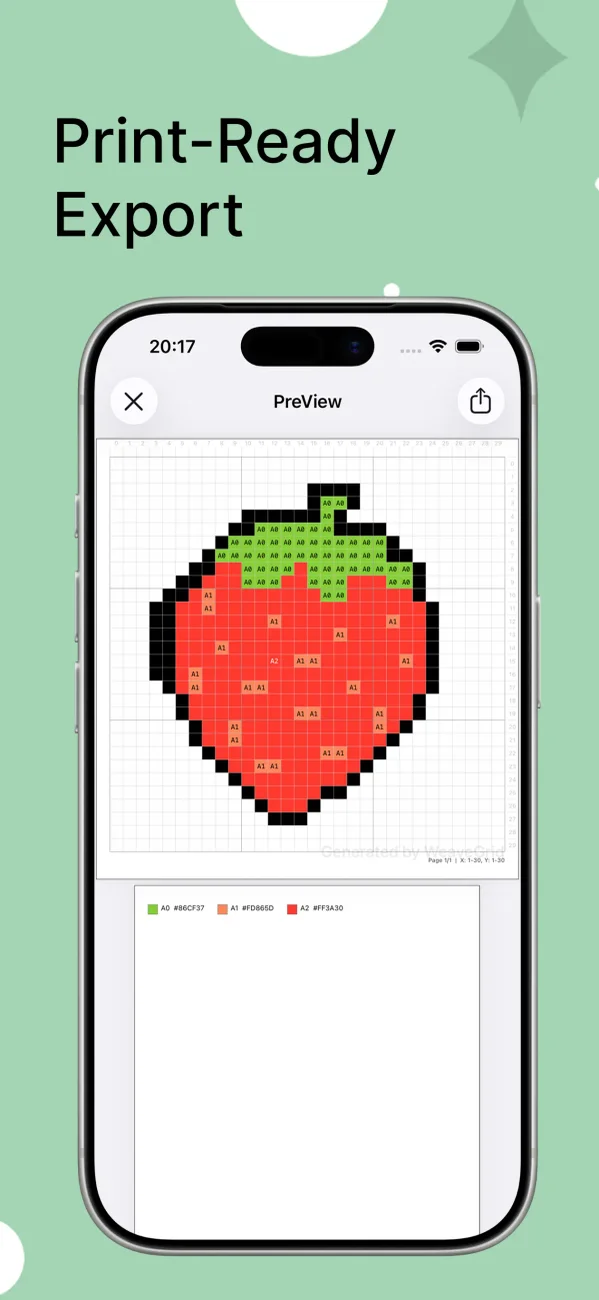
• Export print-ready patterns (PDF)
Clear grids and color references make patterns easy to print and use for crafting.
• Fully local processing
All images and patterns are processed locally on your device. No data is uploaded to any server.
Use Cases
• Beading
• Embroidery / Cross-stitch
• Perler beads / Pixel crafts
• Other grid-based creative work
GridWeave is designed to be a clear, reliable, and production-oriented pixel design tool,
helping you turn ideas into patterns you can truly make.
Có gì mới
Phiên bản 2.1.2 · 05/01/2026
• Added image import and pixel conversion
Import images from your photo library or camera and convert them into pixel grids.
• Added manual annotations
Add markers to specific grid cells for clearer patterns.
• Project deletion on the home screen
Manage and organize your projects more easily.
• Improved export features
Export patterns as PDF with new export options and optimized layout.
• Bug fixes and performance improvements
Quyền riêng tư của ứng dụng
Những gì 凌峰 孟 khai báo trên App Store về cách ứng dụng này xử lý dữ liệu.
-
Dữ liệu không được thu thập
Nhà phát triển không thu thập bất kỳ dữ liệu nào từ ứng dụng này.
Phương thức đảm bảo quyền riêng tư có thể khác nhau, chẳng hạn như tuỳ theo các tính năng bạn sử dụng hoặc độ tuổi của bạn.
Thông tin
- Người bán
- 凌峰 孟
- Danh mục
- Hiệu Suất
- Phiên bản
- 2.1.2
- Cập nhật
- 05/01/2026
- Phát hành
- 01/06/2021
- Kích thước
- 17,1 MB
- Yêu cầu
- iOS 14.1 trở lên
- Độ tuổi
- 9+
- Giá
- Miễn phí
- Ngôn ngữ
- Tiếng Anh, Tiếng Nhật, Tiếng Trung Giản thể, Tiếng Trung Phồn thể
- Bản quyền
- © MarcosMeng
Có thể bạn cũng thích
-
 Weave DesignerHiệu Suất
-
 线岛 - 织女从毛线到编织、钩织的记录管理Hiệu Suất
-
 布岛 - 从布料到作品的缝纫记录管理Hiệu Suất
-
 Pixel Draw-Vẽ của riêng bạnNghệ thuật vui nhộn
-
 CardFlow Minimal WritingHiệu Suất
-
 Stitch CreatorHiệu Suất
-
 LifePlan - Goal & OKR PlannerHiệu Suất
-
 Curve-FitHiệu Suất
-
 集中旅行者 - フォーカスフライトでスマやめ 勉強時間記録Hiệu Suất
-
 Slob Reminder- hourly scheduleHiệu Suất