
Hop — SSH Client
SSH client & terminal
Entwickelt für iPhone, iPad
Kostenlos · In-App-Käufe
- Altersfreigabe4+
- KategorieEntwickler-Tools
- EntwicklerJUAN DE DIOS FRAUSTO RAMIREZ
- SprachenEnglisch+ 1 weitere
- Größe15,0 MB
Verlinkt auf die offizielle App Store-Seite
Download.org hostet keine Datei von Hop — SSH Client. Die Schaltfläche öffnet die App-Seite bei App Store, wo JUAN DE DIOS FRAUSTO RAMIREZ die App veröffentlicht. Eintrag zuletzt geprüft am 14.11.2026.
Screenshots

Info
Der Entwickler hat diesen Text nicht in Ihrer Sprache bereitgestellt.
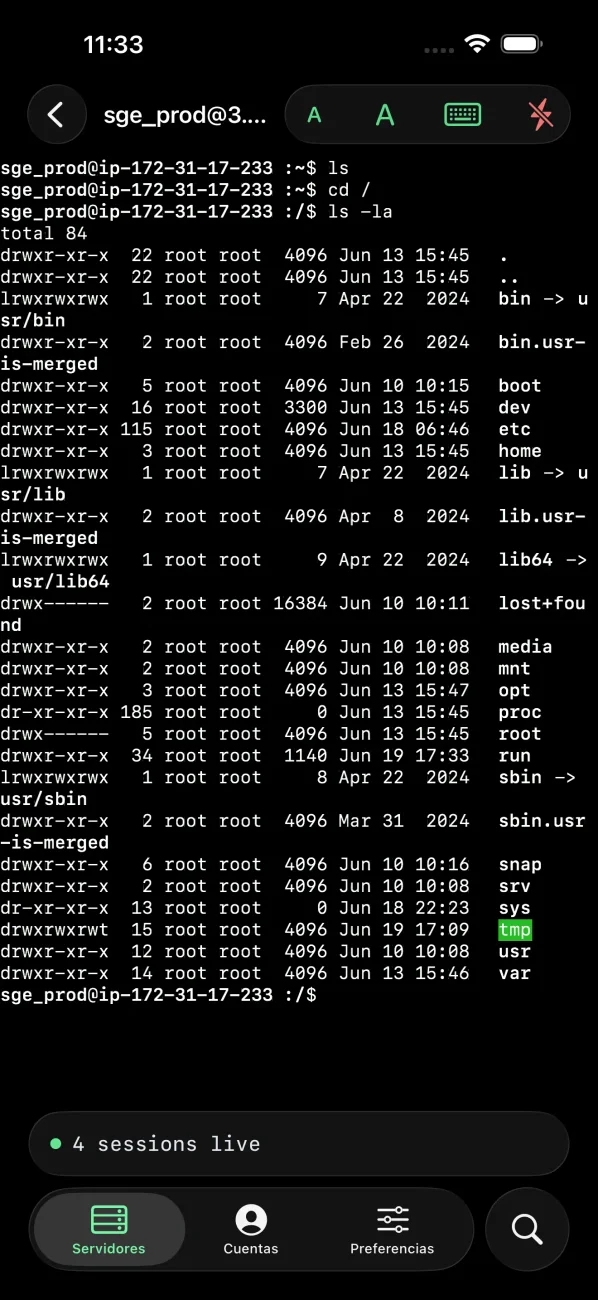
Hop is a fast, beautiful SSH client for iPadOS and iOS, built for developers and sysadmins.
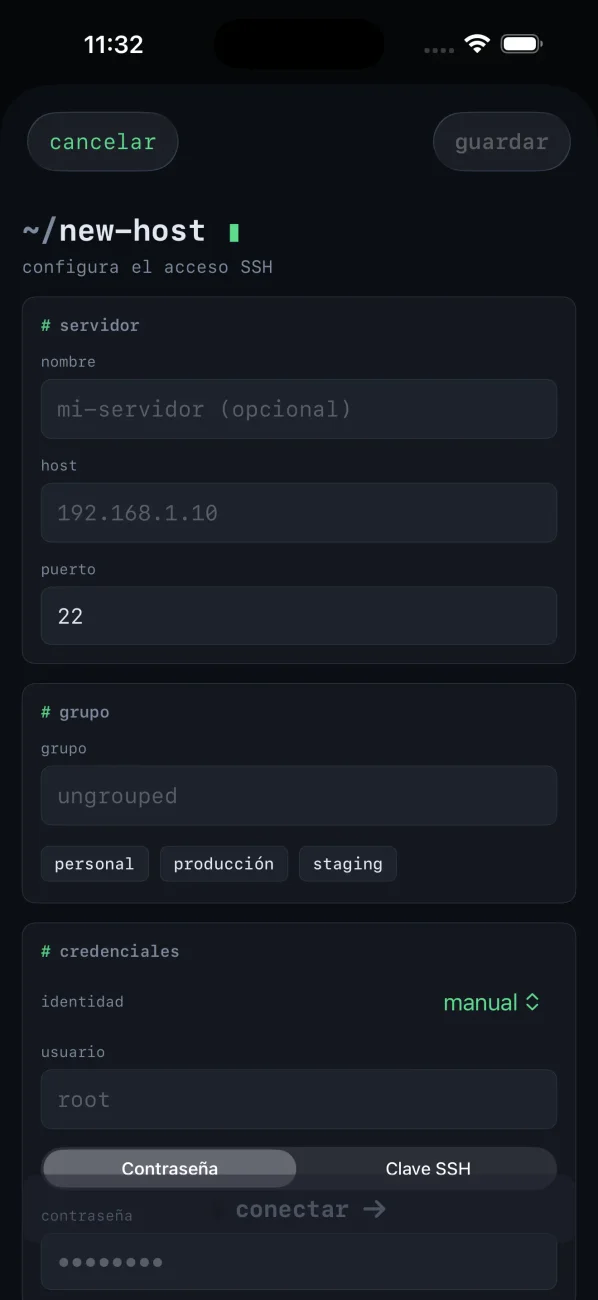
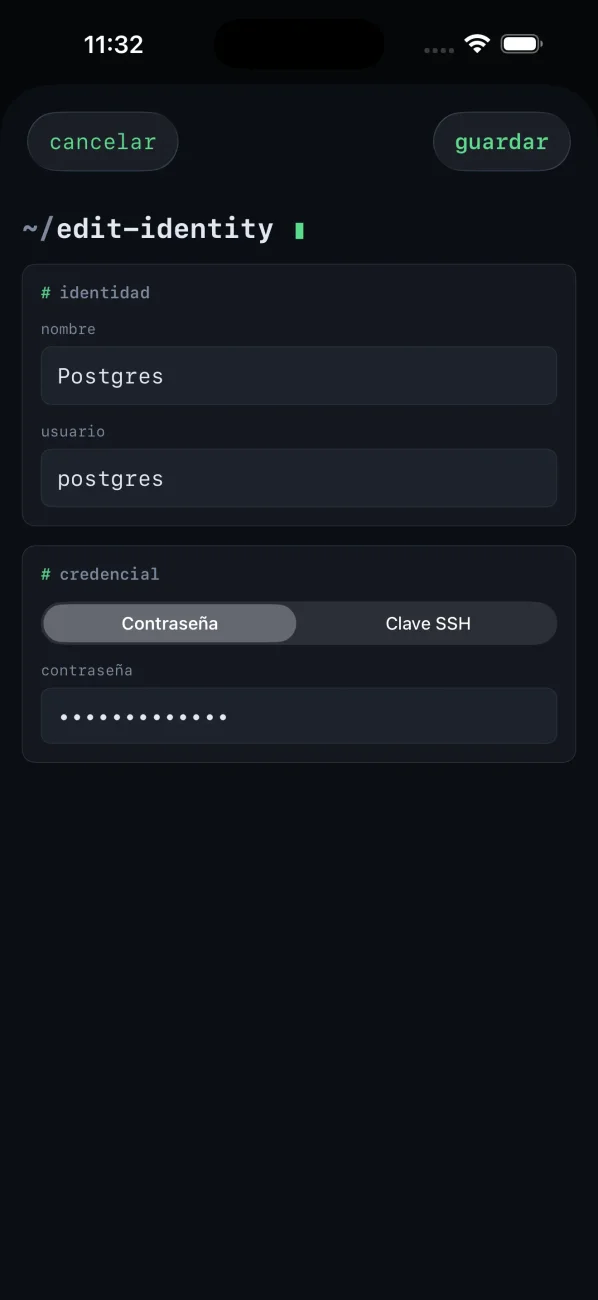
Connect to any server with a password or SSH key and work in a native terminal that feels just like your usual console.
Highlights
• SSH with password or key auth (Ed25519 and RSA, OpenSSH and PKCS#1)
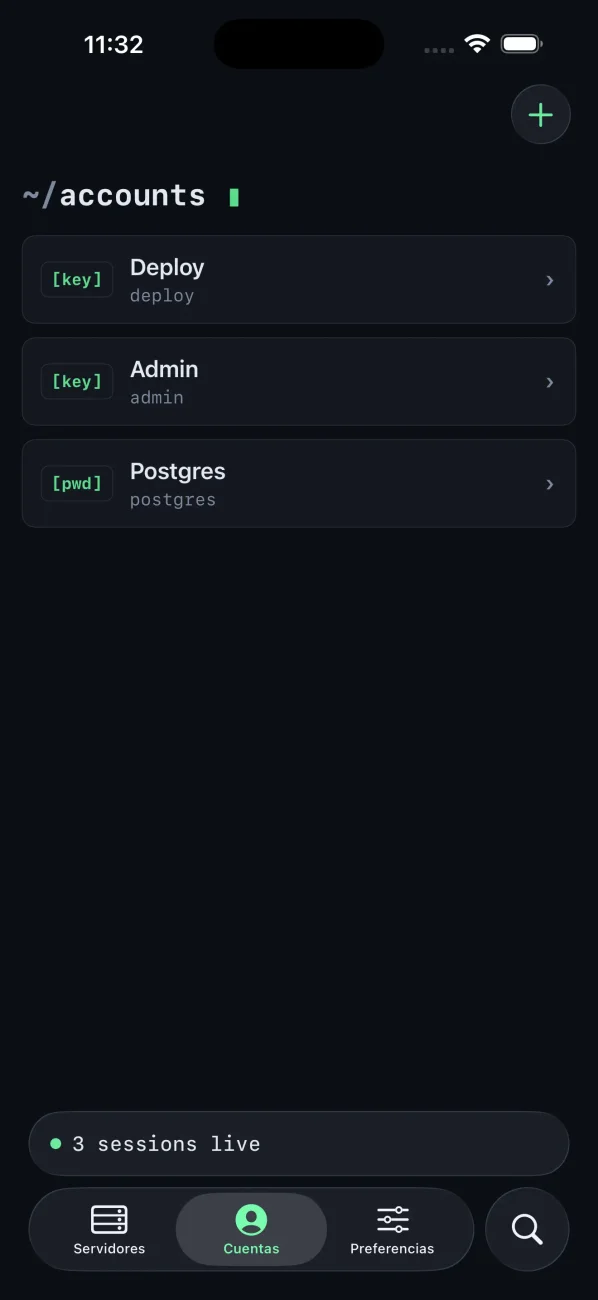
• Reusable identities: save a user + credential and reuse it across servers
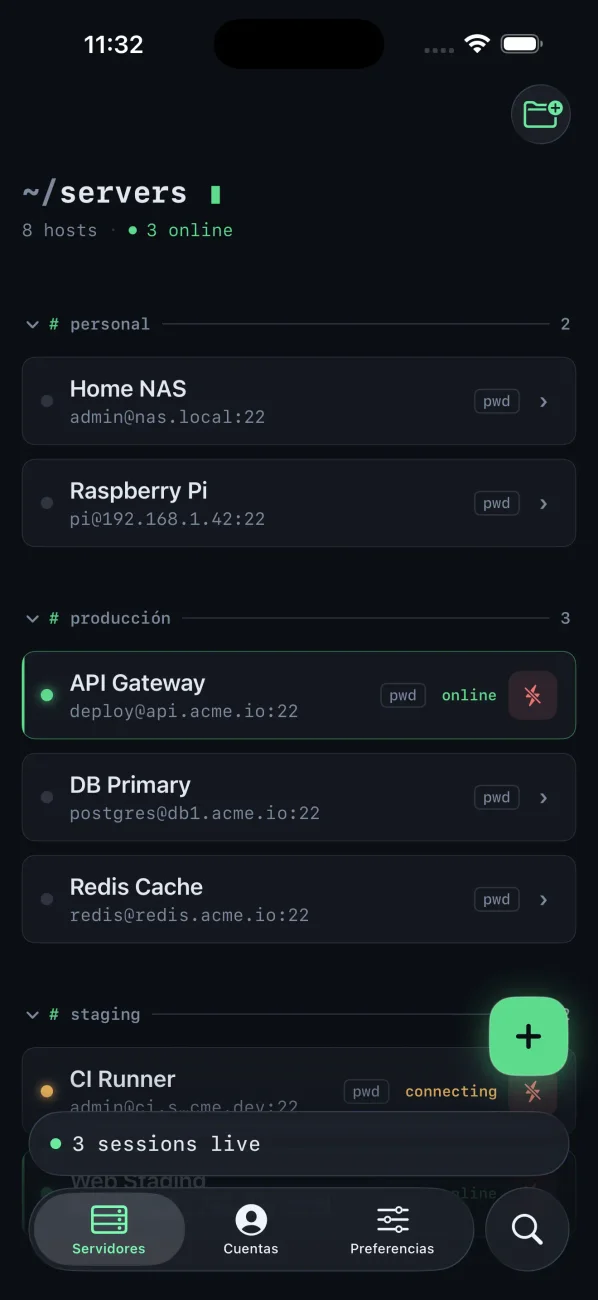
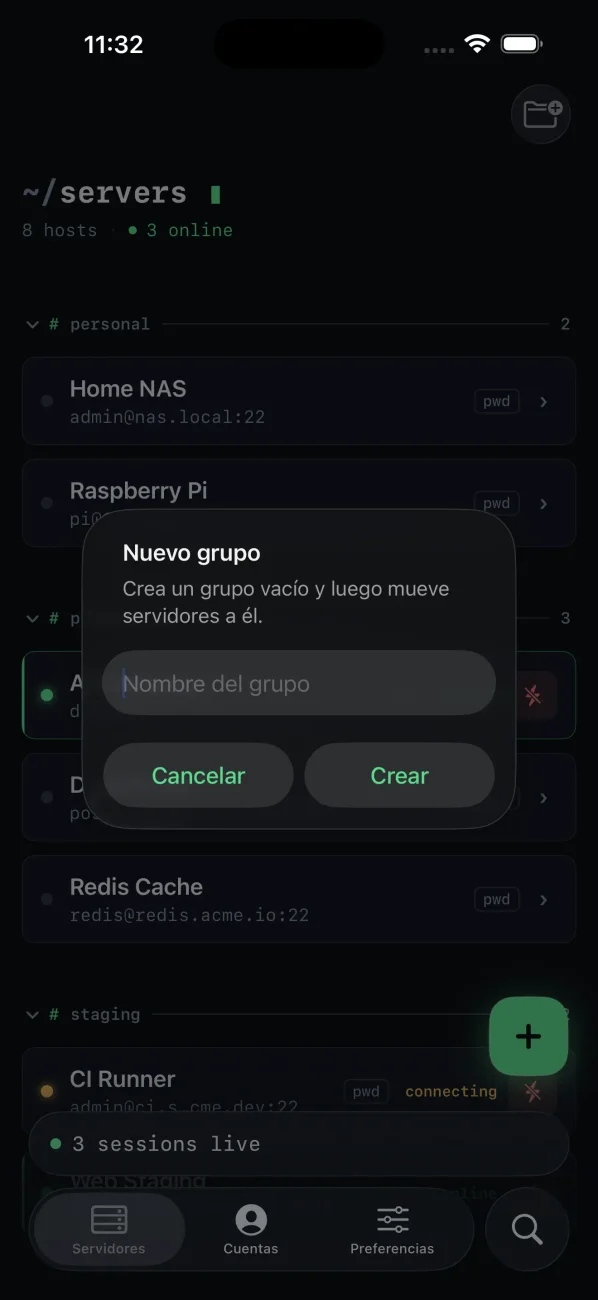
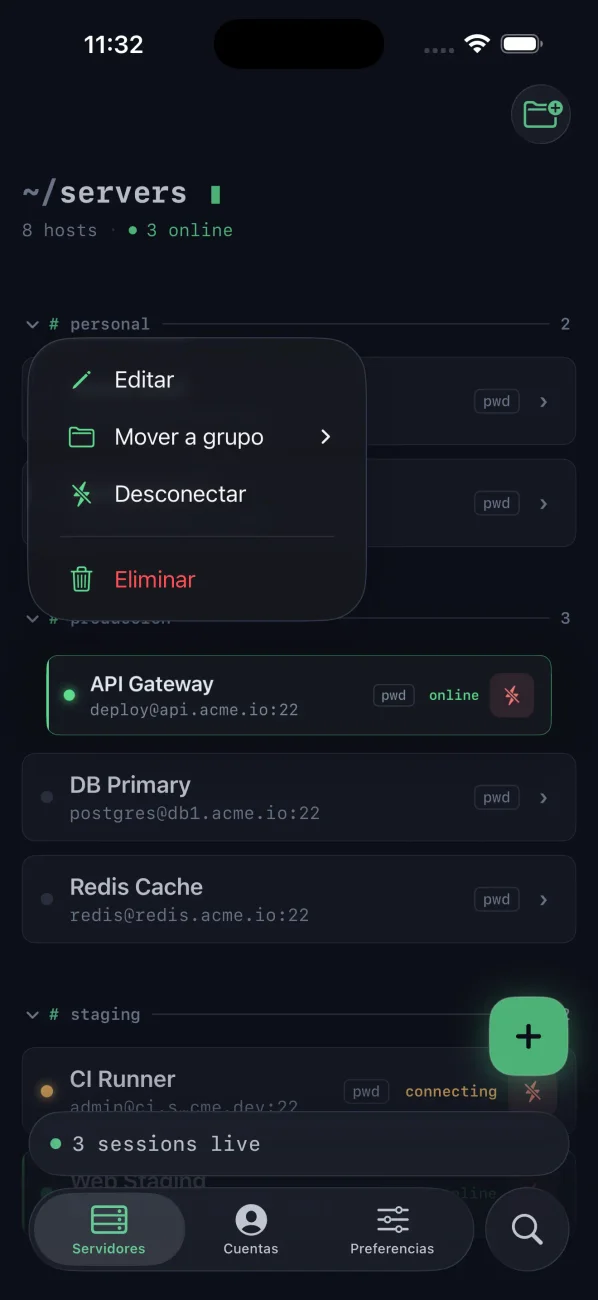
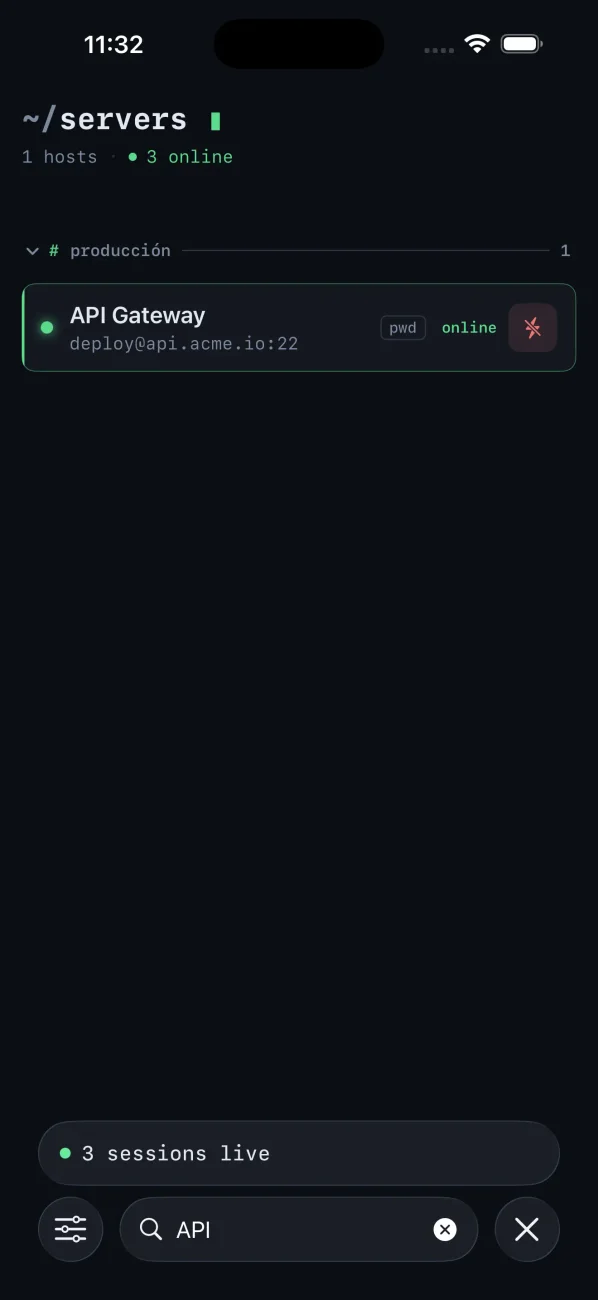
• Organize servers into collapsible groups
• Multiple simultaneous sessions with live status indicators
• Fast terminal with full hardware & Magic Keyboard support
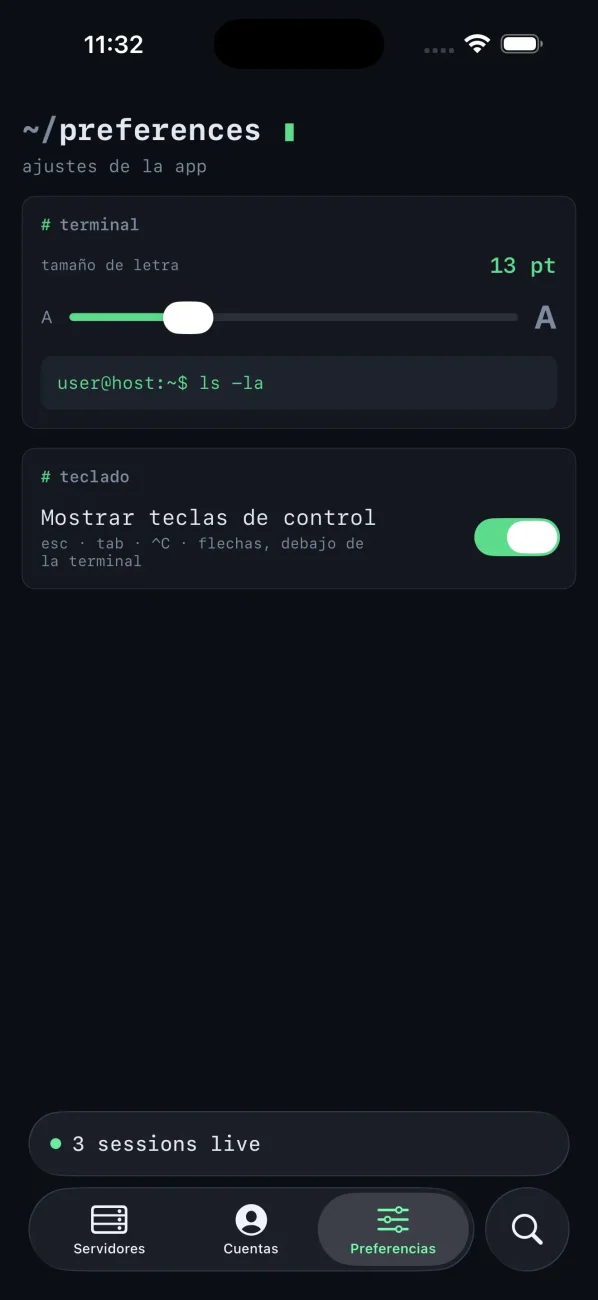
• On-screen control keys (esc, tab, Ctrl, arrows) and text zoom
• Terminal-native dark design with monospaced type
• Credentials secured in the device Keychain
• Available in English and Spanish
Your servers, in your pocket.
Neue Funktionen
Version 1.2 · 09.09.2026
Your remote files, inside Hop
• New Files tab: browse your server over SFTP without typing
paths or opening a terminal
• Open and read remote files in the app (configs, logs), with
sudo when the user you log in as isn't enough
• "Edit in GlassCode": send the file to the editor and Hop
writes it back to the server when you're done
It all rides the connection you already have open: no second
login, and the session you left running is untouched.
Safer
• Host key verification (known_hosts): Hop learns the
fingerprint on the first connection and stops the session if
it ever changes, instead of trusting blindly
• Import your existing known_hosts file
• Review and remove accepted fingerprints from Settings
Steadier
• Auto-reconnect: if the network drops, you switch from Wi-Fi
to cellular, or you wake the iPad, the session comes back on
its own
Also
• Import servers from a ~/.ssh/config file
• Favorites and duplicate server
• Startup commands, one per line (Hop Pro)
• Bell settings: sound and haptics
App-Datenschutz
Was JUAN DE DIOS FRAUSTO RAMIREZ im App Store zum Umgang dieser App mit Daten angibt.
-
Keine Daten erfasst
Der Entwickler erfasst keine Daten von dieser App.
Die Datenschutzpraktiken können variieren, zum Beispiel je nach den von Ihnen verwendeten Funktionen oder Ihrem Alter.
Informationen
- Anbieter
- JUAN DE DIOS FRAUSTO RAMIREZ
- Kategorie
- Entwickler-Tools
- Version
- 1.2
- Aktualisiert
- 09.09.2026
- Veröffentlicht
- 23.06.2026
- Größe
- 15,0 MB
- Erfordert
- iOS 26.0 oder neuer
- Altersfreigabe
- 4+
- Preis
- Kostenlos
- In-App-Käufe
- Ja
- Sprachen
- Englisch, Spanisch
- Copyright
- © 2026 PJASoft
Das könnte Ihnen auch gefallen
-
 Shelify SSH Remote ConnectTerminal, Shell & Server Tool
-
 TermLite: SSH Client TerminalPrivates SSH, SFTP & Terminal
-
 JTermEntwickler-Tools
-
 termi1SSH, Mosh & SFTP. Mit Stimme.
-
 Diffs Agent ClientEntwickler-Tools
-
 Fleet Command: AgentsEntwickler-Tools
-
 OSH - Zero Trust SSHEntwickler-Tools
-
 Icon Finder for ExpoEntwickler-Tools
-
 ShellPhone - SSH clientTerminal, SFTP, Docker & KI
-
 Shellby: SSH Client & TerminalEntwickler-Tools