
Hop — SSH Client
SSH client & terminal
Được thiết kế cho iPhone, iPad
Miễn phí · Mua hàng trong ứng dụng
- Độ tuổi4+
- Danh mụcCông Cụ Nhà Phát Triển
- Nhà phát triểnJUAN DE DIOS FRAUSTO RAMIREZ
- Ngôn ngữTiếng Anh+ 1 ngôn ngữ khác
- Kích thước15,0 MB
Liên kết đến trang App Store chính thức
Download.org không lưu trữ tệp nào của Hop — SSH Client. Nút này mở trang ứng dụng trên App Store, nơi JUAN DE DIOS FRAUSTO RAMIREZ phát hành ứng dụng. Trang được kiểm tra lần cuối: 14/11/2026.
Ảnh chụp màn hình
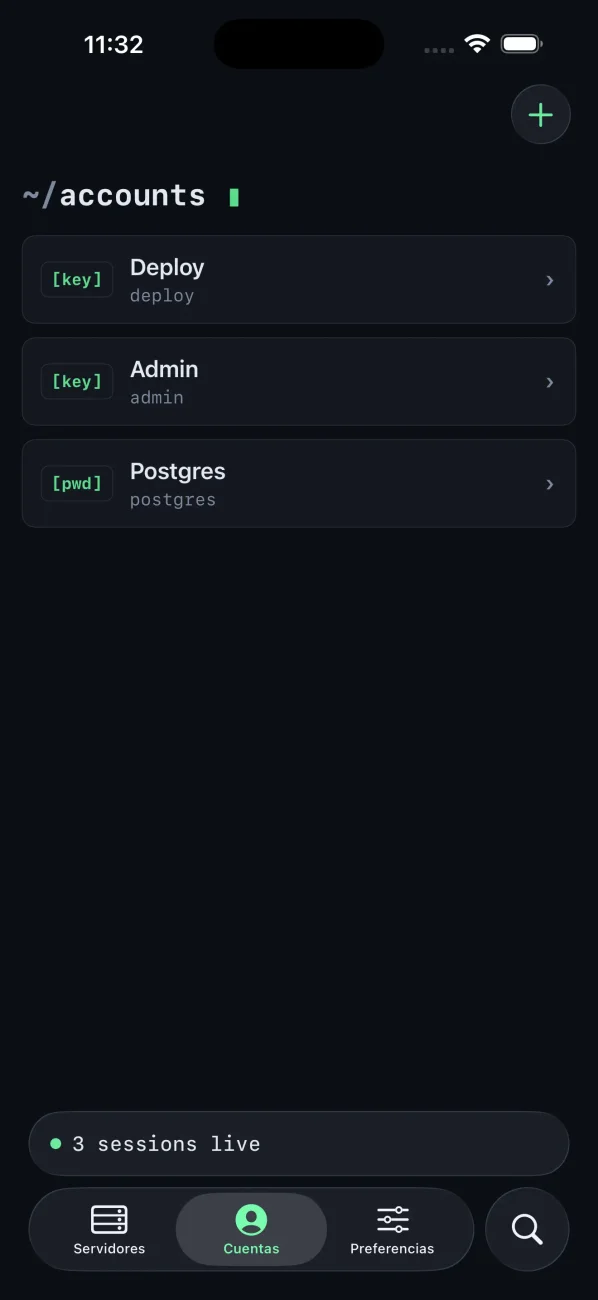
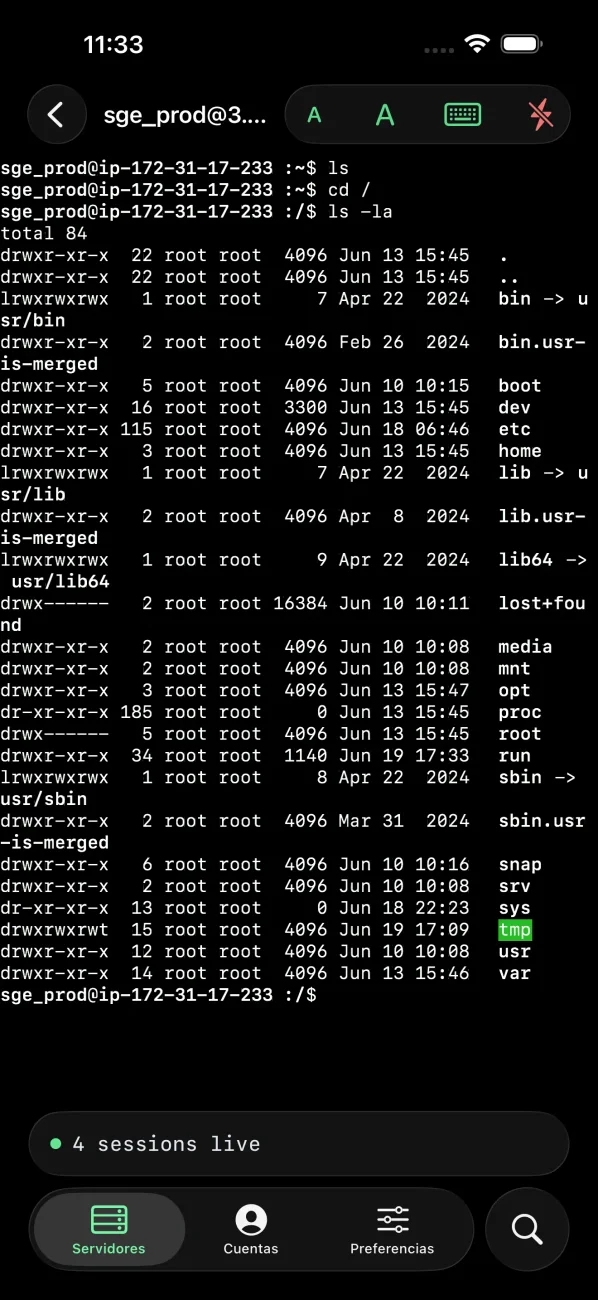

Giới thiệu
Nhà phát triển chưa cung cấp nội dung này bằng ngôn ngữ của bạn.
Hop is a fast, beautiful SSH client for iPadOS and iOS, built for developers and sysadmins.
Connect to any server with a password or SSH key and work in a native terminal that feels just like your usual console.
Highlights
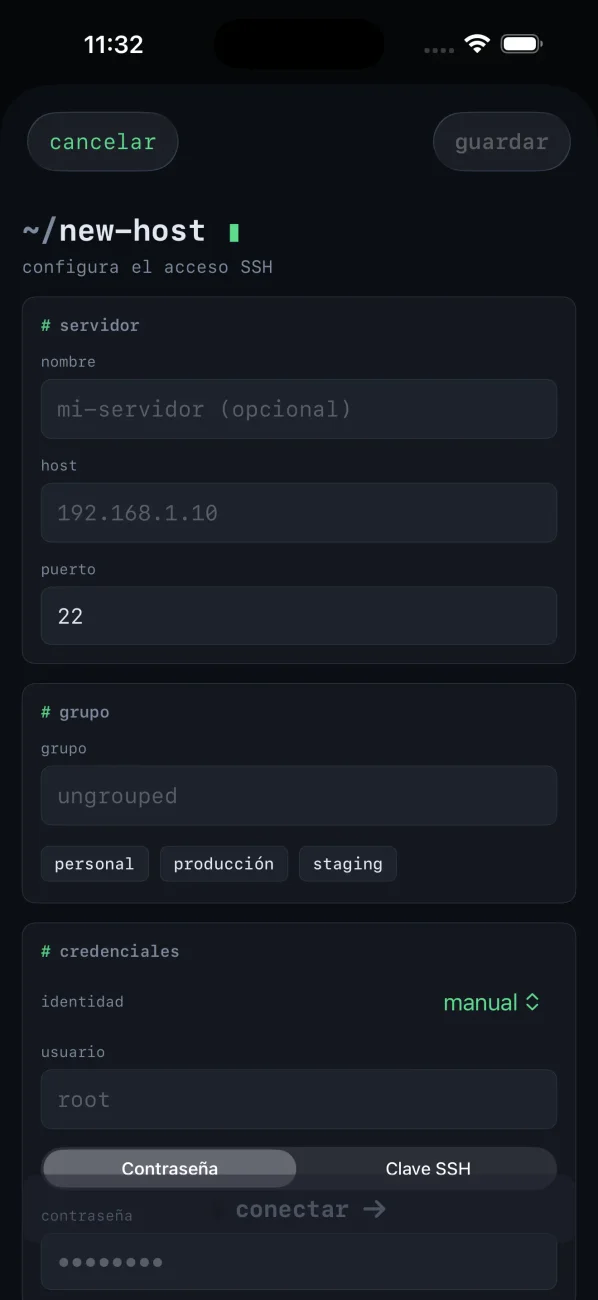
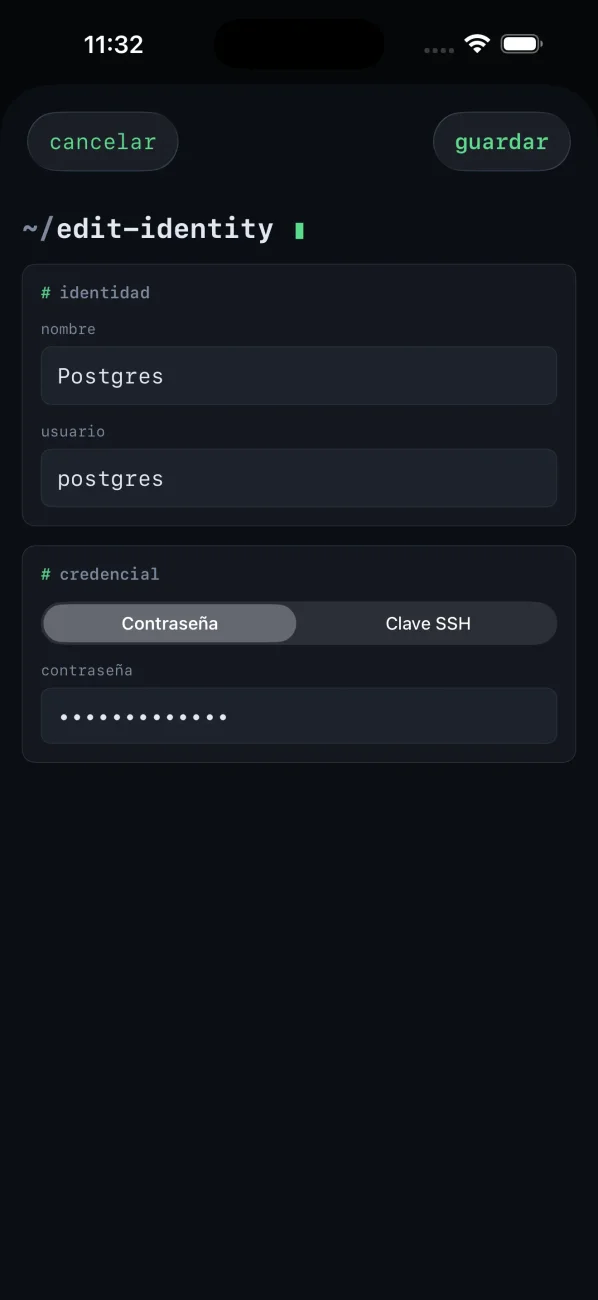
• SSH with password or key auth (Ed25519 and RSA, OpenSSH and PKCS#1)
• Reusable identities: save a user + credential and reuse it across servers
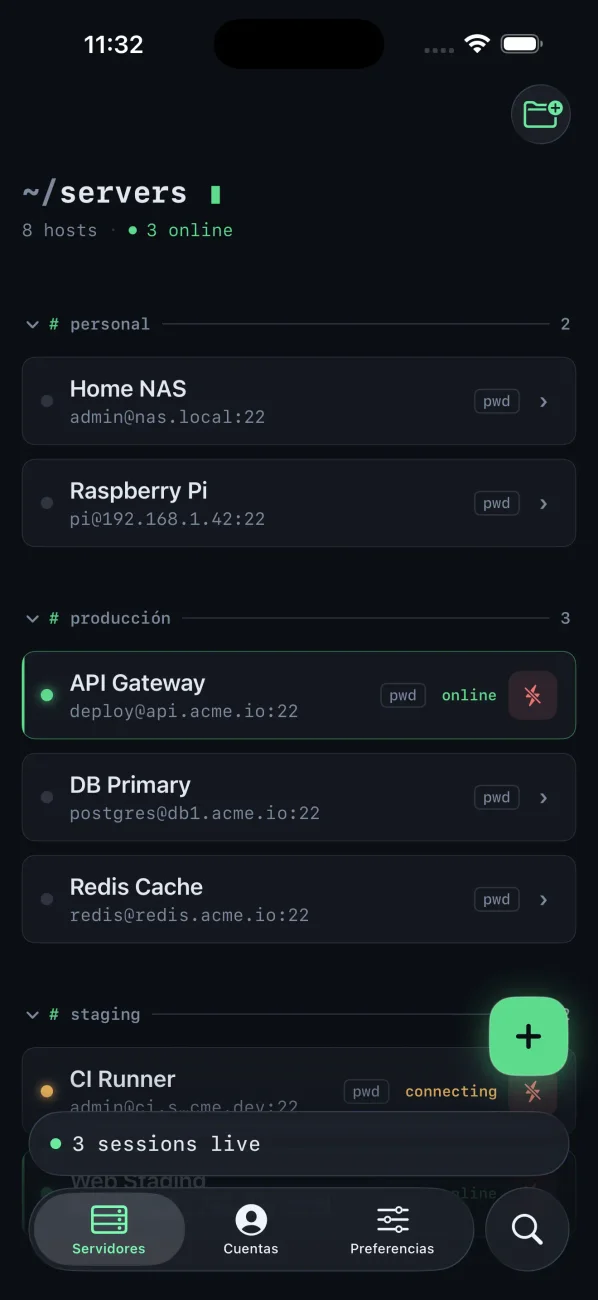
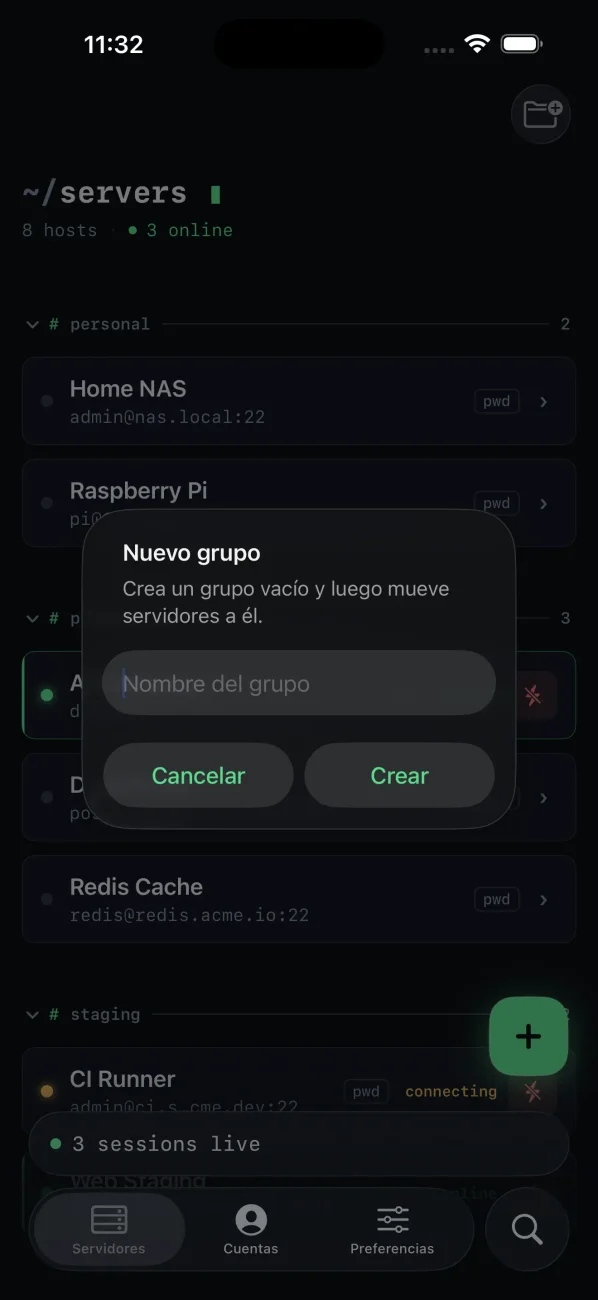
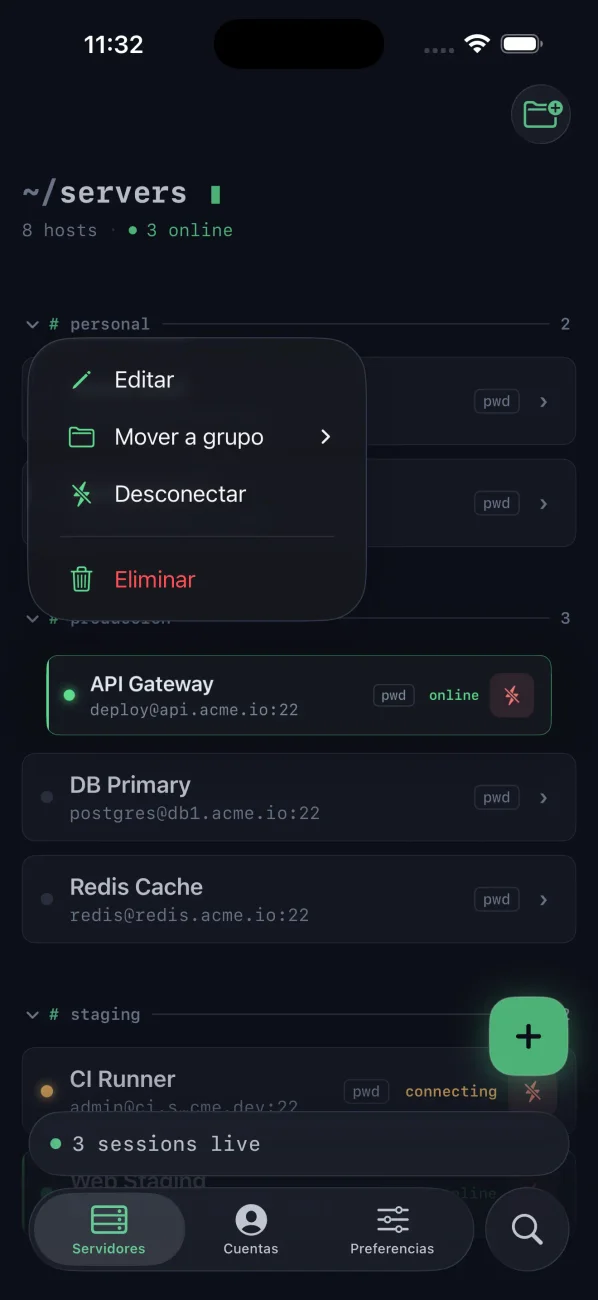
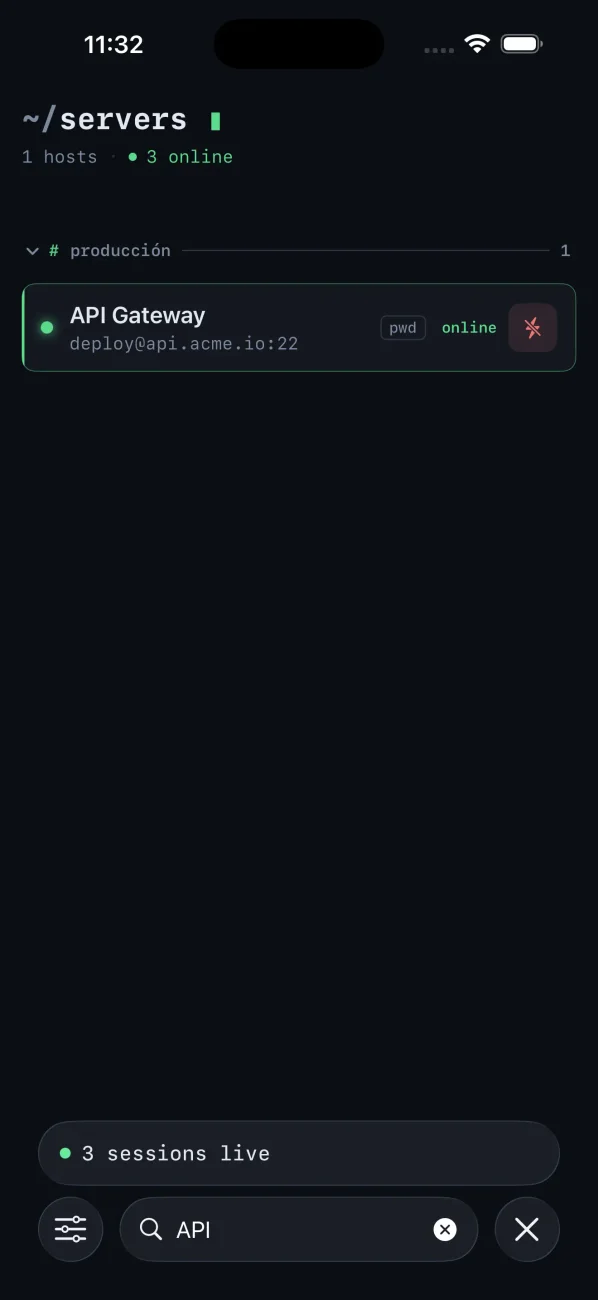
• Organize servers into collapsible groups
• Multiple simultaneous sessions with live status indicators
• Fast terminal with full hardware & Magic Keyboard support
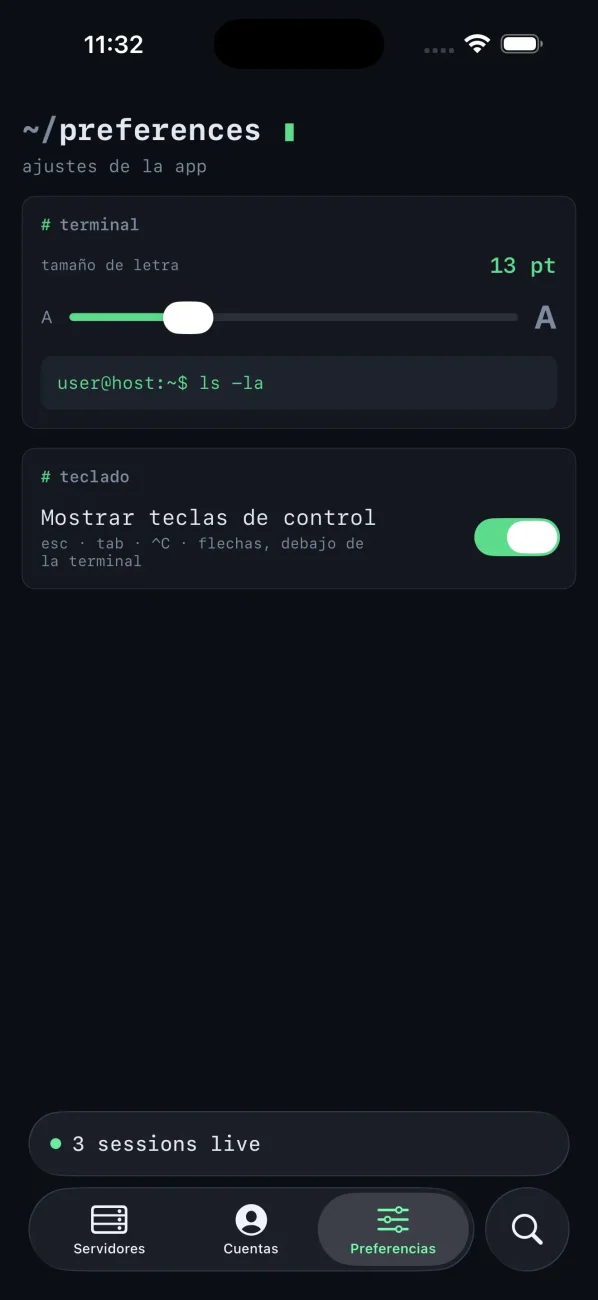
• On-screen control keys (esc, tab, Ctrl, arrows) and text zoom
• Terminal-native dark design with monospaced type
• Credentials secured in the device Keychain
• Available in English and Spanish
Your servers, in your pocket.
Có gì mới
Phiên bản 1.2 · 09/09/2026
Your remote files, inside Hop
• New Files tab: browse your server over SFTP without typing
paths or opening a terminal
• Open and read remote files in the app (configs, logs), with
sudo when the user you log in as isn't enough
• "Edit in GlassCode": send the file to the editor and Hop
writes it back to the server when you're done
It all rides the connection you already have open: no second
login, and the session you left running is untouched.
Safer
• Host key verification (known_hosts): Hop learns the
fingerprint on the first connection and stops the session if
it ever changes, instead of trusting blindly
• Import your existing known_hosts file
• Review and remove accepted fingerprints from Settings
Steadier
• Auto-reconnect: if the network drops, you switch from Wi-Fi
to cellular, or you wake the iPad, the session comes back on
its own
Also
• Import servers from a ~/.ssh/config file
• Favorites and duplicate server
• Startup commands, one per line (Hop Pro)
• Bell settings: sound and haptics
Quyền riêng tư của ứng dụng
Những gì JUAN DE DIOS FRAUSTO RAMIREZ khai báo trên App Store về cách ứng dụng này xử lý dữ liệu.
-
Dữ liệu không được thu thập
Nhà phát triển không thu thập bất kỳ dữ liệu nào từ ứng dụng này.
Phương thức đảm bảo quyền riêng tư có thể khác nhau, chẳng hạn như tuỳ theo các tính năng bạn sử dụng hoặc độ tuổi của bạn.
Thông tin
- Người bán
- JUAN DE DIOS FRAUSTO RAMIREZ
- Danh mục
- Công Cụ Nhà Phát Triển
- Phiên bản
- 1.2
- Cập nhật
- 09/09/2026
- Phát hành
- 23/06/2026
- Kích thước
- 15,0 MB
- Yêu cầu
- iOS 26.0 trở lên
- Độ tuổi
- 4+
- Giá
- Miễn phí
- Mua hàng trong ứng dụng
- Có
- Ngôn ngữ
- Tiếng Anh, Tiếng Tây Ban Nha
- Bản quyền
- © 2026 PJASoft
Có thể bạn cũng thích
-
 Shelify SSH Remote ConnectCông Cụ Nhà Phát Triển
-
 TermLite: SSH Terminal ClientCông Cụ Nhà Phát Triển
-
 JTermCông Cụ Nhà Phát Triển
-
 termi1Công Cụ Nhà Phát Triển
-
 Diffs Agent ClientCông Cụ Nhà Phát Triển
-
 Fleet Command: AgentsCông Cụ Nhà Phát Triển
-
 OSH - Zero Trust SSHCông Cụ Nhà Phát Triển
-
 Icon Finder for ExpoCông Cụ Nhà Phát Triển
-
 ShellPhone - SSH clientCông Cụ Nhà Phát Triển
-
 Shellby: SSH Client & TerminalCông Cụ Nhà Phát Triển